In this design software, you can create and customize projects by designing, cutting, or drawing with compatible Cricut machines. Includes over 50,000 images, fonts, projects, and upload options for personal designs.
AppRecs review analysis
AppRecs rating 4.1. Trustworthiness 70 out of 100. Review manipulation risk 27 out of 100. Based on a review sample analyzed.
★★★★☆
4.1
AppRecs Rating
Ratings breakdown
5 star
87%
4 star
7%
3 star
3%
2 star
1%
1 star
3%
What to know
✓
Low review manipulation risk
27% review manipulation risk
✓
Credible reviews
70% trustworthiness score from analyzed reviews
⚠
Pricing complaints
Many low ratings mention paywalls or pricing
About Cricut Design Space
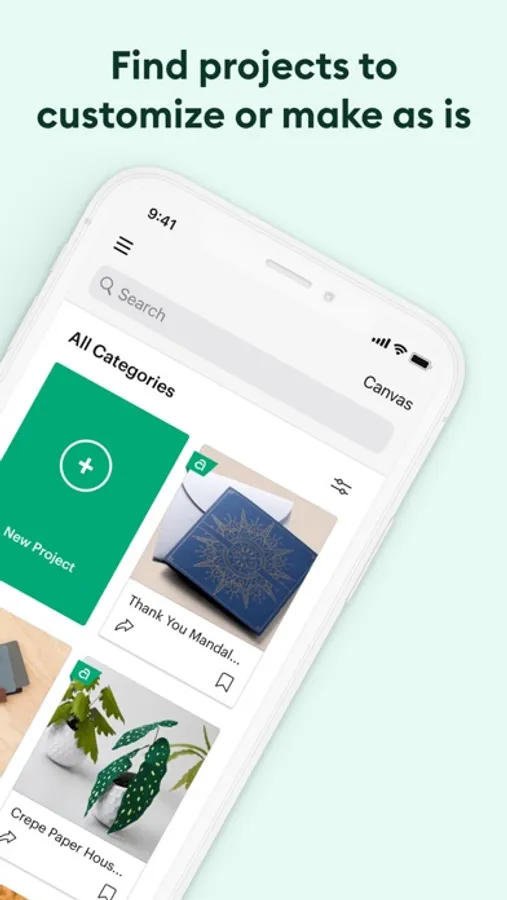
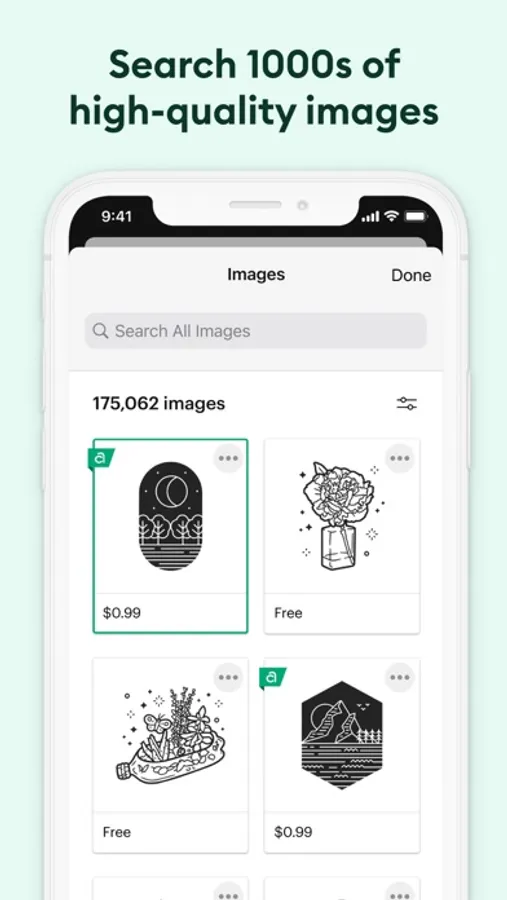
Start your project from scratch or browse thousands of images, ready-to-make projects, and unique fonts in the Cricut Image Library.
Create from anywhere, any time inspiration sparks with cloud-based syncing across devices.
Make the most of every last scrap with the SnapMat™ feature.
Connect to your compatible Cricut cutting machine with a Bluetooth® connection.
Experience brand-new features like kerning, spell check, right-to-left text & more by upgrading your device to iOS 14 or above.
New to Cricut? Welcome! To use this companion Design Space app, first activate your new machine at cricut.com/setup
Existing members with Cricut Joy™ machines? For fun or functional projects in 15 minutes or less, use the companion Cricut Joy™ app.
Features:
• Over 50,000 FREE images, fonts & projects
• Upload & edit your own compatible image files (jpg, .bmp, .png, .gif, .svg, and .dxf)
• Browse Cricut fonts or use your own system fonts
• Cut predesigned Make It Now projects quickly & easily
• Make cards, invitations, 3D models & more
• Design home & party decor, jewelry, and fashion accessories
• Get perfect cut settings for your material type
• Visualize & position artwork on scrap material with SnapMat™ feature
• Access images & projects and make purchases on cricut.com or Design Space with Cricut ID.
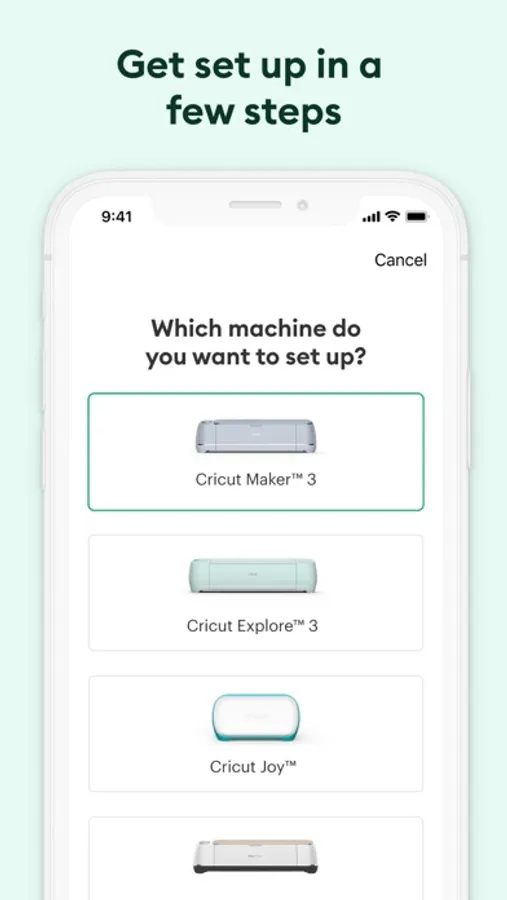
• Setup & activate machine right from app
• Bluetooth® capability (Bluetooth adapter may be required, sold separately)
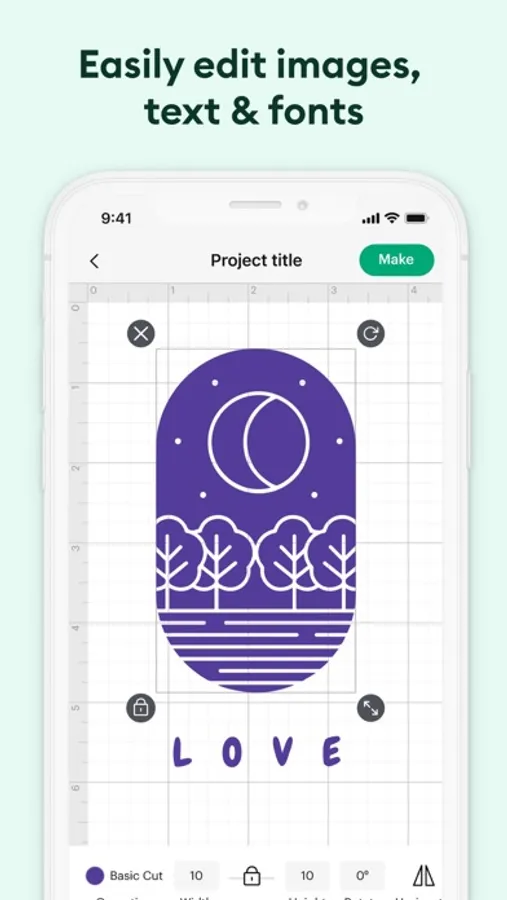
• Easily position, resize & rotate text
• Kerning for fonts
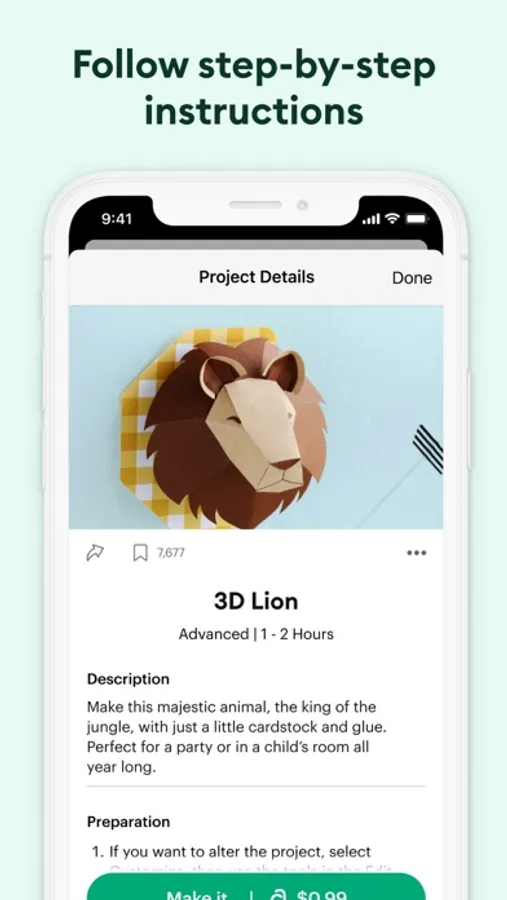
• Follow step-by-step project instructions
• Ready-to-make mug designs
• Auto-save projects
Cricut Access:
https://cricut.com/legal#terms-of-use
Cricut Design Space Screenshots
Tap to Rate:
Reviews for Cricut Design Space
Pinup1314
Not working with new iOS update
Apparently all my hundreds of projects can’t be opened now due to iOS version not being able to support something that was in the previous work from the day before. Everything was working good. Now I can’t even open my projects.
trulykate01
Can’t use it with iPad after update
After the most recent update I have been unable to use it because it will not let me select a mat - and will only cut off mat on vinyl. I can’t even change my selection.