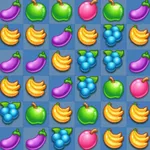
In this match 3 puzzle game, you swap candies to clear backgrounds and complete levels using special tools. Includes unlocked graphic packs, multiple levels, and Facebook integration.
AppRecs review analysis
AppRecs rating 4.1. Trustworthiness 60 out of 100. Review manipulation risk 30 out of 100. Based on a review sample analyzed.
★★★★☆
4.1
AppRecs Rating
Ratings breakdown
5 star
83%
4 star
8%
3 star
3%
2 star
2%
1 star
4%
What to know
✓
High user satisfaction
83% of sampled ratings are 5 stars
✓
Authentic reviews
No red flags detected
About Candy Jewel World PRO Match 3
In the PRO version you don't have banner, ALL Graphic pack unlocked and start with more specials tools...
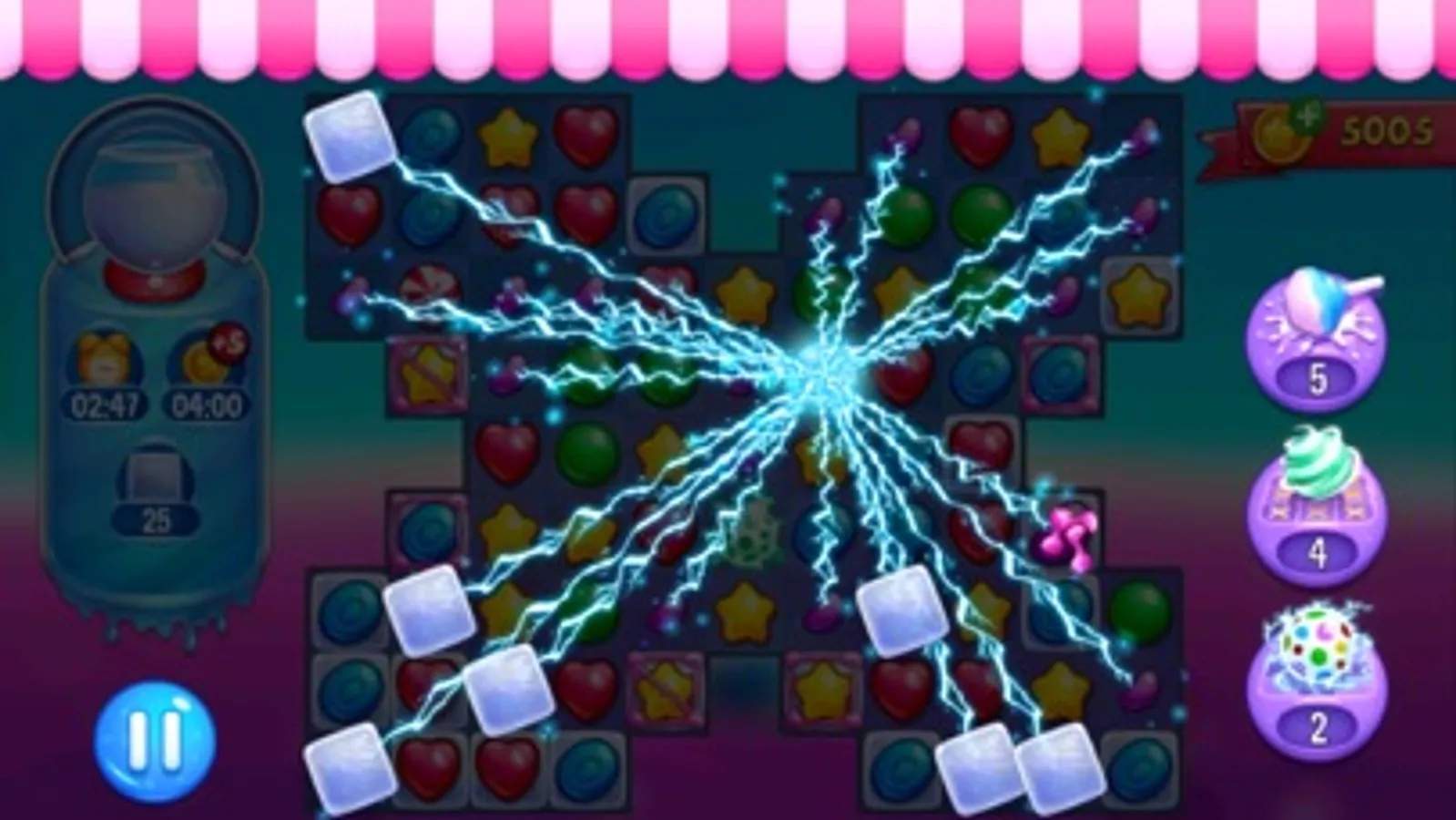
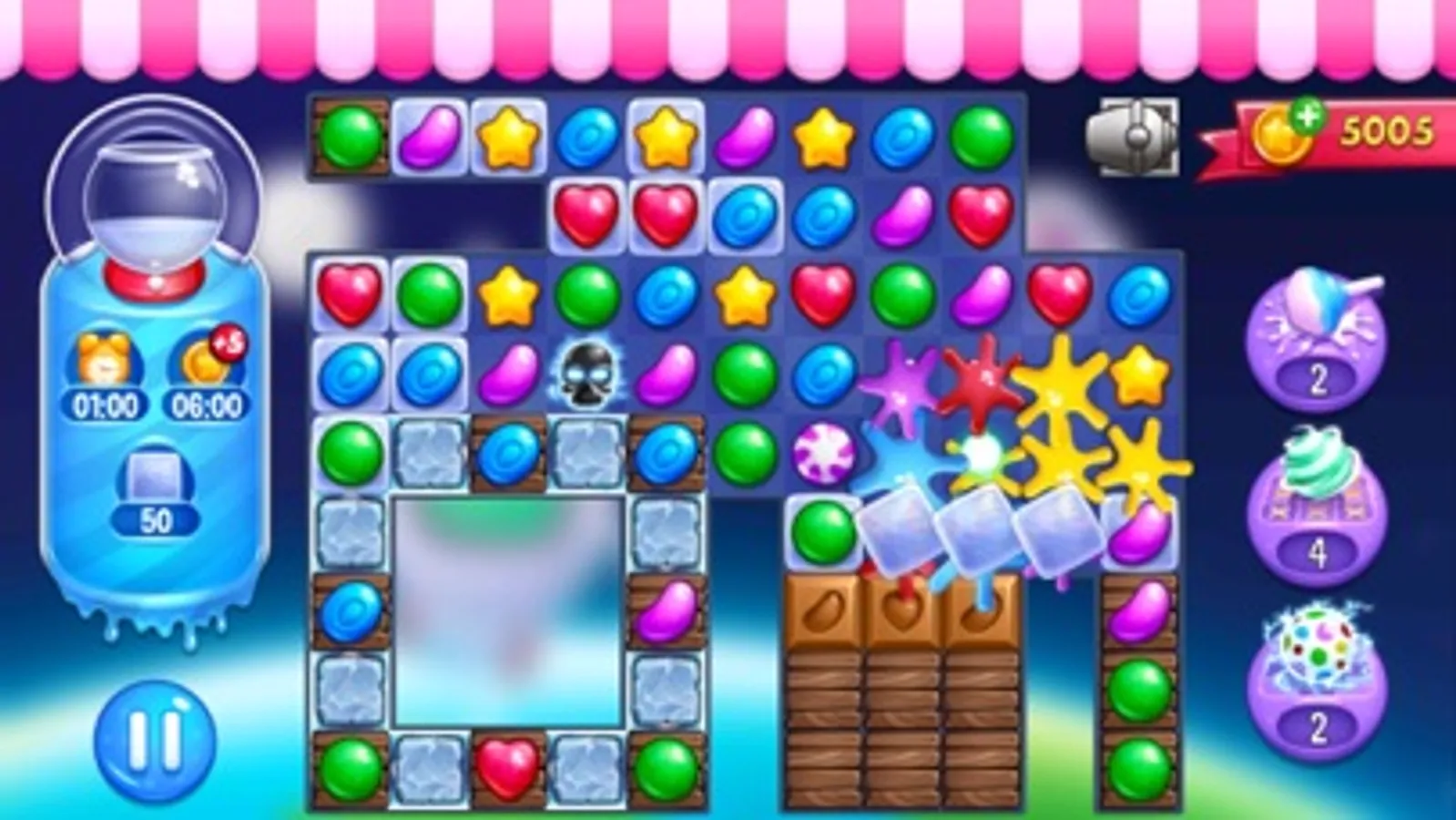
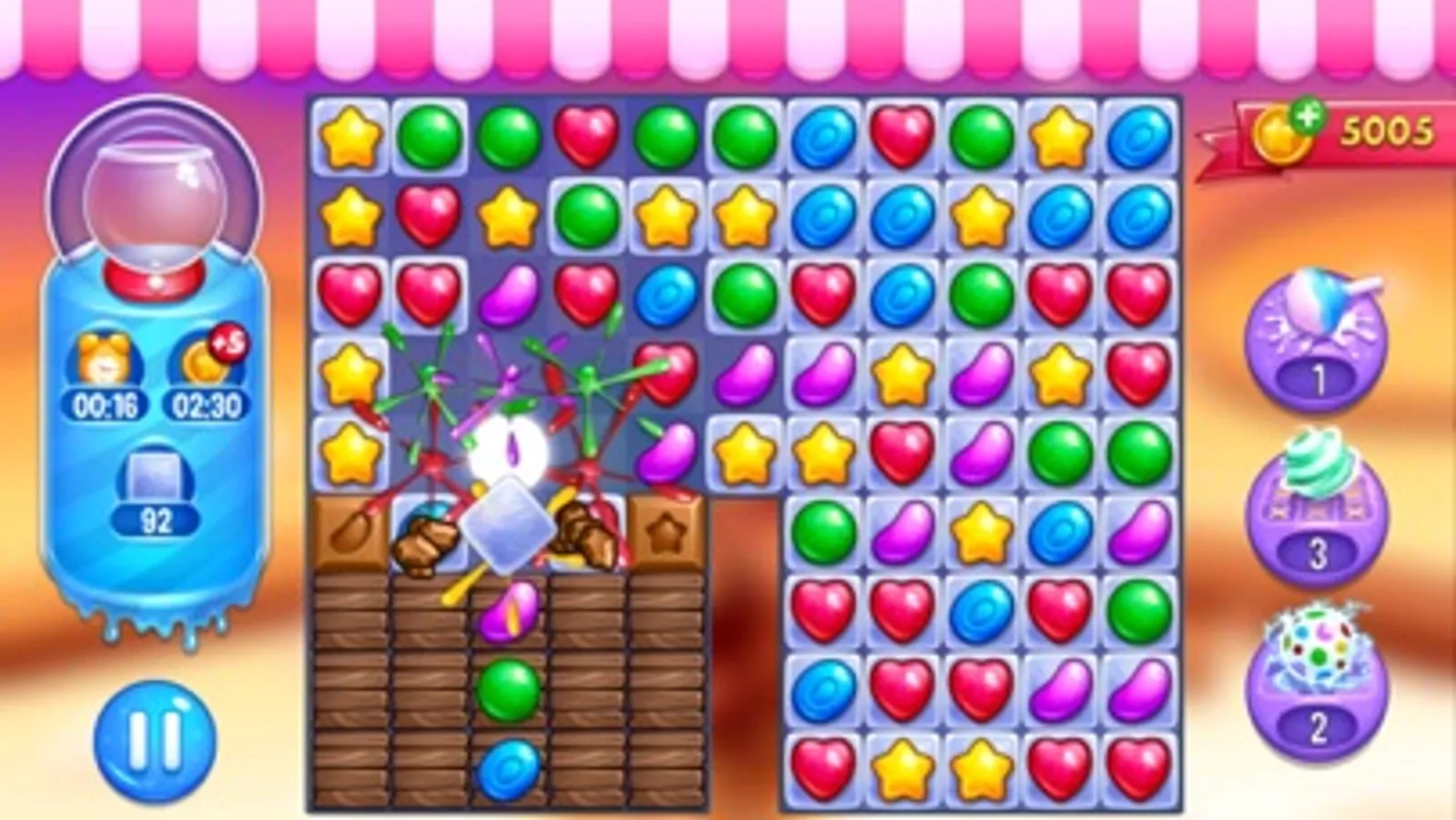
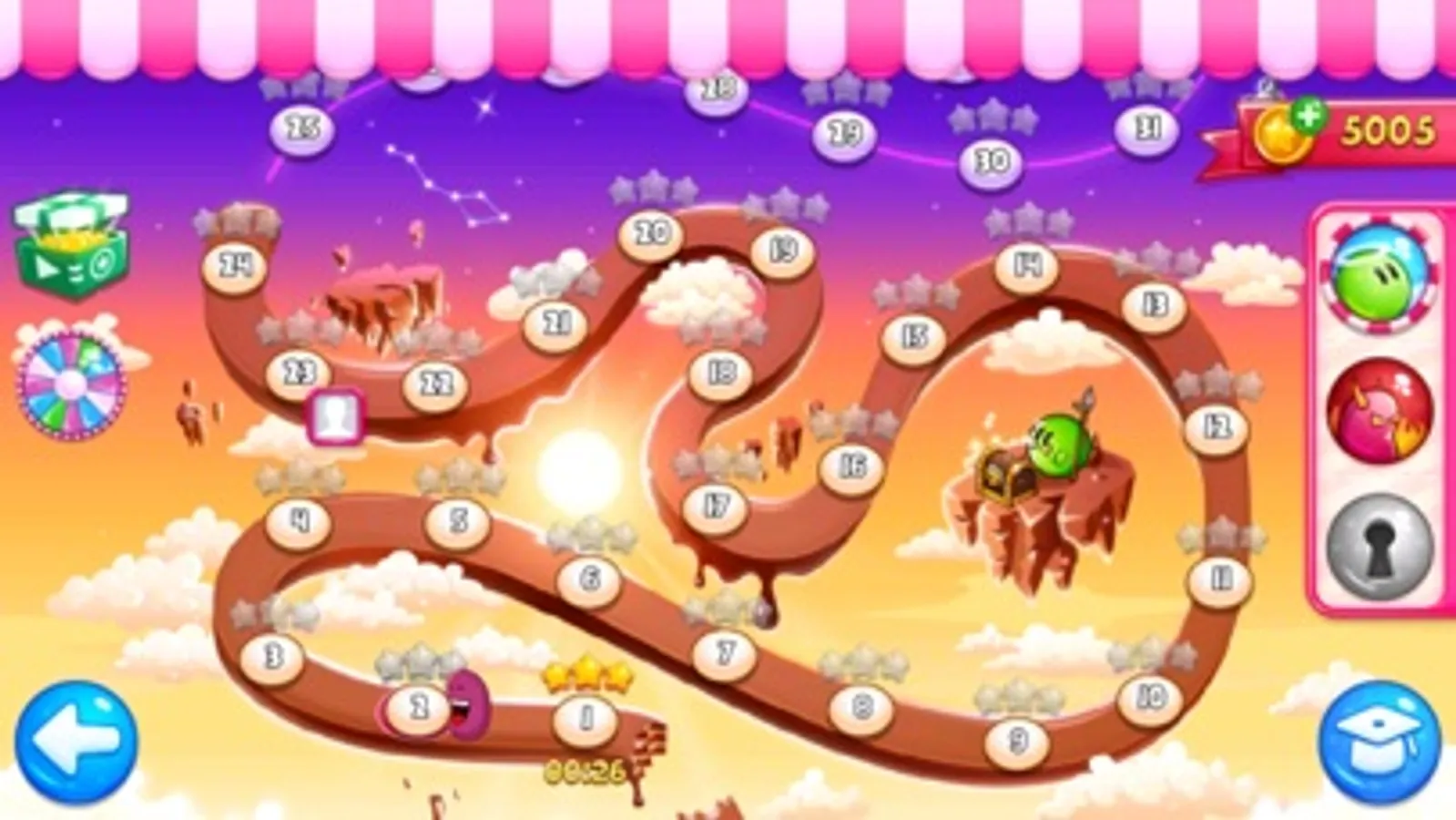
No life system, No time limit, Just destroy all backgrounds tile to complete level. Complete chapters to receive new special candy (Electrical candy, Fire candy, Plasma candy or The candy Bomb).
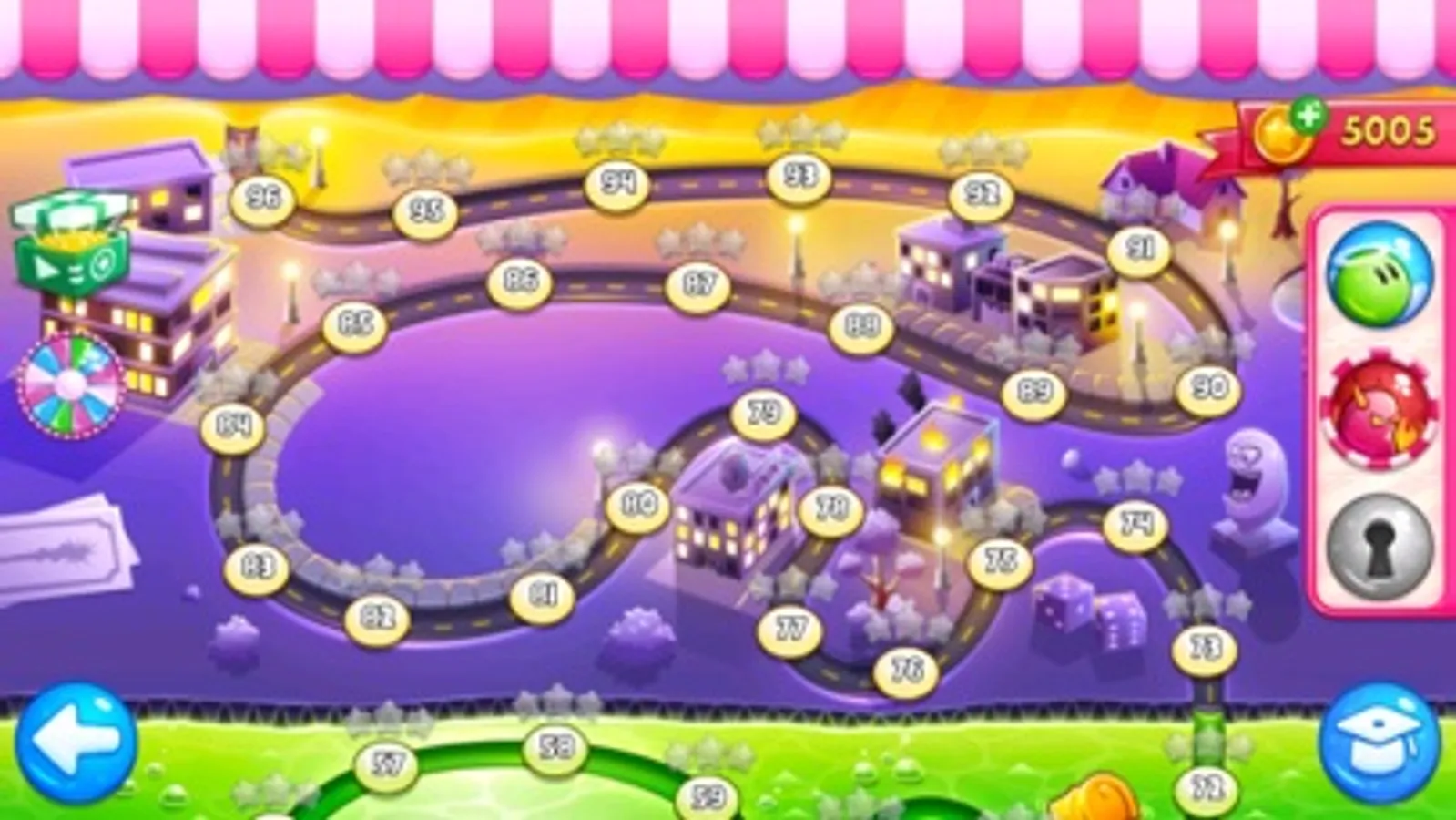
-12 FREE chapters (288 Levels).
-Jewel / Fruit Graphic Pack UNLOCKED !
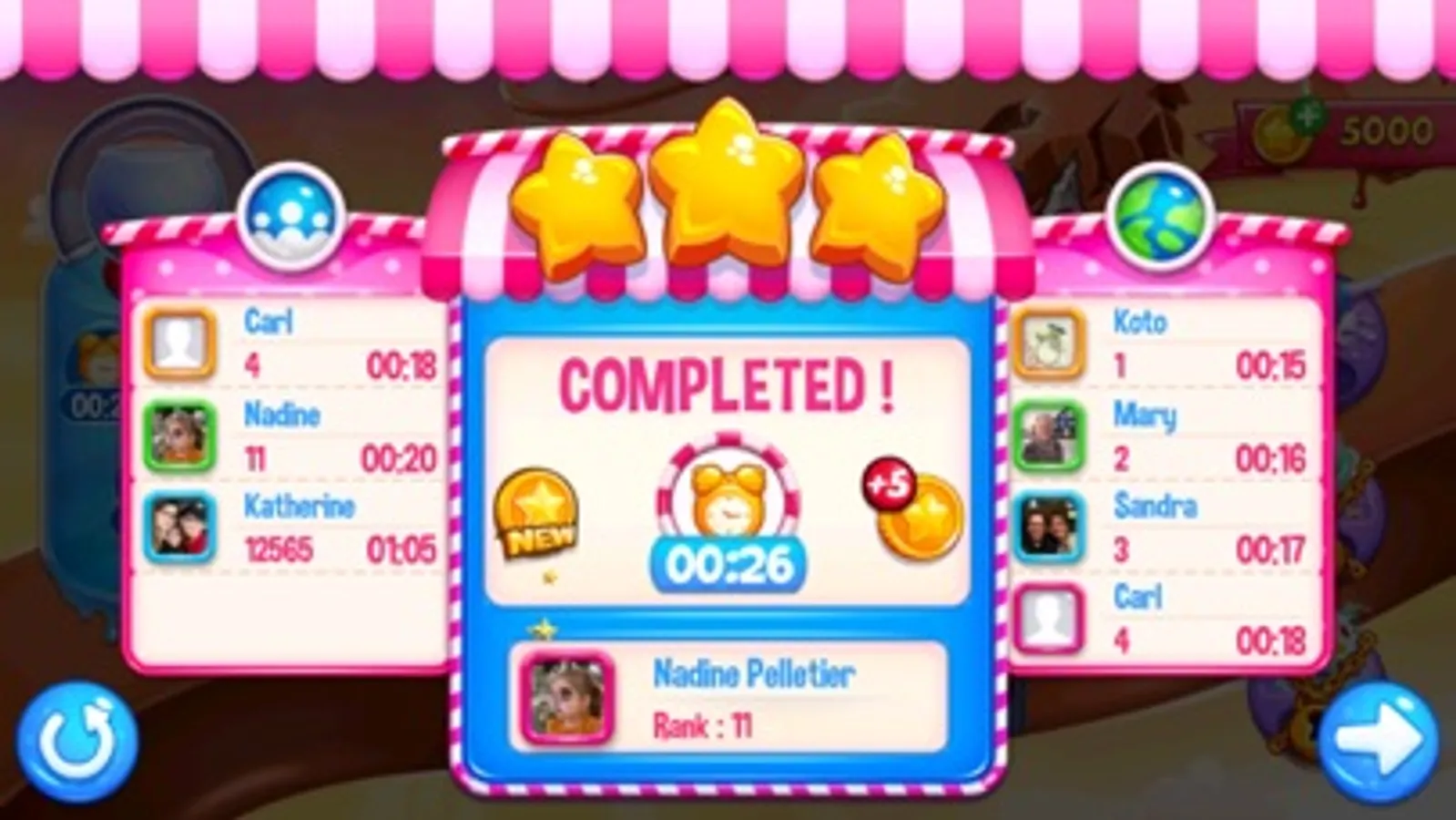
-Facebook integration, compare your score with your friends and all Facebook players
-Amazing graphic music and sound !
-Easy and really hard level !
-For all the family !
-Challenge yourself and try get golden timer (not needed to progress)
***Use special tools to help you to complete levels!
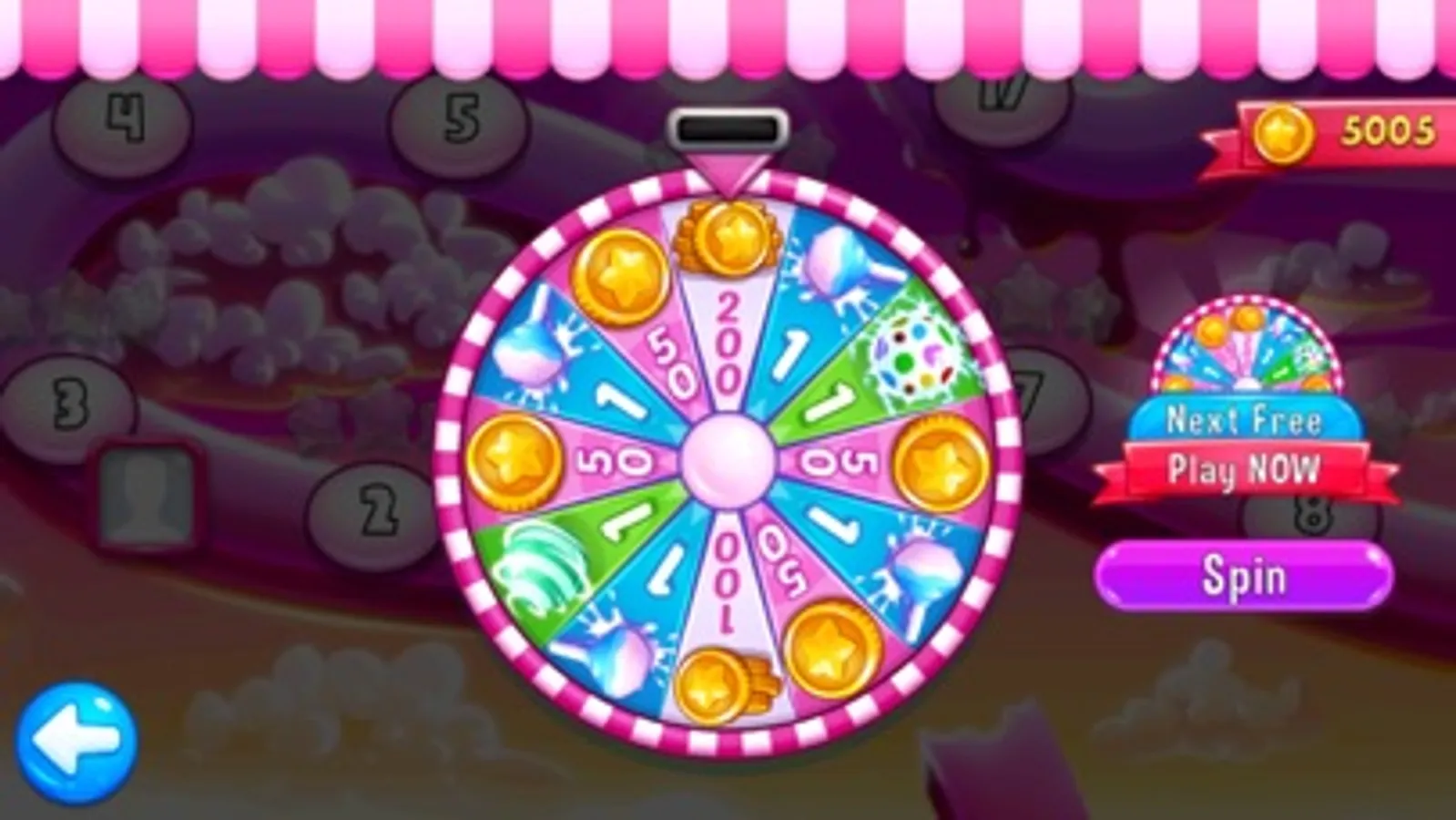
***Many FREE tools and more (In-Apps)!
Have Fun !!!
Candy Jewel World PRO Match 3 Screenshots



Tap to Rate:
Reviews for Candy Jewel World PRO Match 3
TamiLane
All time favorite game! A MUST HAVE/BLOWS THE CANDY GAMES OUT OF THE WATER
Candy crush does't hold a candle to this game. I love, love, love this game! They have a few others to that are similar but I think this is the best ever! 8 years later and I STILL LOVE LOVE THIS GAM AND SERIES. THANK YOU FOR HOURS ENJOYMENT
AnonUser336
Confusing - lacking instructions
I’ve been playing this app for years but the new version is a little confusing. There seem to be no instructions and I still don’t understand what one of the tools does or what happens when certain candies pair up. The special tools on the right-hand side need to be relocated. I have accidentally squandered them when my finger brushes the screen and I don’t even realize I’ve touched outside of the game board until things start happening on the game board. The settings button leads you to a screen of icons, but the icons are a little generic and it’s unclear what they’re for (so far, I haven’t found the instructions that used to be there to show you some of the tricks—like two mints would become a skull, etc). In some of the higher level games, you just have to figure them out as you go because you have no idea what the wooden cells are or how you’re supposed to tackle them. It’s nice that there are more levels, but I preferred the simplicity of the previous version.