
In this remote control app, you can manage music playback on Logitech Squeezebox devices and purchase additional playback features. Includes support for latest iOS versions, multi-room control, and customization options.
AppRecs review analysis
AppRecs rating 4.8. Trustworthiness 78 out of 100. Review manipulation risk 22 out of 100. Based on a review sample analyzed.
★★★★☆
4.8
AppRecs Rating
Ratings breakdown
5 star
80%
4 star
14%
3 star
3%
2 star
1%
1 star
2%
What to know
✓
Low review manipulation risk
22% review manipulation risk
✓
Credible reviews
78% trustworthiness score from analyzed reviews
✓
High user satisfaction
80% of sampled ratings are 5 stars
About iPeng
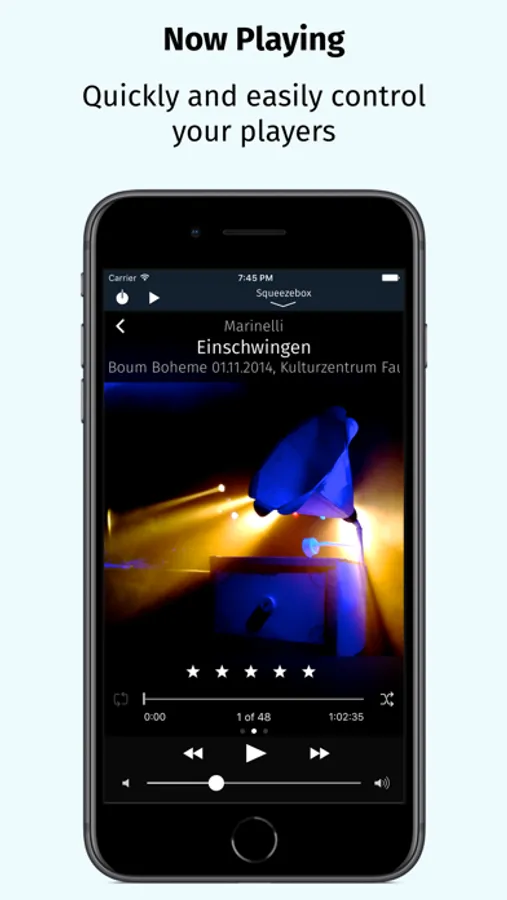
iPeng 9 is a remote control app that will work all over your home with your iPhone, iPad, iPod touch and Apple Watch.
You can also purchase an additional playback capability as an In-App-Purchase that will turn your iPhone or iPad into a full-blown music player for your Squeezebox Server or Roon Server.
*** New in iPeng 9 ***
• Support of iPhone 11, Pro, X/XS and XS Max
• Latest Apple Watch support including Series 5, under watchOS 3 and newer
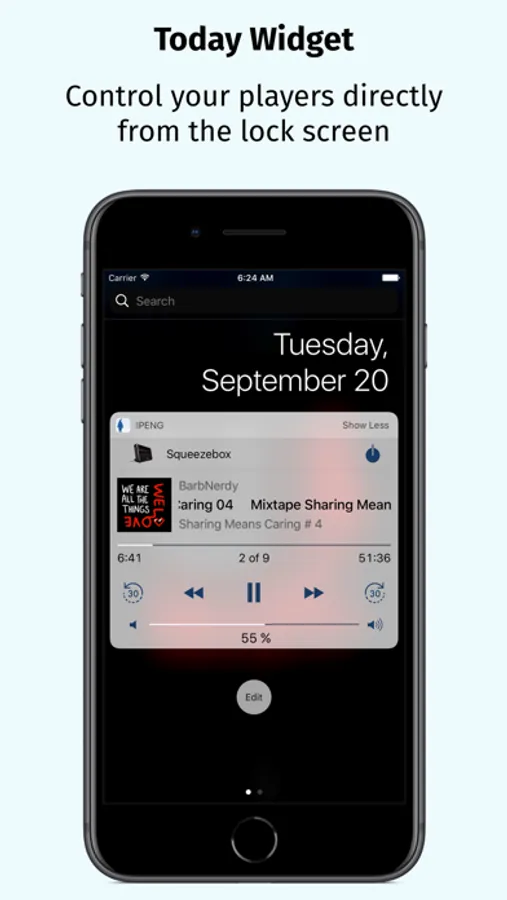
• Today Widget to use iPeng in Notification Center and on the lock screen.
• Full multitasking support on iPad and iPad Pro, including Split View and Slide Over under iOS 9 and newer.
*** What’s new compared to iPeng Classic? ***
* Full Support of latest iOS Versions *
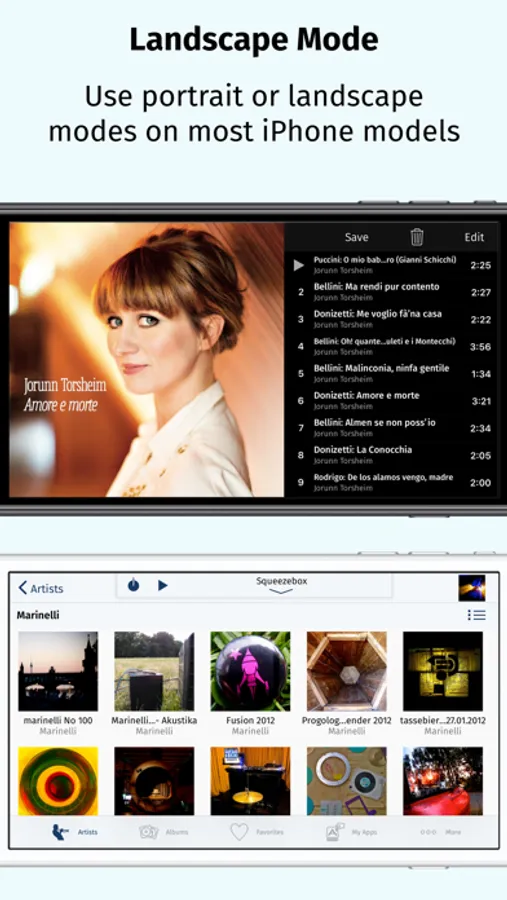
• iPeng has been redesigned, matching Apple's flat UI design for an up-to-date appeal, and uses a modernized platform and code base for continuous support of new iOS features.
* Universal App *
• iPeng 9 is a universal app for both iPhone, iPad and Apple Watch, so you only have to purchase the app once. Older iPeng versions had separate apps for iPhone and iPad.
* Customizable *
• The customizable main menu allows you to show different menu items in your top level menu or hide things that you don’t need.
• Change the structure of your main menu through a simple drag-and-drop interface.
• You can select a bright or dark color scheme for iPeng, and iPeng can even automatically select it based on your lighting conditions.
* Easier Multi-Room Control *
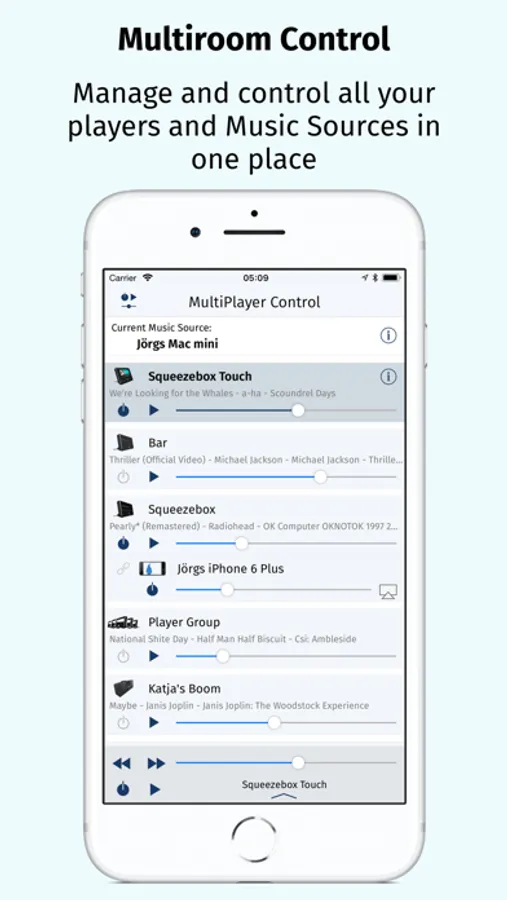
• The redesigned MultiPlayer Control simplifies handling many players.
• QuickSwitch lets you move playlists from one player to another easily with a swipe of your finger.
• Have direct access to Power/Volume for each connected player and change other player settings in the player details.
• Group players to synchronized groups. Jointly control playback and volume for these groups and move players between them using drag-and-drop or a toolbar.
• Power all players in a group off with a single click when you leave.
* Manage Playlists and Favorites *
• View, save, change and rearrange not only your current playlist but also saved playlists and favorites.
* Works with Logitech Squeezebox and compatible players *
• iPeng 9 works with all Logitech Squeezebox Players as well as many Squeezebox-compatible players like Innuos Zen, the SOtM sMS-1000SQ and sMS-100 or VortexBox players.
• With iPeng Playback, iPeng also works as a player with Roon.
*** Enjoy the familiar features and comfort of iPeng. ***
* Easy and Fast to Use *
• The functionality of iPeng is optimized for speed of use guaranteeing long-term fun.
• Built-in Tutorials help you to learn iPeng’s operation.
* Explore Your Music Library (1) *
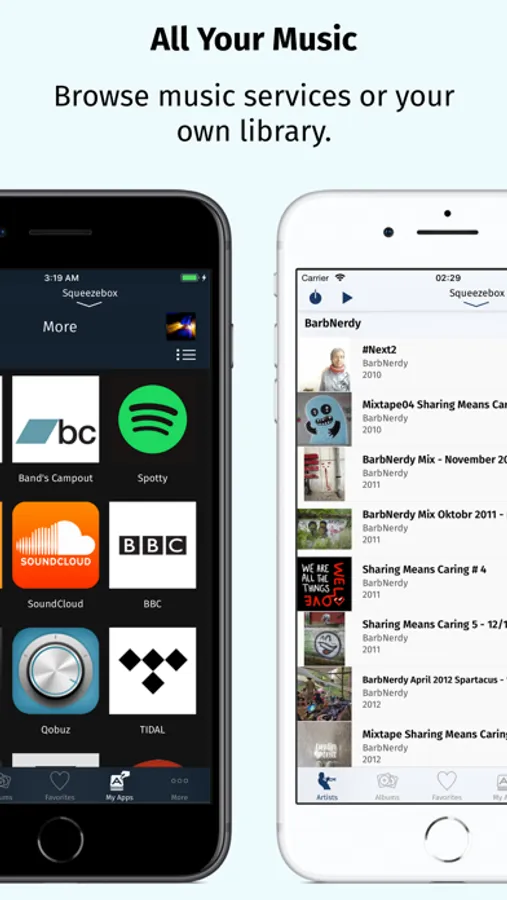
• Browse your own files by categories like Albums, Artists, Genres or simply search for your music.
* Explore Remote Services *
• You get access to a whole world of internet radio and music services like Rhapsody™ and Spotify™ and have control over them as if they were in your own library.
* Use 3rd Party Plugins (2) *
• iPeng supports a growing number of 3rd party plugins for Squeezebox™, e.g. CustomBrowse, TrackStat, Music and Artist Information and many more.
* Use MySqueezebox.com *
• iPeng 9 doesn’t require a server to operate your Squeezebox, it also supports Logitech’s MySqueezbox.com online service.
Note: This does not apply to the Playback functionality.
iPeng requires one or more Squeezebox™ or any compatible hard- or software player.
Squeezebox™ is a trademark of Logitech.
(1) LogitechMedia Server/Squeezebox Server version 7.5 or newer available for free from mysqueezebox.com/download or downloads.slimdevices.com/nightly/
(2) Installation of 3rd party plugins in Logitech Media Server required.
iPeng Screenshots
Tap to Rate:
Reviews for iPeng
Nitram99
Needs fixes
Volume control is moving around by itself! Must be annoying the neighbors
92UrS4
Appears abandoned
Used iPeng for years. No updates in about two years, and has various bugs: album art appears/disappears, missing albums, song titles in playlists sometimes get shifted to the left "under" the artwork box, maybe others I've not noticed. All of the above do not happen running side-by-side against my Android/Linux clients. Too bad. Going to have to delete it unless they resurrect it and fix these issues