AppRecs review analysis
AppRecs rating 3.3. Trustworthiness 72 out of 100. Review manipulation risk 30 out of 100. Based on a review sample analyzed.
★★★☆☆
3.3
AppRecs Rating
Ratings breakdown
5 star
60%
4 star
20%
3 star
0%
2 star
0%
1 star
20%
What to know
✓
Low review manipulation risk
30% review manipulation risk
✓
Credible reviews
72% trustworthiness score from analyzed reviews
About iMeasure!
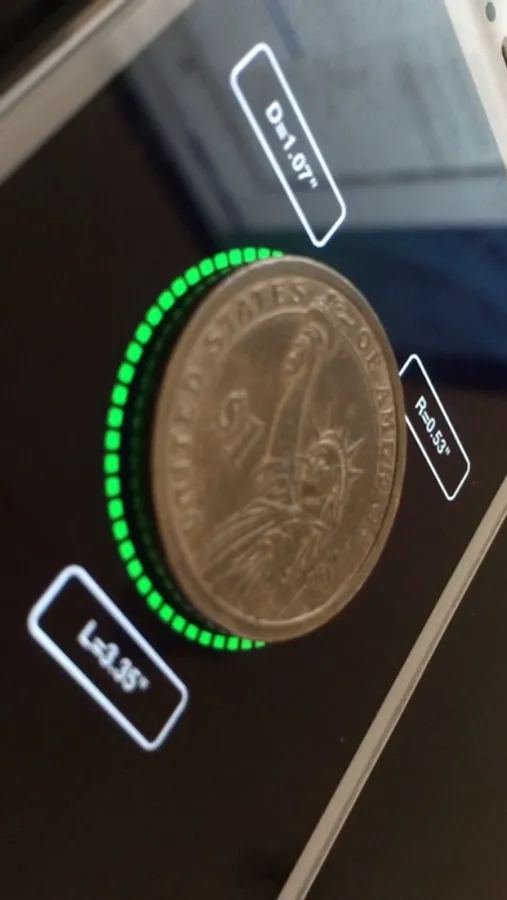
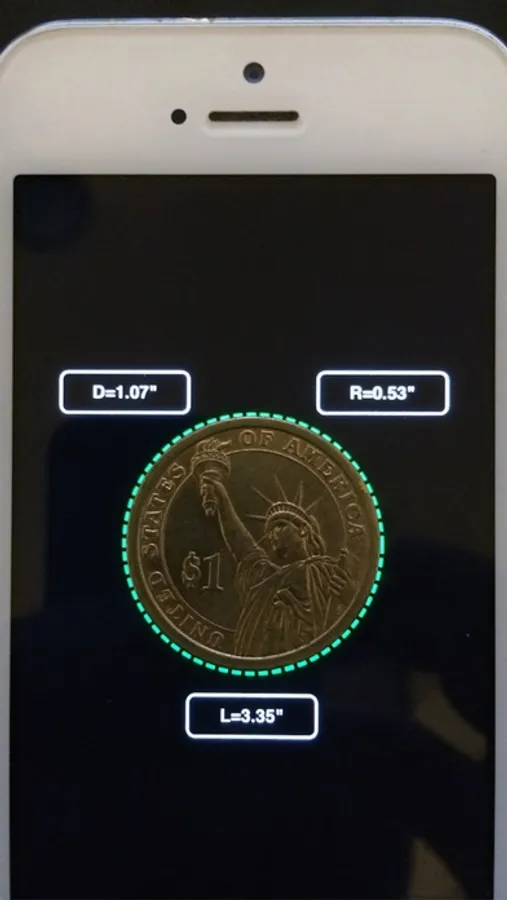
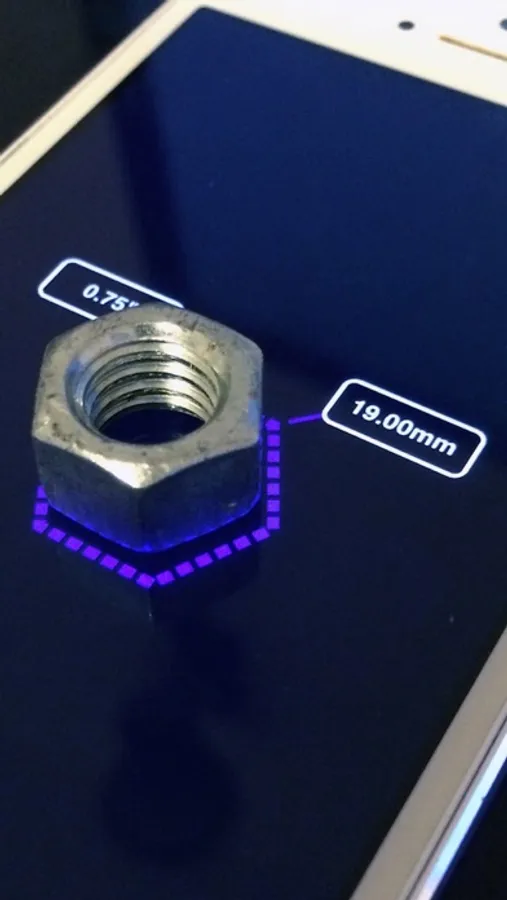
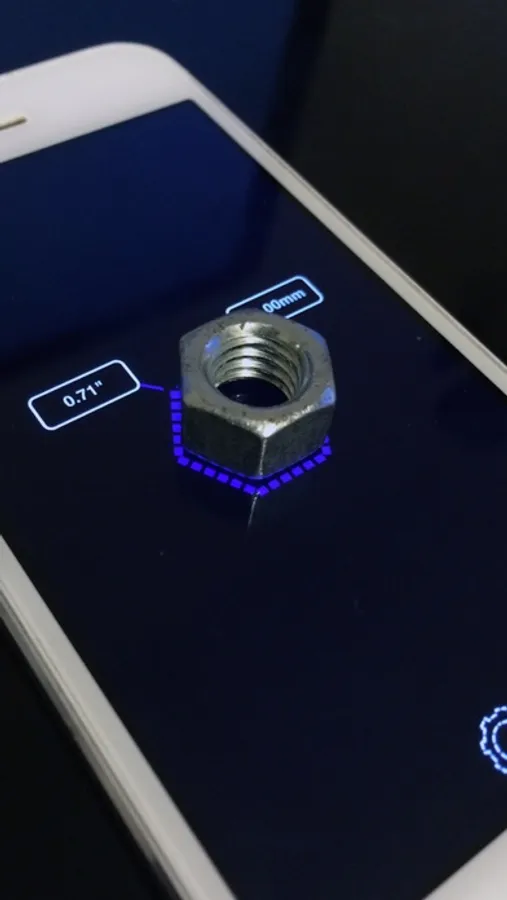
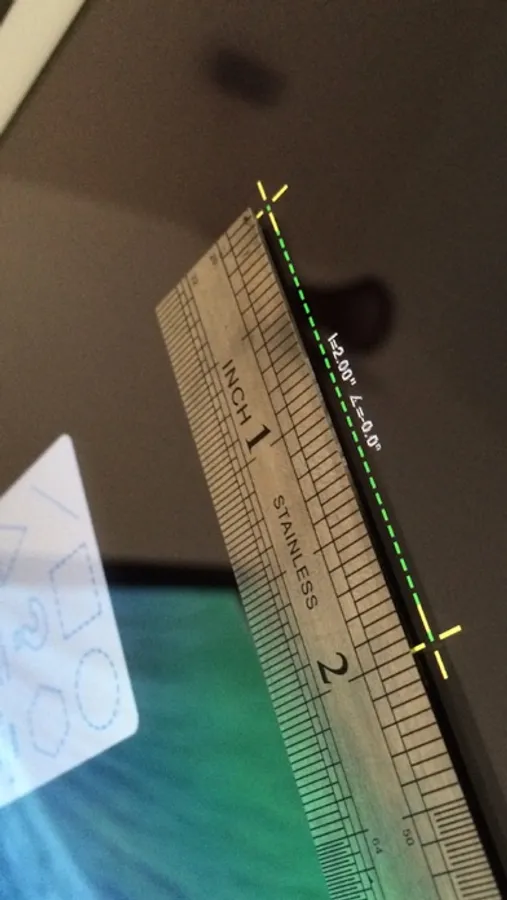
* Explore metric or imperial units (mm or inch).
* Measure length, angle,radius & diameter .
How to use ? :
1. Place your device on a flat surface...
2. Place any object on the screen and select the relevant shape.
3. Click any control point and drag your finger across the screen.
4. Double click in order to select or deselect all control points.
5. Pinch the screen in order to scale the selected shape.
* Watch on YouTube :
https://www.youtube.com/watch?v=6n65TlH0xTg
* Please make sure to use screen protector in order to avoid scratches.
iMeasure! Screenshots
Tap to Rate:
Reviews for iMeasure!
dtnfulennbdy
Kadamoh(decndnbd)
It's still wait tin for her. Eloveten measured . Nor Malbec eddy me .
Hogtie go
A good idea
What about an app that will "read" the shape of the object you put on top of it? Imagine you lay some piece on top of the screen and the app draws the shape with its measures. That could be very useful for many people, more if could export the drawing as a file (i thought that was what your app would do, that is why I downloaded it!, then I saw you have to draw the things yourself 😕)