
With this mobile banking app, you can check account balances, transfer funds, and make deposits. Includes mobile deposits, bill payments, and transaction history features.
AppRecs review analysis
AppRecs rating 4.5. Trustworthiness 0 out of 100. Review manipulation risk 0 out of 100. Based on a review sample analyzed.
★★★★☆
4.5
AppRecs Rating
Ratings breakdown
5 star
80%
4 star
11%
3 star
4%
2 star
2%
1 star
3%
What to know
✓
High user satisfaction
80% of sampled ratings are 5 stars
✓
Authentic reviews
Natural distribution, no red flags
About Columbia Commercial Mobile
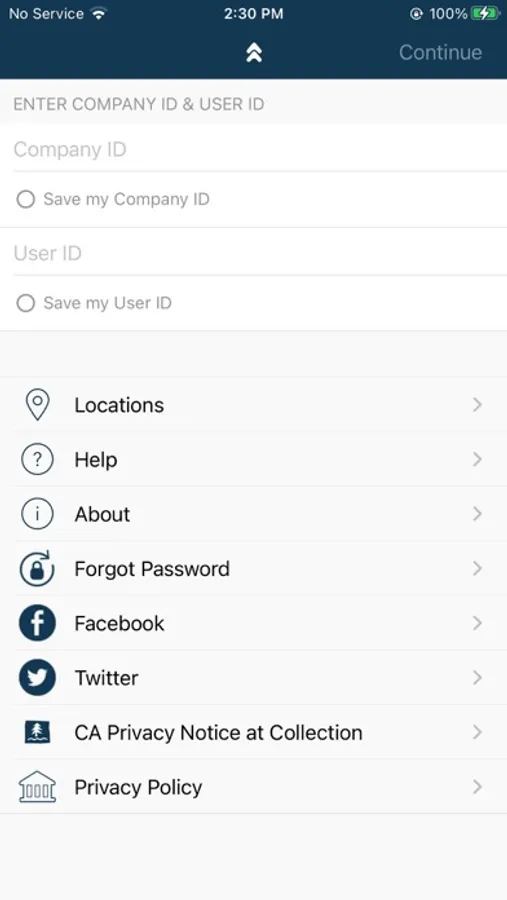
We’re bringing the bank to your business with Columbia Commercial Mobile, Mobile Banking! Available to Commercial Online Banking customers, Columbia Commercial Mobile allows you to make deposits, check balances, make transfers, and pay bills.
Available features include:
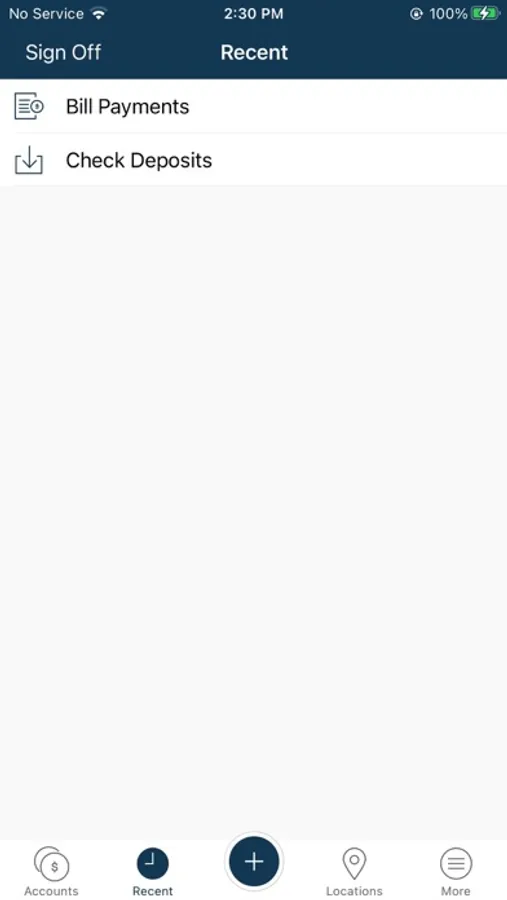
Accounts - Check your latest deposit account balances and search recent transactions by date, amount, or check number.
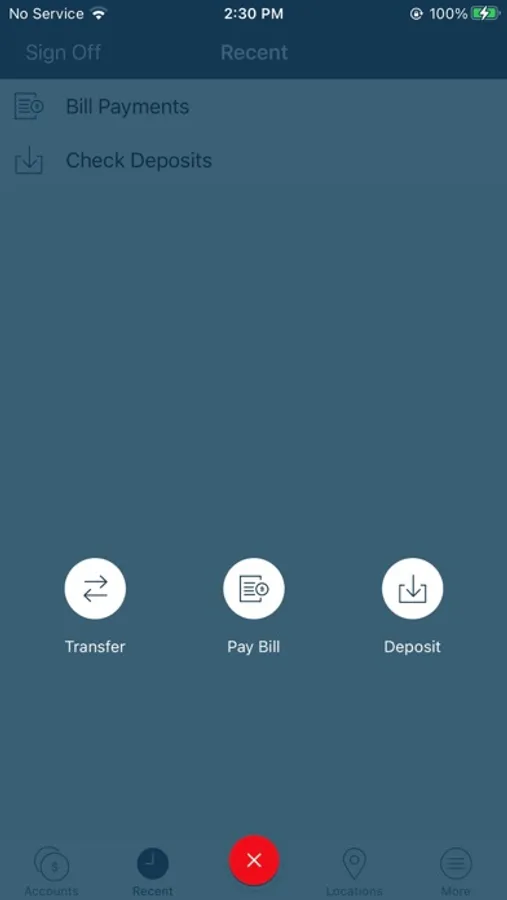
Transfers - Easily transfer funds between your deposit accounts.
Bill Pay - View, pay, or cancel bill payments to your existing vendors and payees.
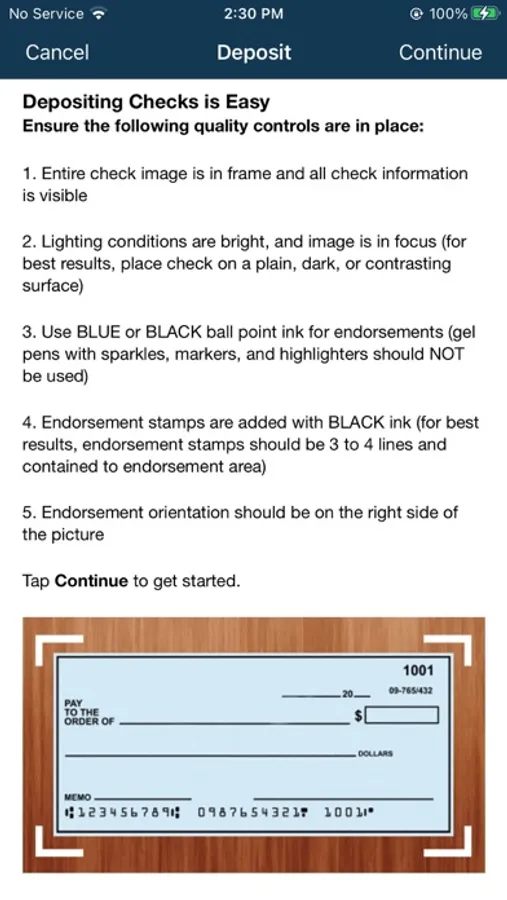
Mobile Deposit - Deposit checks to permitted accounts. Snap, Tap, and Go.
To take advantage of Columbia Commercial Mobile, you must be enrolled in Commercial Online Banking. As Mobile Banking and Mobile Deposit are permittable services, please verify with your Company Administrator that you have appropriate permissions before using Columbia Commercial Mobile.
If you are a Company Administrator and are not able to sign on or permit Columbia Commercial Mobile to your users, have questions, or would like assistance getting started, please contact Customer Service at 866-563-1010.
All features may not be available in the tablet application.
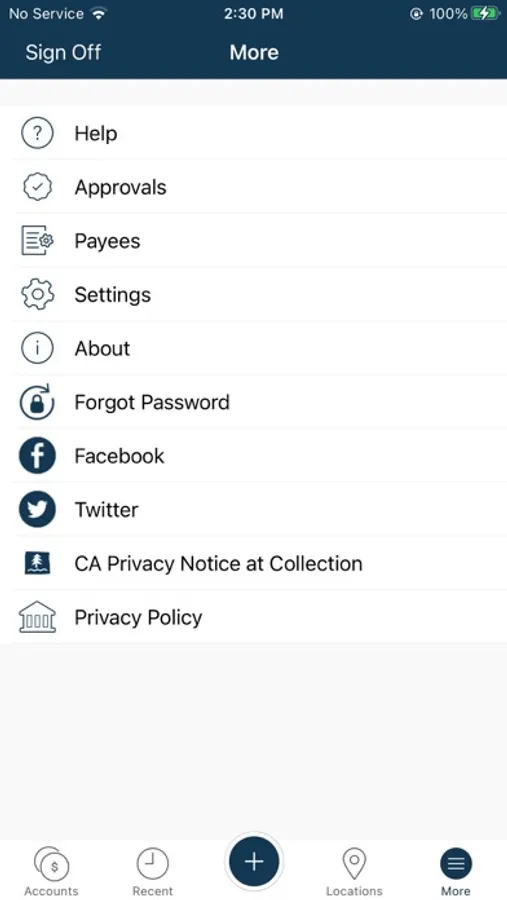
Columbia Commercial Mobile Screenshots
Tap to Rate:
Reviews for Columbia Commercial Mobile
RealtorNapa
App won’t allow login
Great app when it allows you to log in. Which right now, is never…
Triple_O_G
What a joke
It’s gotten worse. The latest update now doesn’t let me login. It just posts a progress wheel and says “waiting…” There’s no way to look at statements at all. Zero reporting functionality. There’s no way to contact anyone or reach out for technical support or account support. I thought it would get better but after a year and a half it has had zero improvements. UPDATES TO ADD: There’s no secure messaging from the app! I can’t message you there so I’m writing this here. LISTEN - to the “developer response” why should I call the 1-800#? You know good and well there’s no Statement features on your app and there hasn’t been since you consumed Columbia Bank. We must physically go into a branch and have them printed out. I’ve taken time out of my day to write this. Fix the issues. Don’t make me call and navigate a phone tree of options. Just look at what every other banking app does and do that. Shameful.