AppRecs review analysis
AppRecs rating 2.8. Trustworthiness 65 out of 100. Review manipulation risk 23 out of 100. Based on a review sample analyzed.
★★☆☆☆
2.8
AppRecs Rating
Ratings breakdown
5 star
0%
4 star
100%
3 star
0%
2 star
0%
1 star
0%
What to know
✓
Low review manipulation risk
23% review manipulation risk
⚠
Mixed user feedback
Average 2.8★ rating suggests room for improvement
About MIWAND
From there, the user can access a collection of powerful and easy to use image editing tools to ensure that their documents are cropped, aligned and visually optimised.
The user can then save or share the scanned and edited documents directly from their iOS device bypassing the need to rely on a laptop or desktop computer to process their scans.
Key features of the app:
- Access documents through supported Wi-Fi scanners
- Download JPEG or PDF documents to iOS devices
- Edit and optimise scanned files within the app
- Share documents to multiple locations including email and printers
- No additional computers or drivers required
Image editing effects include:
- Adjust Brightness, Contrast, Sharpness
- Filter
- Effect
- Blur and Focus
- Rotate
- Draw
- Crop
- ToneCurve
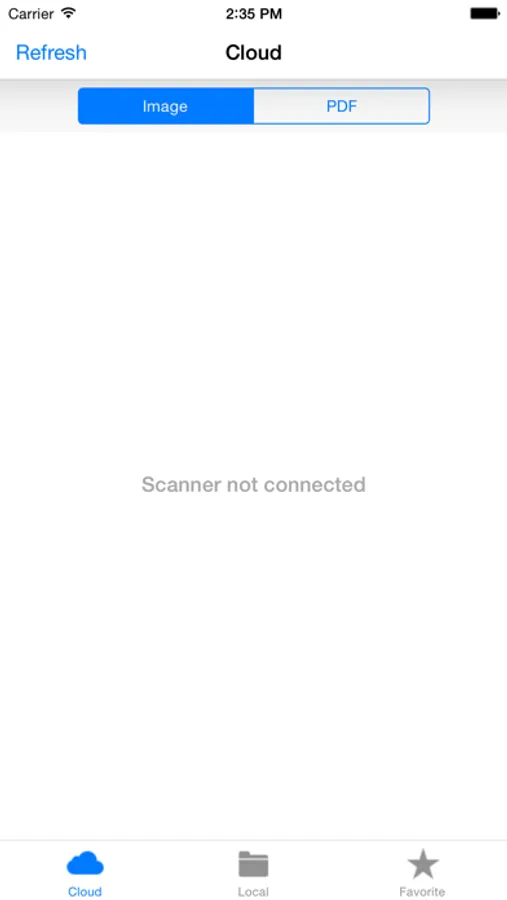
MIWAND Screenshots
Tap to Rate:
Reviews for MIWAND
Bluecamillian
Great features, freezes
There are a lot of great editing features. It tends to freeze when I try to save a document to my phone. It still saves, but I sometimes have to restart the app afterwards. I downloaded this for use with my Brother DSmobile 920DW as per the instructions that came with my scanner. At the beginning I chose the top option which shows an image of the phone connecting directly to the scanner (as opposed to the bottom image which requires the use of an AP). This takes you to your phone’s Wi-Fi, where you need to select the Wi-Fi network that your scanner puts out. Mine came with a network password already set.