
With this mobile banking app, you can check balances, transfer funds, and pay bills. Includes account management, transaction reviews, and secure login features.
AppRecs review analysis
AppRecs rating 4.5. Trustworthiness 0 out of 100. Review manipulation risk 0 out of 100. Based on a review sample analyzed.
★★★★☆
4.5
AppRecs Rating
Ratings breakdown
5 star
87%
4 star
7%
3 star
2%
2 star
3%
1 star
1%
What to know
✓
High user satisfaction
87% of sampled ratings are 5 stars
✓
Authentic reviews
No red flags detected
About Primebank Mobile Banking
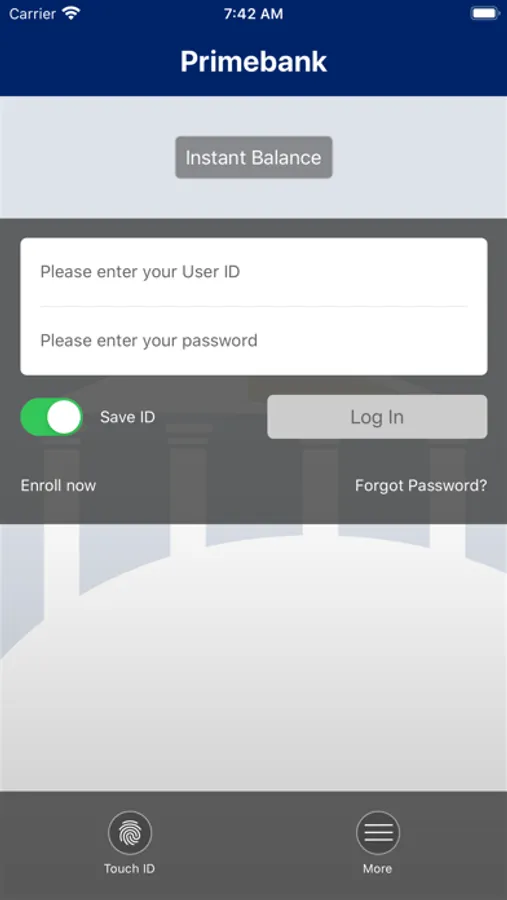
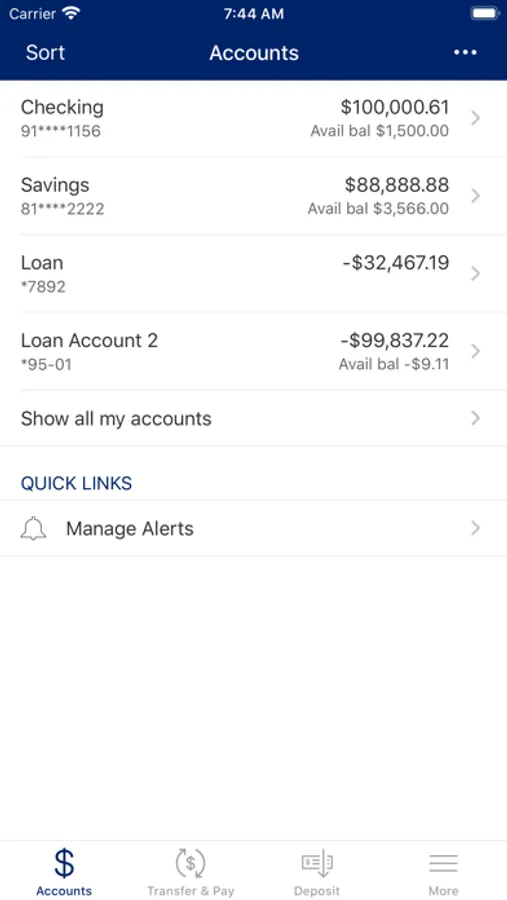
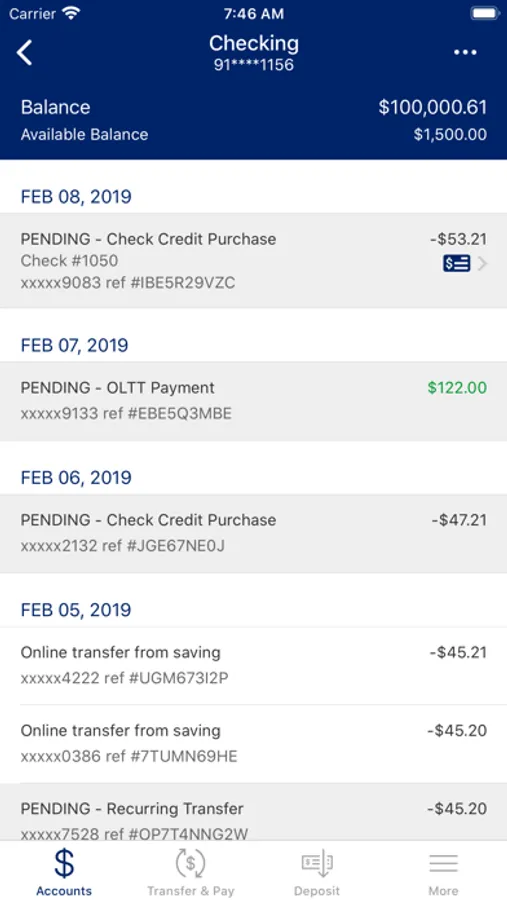
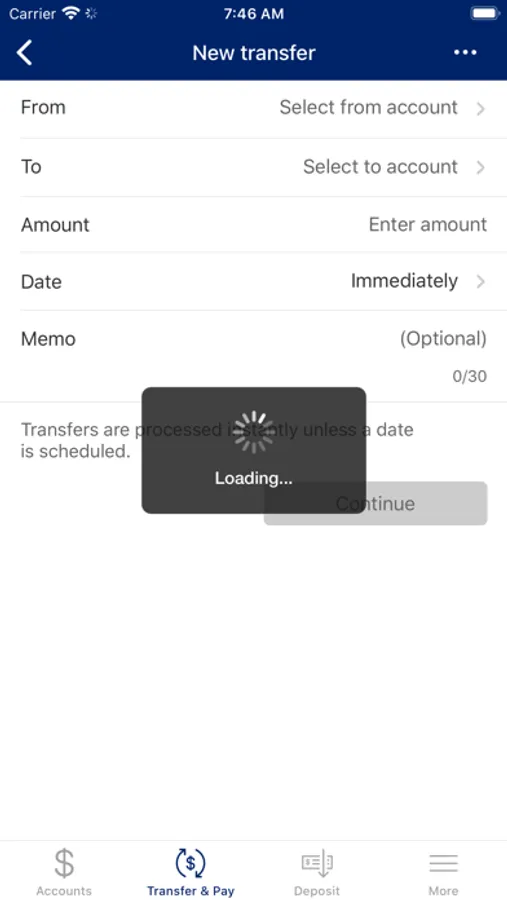
Primebank offers a Mobile Banking Application solution that gives you more choice in how you want to bank. Using your smartphone, tablet or other mobile device you can use the Primebank mobile app to:
•Check account balances
•Transfer money between accounts
•Pay a bill
•Review account activity
•In addition to a number of other banking functions.
Compatible with IOS, the Primebank Mobile App will give you the full menu of options regardless of your device.
To get the Primebank Mobile App, you must first enroll in Primebank’s Mobile Banking. Then, you can download the app and enroll in Mobile Banking directly from the app or visit Primebank.com and log in to Internet Banking. Once you are in Internet Banking click Options and follow the on-screen prompts. Once enrolled, you’ll receive a text message with an activation link.
For more information about the Primebank Mobile App, contact one of our Customer Service Representatives in Le Mars at (712) 546-4175, Sioux Center at (712) 722-4545 or Sioux City at (712) 224-5400.
•Check account balances
•Transfer money between accounts
•Pay a bill
•Review account activity
•In addition to a number of other banking functions.
Compatible with IOS, the Primebank Mobile App will give you the full menu of options regardless of your device.
To get the Primebank Mobile App, you must first enroll in Primebank’s Mobile Banking. Then, you can download the app and enroll in Mobile Banking directly from the app or visit Primebank.com and log in to Internet Banking. Once you are in Internet Banking click Options and follow the on-screen prompts. Once enrolled, you’ll receive a text message with an activation link.
For more information about the Primebank Mobile App, contact one of our Customer Service Representatives in Le Mars at (712) 546-4175, Sioux Center at (712) 722-4545 or Sioux City at (712) 224-5400.
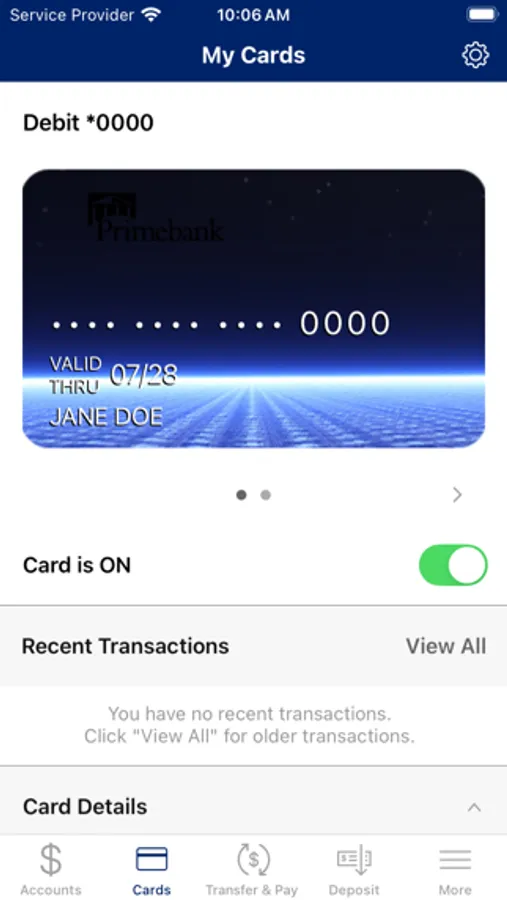
Primebank Mobile Banking Screenshots

Tap to Rate:
Reviews for Primebank Mobile Banking
Mickey3ty
Great app!
Does everything I need. I have been very happy with Primebank!
98745648156
Needs fixed now!
This app has been crashing for weeks. When is it going to be fixed.