
AppRecs review analysis
AppRecs rating 1.0. Trustworthiness 65 out of 100. Review manipulation risk 28 out of 100. Based on a review sample analyzed.
★☆☆☆☆
1.0
AppRecs Rating
Ratings breakdown
5 star
0%
4 star
0%
3 star
0%
2 star
0%
1 star
100%
What to know
✓
Low review manipulation risk
28% review manipulation risk
⚠
Mixed user feedback
Average 1.0★ rating suggests room for improvement
About Rohos Logon
Use your iPhone as an electronic key to unlock your PC without a password.
Two- factor authentication solution that converts your iPhone into a security electronic key for your computer and allows to access Windows in secure way, replacing the password based login. Support Active Directory or Remote Desktop login.
How it works:
- When you want to unlock Windows desktop - just open this App on your iPhone.
- Your phone sends authentication signal to the desktop to unlock it or login into your Windows account.
Requirements:
- Rohos Logon Key on your Windows PC.
(Mac support will be added soon)
- Your phone and computer should be connected to Internet.
Find more:
http://www.rohos.com/support/rohos-logon-key-support/supported-devices/unlock-using-your-smartphone/
Video:
http://youtu.be/TI6YjMQf8nk
Two- factor authentication solution that converts your iPhone into a security electronic key for your computer and allows to access Windows in secure way, replacing the password based login. Support Active Directory or Remote Desktop login.
How it works:
- When you want to unlock Windows desktop - just open this App on your iPhone.
- Your phone sends authentication signal to the desktop to unlock it or login into your Windows account.
Requirements:
- Rohos Logon Key on your Windows PC.
(Mac support will be added soon)
- Your phone and computer should be connected to Internet.
Find more:
http://www.rohos.com/support/rohos-logon-key-support/supported-devices/unlock-using-your-smartphone/
Video:
http://youtu.be/TI6YjMQf8nk
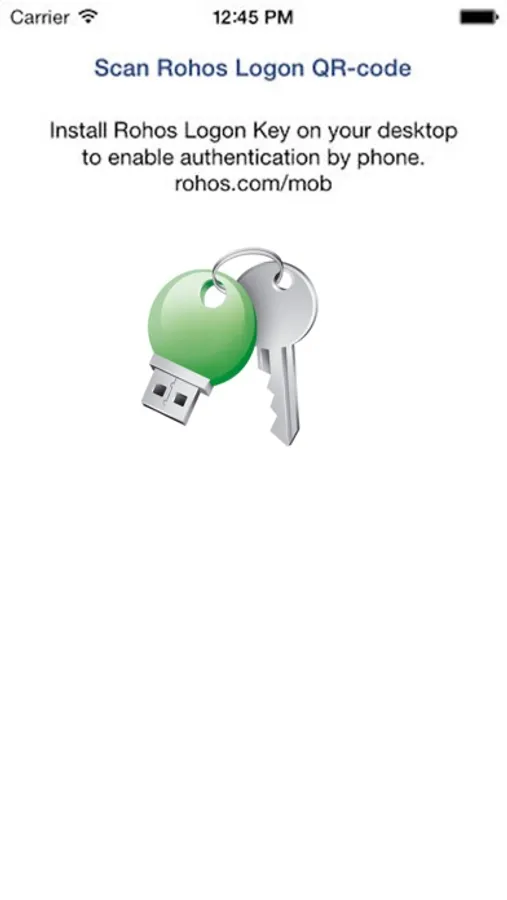
Rohos Logon Screenshots
Tap to Rate:
Reviews for Rohos Logon
Ученик мастера иоды
👎
По Bluetooth работает, но через апп нет. ПК ждёт ответ от телефона и нихрена не происходит. В аппе сканер кода не запускается. Пустой экран. И вы ещё хотите 1400₽ за недоделанную систему? Пффф
ViniciusMassoni
NOT TRY!
Em uma simples tentativa, não configurou a chave pelo celular agora esse maldito de programa bloqueou o meu PC e não consigo mais entrar com a minha senha antiga!!! BANDO DE ***