Hubble Connected for Motorola
Hubble Connected Limited
3.8 ★
5K ratings
Free
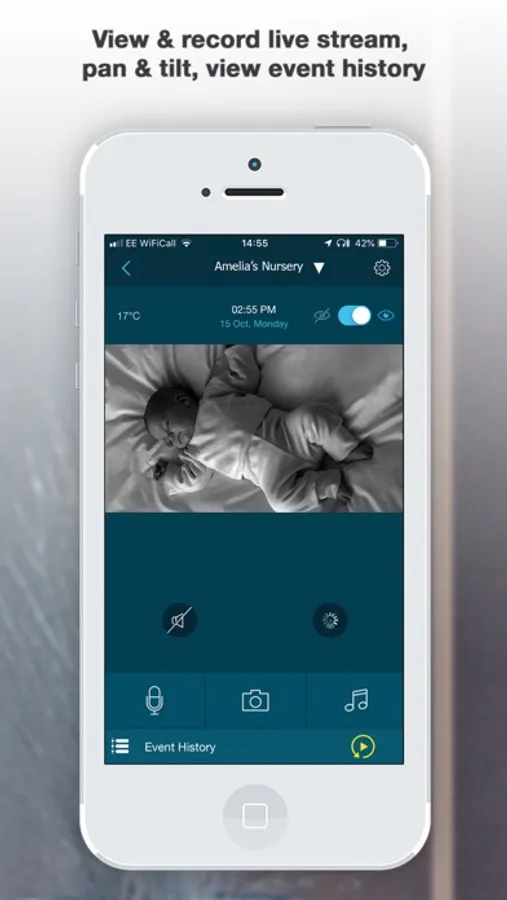
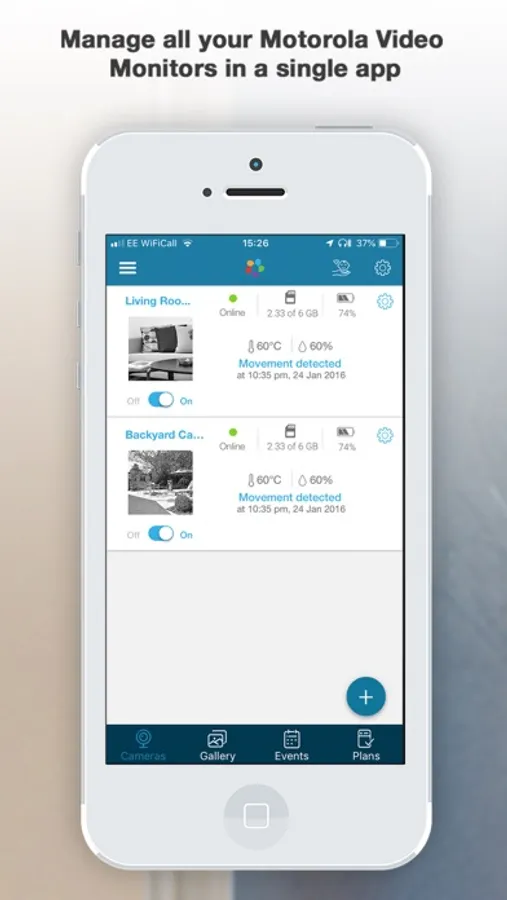
With this security monitoring app, you can view live video streams, set up motion alerts, and communicate via two-way audio. Includes motion and sound detection alerts, screenshot capturing, and remote audio communication.
AppRecs review analysis
AppRecs rating 3.3. Trustworthiness 79 out of 100. Review manipulation risk 32 out of 100. Based on a review sample analyzed.
★★★☆☆
3.3
AppRecs Rating
Ratings breakdown
5 star
57%
4 star
12%
3 star
4%
2 star
5%
1 star
22%
What to know
✓
Credible reviews
79% trustworthiness score from analyzed reviews
✓
Good user ratings
69% positive sampled reviews
⚠
Pricing complaints
Many low ratings mention paywalls or pricing
About Hubble Connected for Motorola
Features:
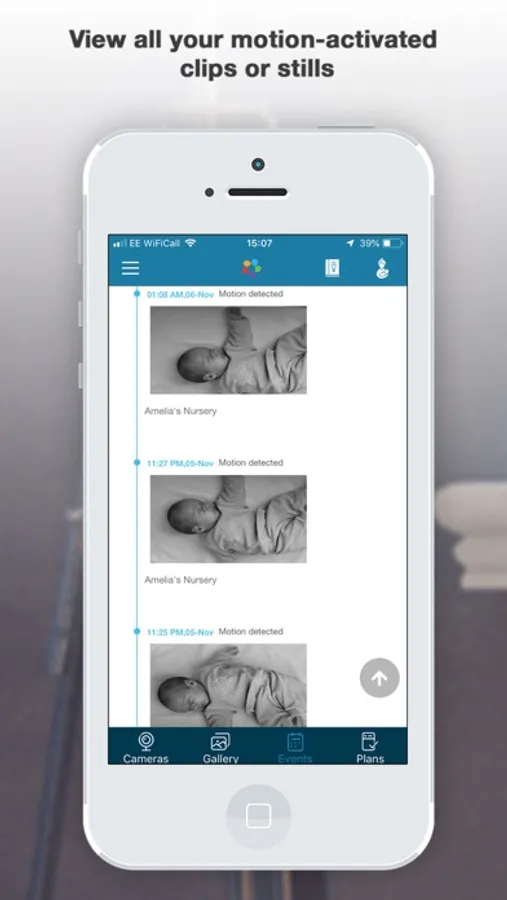
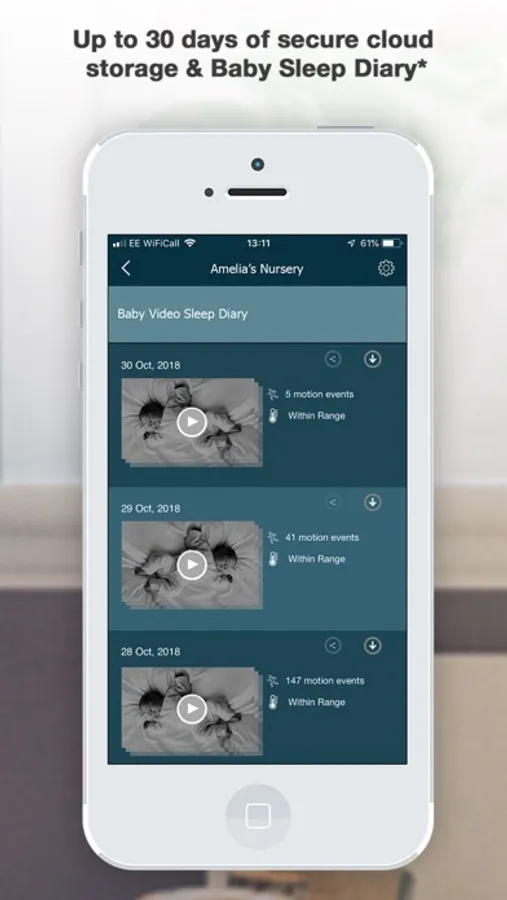
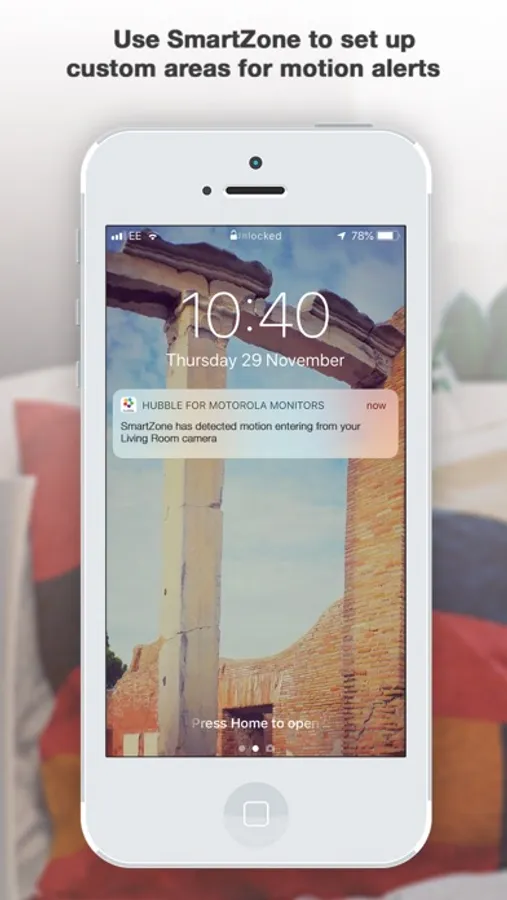
· Motion and sound detection alerts - Get notified when there’s activity, sent straight to your phone
· Motion triggered image snapshots
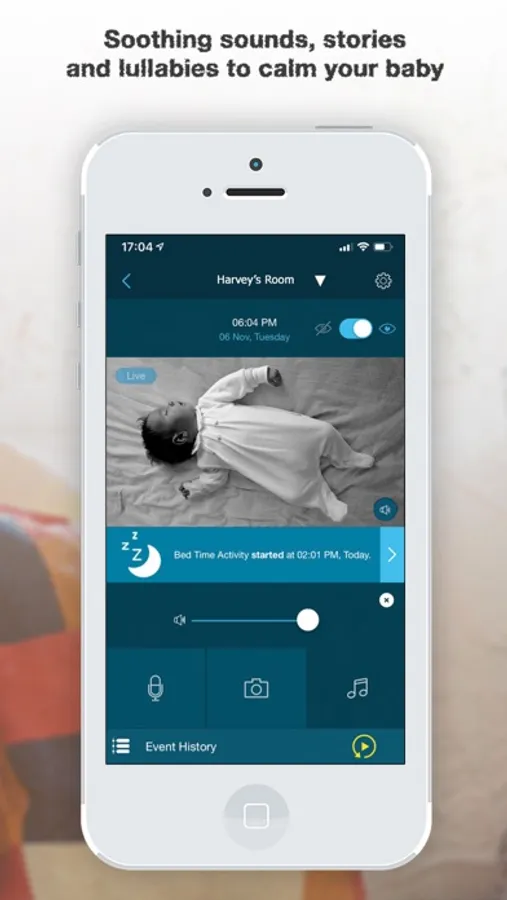
· Two-way audio – talk back to get someone’s attention
To start monitoring from your phone simply follow these 3 steps:
1.Download the app
2.Follow the setup instructions to connect your camera
3.Start monitoring straight away and simply schedule the alerts you wish to receive
Note – some features require a working internet connection/ WIFI and will vary based on the model of camera you are using
Support
If you experience any issues please email support@hubbleconnected.com
- Terms of Use
https://www.apple.com/legal/internet-services/itunes/dev/stdeula/
Hubble Connected for Motorola Screenshots

Tap to Rate:
Reviews for Hubble Connected for Motorola
Mama2boysX2
Disappointed
Since streaming went from free to $10 I have not been able to get my camera to connect to the app which is extremely disappointing. It would be helpful for the app to actually work if you are having to pay for it.
KittKatt122
Connection to internet
Used to like this app and the cameras. Recently cameras no longer connect and it takes hours to fix even with a strong WiFi connection.