AppRecs review analysis
AppRecs rating 3.7. Trustworthiness 83 out of 100. Review manipulation risk 22 out of 100. Based on a review sample analyzed.
★★★☆☆
3.7
AppRecs Rating
Ratings breakdown
5 star
55%
4 star
15%
3 star
0%
2 star
0%
1 star
30%
What to know
✓
Low review manipulation risk
22% review manipulation risk
✓
Credible reviews
83% trustworthiness score from analyzed reviews
✓
Good user ratings
70% positive sampled reviews
About SyncCal
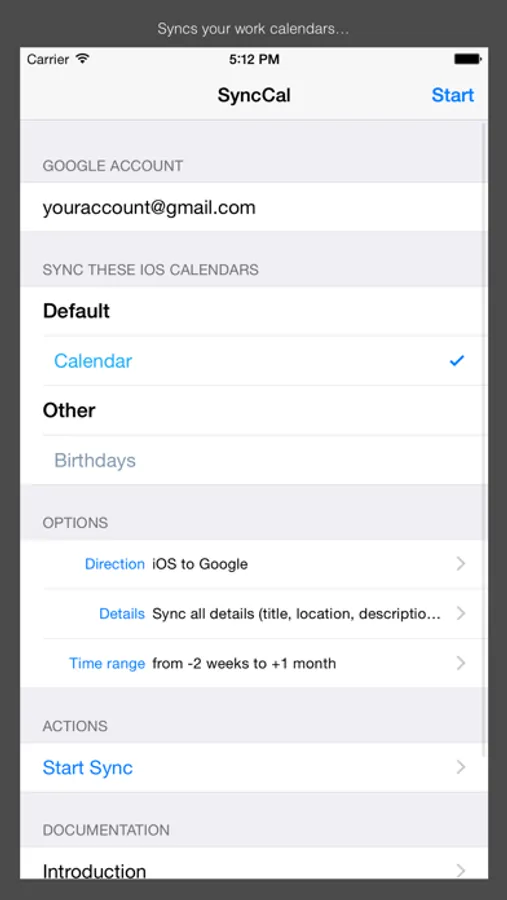
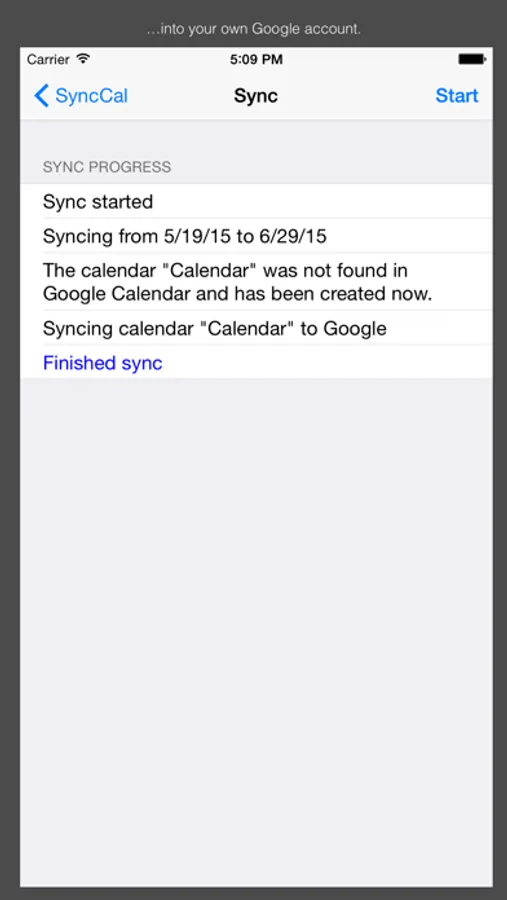
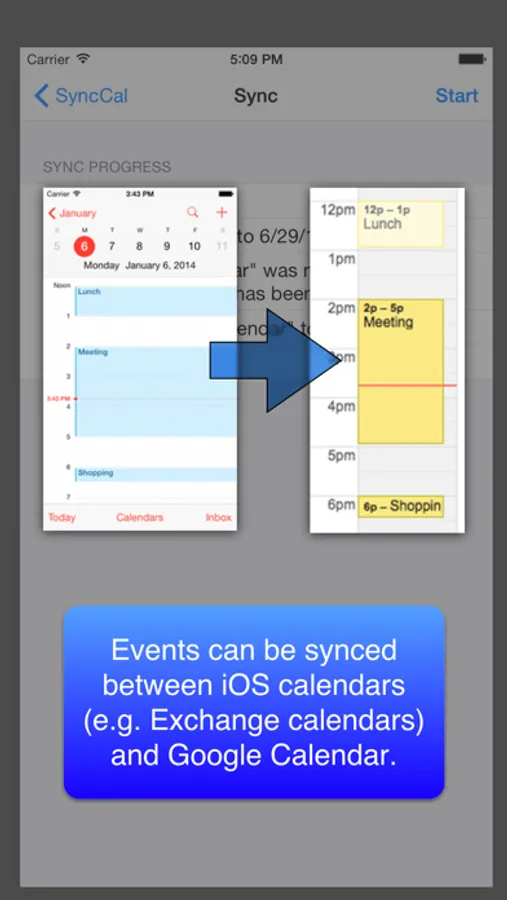
Just install SyncCal, enter your Google Calendar account, select which calendars should be synced and tap "Start". Afterward it will copy the selected calendars into new calendars in Google Calendar. It will also automatically keep them up-to-date by using background refresh and push notifications.
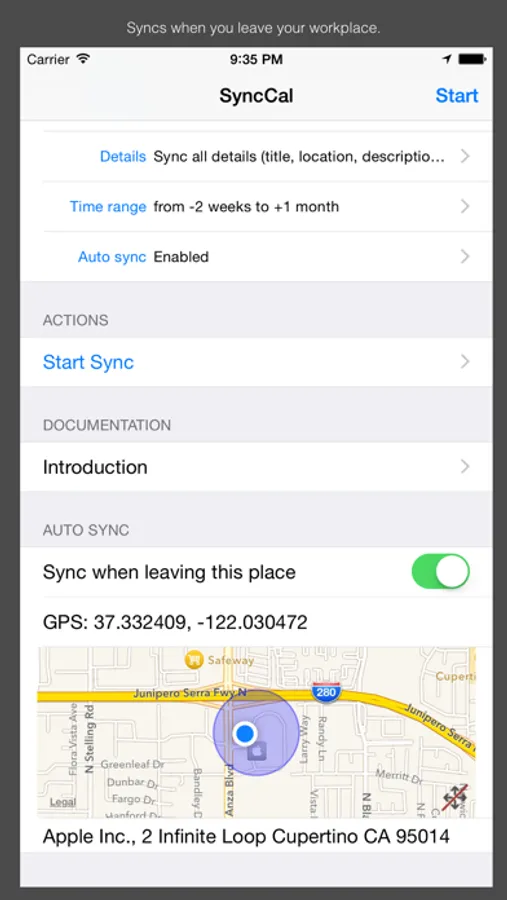
It can also be configured to automatically sync when you leave your workplace. Just turn "Sync when leaving this place" on when you are at work. SyncCal will save the location and afterward it will automatically sync every time you leave your workplace.
iOS' birthday calendar can also be synced into a Google calendar this way.
You can find further information on http://synccal.calengoo.com . If you have any problems please contact synccal@calengoo.com .
SyncCal Screenshots
Tap to Rate:
Reviews for SyncCal
Michelle Hill Apexer
Don’t waste you $1.00 on this
It’s more frustrating than had I not spent the money
Jim Basilio
Works great and so valuable for this use case
This syncs my wife’s business calendar to our personal google calendars. It doesn’t seem to sync on an automated frequency as it’s supposed to so I do have to run by hand occasionally. Hopefully this can be fixed and it’d be perfect then Thank you to the author!!