In this document scanning app, you can capture images directly to your device and organize multi-page files efficiently. Includes editing tools, cloud integration, and options to share via email or PC transfer.
AppRecs review analysis
AppRecs rating 1.7. Trustworthiness 76 out of 100. Review manipulation risk 24 out of 100. Based on a review sample analyzed.
★☆☆☆☆
1.7
AppRecs Rating
Ratings breakdown
5 star
10%
4 star
4%
3 star
9%
2 star
10%
1 star
66%
What to know
✓
Low review manipulation risk
24% review manipulation risk
⚠
Mixed user feedback
Average 1.8★ rating suggests room for improvement
⚠
High negative review ratio
76% of sampled ratings are 1–2 stars
About Epson DocumentScan
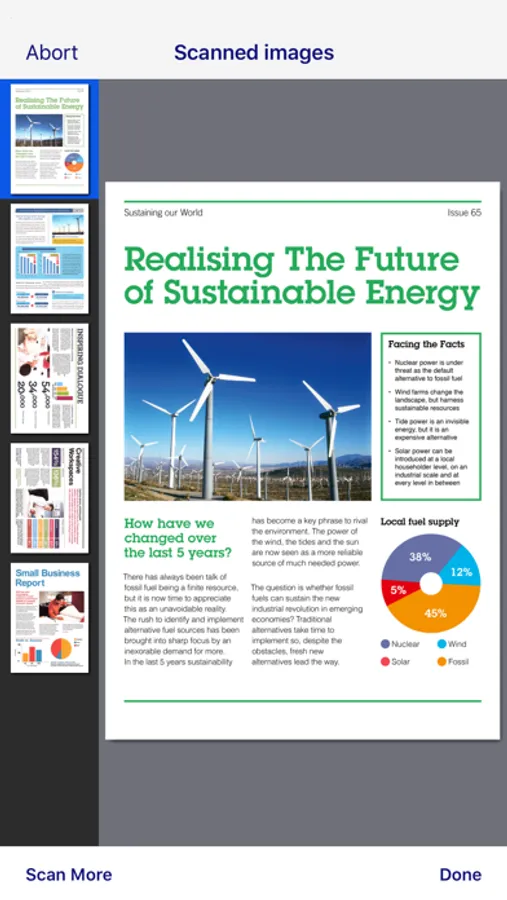
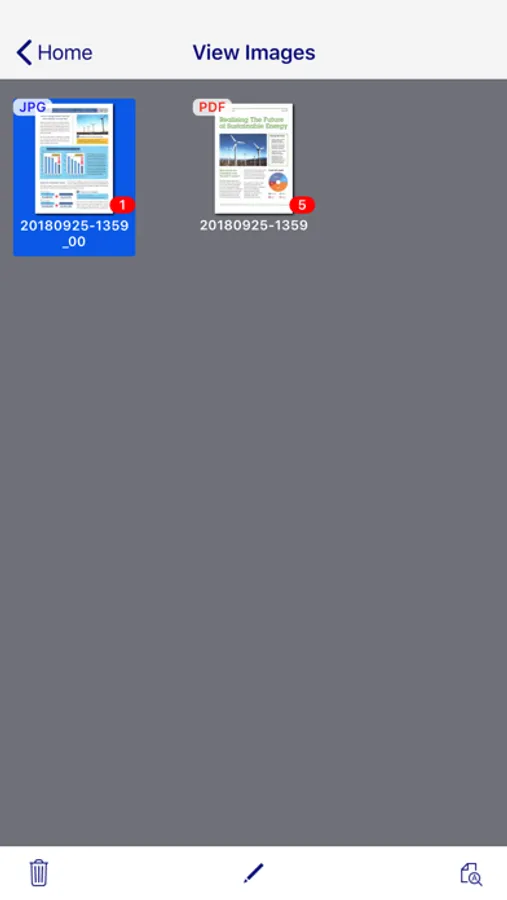
Scan documents directly to your iPhone®, iPod touch or iPad®. You can preview scanned data and send it to email, directly to other applications or to cloud services like Box®, DropBox™, Evernote®, Google Drive™ and Microsoft® OneDrive.
Scanners Supported
https://support.epson.net/appinfo/documentscan/en/index.html
Key Features
- Directly scan to your iPhone, iPod touch or iPad
- Edit scanned pages – multi-page rotation or re-ordering
- Send scanned files via email
- Send saved data to other applications, or to cloud services including Box, DropBox, Evernote, Google Drive and Microsoft OneDrive*.
*Applications must be installed on your iPhone, iPod Touch or iPad.
- Send saved data to your PC via iTunes®
- Get help with a built-in FAQ section
Advanced features
- Autosize recognition, auto image type recognition
- Multi-page rotation and re-ordering
How to Connect
Follow your scanner guide to connect your scanner via Wi-Fi® or AP direct connect mode.
EPSON and WorkForce are registered trademarks. All other product and brand names are trademarks and/or registered trademarks of their respective companies. Epson disclaims any and all rights in these marks.
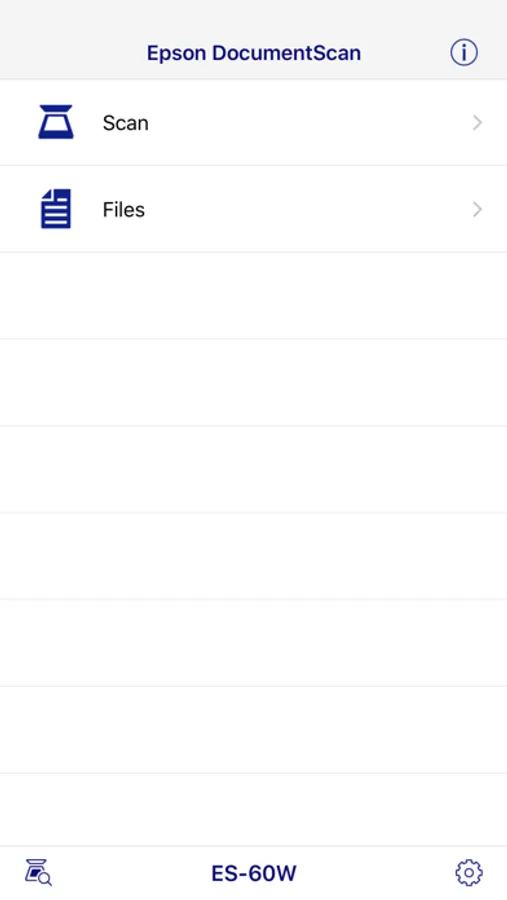
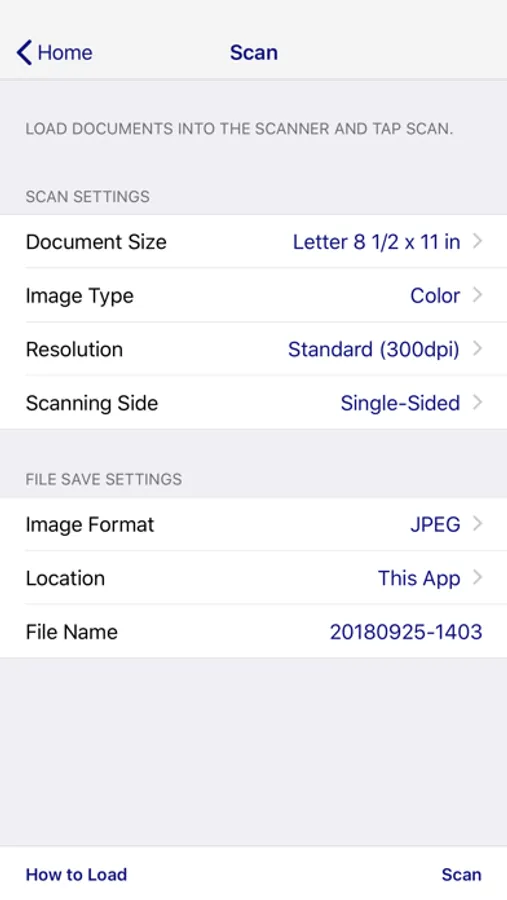
Epson DocumentScan Screenshots
Tap to Rate:
Reviews for Epson DocumentScan
jwmartin5
Poorly Designed
Agree with other reviewers. This app is not useful. It is lacking several key features. I want to be able to save directly to the files app (vs saving each scan individually), I want to be able to use the full DPI settings on my scanner (FF-680W can do 600 DPI, this maxes out at 300), and I want the features from the desktop app like automatic double side detection, searchable PDFs, etc. Wish epson took this more seriously.
Marioeyjjdavhfeasbhhfvjk
Does not work with iPhone 17
When will an update occur to work with new iPhone 17?