AppRecs review analysis
AppRecs rating 3.9. Trustworthiness 52 out of 100. Review manipulation risk 28 out of 100. Based on a review sample analyzed.
★★★☆☆
3.9
AppRecs Rating
Ratings breakdown
5 star
64%
4 star
9%
3 star
0%
2 star
9%
1 star
18%
What to know
✓
Good user ratings
73% positive sampled reviews
About VisualSupport - RemoteCall
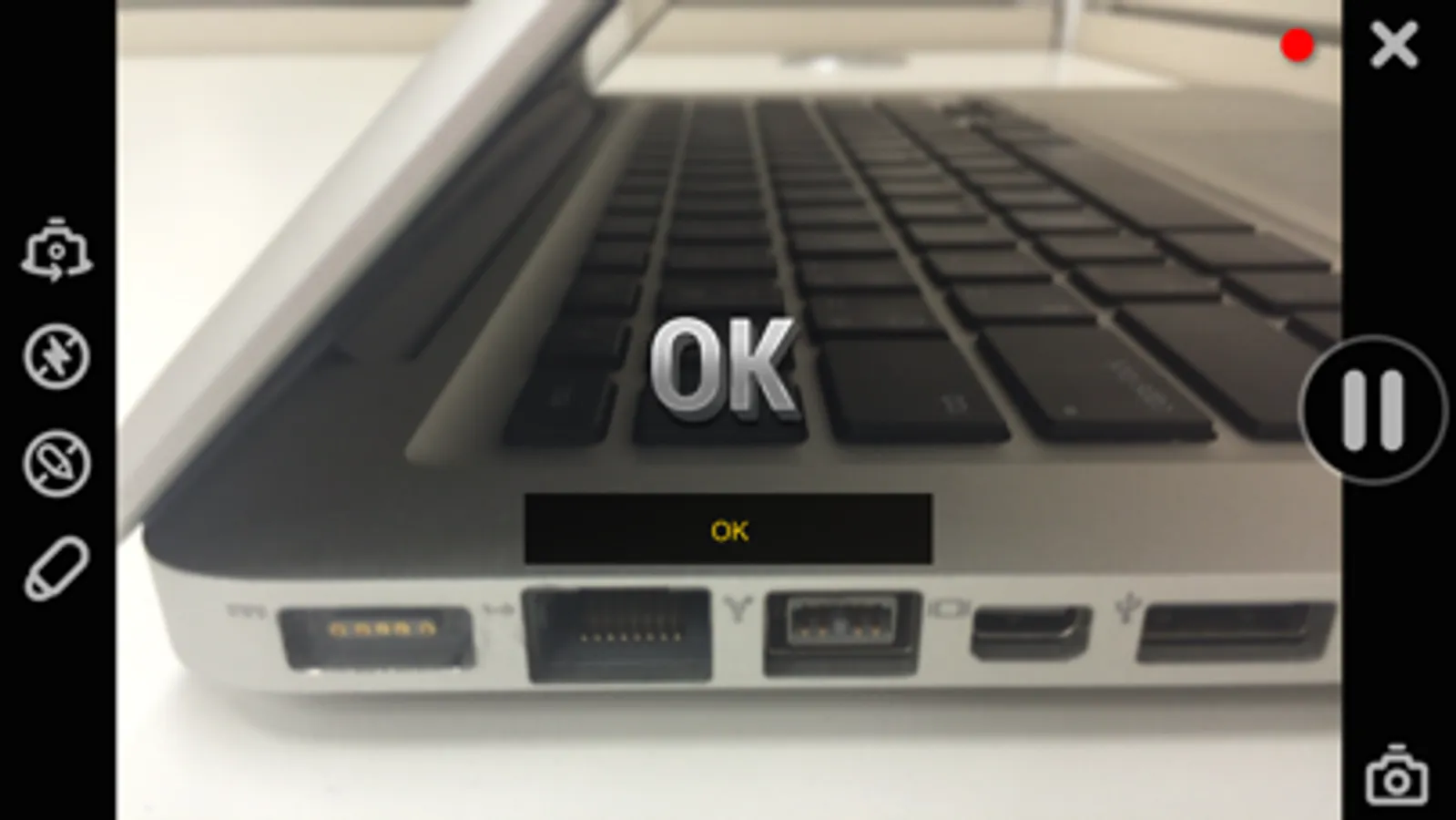
Rsupport’s ‘VisualSupport – RemoteCall’ solution utilizes the customer’s mobile device camera to stream HD video of the issue(s) they’re experiencing in real-time. By using Rsupport’s ‘VisualSupport – RemoteCall’ solution, support representatives are able to see exactly what the customer is experiencing and eliminate the need for customers to narrate their issues. Additionally, customers are able to stream and receive support from virtually any location through a Wi-Fi, 3G, or LTE connection.
•Improve First Call Resolution
•Reduce Time to Resolution
•Increase Overall Satisfaction
[Key Features]
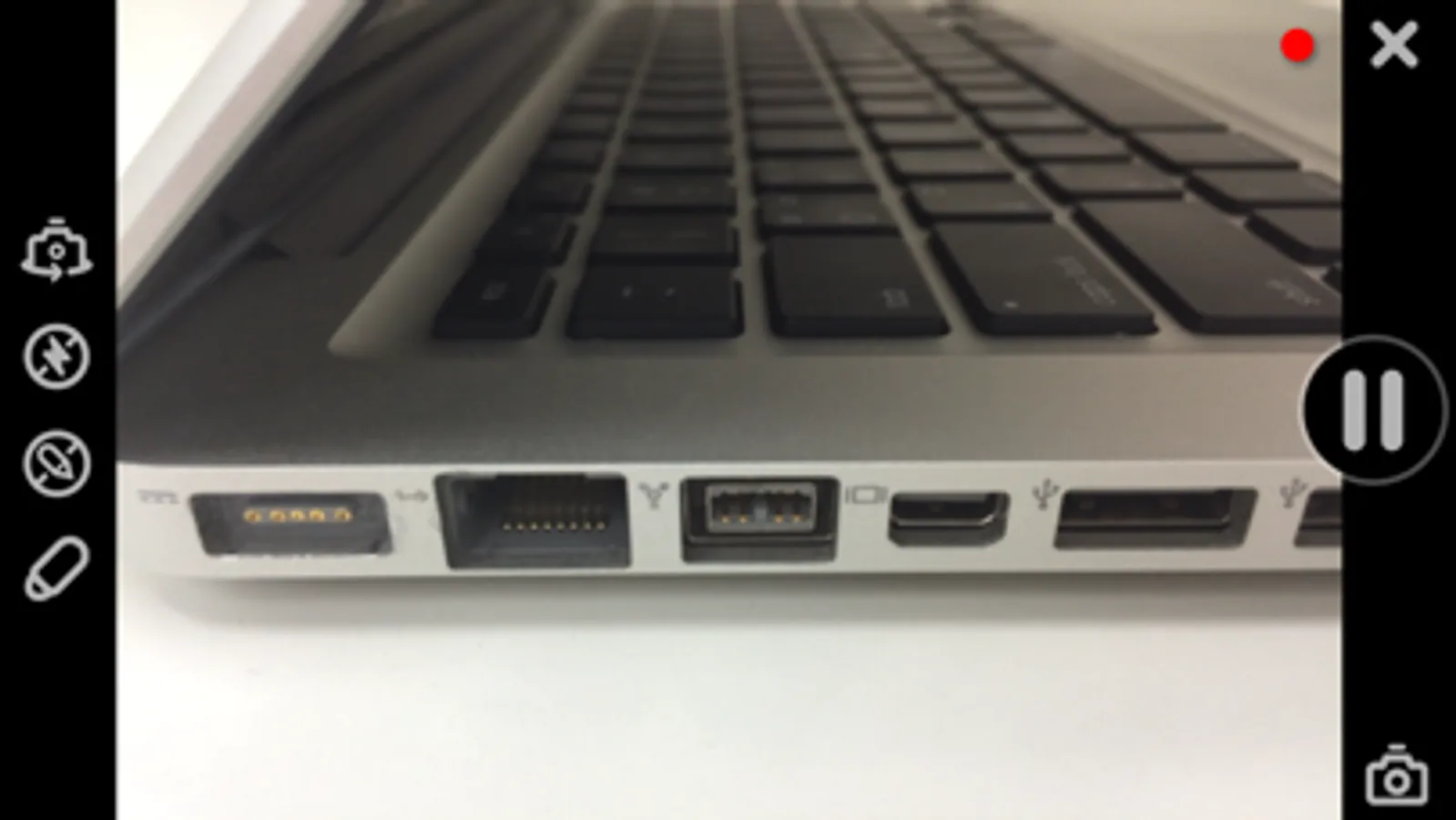
1.Real-time Video Streaming
- Support representatives are able to see exactly the issues the customer is experiencing through a real-time video stream.
2.Screen Capture
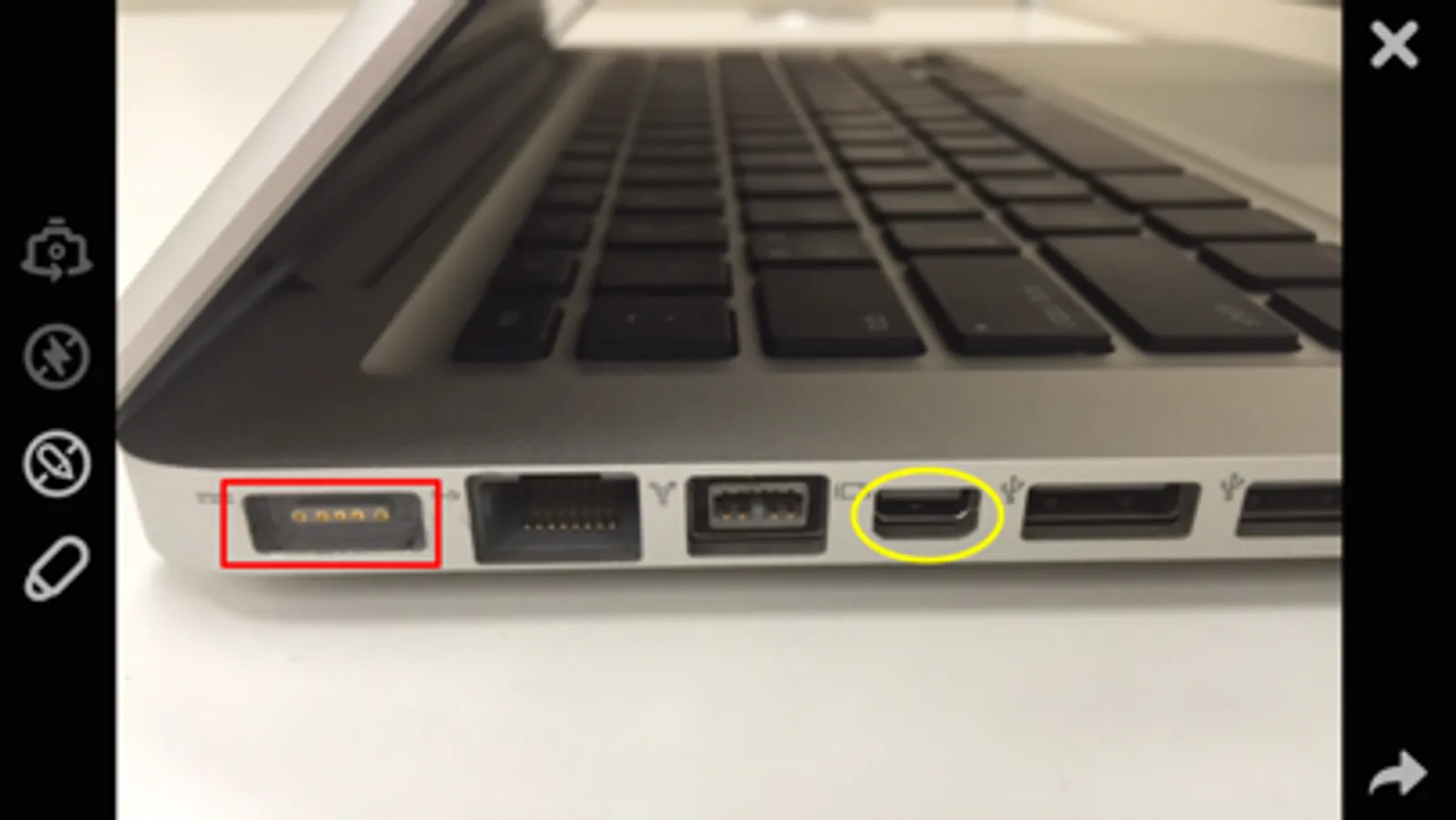
- Analyze issues more effectively by taking a screenshot of what the customer is streaming.
3.On-screen Drawing
- Mark important areas for the customer to see to communicate certain points more clearly.
4.Easy to Connect
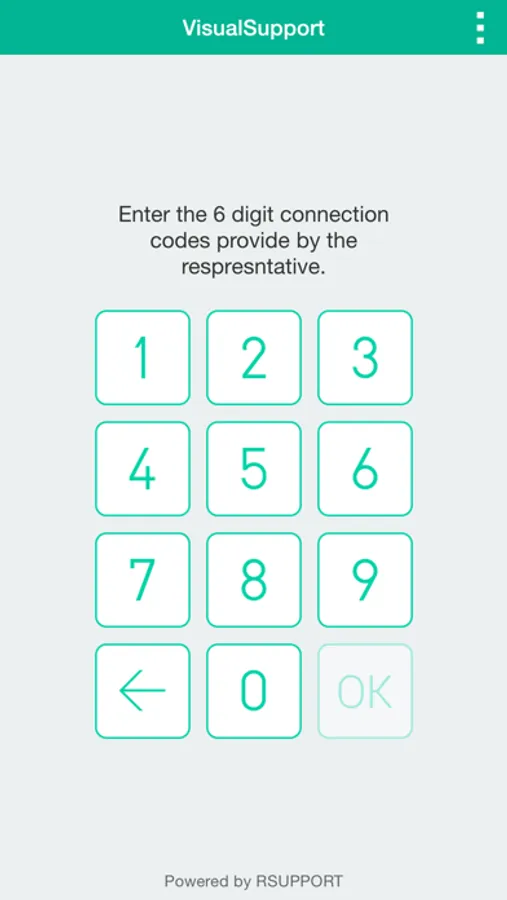
- All the customer needs to do to get connected is input the 6-digit connection code provided by the support representative.
[Receiving Video Support - Customers]
1.Download, install, and then launch the VisualSupport application.
2.Enter the 6-digit connection code provided by the support representative, then click ‘OK’.
3.Engage in real-time video support.
4.Close the application once video support session has ended.
•Improve First Call Resolution
•Reduce Time to Resolution
•Increase Overall Satisfaction
[Key Features]
1.Real-time Video Streaming
- Support representatives are able to see exactly the issues the customer is experiencing through a real-time video stream.
2.Screen Capture
- Analyze issues more effectively by taking a screenshot of what the customer is streaming.
3.On-screen Drawing
- Mark important areas for the customer to see to communicate certain points more clearly.
4.Easy to Connect
- All the customer needs to do to get connected is input the 6-digit connection code provided by the support representative.
[Receiving Video Support - Customers]
1.Download, install, and then launch the VisualSupport application.
2.Enter the 6-digit connection code provided by the support representative, then click ‘OK’.
3.Engage in real-time video support.
4.Close the application once video support session has ended.
VisualSupport - RemoteCall Screenshots
Tap to Rate:
Reviews for VisualSupport - RemoteCall
NavienInc
Great App!
We use this application for our company when troubleshooting with our customers. Makes the calls go by much quicker and less room for error. Highly recommended!
Jmisenas37
Great App!
Love the stop and drawing mode and the light control!