AppRecs review analysis
AppRecs rating 2.9. Trustworthiness 81 out of 100. Review manipulation risk 19 out of 100. Based on a review sample analyzed.
★★☆☆☆
2.9
AppRecs Rating
Ratings breakdown
5 star
31%
4 star
15%
3 star
13%
2 star
10%
1 star
31%
What to know
✓
Low review manipulation risk
19% review manipulation risk
✓
Credible reviews
81% trustworthiness score from analyzed reviews
About Safe Notes is a secure notepad
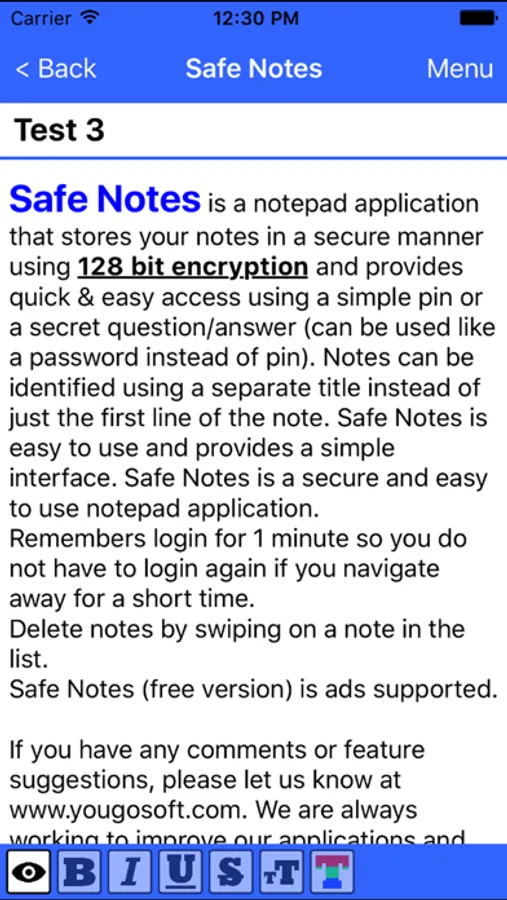
Remembers login for 1 minute so you do not have to login again if you navigate away for a short time.
Delete notes by swiping on a note in the list.
Safe Notes (free version) is ad (AdMob integration) supported.
If you have any comments or feature suggestions, please let us know at www.yougosoft.com. We are always working to improve our applications and welcome your ideas on how to make our applications better.
Safe Notes uses Google Drive integration for automated notes database backup. This feature must be turned on before it can be used.
Features:
* Pin access (auto locks after 1 minute)
* Secret question/answer access (can leave out pin for password style access)
* Separate note title
* Create/Delete notes
* Notes can be up to 5000 characters
* Sort Options (ascending and descending)
* Search functionality
* Send note as SMS or Email
* Database storage
* Send note as email or SMS message
* Destroy Database option
* All data encrypted (128 bit encryption)
* Backup and Restore note data from iCloud
* Auto-Save notes
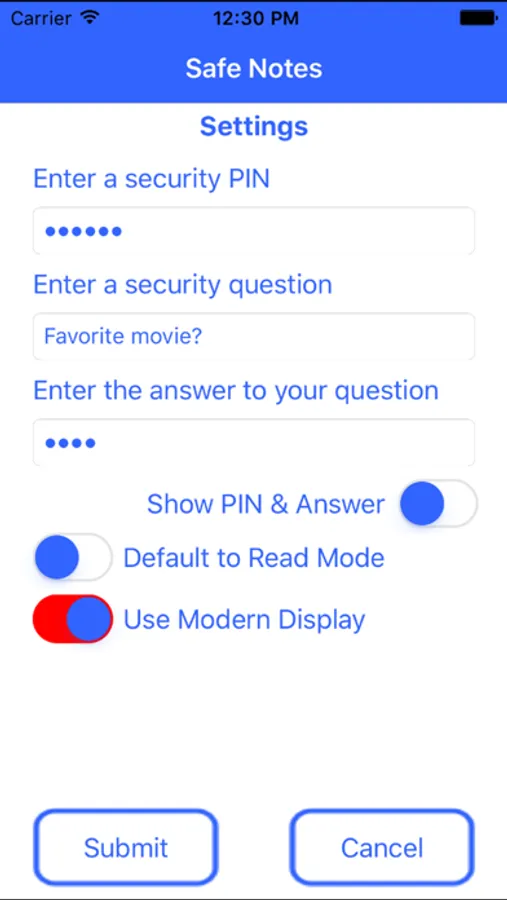
* PIN and Security Question can be setup in the Settings screen.
Safe Notes is a secure notepad Screenshots
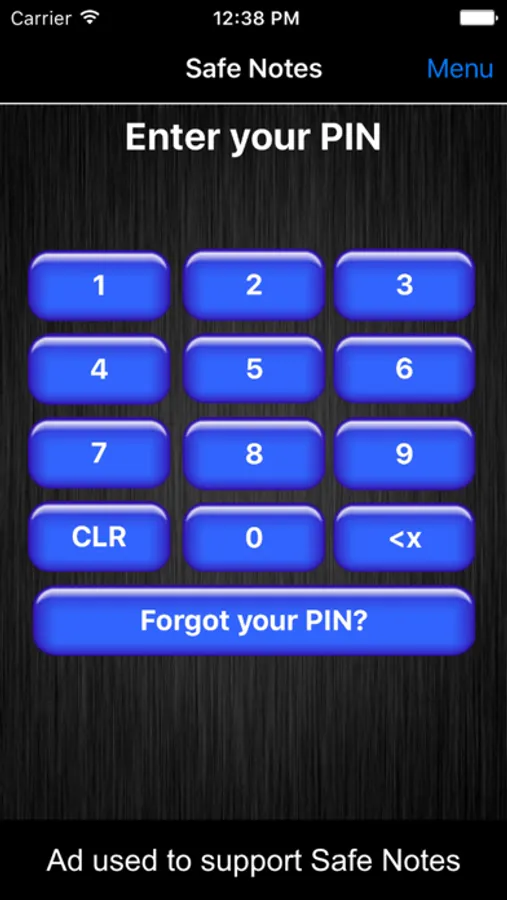
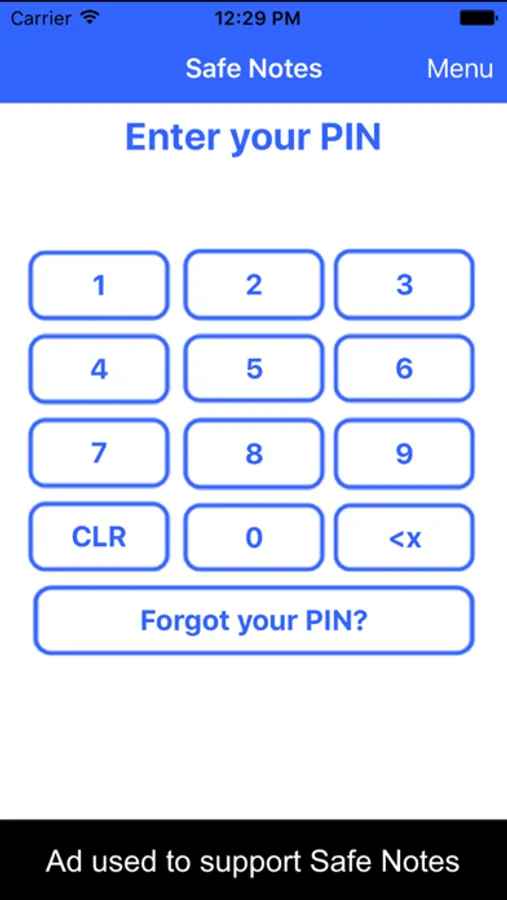
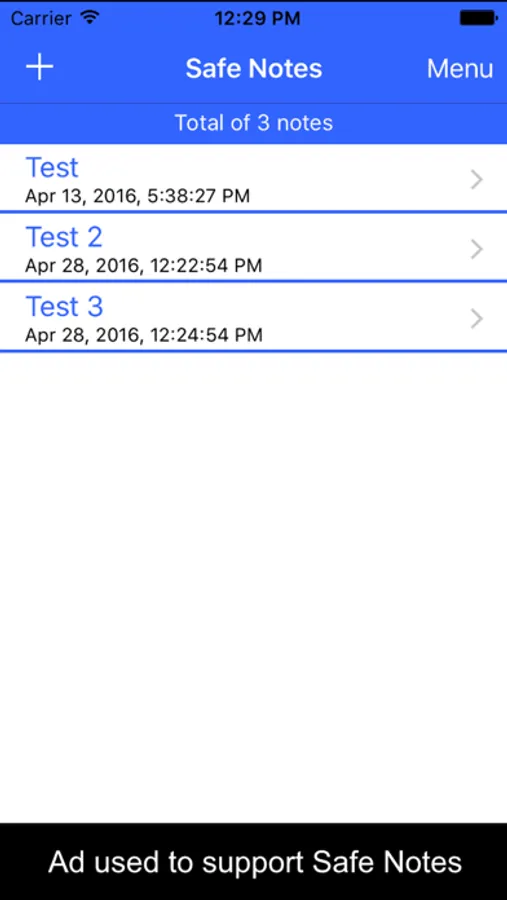
Tap to Rate:
Reviews for Safe Notes is a secure notepad
OhSoJoyful
Not happy!
I’ve used this app for at least 10 years and it was great. Now all of a sudden ALL of my notes but two disappeared and the backups won’t restore them! I’m devastated! Some were very important.
V-Chenzo
Data Not Transferrable to New iPhone
HIGH RISK!! I’ve been using Safe Notes for many years. Probably not the best place to store passwords & sensitive data. Good luck transferring data to a new iPhone. Even though it worked on your old phone, on your new phone, Safe Notes will give an error message, “Safe Notes cannot save to Google Drive.”