
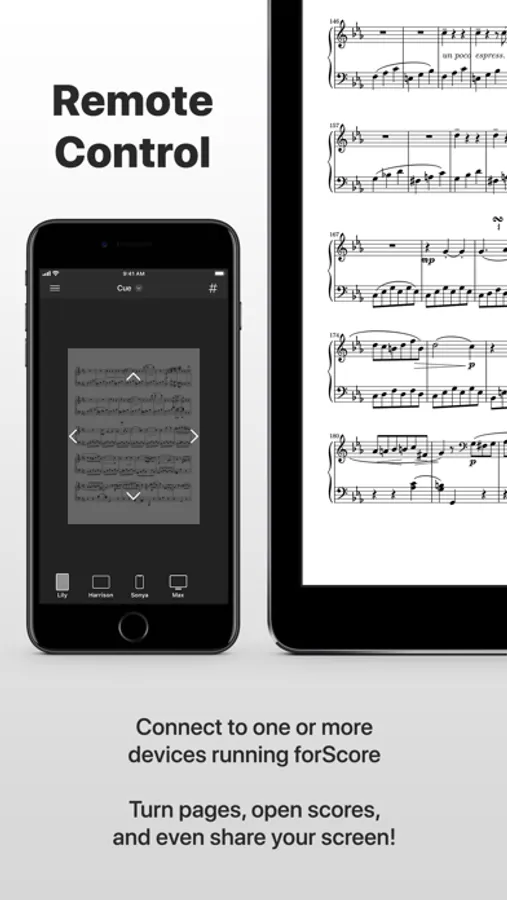
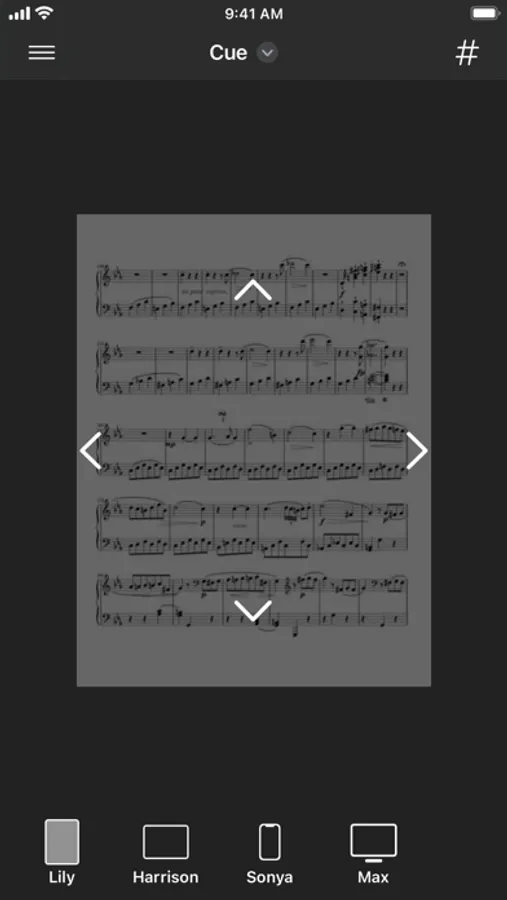
In this app, you can remotely control forScore, turn pages, navigate scores, and view screens wirelessly. Includes device connection management, dual-page display, and link support.
AppRecs review analysis
AppRecs rating 4.4. Trustworthiness 80 out of 100. Review manipulation risk 20 out of 100. Based on a review sample analyzed.
★★★★☆
4.4
AppRecs Rating
Ratings breakdown
5 star
71%
4 star
8%
3 star
3%
2 star
3%
1 star
15%
What to know
✓
Low review manipulation risk
20% review manipulation risk
✓
Credible reviews
80% trustworthiness score from analyzed reviews
✓
High user satisfaction
79% of sampled ratings are 4+ stars (4.2★ average)
About forScore Cue
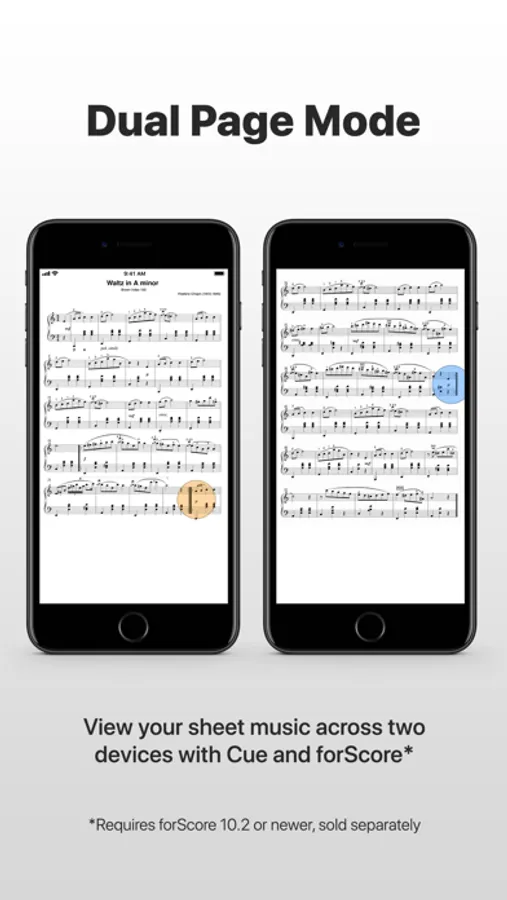
With Dual Page mode, you can use forScore on one device and Cue on another device to display two full-sized pages simultaneously. Your page and its annotations are sent wirelessly, and tapping or swiping on either device turns two pages at a time—just like a book. Dual Page mode even supports links and buttons, so you can tap on them no matter which side they’re on and they’ll work just like you expect. Visit forScore.co/cue to learn more!
*Performance can vary greatly based on settings, environmental factors, and network availability. A wi-fi connection is strongly recommended. Image quality can be adjusted in the Settings app.
forScore Cue Screenshots

Tap to Rate:
Reviews for forScore Cue
Mudland1
No longer works
The 2page function of this app stopped working. They need to stop advertising that it is a working feature.
Cajun Organist
Question for app dev.
Organist here. I need to see the equivalent of 2 standard sheets of paper for my job. Been using an external monitor or Mobile Sheets with two 13” iPads since Cue and Apple crashed. I read that Cue is “optimized” for Apple devices. Can I rely on cue in performance settings again? I am often in WiFi but sometimes *only Bluetooth.* I were playing organ for your wedding, would advise me to trust Cue/Forscore for dual iPads, or would tell me that I would be safer using my external monitor or Mobile Sheets to have a reliable view of two pages at a time? Thank you. Bravo to you and the Forscore team!