AppRecs review analysis
AppRecs rating 3.0. Trustworthiness 89 out of 100. Review manipulation risk 16 out of 100. Based on a review sample analyzed.
★★★☆☆
3.0
AppRecs Rating
Ratings breakdown
5 star
33%
4 star
0%
3 star
0%
2 star
0%
1 star
67%
What to know
✓
Low review manipulation risk
16% review manipulation risk
✓
Credible reviews
89% trustworthiness score from analyzed reviews
About minista
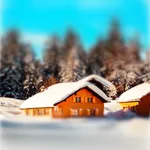
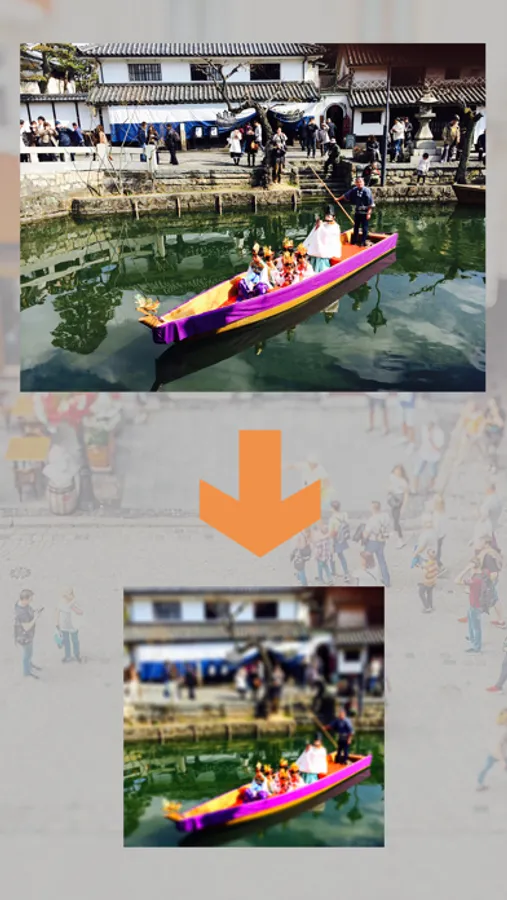
You can create an image of miniature photo.
Thank you for downloading over 100,000 users.
[Feature]
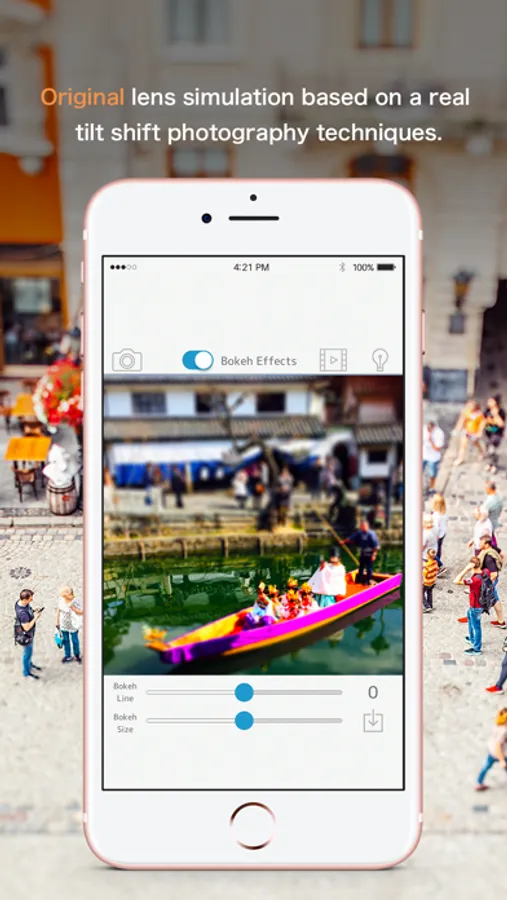
Not only put a blur like a miniature photo of conventional,
I can blur with the depth like a real camera.
[How to use]
1.
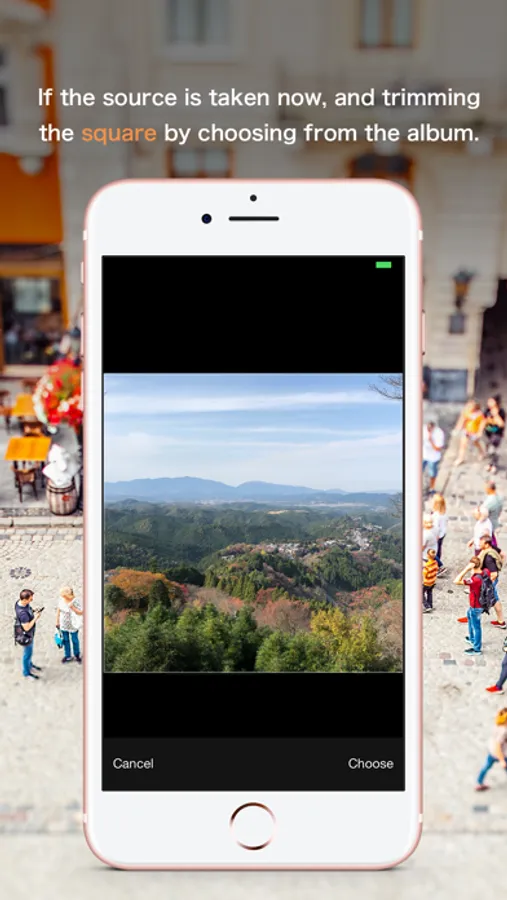
Choose a photo from photo library or camera.
2.
Trim the square aspect ratio of 1:1 image you selected.
3.
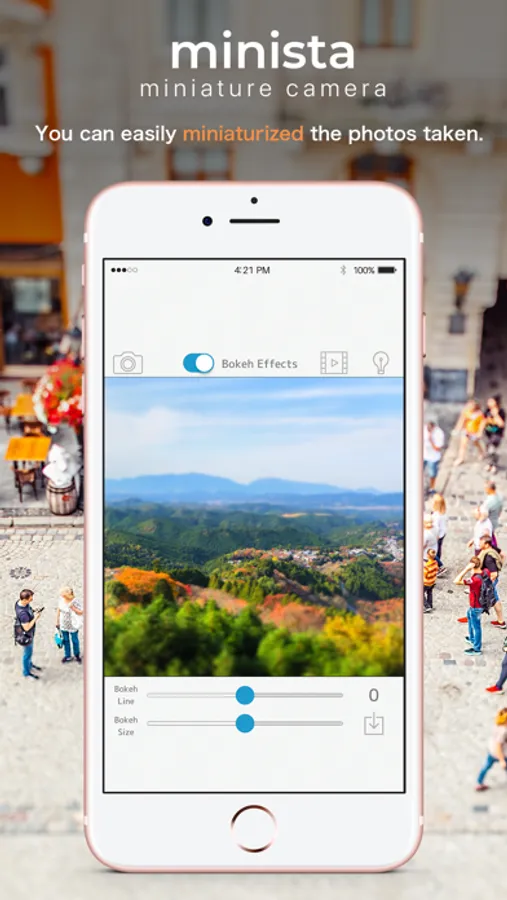
You can adjust the bokeh by operating the slider at the bottom of the screen.
4.
I will generate a miniature image from the save button.
5.
After the image generation in the preview screen, can be posted to SNS from the action can be saved to the camera roll.
*Because it is a simulation I thought, there is the case that a part of the image is distorted.
*May or may not suitable for miniature some images to be used.
*It does not correspond to the bokeh effect in legacy devices.
[Support]
iOS 9.0 and over
Thank you for downloading over 100,000 users.
[Feature]
Not only put a blur like a miniature photo of conventional,
I can blur with the depth like a real camera.
[How to use]
1.
Choose a photo from photo library or camera.
2.
Trim the square aspect ratio of 1:1 image you selected.
3.
You can adjust the bokeh by operating the slider at the bottom of the screen.
4.
I will generate a miniature image from the save button.
5.
After the image generation in the preview screen, can be posted to SNS from the action can be saved to the camera roll.
*Because it is a simulation I thought, there is the case that a part of the image is distorted.
*May or may not suitable for miniature some images to be used.
*It does not correspond to the bokeh effect in legacy devices.
[Support]
iOS 9.0 and over
minista Screenshots
Tap to Rate:
Reviews for minista
iDenzo
Can’t Save
In order to save an image you have to watch an ad. That might be fine except that the ad doesn’t play. The app does seem to seem to work but is useless if you can’t save images.
N810dahood
It worked!
Wanted a tilt shift effect on some of my pics and this worked! Had to sit through a 30 second ad but it worked and was “free” lol I like the way the picture came out too. Looks better than I hoped for.