In this voice recording app, you can record, playback, and edit dictations using familiar controls. Includes automatic compression, multiple file formats, and options for email, FTP, or iTunes sharing.
AppRecs review analysis
AppRecs rating 5.0. Trustworthiness 74 out of 100. Review manipulation risk 24 out of 100. Based on a review sample analyzed.
★★★★★
5.0
AppRecs Rating
Ratings breakdown
5 star
80%
4 star
16%
3 star
0%
2 star
2%
1 star
2%
What to know
✓
Low review manipulation risk
24% review manipulation risk
✓
Credible reviews
74% trustworthiness score from analyzed reviews
✓
High user satisfaction
80% of sampled ratings are 5 stars
About Express Dictate Professional
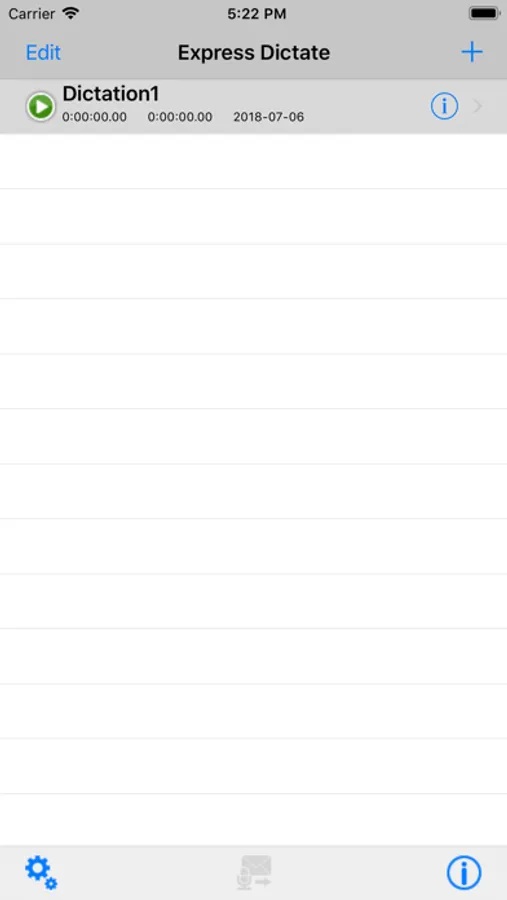
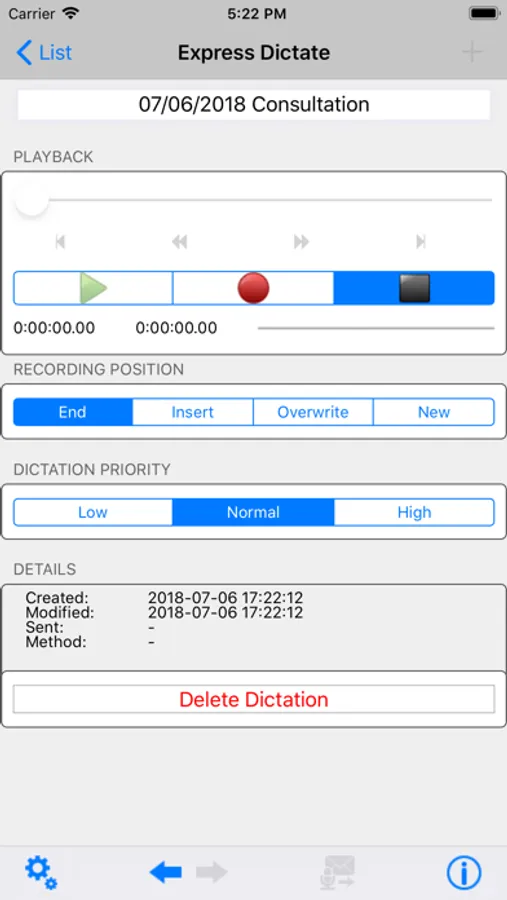
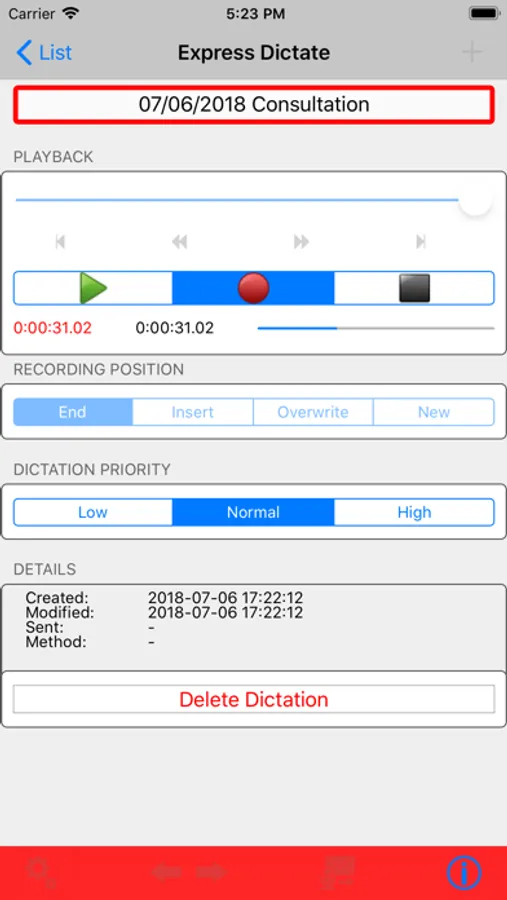
For ease of use, operation of the record and playback features is designed to closely mimic that of old style dictation recorders. You can also playback, rewind, insert or overwrite as required using the keys on the front.
This dictation voice recorder is designed to have all the features you need as easy to use as possible and reliable for day-to-day operation. By installing Express Dictate you will quickly find it will replace your old dictaphone, and by using the internet to send dictations, will also improve the turnaround on typing.
Express Dictate Features:
- Record and playback dictation using the controls on the device.
- Editing, inserting and overwriting. You can select between record overwrite, record insert and record end modes.
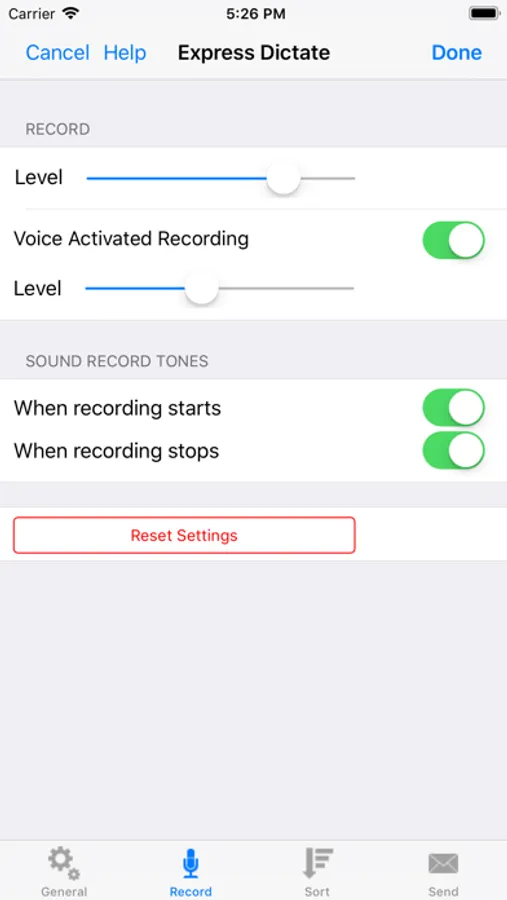
- Optional voice activated recording. When selected Express Dictate only records while you are speaking.
- Automatic compression of audio files to reduce upload times and storage requirements.
- Sends recording in compressed wave (wav) or dictation (dct) file formats.
- Files can be sent via FTP, email, and iTunes.
All files sent by Express Dictate can be transcribed by the free foot pedal controlled transcriber software Express Scribe Transcription Player Software.
*Please backup ALL dictations before upgrading from a previous version*
Express Dictate Professional Screenshots
Tap to Rate:
Reviews for Express Dictate Professional
bone98044
Poor upgrade
The new update has major flaws. When creating emails with larger files they are split up just like in the old version. The problem is that if a second email is required to send more files it doesn’t not load or send these. Example was when I tried to send a dictation. The first email with loaded 1-3 of a total of five files and sent fine. The second email that used to load automatically with files 4 and 5 does not load. The auto on voice feature also does not work anymore. Very disappointing as the old version worked great. I will be switching if this is not fixed ASAP. 7-16-18- Still no fix for the above problem. Now the app just crashes when I try to send the file.
Kels15897439
Worst app.
Waste of valuable work time trying to get this app to send an email. It's the worst app ever. Major bugs. Needs a lot of work. Hope there are better alternatives out there.