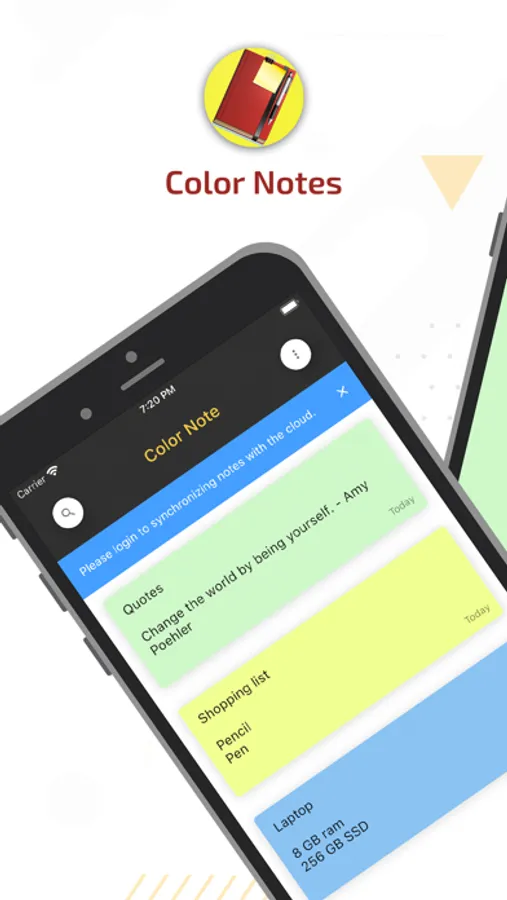
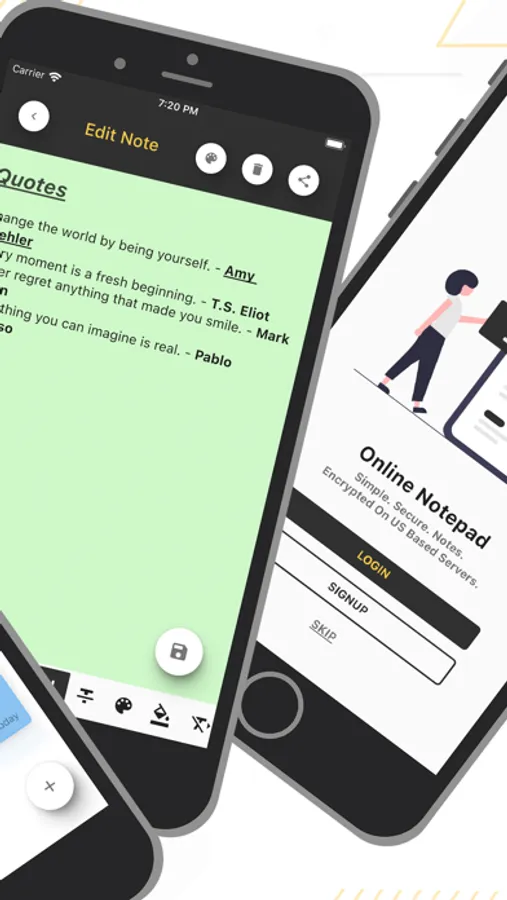
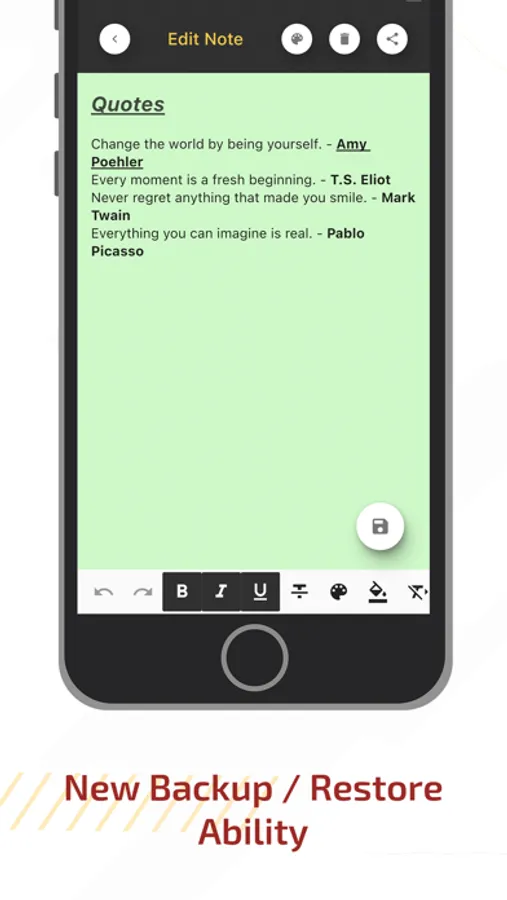
With this note-taking app, you can create, edit, and organize notes using different colors and options. Includes cloud synchronization and support for multiple devices.
AppRecs review analysis
AppRecs rating 4.0. Trustworthiness 78 out of 100. Review manipulation risk 24 out of 100. Based on a review sample analyzed.
★★★★☆
4.0
AppRecs Rating
Ratings breakdown
5 star
72%
4 star
5%
3 star
2%
2 star
1%
1 star
20%
What to know
✓
Low review manipulation risk
24% review manipulation risk
✓
Credible reviews
78% trustworthiness score from analyzed reviews
✓
High user satisfaction
77% of sampled ratings are 4+ stars (4.1★ average)
About Color Notes
Term of use
https://onlinenotebook.net/about-us.php
Privacy Policy
https://onlinenotebook.net/privacy.php
Color Notes Screenshots

Tap to Rate:
Reviews for Color Notes
KJBvelemeny
Please contact us for help
My widlfe's iphone was stolen. We had used this app for ten years. Now we cannot restore it in any shape or form. Even paid on my wife's phone to the paid version, because it said dedicated support, but we cannot find any support. We'd love to find our archived notes. Could you please help? Thank you
cawcolo
You Ruined It!
I used to love this. I’ve used it for years and for many things. But with the last update, it changed. Now when I go into an existing note to edit it, the keyboard pops up as well as a bunch of options for text formatting options. With the keyboard and ALL formatting option shown, there is no room left to see the note I’m trying to edit. So if I want to delete something, I can’t see how far to backspace to delete it. It’s just ridiculous and useless! Bye-bye Color Notes.