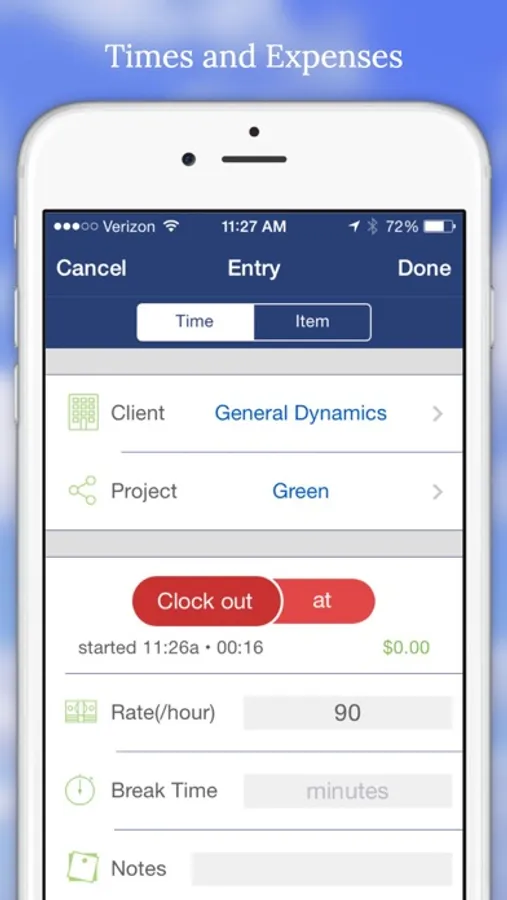
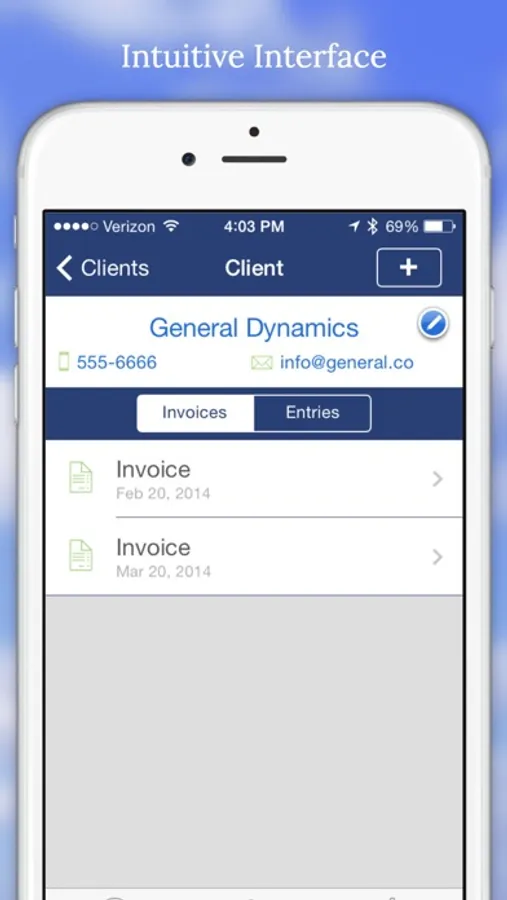
With this time tracking app, you can log work hours, manage expenses, and create invoices. Includes client and project management, report generation, and data export options.
AppRecs review analysis
AppRecs rating 3.6. Trustworthiness 76 out of 100. Review manipulation risk 20 out of 100. Based on a review sample analyzed.
★★★☆☆
3.6
AppRecs Rating
Ratings breakdown
5 star
42%
4 star
19%
3 star
15%
2 star
8%
1 star
15%
What to know
✓
Low review manipulation risk
20% review manipulation risk
✓
Credible reviews
76% trustworthiness score from analyzed reviews
✓
Good user ratings
62% positive sampled reviews
About Billing Hours - Time Tracking
Main Features
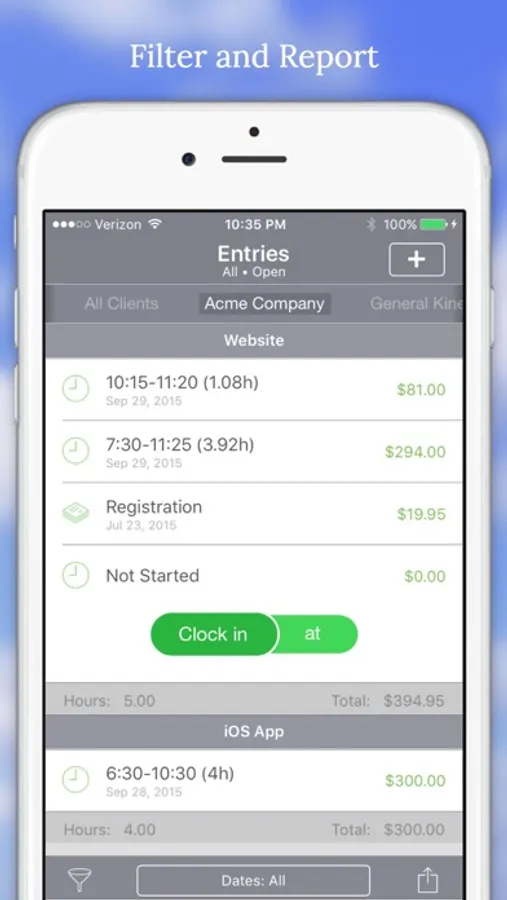
• Quickly add and manage timed entries and expense items by client and project.
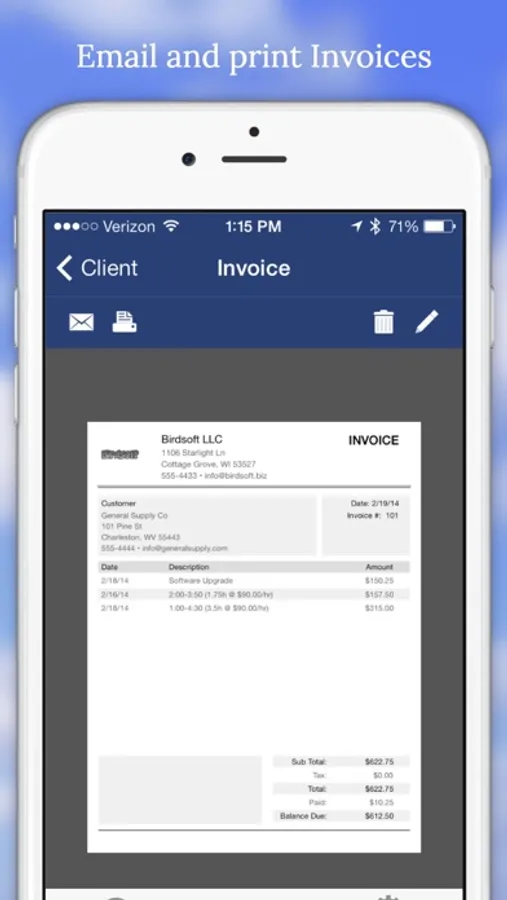
• Create a professional custom invoice based on your entries and quickly email or print it.
• View entries filtered by date range, state, and type and then print or email PDF and CSV reports with the information.
• Date ranges can be week, month, or custom pay periods for each client.
• Quickly reload entries from your CSV emails.
• Use a PIN lock to hide your billing information from prying eyes.
• Unlimited clients, projects, invoices, and reports.
• 3D Touch App Menu
• Invoices in Spotlight Search
___
Do you have any ideas of what you would like to see or need some help, please drop us an email from within the app. And if you like what we are doing, we'd appreciate a good AppStore review.
Billing Hours - Time Tracking Screenshots
Tap to Rate:
Reviews for Billing Hours - Time Tracking
Melonnolem
Has Potential
Needs to be able to save photos in areas were work is needed, started, or finished
Account Unknown
Needs update for iOS 16
Hopefully developer will fix soon. You can no longer double-tap on time to switch from 5 minute intervals to 1 minute intervals. Otherwise, this is one of the most frequently used apps on my phone. Does a great job invoicing and exporting my time sheets. I have been using for a couple years now.