
Use this audio control app to manage connected speakers, stream music, and adjust playback. Includes multi-room audio, music service integration, and device setup features.
AppRecs review analysis
AppRecs rating 4.3. Trustworthiness 76 out of 100. Review manipulation risk 22 out of 100. Based on a review sample analyzed.
★★★★☆
4.3
AppRecs Rating
Ratings breakdown
5 star
74%
4 star
11%
3 star
4%
2 star
3%
1 star
8%
What to know
✓
Low review manipulation risk
22% review manipulation risk
✓
Credible reviews
76% trustworthiness score from analyzed reviews
✓
High user satisfaction
85% of sampled ratings are 4+ stars (4.4★ average)
About HEOS
It is a smart music streaming technology found in all devices Powered by HEOS from Denon, Marantz, and Definitive Technology. HEOS is for music lovers who want a beautiful and intuitive way to enjoy the latest advances in connected audio. You can find HEOS built into great sounding AV receivers, Hi-Fi equipment, sound bars, speakers, mini systems and specialty multi-room models.
Features:
True multi-room audio: play different songs in different rooms or the same song in multiple rooms.
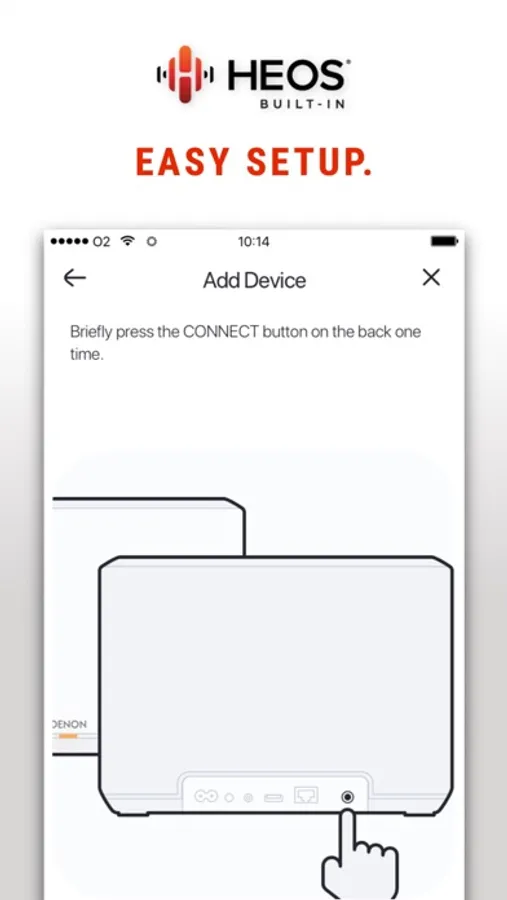
Quick and easy setup: add all your speakers with step-by-step instructions.
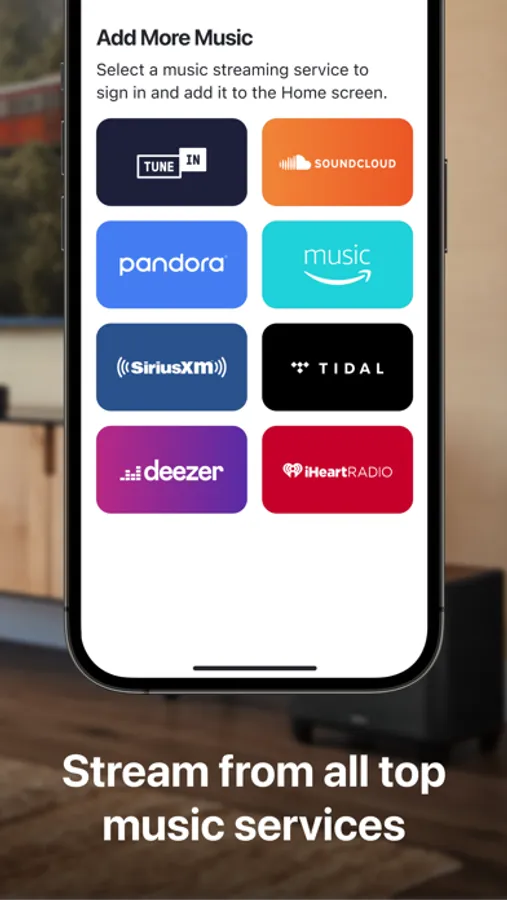
Instant access to your favorite music: play from your favorite online music services, like Spotify, Amazon Music, TIDAL, and more.
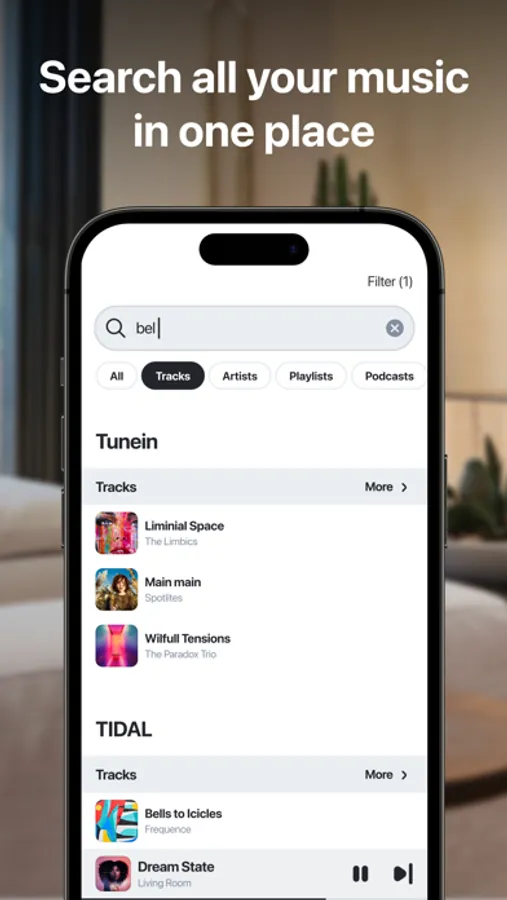
Search your music in one place: use one search function to browse across multiple music sources.
See what’s playing any time: play, pause, and skip music from anywhere in the app.
Access locally stored music: play music saved to your phone, USB, analog inputs, computers, and NAS drives.
Share with your friends and family: support for multiple users and multiple music service accounts.
HEOS Screenshots
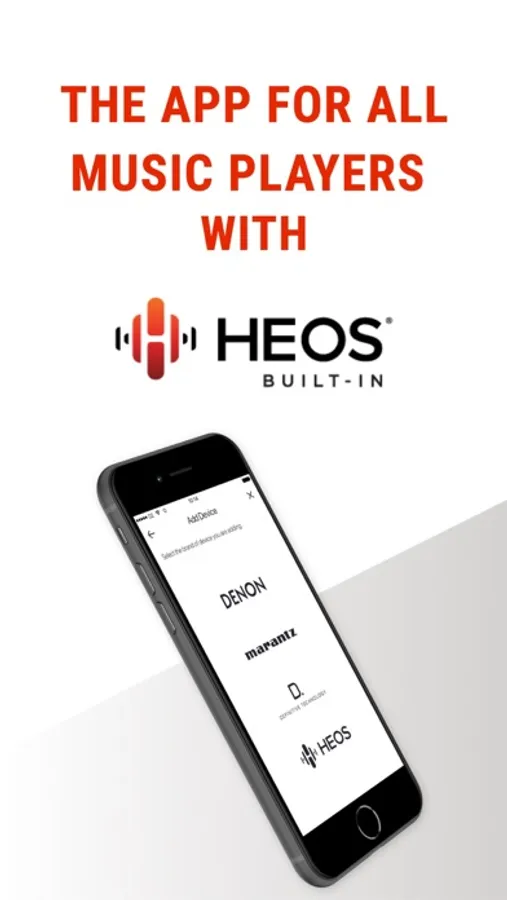
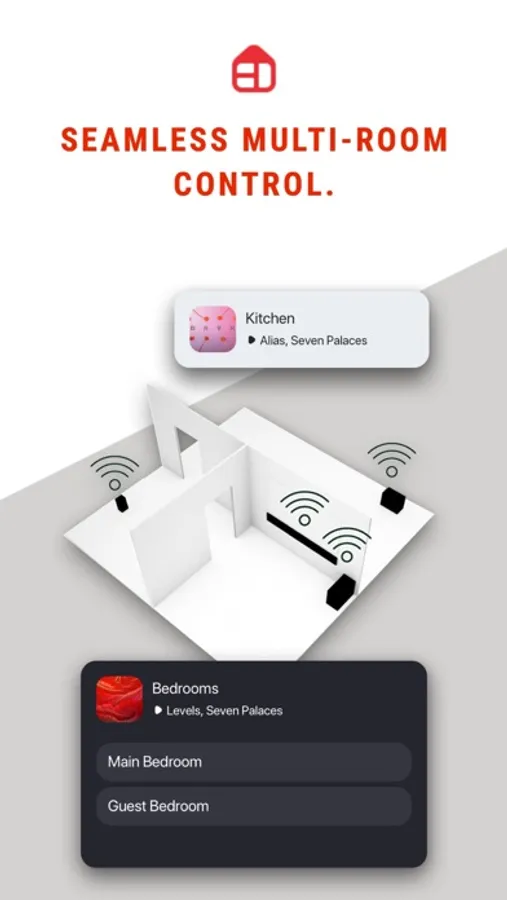
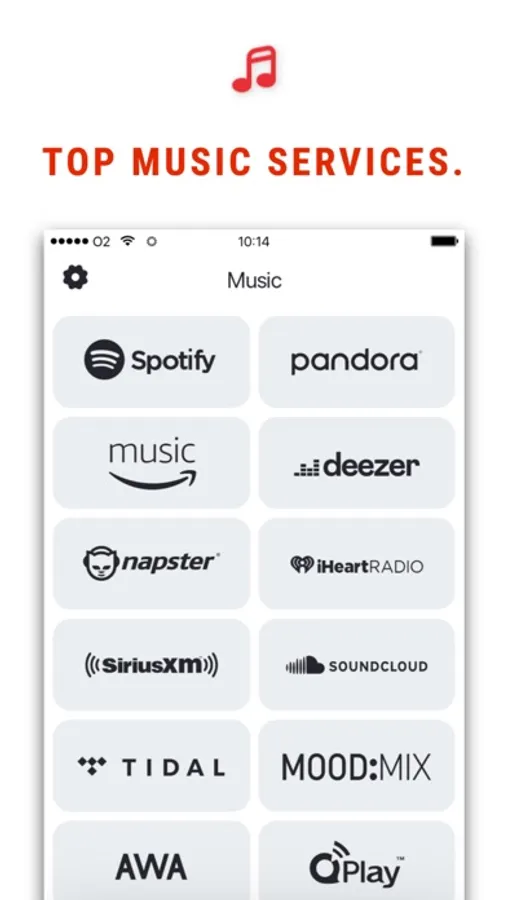
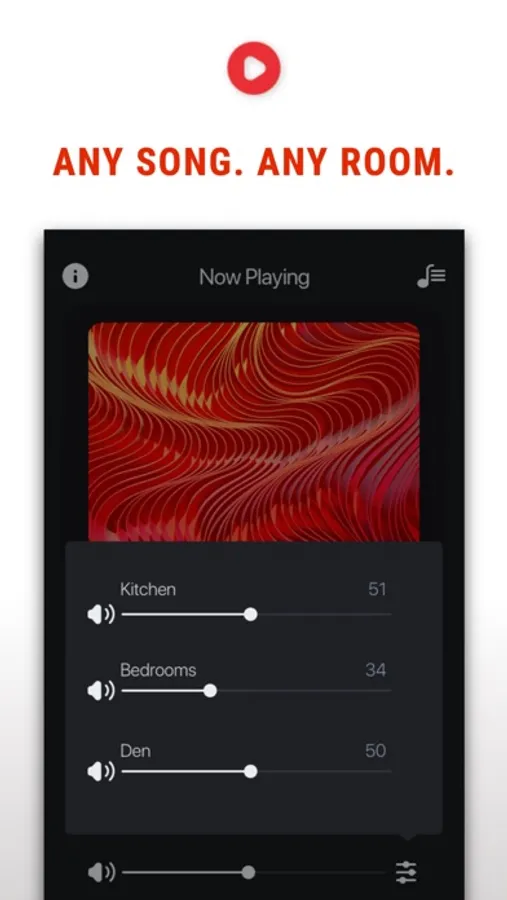
Tap to Rate:
Reviews for HEOS
sskennel
Works well now
After a series of updates the app is working quite well now. I appreciate the developers’ efforts to get it from borderline unusable to its current state.
Ashlaender
At least there’s something
My preference would be to use the Qobuz app directly and have the Denon receiver handle the streaming. This rarely works as the Denon usually refuses to acknowledge the Qobuz app is trying to connect to it and instead plays whatever Heos was playing last. The Heos app has an incomplete Qobuz feature: I can sign in but all of my playlists and liked items are not listed. I have to search for individual tracks or entire albums or artists. Oh well. Better than no solution at all.