
In this app, users can capture full-page or section-specific screenshots of webpages and annotate them with highlights, text, and shapes. Includes features for removing sticky elements, saving images to the gallery, and sharing captures easily.
AppRecs review analysis
AppRecs rating 4.4. Trustworthiness 83 out of 100. Review manipulation risk 30 out of 100. Based on a review sample analyzed.
★★★★☆
4.4
AppRecs Rating
Ratings breakdown
5 star
75%
4 star
8%
3 star
7%
2 star
3%
1 star
7%
What to know
✓
Credible reviews
83% trustworthiness score from analyzed reviews
✓
High user satisfaction
83% of sampled ratings are 4+ stars (4.4★ average)
✓
Authentic reviews
Natural distribution, no red flags
About Web2Pics: Full Page Screenshot
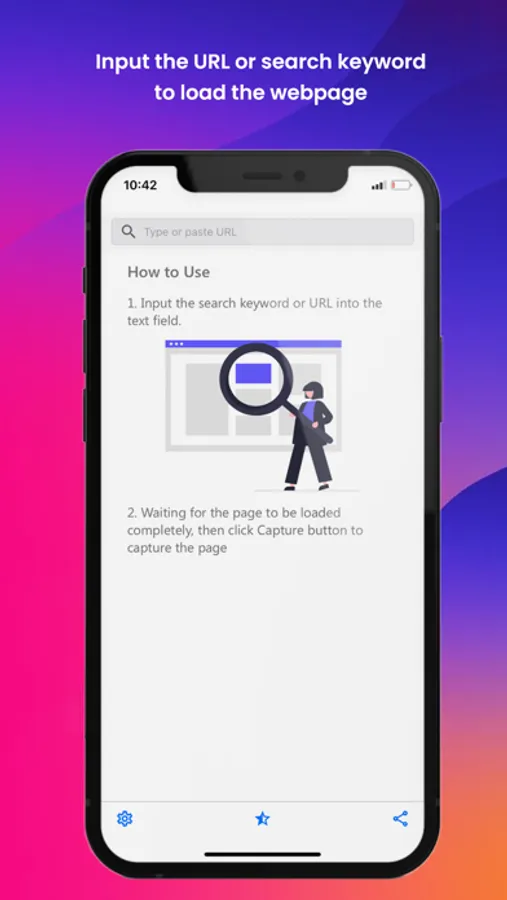
Web2Pics is the best app for capturing and saving webpages. Easily record and save full-length screenshots or specific sections of websites. Share and annotate your webpage captures with ease. Remove unwanted elements and enjoy a clean, distraction-free view. Web2Pics is your go-to tool for all your webpage screenshot needs.
Cool Features:
- Screenshot the Visible Area: Snap images of what you see on your screen.
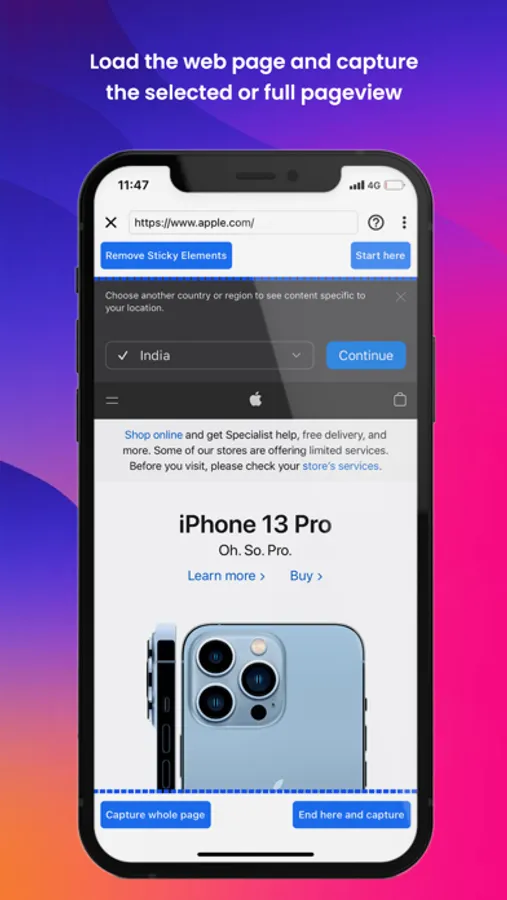
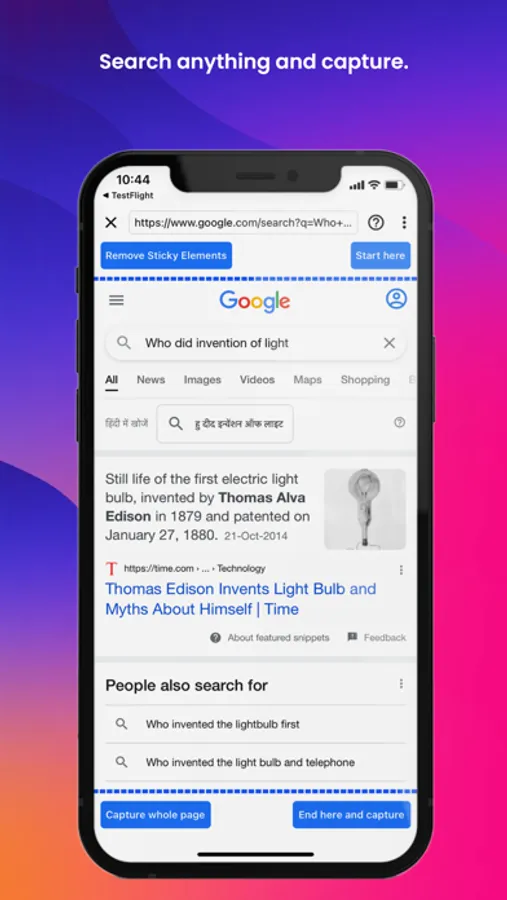
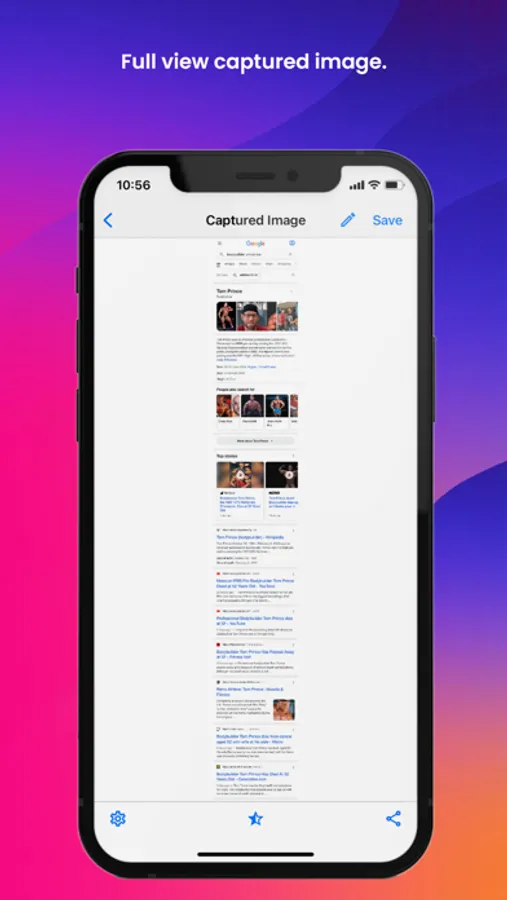
- Full-Length Screenshots: Capture entire web pages from top to bottom.
- Annotate with Ease: Add highlights, text, and shapes to your screenshots.
- Save to Photo Gallery: Keep your screenshots organized on your device.
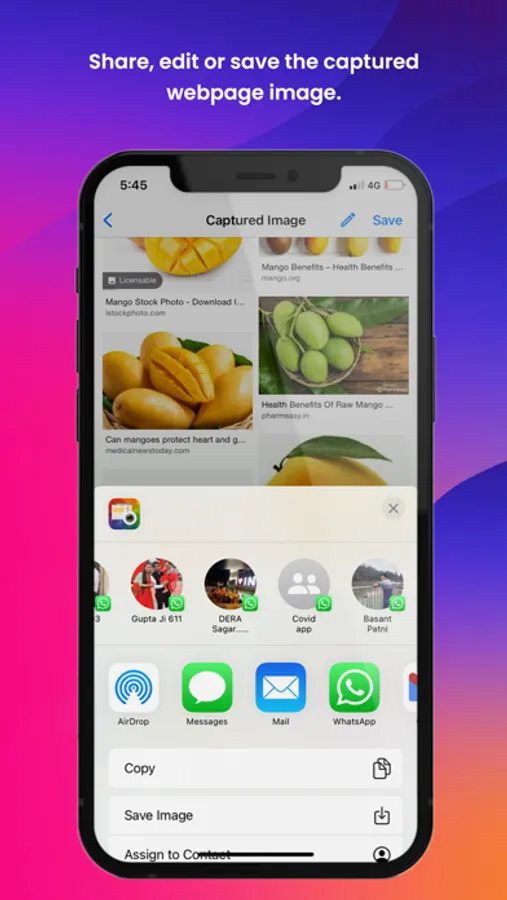
- Seamless Sharing: Share your screenshots through various options.
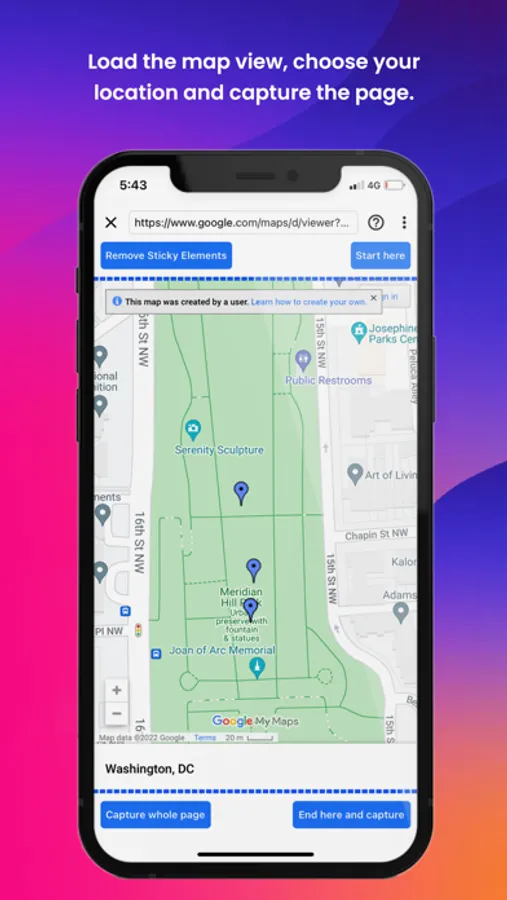
- Remove Sticky Elements: Eliminate distracting headers, footers, or pop-ups.
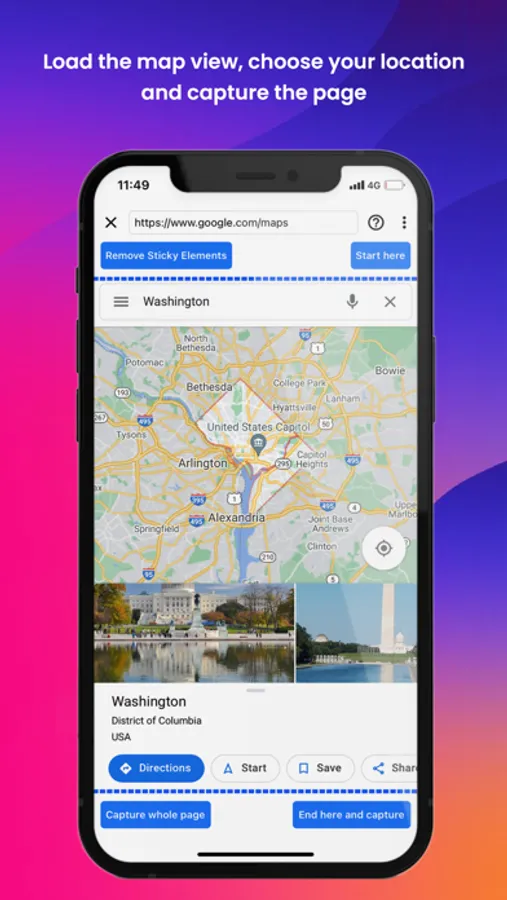
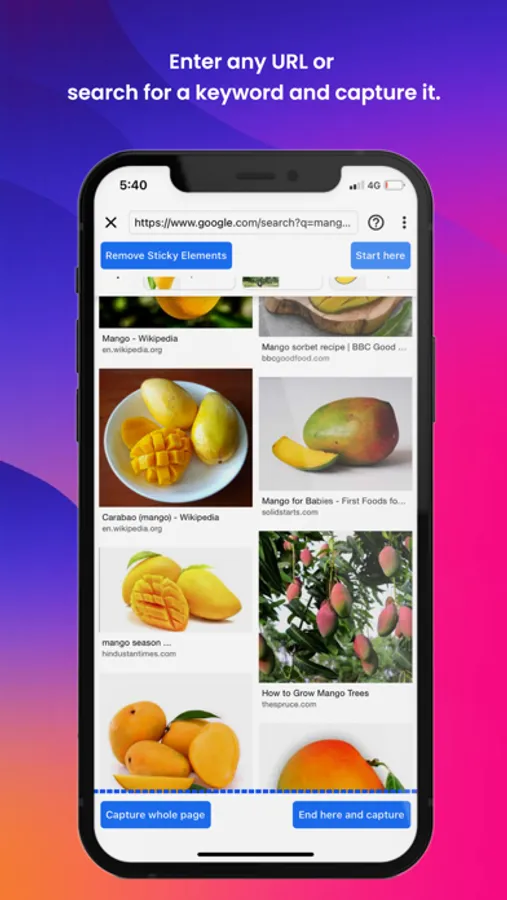
With Web2Pics, taking screenshots is effortless. Whether you need a full-page capture or just a specific section, you can easily focus on the most relevant content.
A standout feature is our ability to remove sticky elements. Tired of headers or pop-ups disrupting your screenshots? With a simple toggle, clean up your images for a distraction-free view.
Use our built-in annotation tools to mark up your screenshots with highlights, text, and shapes, making your captured images more informative and effective.
Web2Pics also doubles as a web recorder. Create a visual archive of your browsing activities, from important moments to inspiring designs, with just a tap.
Manage and organize your captured images within our app’s photo gallery. Access your screenshots anytime and share them effortlessly.
We’re constantly working on adding new features and improvements. We’d love to hear from you! Share your feedback and experiences at support@appculus.com. Thanks for choosing Web2Pics!
Web2Pics: Full Page Screenshot Screenshots

Tap to Rate:
Reviews for Web2Pics: Full Page Screenshot
AlexisM87
Glitchy
Captures the screenshot but does not allow me to save it or share it. Useless. Plus a ton of long ads
hackerlocal.us
I give this app 5 stars for it’s potential
The app has an extremely beautiful and useful functionality if it were integrated into Siri Shortcuts. Price is a steal! Being able to screenshot and extract information from the screenshot / extract text from it using shortcuts will sky rocket shortcuts automation capabilities.. these will make it a guaranteed buy for audience who enjoy shortcuts. please add some cool app intents to your app.