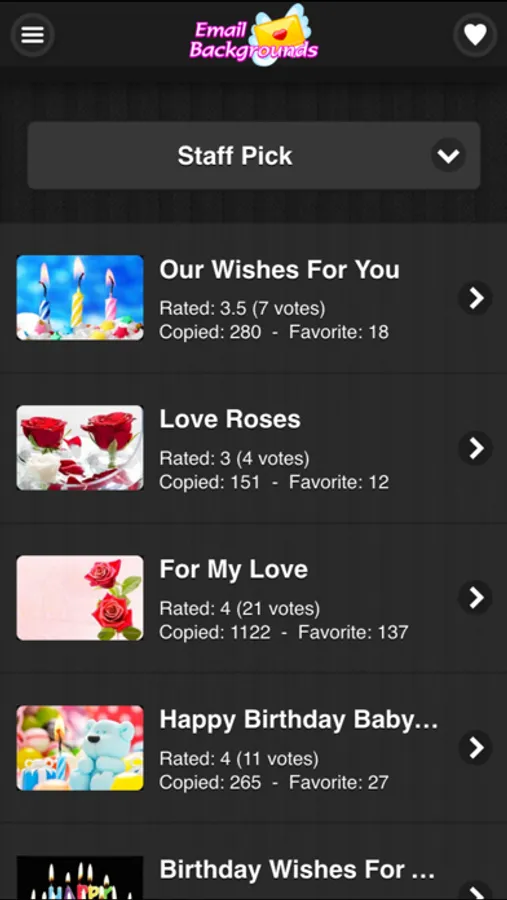
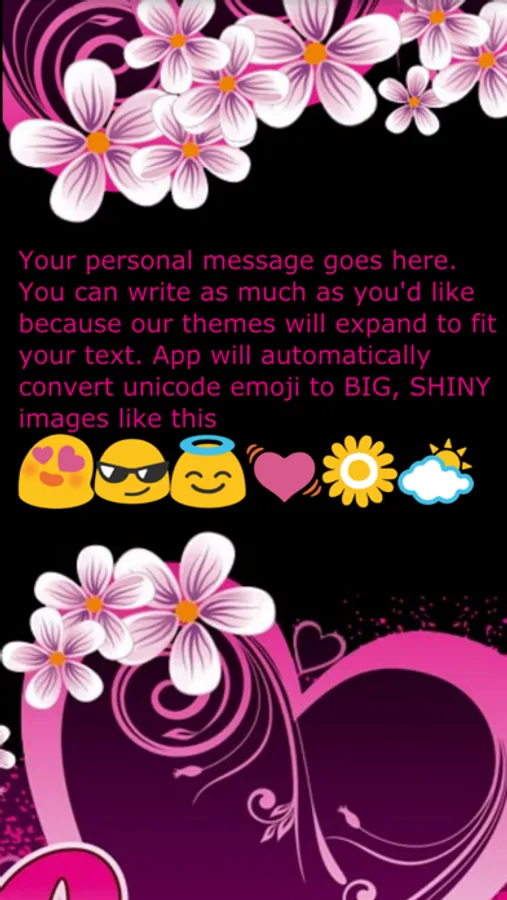
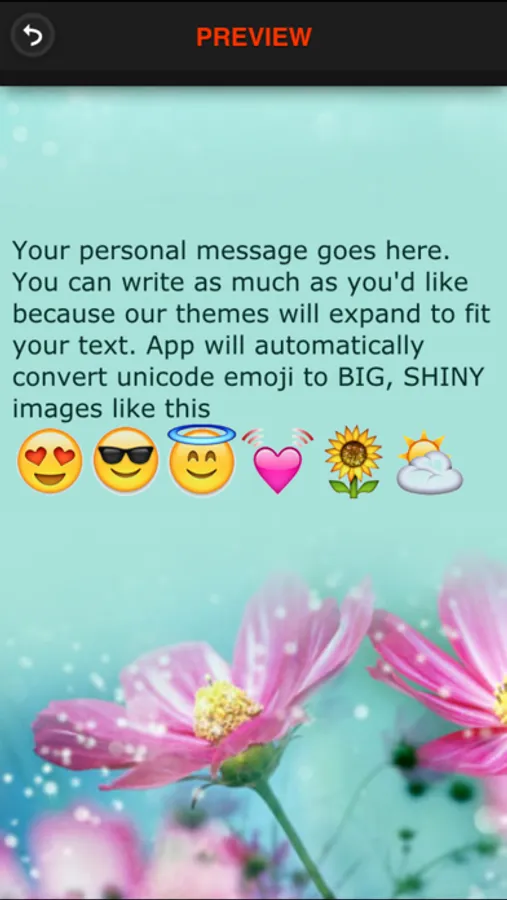
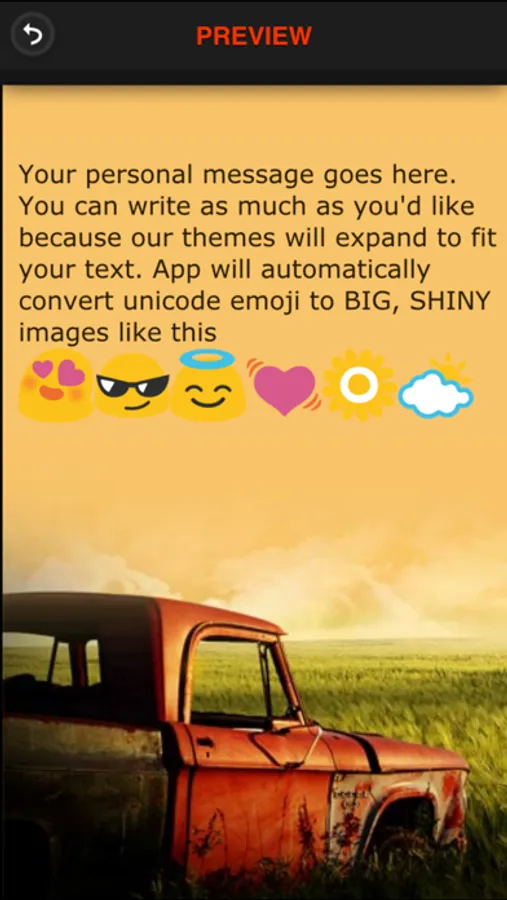
In this app, you can create colorful email backgrounds and add large emoji images to your messages. Includes over 1000 email backgrounds, canned responses, and emoji conversion features.
AppRecs review analysis
AppRecs rating 1.9. Trustworthiness 82 out of 100. Review manipulation risk 22 out of 100. Based on a review sample analyzed.
★☆☆☆☆
1.9
AppRecs Rating
Ratings breakdown
5 star
29%
4 star
6%
3 star
0%
2 star
18%
1 star
47%
What to know
✓
Low review manipulation risk
22% review manipulation risk
✓
Credible reviews
82% trustworthiness score from analyzed reviews
⚠
Mixed user feedback
Average 2.5★ rating suggests room for improvement
About Email Backgrounds & Stationery
Full Version — Email Backgrounds & Stationery
Create beautiful, professional email backgrounds with full access to all premium features. This full version removes all branding and unlocks the complete font and design experience, giving you total creative freedom for every message you send.
Your Source for Beautiful Email Backgrounds and Stationery. Whether you’re sending invitations, announcements, or everyday emails, Email Backgrounds Pro helps your messages stand out with polished designs that work across popular email clients.
Compatible with: Mac Mail, Gmail, Yahoo Mail, Outlook, Windows Mail, AOL, and other webmail services.
Pro Features:
• No Branding – Export themes without “Powered by” labels
• 84 Premium Fonts Unlocked – Full handwriting and decorative font library
• Custom Fonts – Add and use your own installed fonts (MacOS or iPad only)
• Live Theme Preview – Hover thumbnails to instantly preview designs
• Direct Message Editing – Type directly onto the background
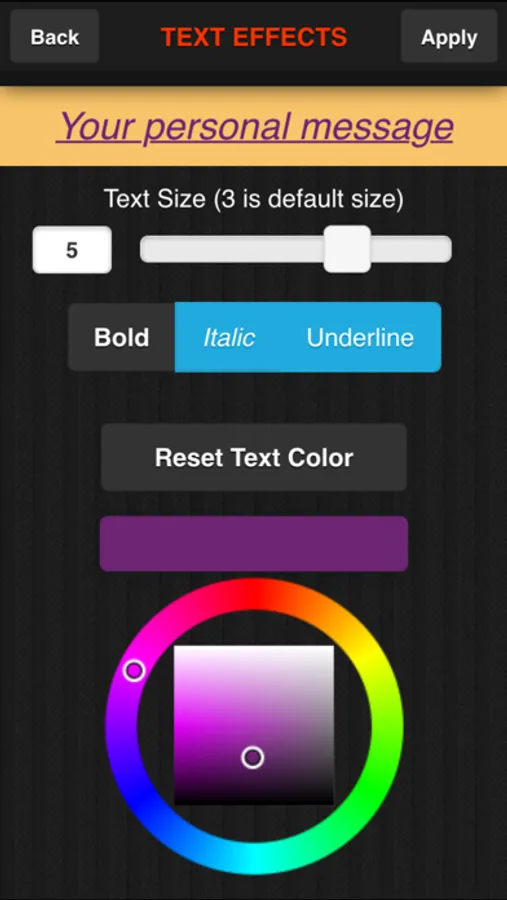
• Real-Time Font Styling – Size and style update instantly as you write
• Emoji Support – Add expressive emojis to your messages
• Advanced Font Controls – Customize color, size, and alignment
• Favorites – Save designs for quick access
• History – Re-edit or reuse past messages anytime
• QR Code Mobile Transfer – Design on desktop, scan, and send from your mobile Gmail app
• Clipboard & Composer Support – Copy backgrounds or push directly to your email composer
Enjoy seamless access across iPhone, iPad, iMac, and macOS desktop with a single purchase.
Create beautiful, professional email backgrounds with full access to all premium features. This full version removes all branding and unlocks the complete font and design experience, giving you total creative freedom for every message you send.
Your Source for Beautiful Email Backgrounds and Stationery. Whether you’re sending invitations, announcements, or everyday emails, Email Backgrounds Pro helps your messages stand out with polished designs that work across popular email clients.
Compatible with: Mac Mail, Gmail, Yahoo Mail, Outlook, Windows Mail, AOL, and other webmail services.
Pro Features:
• No Branding – Export themes without “Powered by” labels
• 84 Premium Fonts Unlocked – Full handwriting and decorative font library
• Custom Fonts – Add and use your own installed fonts (MacOS or iPad only)
• Live Theme Preview – Hover thumbnails to instantly preview designs
• Direct Message Editing – Type directly onto the background
• Real-Time Font Styling – Size and style update instantly as you write
• Emoji Support – Add expressive emojis to your messages
• Advanced Font Controls – Customize color, size, and alignment
• Favorites – Save designs for quick access
• History – Re-edit or reuse past messages anytime
• QR Code Mobile Transfer – Design on desktop, scan, and send from your mobile Gmail app
• Clipboard & Composer Support – Copy backgrounds or push directly to your email composer
Enjoy seamless access across iPhone, iPad, iMac, and macOS desktop with a single purchase.
Email Backgrounds & Stationery Screenshots
Tap to Rate:
Reviews for Email Backgrounds & Stationery
bacardirum
Jennifer
Email background
Too Savy
This app used to be very easy, now it is impossible!
Going to try to find another app… I can’t get the composition to copy to an email, so it is now a total waste of time! Ugh! Everything is changed, it used to be so easy to copy and paste!