AppRecs review analysis
AppRecs rating 2.3. Trustworthiness 65 out of 100. Review manipulation risk 28 out of 100. Based on a review sample analyzed.
★★☆☆☆
2.3
AppRecs Rating
Ratings breakdown
5 star
0%
4 star
0%
3 star
100%
2 star
0%
1 star
0%
What to know
✓
Low review manipulation risk
28% review manipulation risk
⚠
Mixed user feedback
Average 2.3★ rating suggests room for improvement
About DVR.Webcam - OneDrive Edition
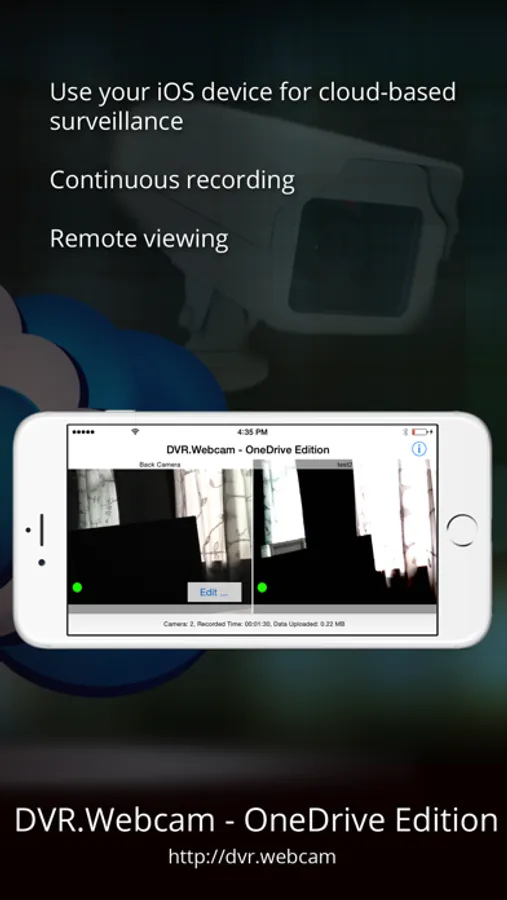
DVR.Webcam: OneDrive Edition is a cloud-based DVR (digital video recorder) app that uses OneDrive as its cloud storage. The app turns your iOS device into a cloud-based surveillance and monitoring tool that will stream and store live video from your device’s camera. Unlike other cloud-based DVR solutions, the app does NOT require monthly fees to store your recording. It simply uses spare storage on your OneDrive.
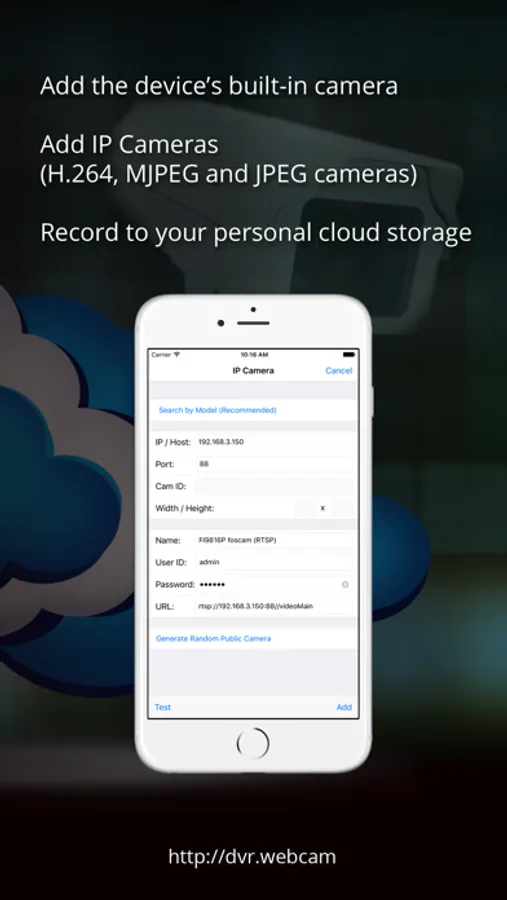
The app supports the device’s built-in cameras, as well as IP cameras (MJPEG, JPEG, or H.264) on your network.
The app automatically records camera’s live video (in the case of built-in camera, audio as well) and streams it over to your personal OneDrive account. You can define X number of days to keep the DVR recordings in the cloud, and the software will automatically manage the storage for you.
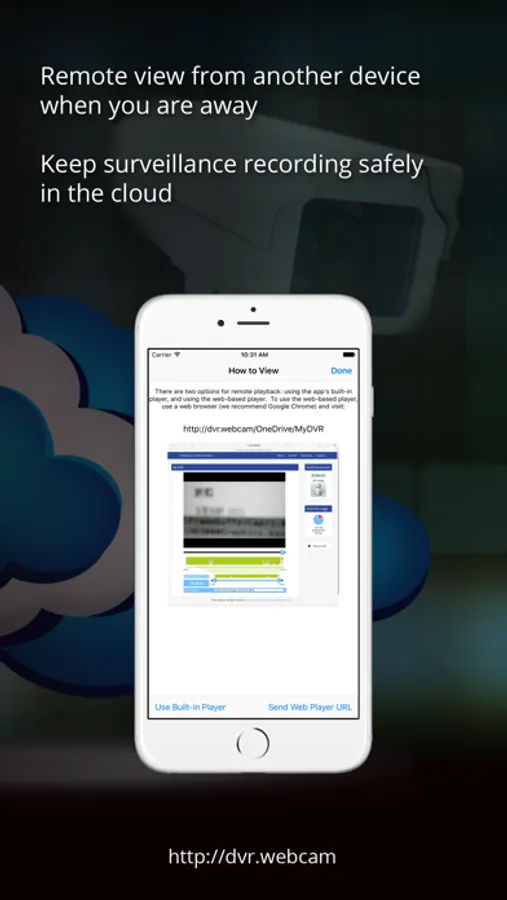
You can easily remotely view your DVR recordings stored on OneDrive using a web browser from another computer or mobile device. For example, you can use one iOS device as the DVR recorder at home, and remotely view the recordings from another iOS device or computer when you are away.
There is no need to configure firewall or router for remote viewing. Recording is securely stored on your OneDrive, and therefore it will still be available even if the device is stolen.
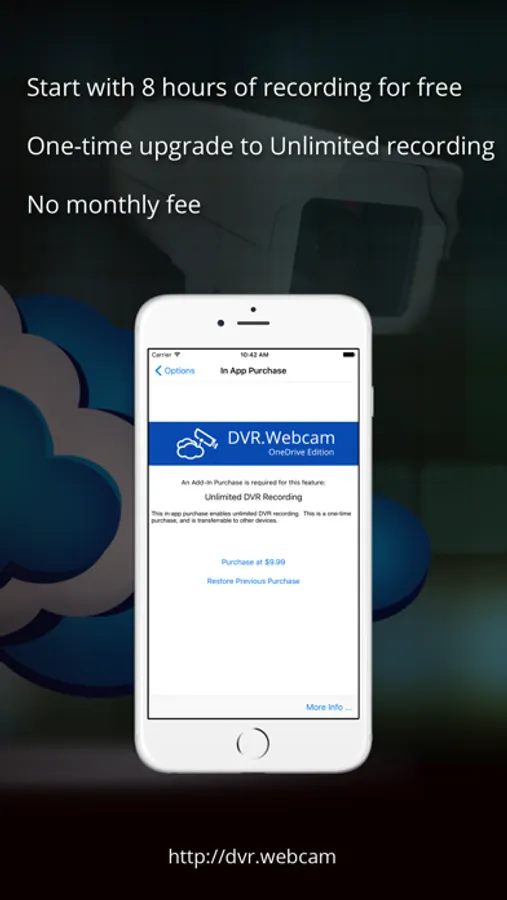
The free app supports up to 8 hours of DVR recording. Unlimited recording can be upgraded via an in-app purchase.
Features:
* Built-in camera (front and back) support with audio.
* IP camera support (MJPEG, JPEG and H.264 cameras).
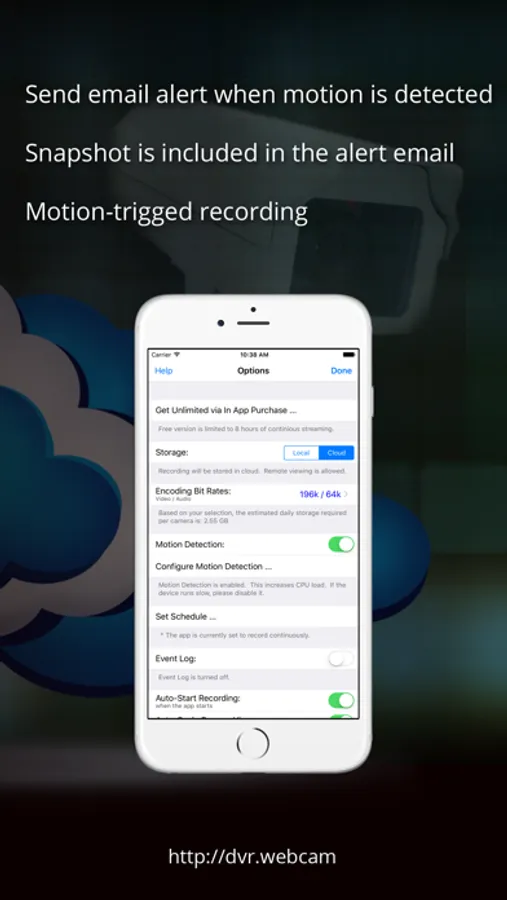
* Motion detection with email alert.
* Store recordings either to OneDrive or locally on the device itself.
* Remote playback from another device from another iOS device or computer (using web-based viewer).
* Secure playback using web-based viewer at https://DVR.webcam/OneDrive/MyDVR.
* Free up to 8 hours of continuous recording.
* Support large number of IP cameras models such as Axis, Foscam, Trendnet, D-Link, Panasonic, Geovision, etc.
The app supports the device’s built-in cameras, as well as IP cameras (MJPEG, JPEG, or H.264) on your network.
The app automatically records camera’s live video (in the case of built-in camera, audio as well) and streams it over to your personal OneDrive account. You can define X number of days to keep the DVR recordings in the cloud, and the software will automatically manage the storage for you.
You can easily remotely view your DVR recordings stored on OneDrive using a web browser from another computer or mobile device. For example, you can use one iOS device as the DVR recorder at home, and remotely view the recordings from another iOS device or computer when you are away.
There is no need to configure firewall or router for remote viewing. Recording is securely stored on your OneDrive, and therefore it will still be available even if the device is stolen.
The free app supports up to 8 hours of DVR recording. Unlimited recording can be upgraded via an in-app purchase.
Features:
* Built-in camera (front and back) support with audio.
* IP camera support (MJPEG, JPEG and H.264 cameras).
* Motion detection with email alert.
* Store recordings either to OneDrive or locally on the device itself.
* Remote playback from another device from another iOS device or computer (using web-based viewer).
* Secure playback using web-based viewer at https://DVR.webcam/OneDrive/MyDVR.
* Free up to 8 hours of continuous recording.
* Support large number of IP cameras models such as Axis, Foscam, Trendnet, D-Link, Panasonic, Geovision, etc.
DVR.Webcam - OneDrive Edition Screenshots
Tap to Rate:
Reviews for DVR.Webcam - OneDrive Edition
Ree~Ree~6514
Would be GREAT.... BUT....
The app crashes agree 1-2 mins whether your recording or not. Just trying to configure the settings causes it to crash. Will update my review if/when this Issue is resolved.