
With this network tools app, you can perform diagnostics such as ping, traceroute, port scan, and DNS lookup. Includes ARP/NDP lookup, DNS records, IP calculator, and security checks.
AppRecs review analysis
AppRecs rating 4.1. Trustworthiness 73 out of 100. Review manipulation risk 27 out of 100. Based on a review sample analyzed.
★★★★☆
4.1
AppRecs Rating
Ratings breakdown
5 star
65%
4 star
9%
3 star
4%
2 star
4%
1 star
17%
What to know
✓
Low review manipulation risk
27% review manipulation risk
✓
Credible reviews
73% trustworthiness score from analyzed reviews
✓
High user satisfaction
74% of sampled ratings are 4+ stars (4.0★ average)
About HE.NET Network Tools
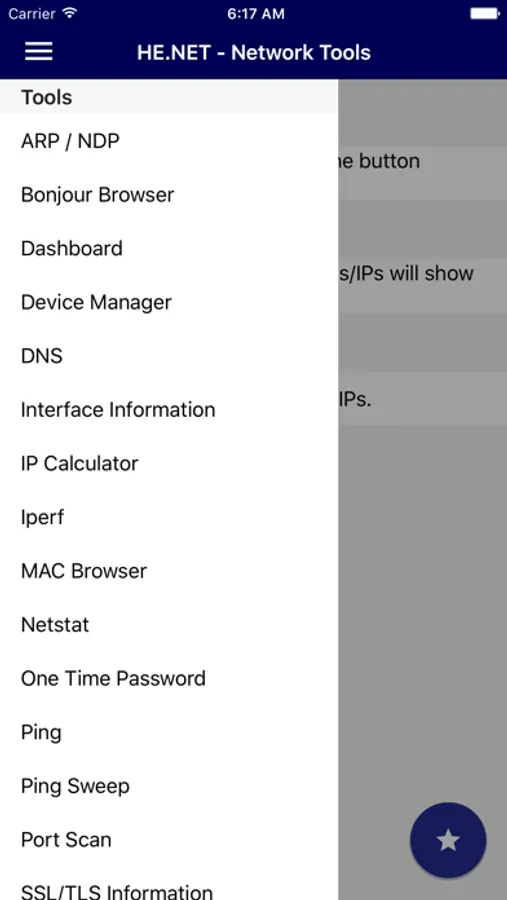
+ ARP / NDP: Lookup local devices found on your network using either ARP (IPv4) or NDP (IPv6).
+ Bonjour Browser: See what DNS-SD/Bonjour services are available on your network
+ DNS lookup: Search for a servers DNS zone records such as SOA, NS, A, AAAA, MX, PTR.
+ Interface Information: Get information regarding your device's current network state.
+ IP Calculator: Calculate the Netmask, Wildcard, Network, Host range, and Broadcast for a given subnet.
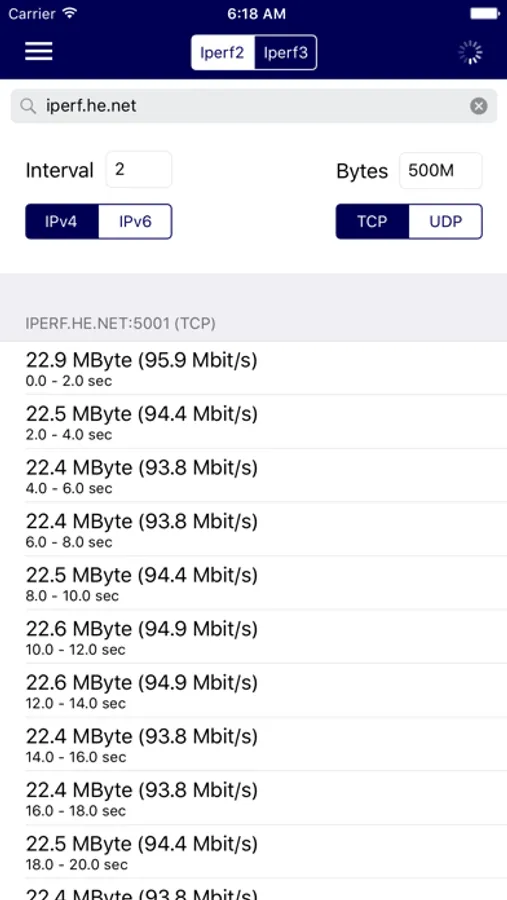
+ iperf: Check bandwidth against remote iperf services.
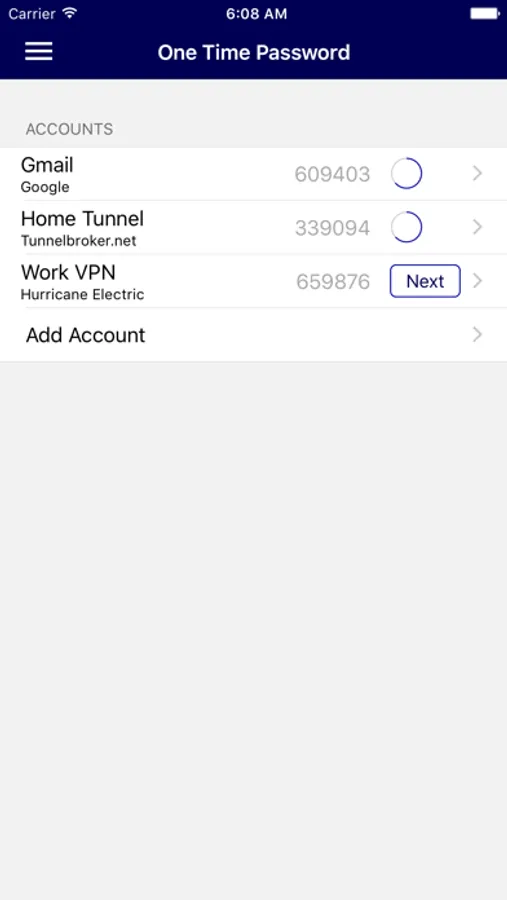
+ One Time Password: Securely store and view your TOTP and HOTP (two-factor authentication) codes. TOTP codes are available on the Apple Watch.
+ Ping: Send ICMP packets to a single IPv4/IPv6 address.
+ Ping Sweep: Send ICMP packets to an entire subnet range.
+ Traceroute: Find the route packets take to reach your destination.
+ Progressive Traceroute: Get detailed statistics for a given route.
+ Port Scan: Scan a list of TCP ports on any server.
+ Routing Table: See your local device's routing table.
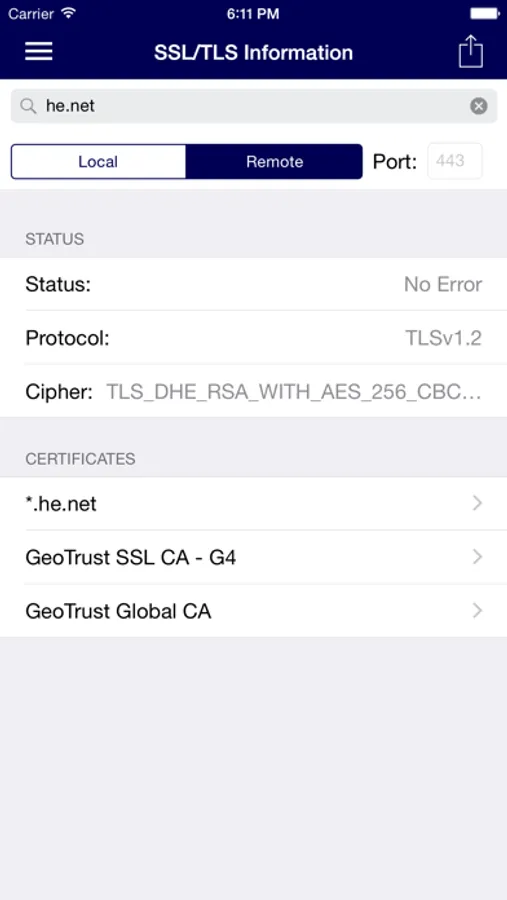
+ SSL/TLS Information: Check available ciphers, protocols and what's being used when connecting to a remove service.
+ Whois: Get information regarding network resources.
+ NO ADS!
Note: Recent iOS releases secure certain low-level network information, and as such will not be available in-app, such as MAC addresses for other network devices.
HE.NET Network Tools Screenshots
Tap to Rate:
Reviews for HE.NET Network Tools
Willian T. Cat
Decent overall app; no Vision Pro option
Hurricane Electric electric's free DNS and IPv6 Tunnelbroker services are great and this app is no exception. Provides fundamental network clients without an overly fancy interface -- gets the job done. Needs to be enabled to allow download to the Vision Pro. I don't care about any special Vision Pro controls and would be perfectly happy with the stock iPadOS interface on the Vision Pro. Please enable!
T.S.|K-Spree
Light weighted and effective
The way all app’s should have been.