In this media playback app, you can create playlists of YouTube videos and loop them seamlessly. Includes playlist management, video sharing, AirPlay, and TV-Out support.
AppRecs review analysis
AppRecs rating 4.4. Trustworthiness 76 out of 100. Review manipulation risk 28 out of 100. Based on a review sample analyzed.
★★★★☆
4.4
AppRecs Rating
Ratings breakdown
5 star
79%
4 star
8%
3 star
4%
2 star
2%
1 star
7%
What to know
✓
Low review manipulation risk
28% review manipulation risk
✓
Credible reviews
76% trustworthiness score from analyzed reviews
✓
High user satisfaction
79% of sampled ratings are 5 stars
About Player & Playlist for Youtube
Features include:
* 100% FREE. - No Ads when playing video
* Play videos continuously without EXITING full screen mode
* Best Youtube player
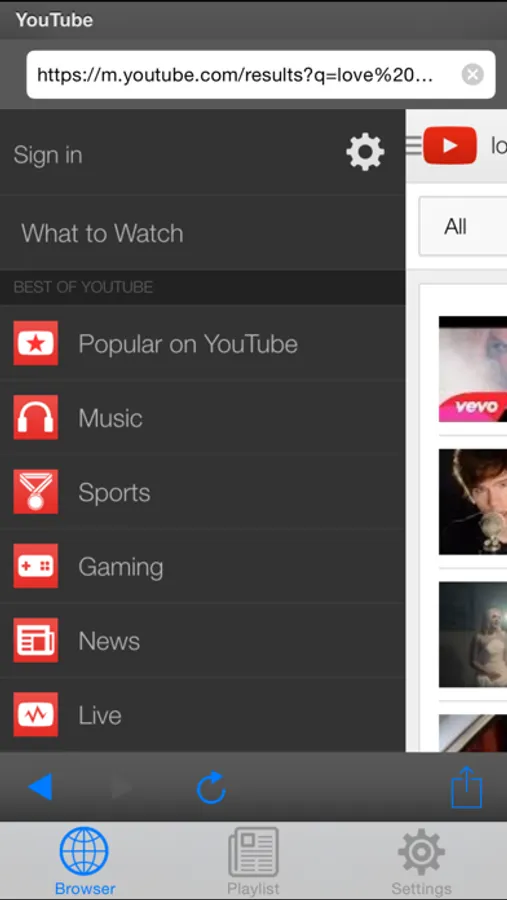
* Switch different countries to watch their trending videos
* Long touch on one song in Playlist and share video link to any social network apps in your iPhone/iPad/iPod Touch devices.
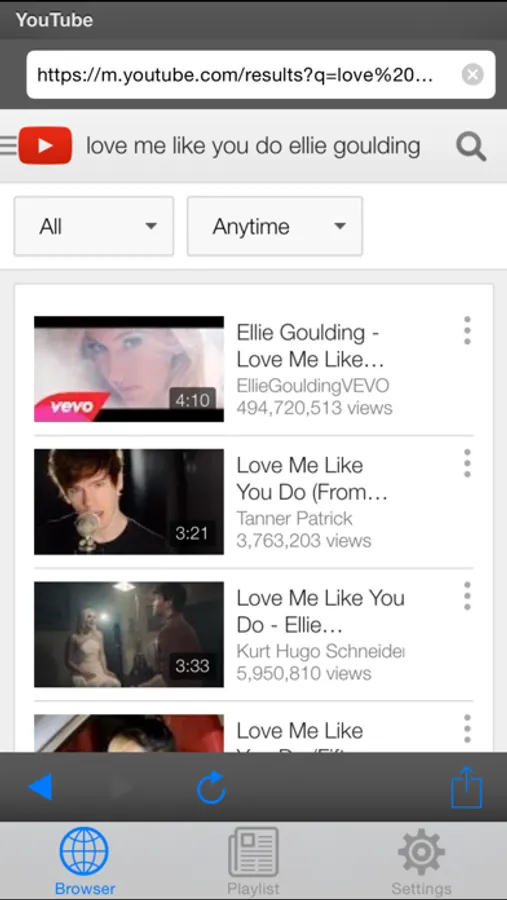
* YouTube video search
* Watch your channels like you are on Youtube web (all functions on Youtube will available in this app)
* AirPlay support
* TV-Out support
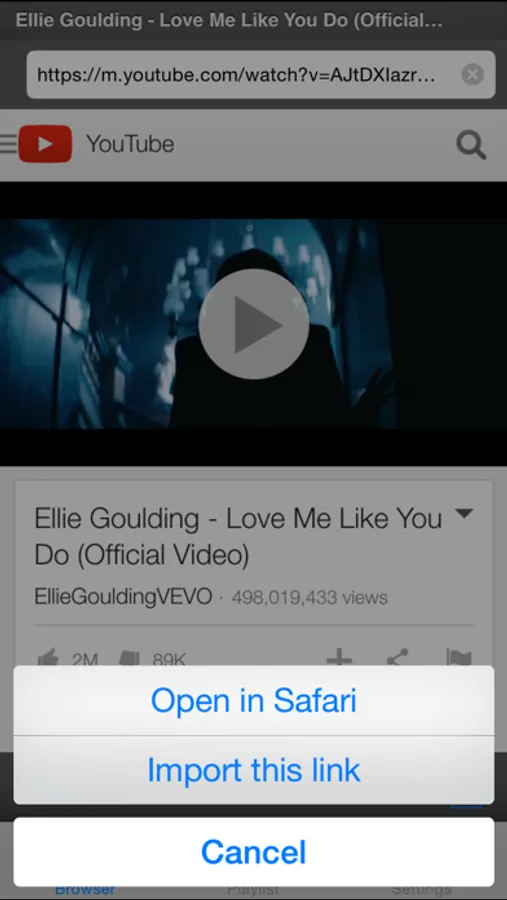
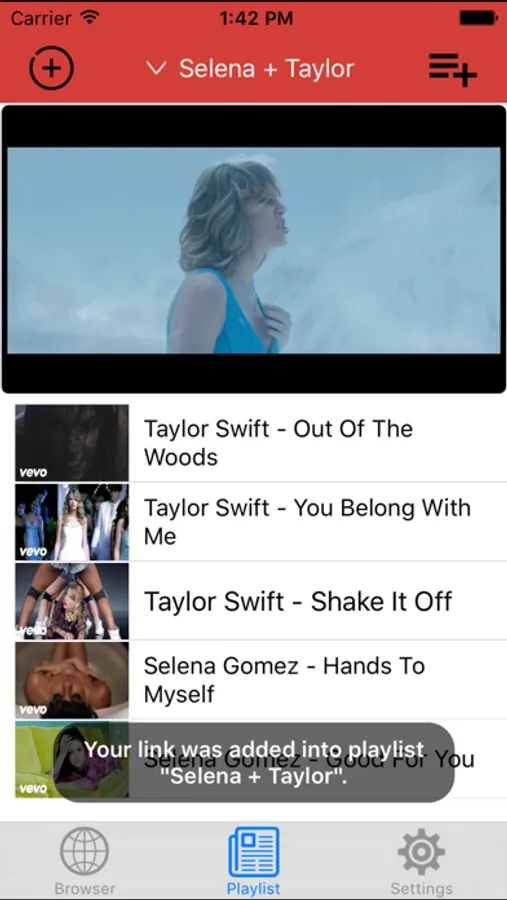
* Add videos from Youtube to your playlist and watch it in loop
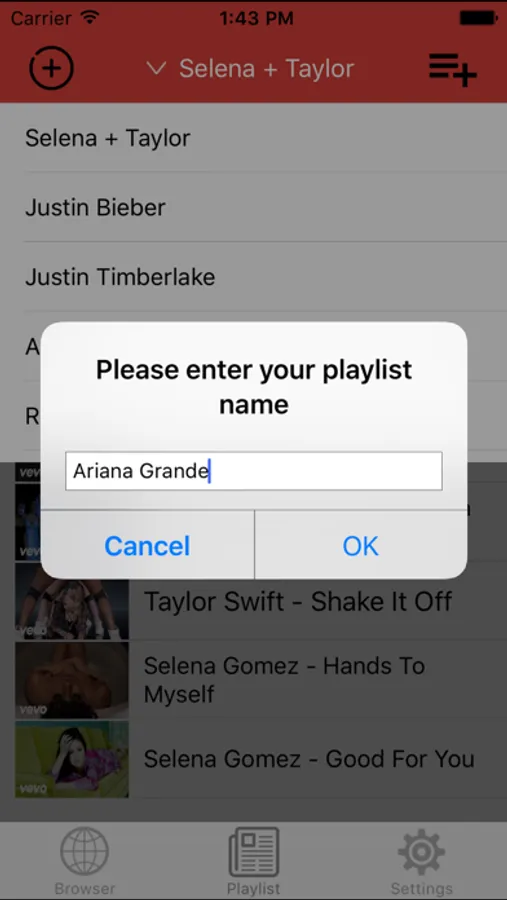
* Manage Your Playlist (swipe to delete any youtube link)
* Universal app for iPhone and iPad
* Use app in both Portrait and Landscape
* Background Play - Play videos in background by closing app and using the multitasking music controls to resume playback.
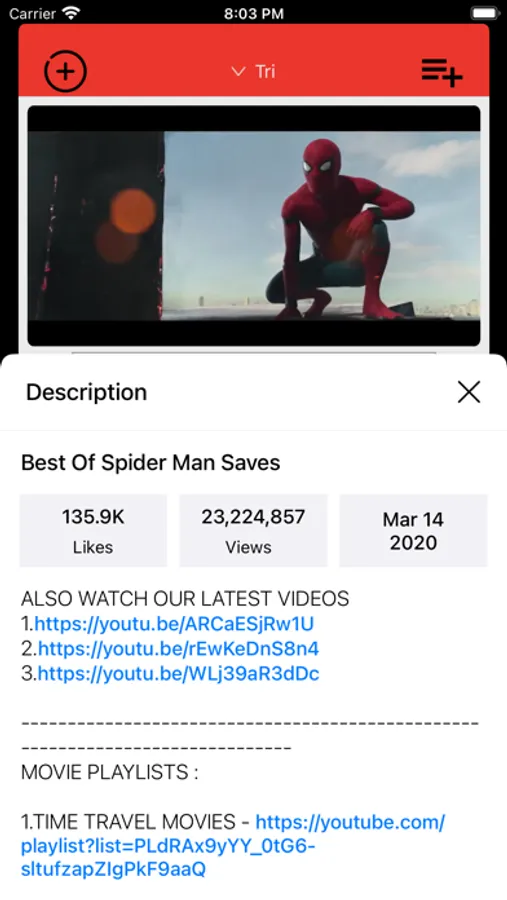
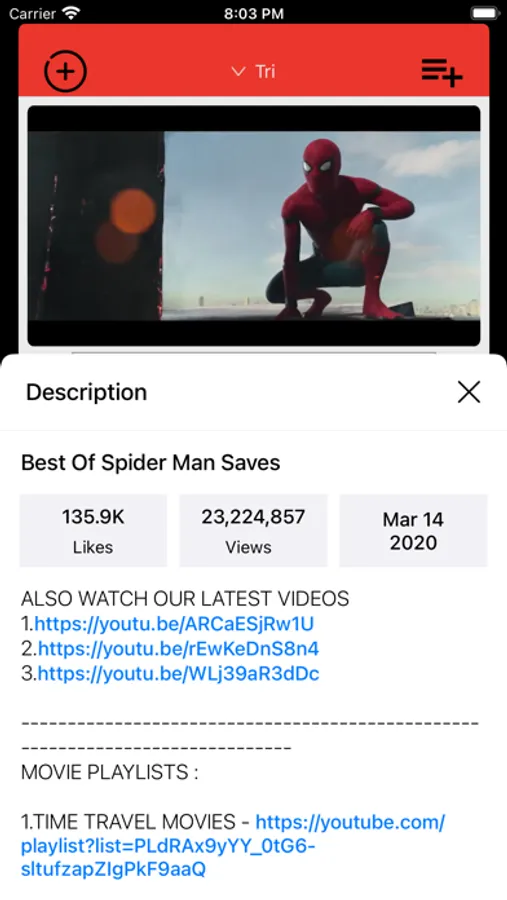
* View video info
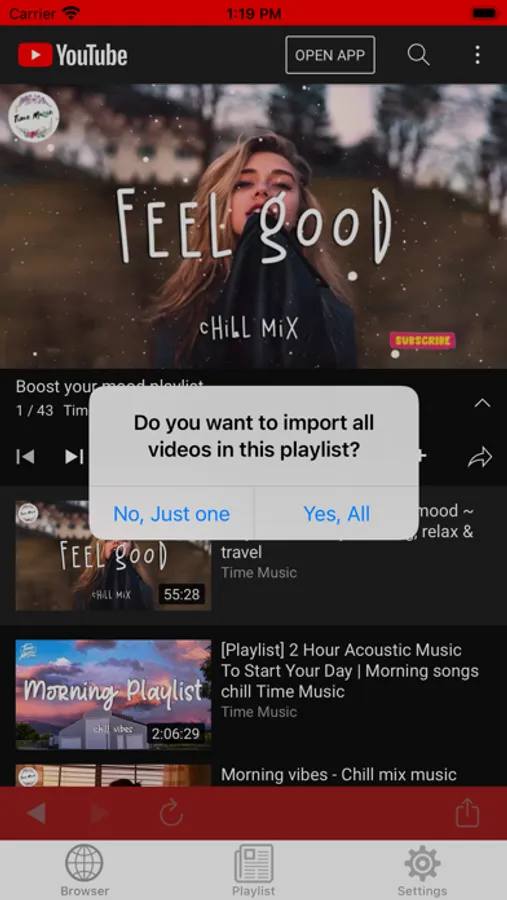
* Import all videos in the same playlist (Just open one video in the playlist and choose to import all)
Video formats:
.mp4, .avi, .mkv, .mpeg
Tube it and enjoy!
Thanks!
All trademarks belong to their respective parties. YouTube, YouTube logo is used for informational purposes only. All rights reserved.
Player & Playlist for Youtube Screenshots
Tap to Rate:
Reviews for Player & Playlist for Youtube
Kennabobb
Confusing and won’t function at all without your private info
This app offers absolutely 0 guide or tutorial on how to use it. I have no idea how it’s supposed to work or what I’m supposed to be able to do. I suppose the problem is that I don’t want to give this app my YouTube login so it just straight up won’t let me do anything at all. But that’s so stupid, why isn’t there any way to use it without a login? Why can’t I just paste video links or something into the app to build the playlists instead of having to fork over my private information? So sketchy and such a waste of time
GetAbetterApp1038374737
What’s the point
Can’t actually use any buttons after having a song play including the search. So you have to close app and reopen.