With this app, you can securely store personal files, notes, and contacts, and browse privately. Includes passcode protection, Face ID/Touch ID, and an internet browser with no history.
AppRecs review analysis
AppRecs rating 2.3. Trustworthiness 75 out of 100. Review manipulation risk 25 out of 100. Based on a review sample analyzed.
★★☆☆☆
2.3
AppRecs Rating
Ratings breakdown
5 star
28%
4 star
8%
3 star
8%
2 star
6%
1 star
51%
What to know
⚠
Pricing complaints
Many low ratings mention paywalls or pricing
⚠
Mixed user feedback
Average 2.6★ rating suggests room for improvement
⚠
High negative review ratio
56% of sampled ratings are 1–2 stars
About FileGuard
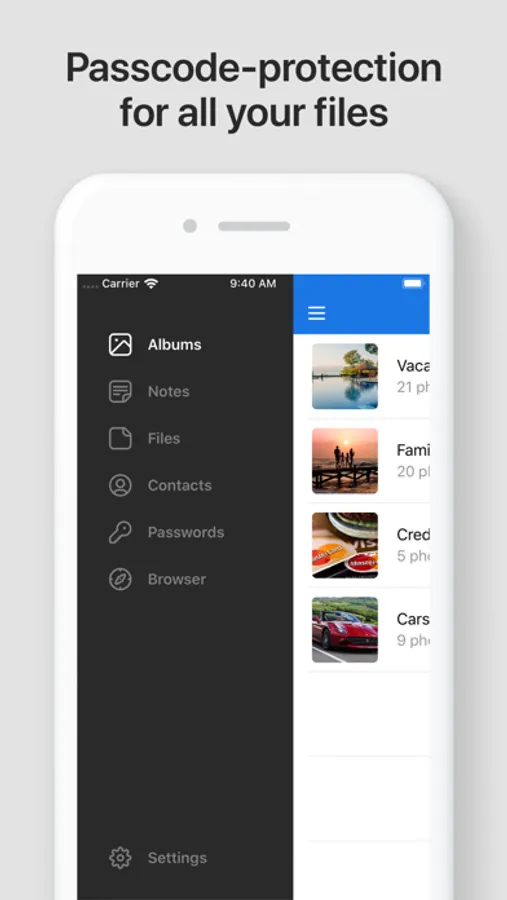
With FileGuard, you can:
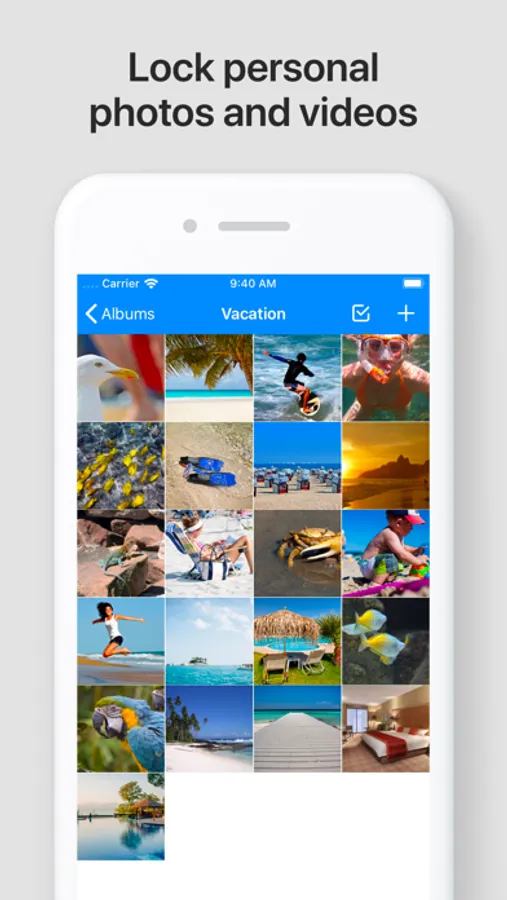
- Lock your personal photos and videos
- Write and store private notes
- Import and view files
- Store contacts
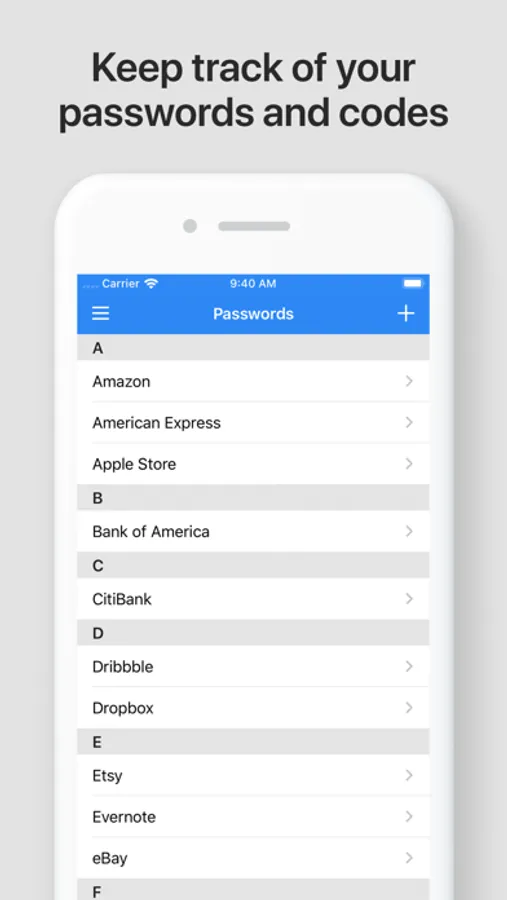
- Keep track of all your passwords and codes
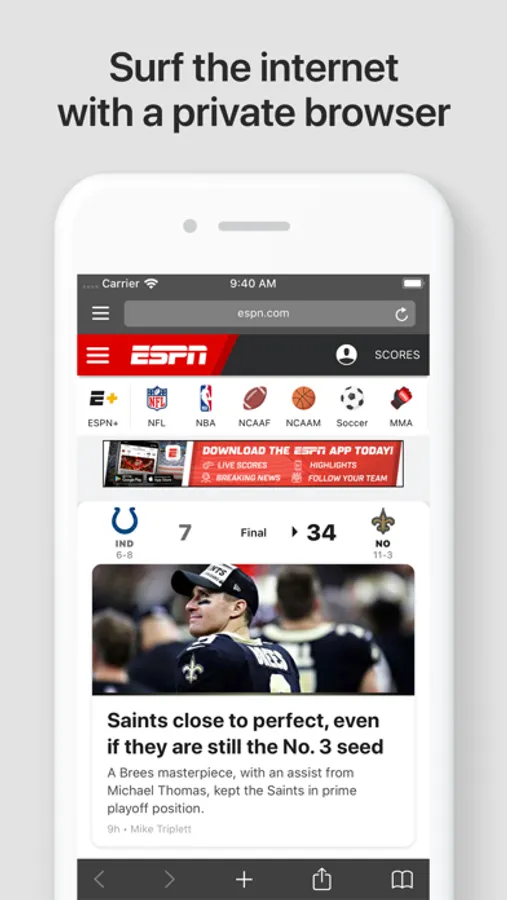
- Browse the internet without leaving any history
- Make private bookmarks
FileGuard also comes with a number of exclusive security features, including:
- Face ID/Touch ID
- Two-Factor Authentication (2FA)
- Album Locks
While the basic functionality of the app is free to use, unlimited use and access to the more advanced features require an auto-renewing subscription. To learn more about this subscription, please see the following information.
------------------------
Subscription Information
- The subscription price starts at $2.99 per month or $19.99 per year and is automatically renewed every month or year until cancelled.
- Your payment will be charged to your iTunes Account as soon as you confirm your purchase.
- You can manage your subscriptions and turn off auto-renewal from your Apple ID account settings after the purchase.
- Your subscription will renew automatically, unless you turn off auto-renew at least 24 hours before the end of the current period.
- The cost of renewal will be charged to your account in the 24 hours prior to the end of the current period.
- When canceling a subscription, your subscription will stay active until the end of the period. Auto-renewal will be disabled, but the current subscription will not be refunded.
- Any features requiring an active subscription (including Cloud Storage) may, at any time without notice, be turned off or removed after the subscription has ended.
About Subscriptions: http://onewave.se/fileguard/subscriptions.html
Terms of Use: http://onewave.se/fileguard/terms.html
Privacy Policy: http://onewave.se/fileguard/privacy.html
FileGuard Screenshots
Tap to Rate:
Reviews for FileGuard
SWP1226
Does Not Work
App does not work properly. Paid for a year subscription. Kept getting I had reached a limit on files message when the subscription is supposed to have unlimited storage. Customer service never responds so you get absolutely no help with a problem you might have. Had to cancel and get a refund from Apple.
Hooch33
What the heck?
How can I access my files?????? This changed from a hidden file calculator through the FileGuard and now I can’t access it? What the heck. Hello???? Help???