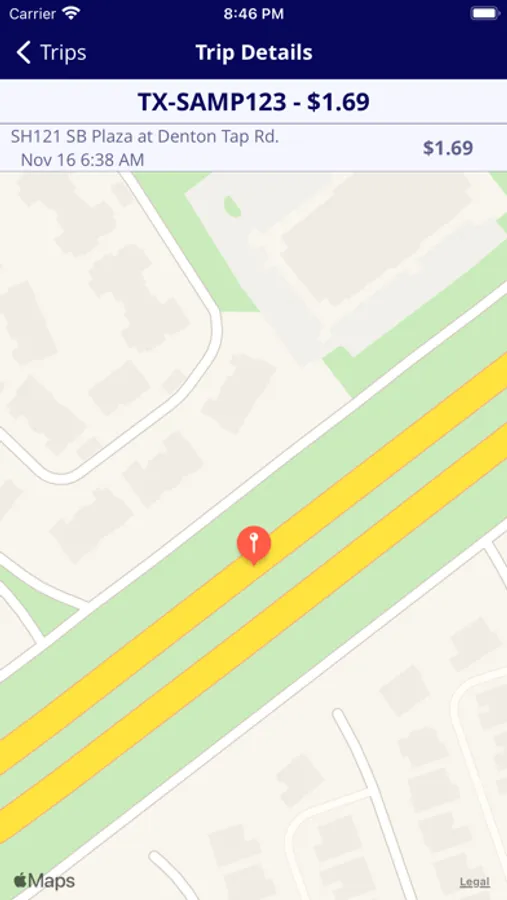
With this payment app, you can register and pay for tolls on roadways using cameras and payment methods. Includes account setup, toll payment, and vehicle registration features.
AppRecs review analysis
AppRecs rating 3.6. Trustworthiness 82 out of 100. Review manipulation risk 23 out of 100. Based on a review sample analyzed.
★★★☆☆
3.6
AppRecs Rating
Ratings breakdown
5 star
70%
4 star
5%
3 star
4%
2 star
3%
1 star
17%
What to know
✓
Low review manipulation risk
23% review manipulation risk
✓
Credible reviews
82% trustworthiness score from analyzed reviews
⚠
Pricing complaints
Many low ratings mention paywalls or pricing
About PlusPass™
App, Snap, & Drive!®
Download the PlusPass® app to register and pay for tolls on toll roads. PlusPass® is available for use in TX, WA, OK, CO, FL, GA, NC, IL, & MA, and CA. Check the FAQ section of the app for the most up-to-date list of toll operators that accept PlusPass® or contact feedback@pluspass.com.
How to use the PlusPass® App:
1. Download the App
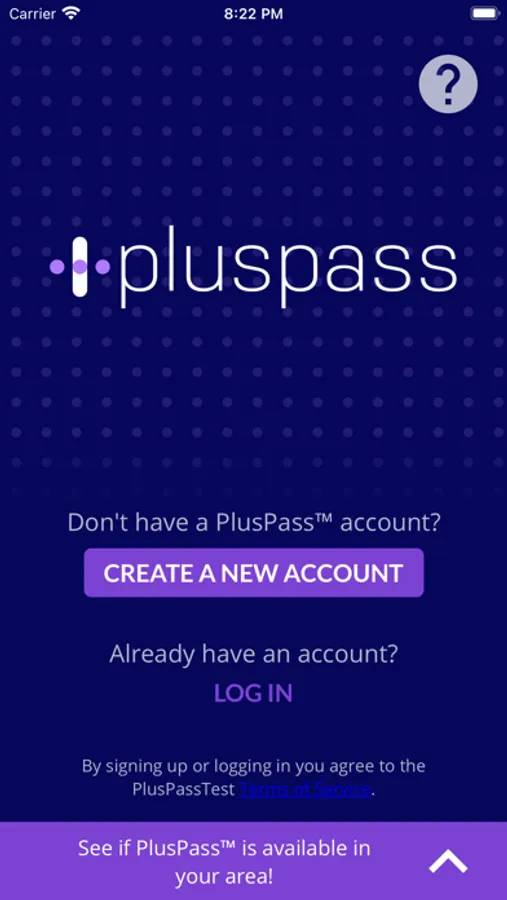
2. Create an account
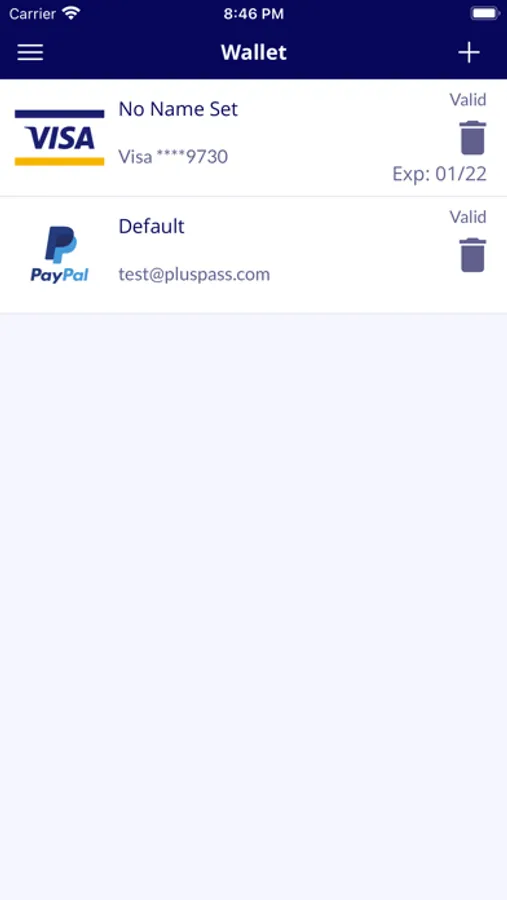
3. Setup your method of payment: PayPal, Visa, MasterCard, AMEX or by funding your account using CASH at any participating retailer.
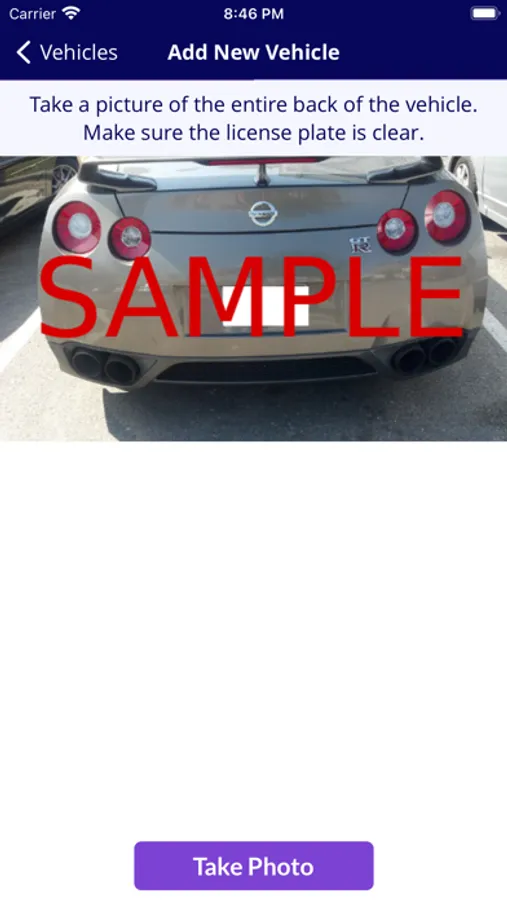
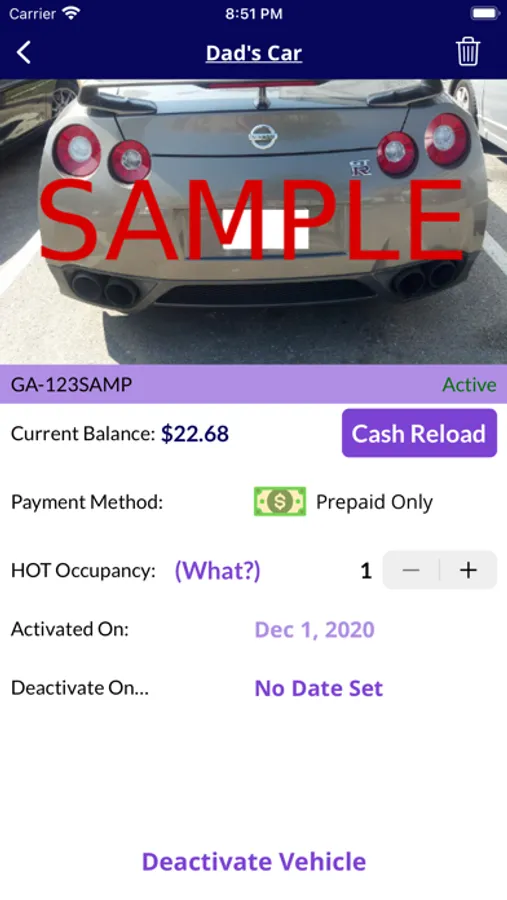
4. Take a photo of the back of your vehicle, including the license plate.
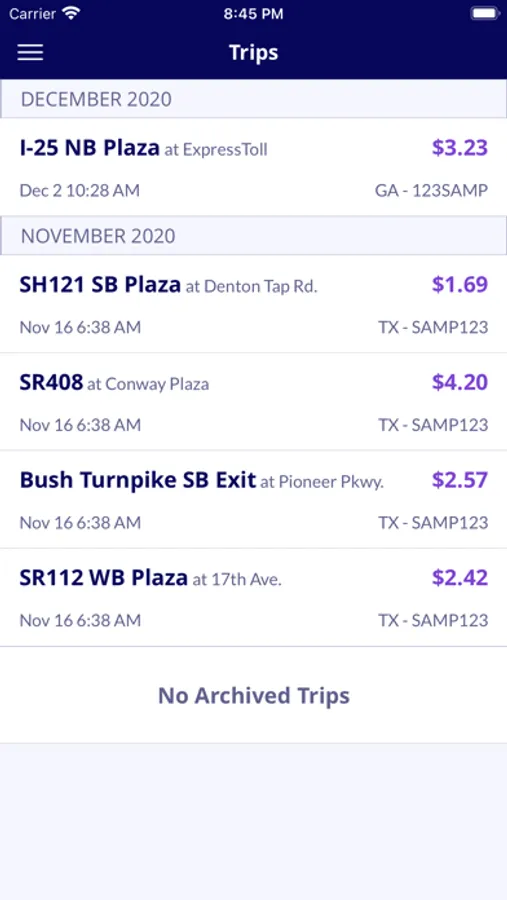
5. Drive! You will be charged the toll amount and a 15% convenience fee. You're only charged when you use the toll roads, and never any other fees.
Users who choose to fund their accounts with cash will be charged a $2 fee at the time the cash payment is made. The 15% convenience fee per toll is waived.
PlusPass® is not for use on vehicles that have a registered toll tag.
By logging in or signing up, you agree to the PlusPass® Terms of Service.
Download the PlusPass® app to register and pay for tolls on toll roads. PlusPass® is available for use in TX, WA, OK, CO, FL, GA, NC, IL, & MA, and CA. Check the FAQ section of the app for the most up-to-date list of toll operators that accept PlusPass® or contact feedback@pluspass.com.
How to use the PlusPass® App:
1. Download the App
2. Create an account
3. Setup your method of payment: PayPal, Visa, MasterCard, AMEX or by funding your account using CASH at any participating retailer.
4. Take a photo of the back of your vehicle, including the license plate.
5. Drive! You will be charged the toll amount and a 15% convenience fee. You're only charged when you use the toll roads, and never any other fees.
Users who choose to fund their accounts with cash will be charged a $2 fee at the time the cash payment is made. The 15% convenience fee per toll is waived.
PlusPass® is not for use on vehicles that have a registered toll tag.
By logging in or signing up, you agree to the PlusPass® Terms of Service.
PlusPass™ Screenshots
Tap to Rate:
Reviews for PlusPass™
Arkstfan
What’s the point?
You pay a 15% surcharge to be charged the same toll you’d pay without registration.
I'm Goo
App Needs Major Update
Got everything entered up to my vehicle info & it only goes to 2021??? Hello it’s 2025!!! My make of Ford also wasn’t listed. So how am I supposed to use the app now??