
TheSaurus - Interactive Visual Thesaurus
Shadanan Sharma
3.6 ★
9 ratings
Free
AppRecs review analysis
AppRecs rating 3.6. Trustworthiness 81 out of 100. Review manipulation risk 23 out of 100. Based on a review sample analyzed.
★★★☆☆
3.6
AppRecs Rating
Ratings breakdown
5 star
56%
4 star
0%
3 star
11%
2 star
11%
1 star
22%
What to know
✓
Low review manipulation risk
23% review manipulation risk
✓
Credible reviews
81% trustworthiness score from analyzed reviews
About TheSaurus - Interactive Visual Thesaurus
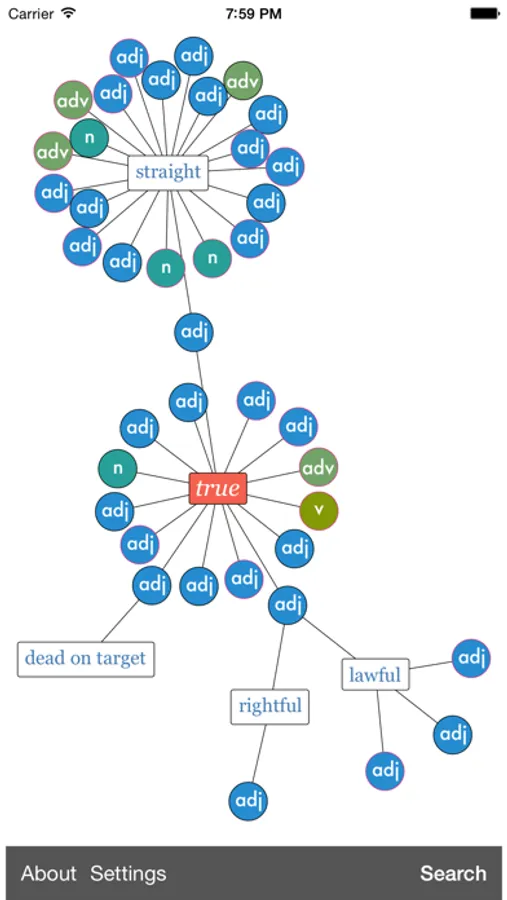
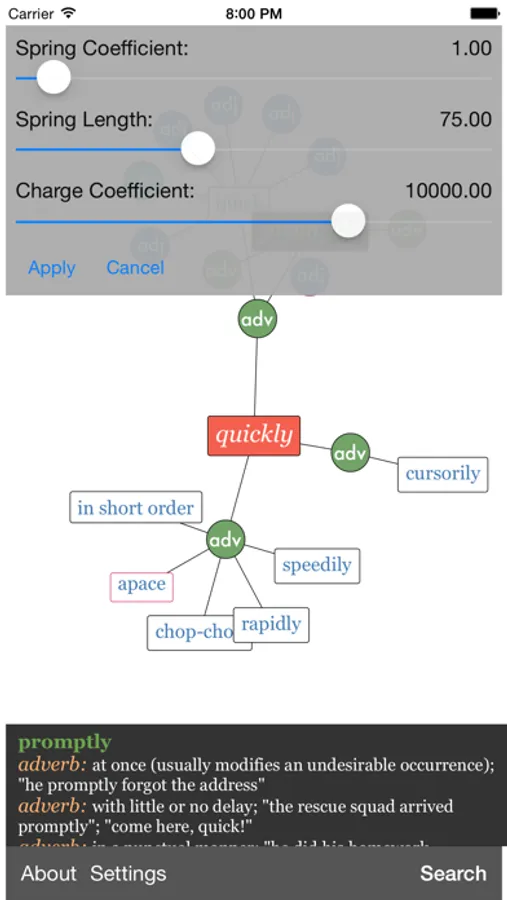
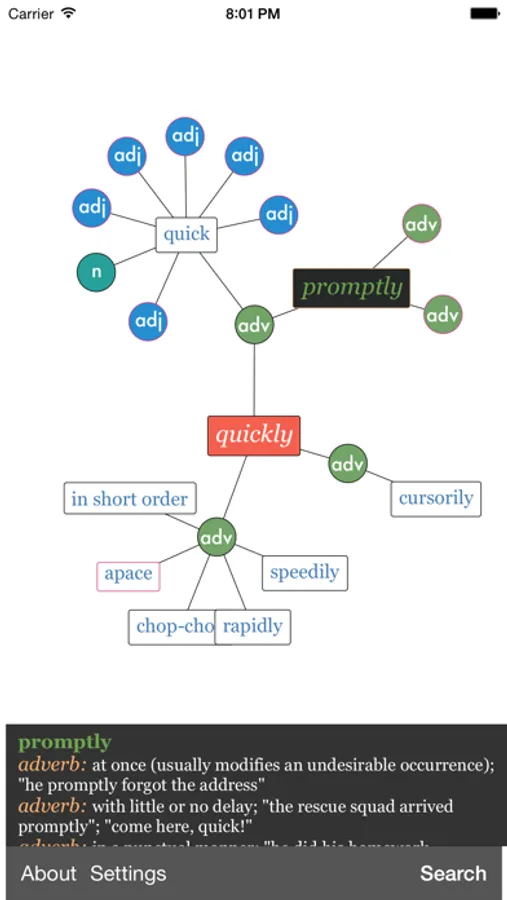
Word nodes are connected to meaning nodes. A meaning node can be a noun, verb, adjective, or adverb. Word nodes themselves are defined by the set of meaning nodes with which they are associated. If two word nodes are connected to the same meaning node, then those two word nodes will have that meaning in common.
If you tap on a node, you will be presented with the node's definition. Since a word's definition is its set of meanings, all of its meanings will be presented when it is tapped.
By default, the graph only shows a limited number of nodes at a time. If a node has neighbors that aren't currently displayed, it will have a magenta outline. Tapping on one of these nodes will expand the graph to show that node's neighbours.
Other neat features:
* Double tap a node to promote it to the root
* Pinch the display to adjust the size of the nodes and fonts
TheSaurus - Interactive Visual Thesaurus Screenshots
Tap to Rate:
Reviews for TheSaurus - Interactive Visual Thesaurus
dani2459
Love the concept &
& I feel if it were offered Free more often for free - then the more people would desire to buy it which would increase the review rates, etc… a positive cycle to grow ur app… who knows - I dig the app tho! Thank You!
New Zoo Review
Only 4 very simple synonyms per search
Not worth the .99 cents nor even if it were for free. There are far too many online thesauruses that offer higher quality vocabulary suggestions. Plus this app is not fluid because you can not click the synonym words, you have to go back to the search page and manually type your next search.