AppRecs review analysis
AppRecs rating 1.0. Trustworthiness 55 out of 100. Review manipulation risk 30 out of 100. Based on a review sample analyzed.
★☆☆☆☆
1.0
AppRecs Rating
Ratings breakdown
5 star
0%
4 star
0%
3 star
0%
2 star
0%
1 star
100%
What to know
⚠
Mixed user feedback
Average 1.0★ rating suggests room for improvement
About Plustek eScan
This app allows users to immediately receive images scanned using Plustek eScan.
Note:
● The operating iOS (smartphones and tablets) MUST be iOS version 6.0 or above
● The iOS smartphone device MUST be iPhone 4 or above and have Wi-Fi connectivity
Features
1. No computer operation required, receive PDF/JPG image files directly from Plustek eScan
2. Plustek eScan app can receive image files and has viewing and other functions
- offline viewing, previewing, editing and deleting of images
- quick and easy management and editing of files
- supports any smartphone or tablet computer that has an app that can open PDF/JPG image files
- share image files to e-mail, Dropbox or other related apps on your smartphone or tablet computer
3. Plustek eScan series scanner supported
Note:
● The operating iOS (smartphones and tablets) MUST be iOS version 6.0 or above
● The iOS smartphone device MUST be iPhone 4 or above and have Wi-Fi connectivity
Features
1. No computer operation required, receive PDF/JPG image files directly from Plustek eScan
2. Plustek eScan app can receive image files and has viewing and other functions
- offline viewing, previewing, editing and deleting of images
- quick and easy management and editing of files
- supports any smartphone or tablet computer that has an app that can open PDF/JPG image files
- share image files to e-mail, Dropbox or other related apps on your smartphone or tablet computer
3. Plustek eScan series scanner supported
Plustek eScan Screenshots
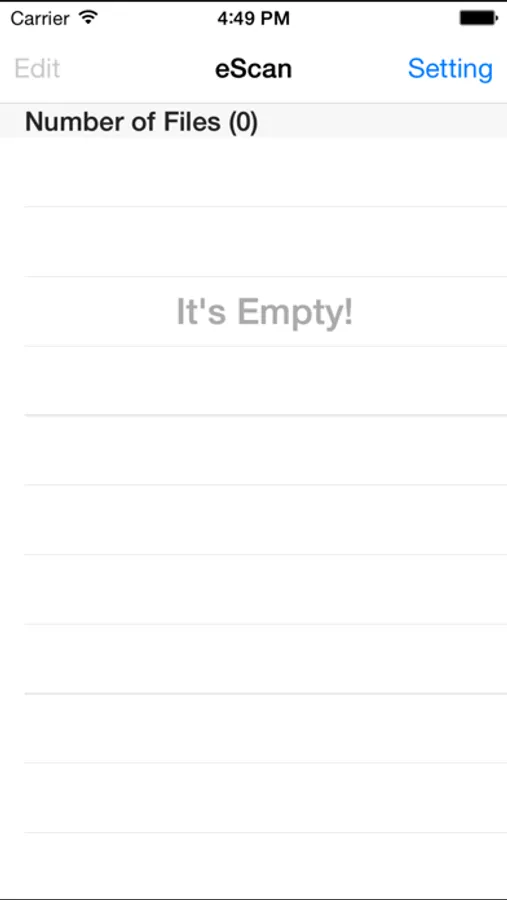
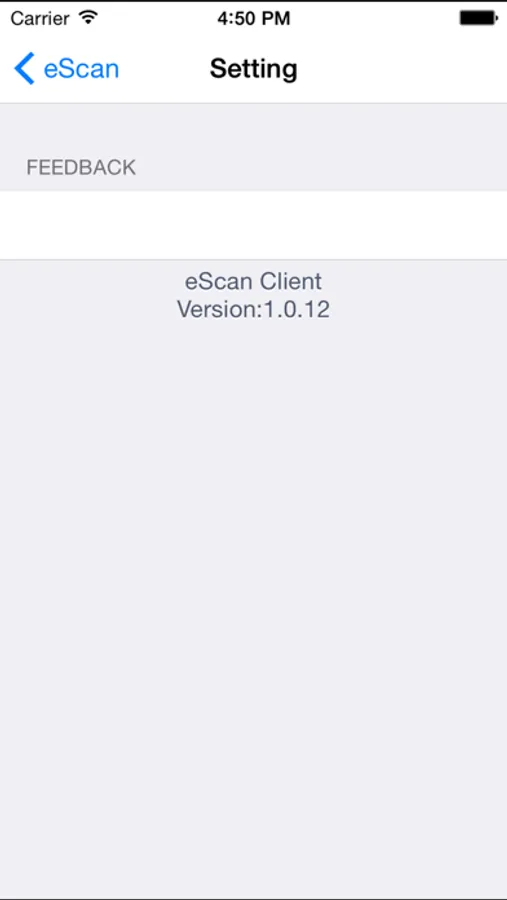
Tap to Rate:
Reviews for Plustek eScan
iphone rick
Doesn’t Work
Same as other users. Just a blank screen.
TinMD25
This does not work with iPad
The app opens, but it is just a blank area, no menus, nothing. Put a photo in scanner, nothing. There is a “settings” at upper right in window but just provides version number.