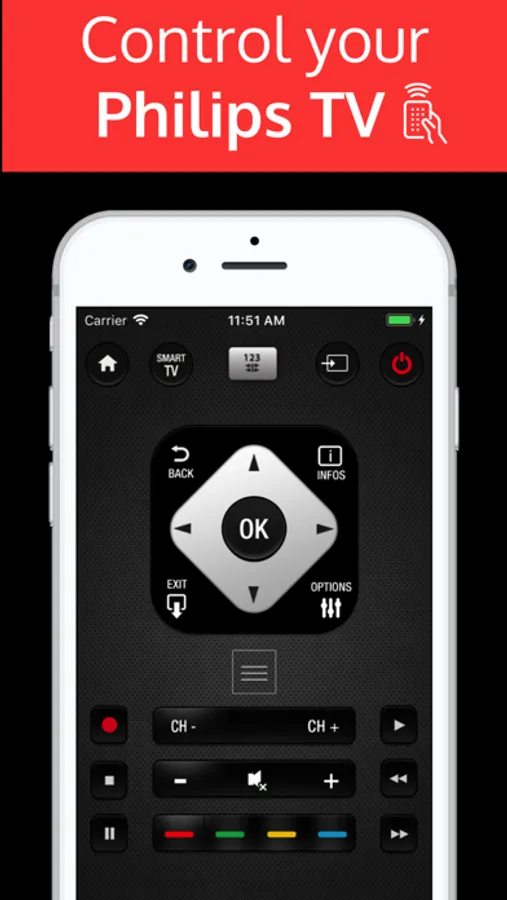
Control your Philips TV using this virtual remote app on your iPhone or iPad. Includes TV navigation, volume, channel, and power controls.
AppRecs review analysis
AppRecs rating 2.6. Trustworthiness 54 out of 100. Review manipulation risk 34 out of 100. Based on a review sample analyzed.
★★☆☆☆
2.6
AppRecs Rating
Ratings breakdown
5 star
47%
4 star
5%
3 star
3%
2 star
3%
1 star
41%
What to know
⚠
Ad complaints
Many low ratings mention excessive ads
⚠
Pricing complaints
Many low ratings mention paywalls or pricing
⚠
High negative review ratio
44% of sampled ratings are 1–2 stars
About Phil : tv remote
PhilRemote is a virtual remote control that allows you to control your Philips television.
The application works on all TVs equipped with "Smart TV" technology and connected to your (WiFi or Ethernet) network.
To use this Philips remote control, your iPhone/iPad must be on the same Wi-fi network as your TV.
Detection of your TV will be automatic.
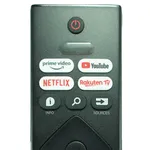
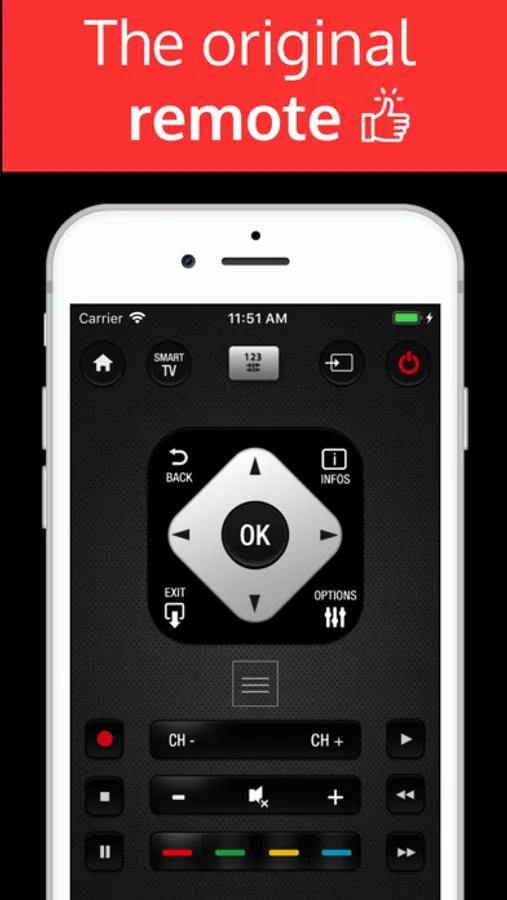
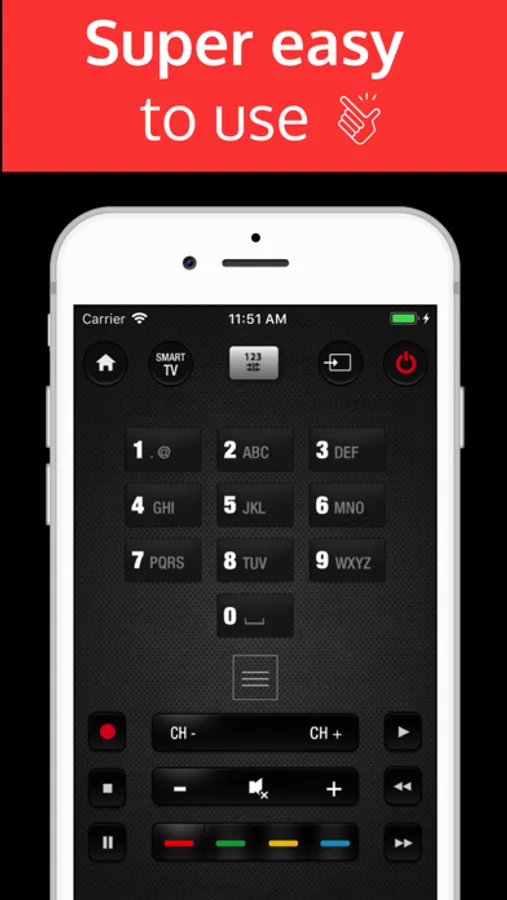
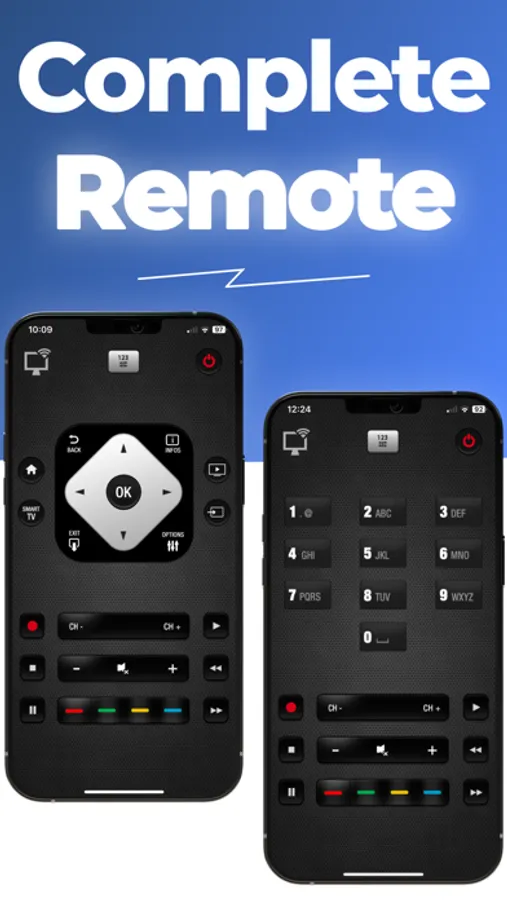
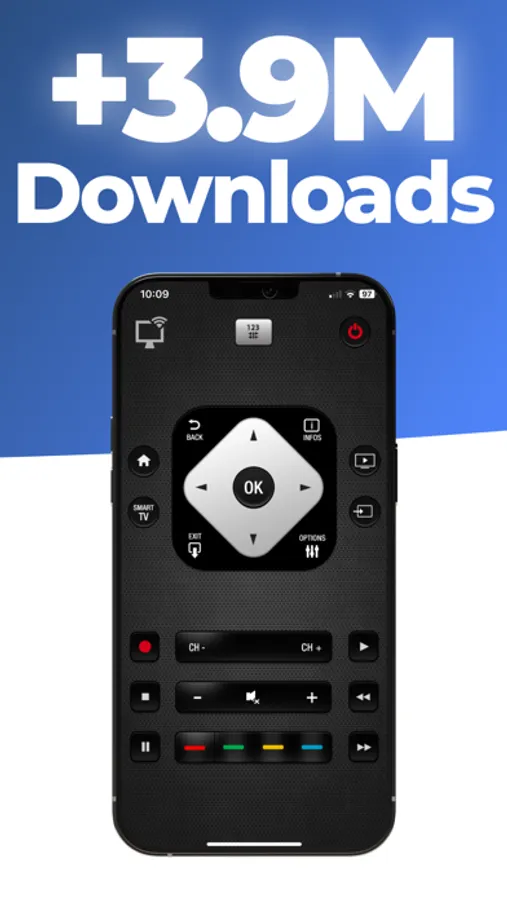
With a realistic design, you can use all the functions of the original remote control very easily.
We have integrated the most useful commands, the features are listed below:
-Change the volume
-Change the channel number
-Use navigation pad
-Video control (Play/Pause/Stop...)
-Menu, Options, Info, Tools
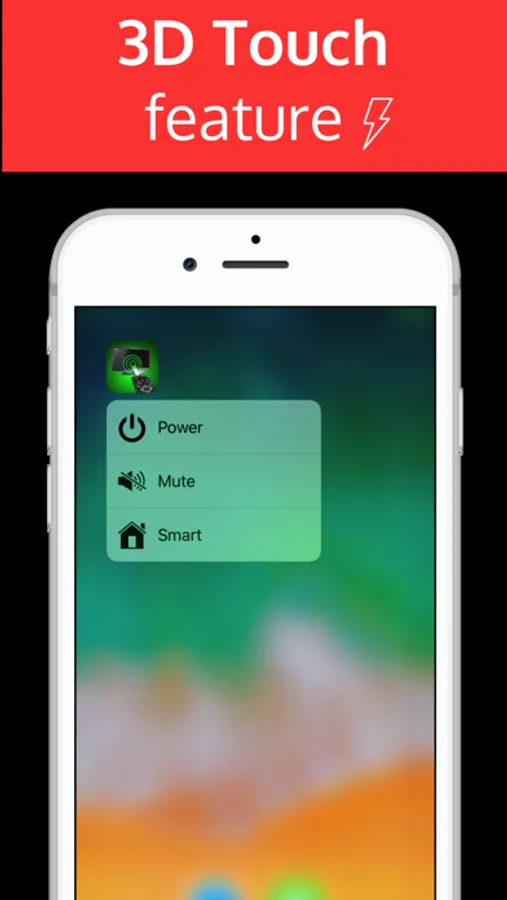
-Power off
If you have any suggestions, feel free to contact us.
For any comments or questions write us at the following address: contact@nstx.io
DISCLAIMER
PhilRemote is neither an official Philips product, nor are we affiliated with the Philips company.
SUBSCRIPTION:
We offer auto-renewing subscription:
- Length: Weekly / Monthly / Yearly
- Payment will be charged to iTunes Account at confirmation of purchase
- You will be able to access the Premium features of the app for the duration of the subscription
- Subscription automatically renews for the same price and duration period as the original period unless auto-renew is turned off at least 24-hours before the end of the current period
- The account will be charged for renewal within 24-hours prior to the end of the current period at the cost of the chosen package.
- Subscriptions may be managed by the user and auto-renewal may be turned off by going to the user's iTunes Account Settings after purchase
- No cancellation of the current subscription is allowed during the active subscription period
- You may cancel a subscription during its free trial period via the subscription setting through your Apple account. This must be done 24 hours before the end of the subscription period to avoid being charged. Please visit https://support.apple.com/en-us/HT202039 for more information on how to proceed.
- You may turn off the auto-renewal of your subscription via your Apple Account Settings. However, you are not able to cancel the current subscription during its active period
- Any unused portion of a free-trial period will be forfeited when the user purchases a subscription.
Privacy Policy : https://nstx.io/Phil/Phil_privacy.html
Terms of Use : https://nstx.io/Phil/Phil_terms.html
The application works on all TVs equipped with "Smart TV" technology and connected to your (WiFi or Ethernet) network.
To use this Philips remote control, your iPhone/iPad must be on the same Wi-fi network as your TV.
Detection of your TV will be automatic.
With a realistic design, you can use all the functions of the original remote control very easily.
We have integrated the most useful commands, the features are listed below:
-Change the volume
-Change the channel number
-Use navigation pad
-Video control (Play/Pause/Stop...)
-Menu, Options, Info, Tools
-Power off
If you have any suggestions, feel free to contact us.
For any comments or questions write us at the following address: contact@nstx.io
DISCLAIMER
PhilRemote is neither an official Philips product, nor are we affiliated with the Philips company.
SUBSCRIPTION:
We offer auto-renewing subscription:
- Length: Weekly / Monthly / Yearly
- Payment will be charged to iTunes Account at confirmation of purchase
- You will be able to access the Premium features of the app for the duration of the subscription
- Subscription automatically renews for the same price and duration period as the original period unless auto-renew is turned off at least 24-hours before the end of the current period
- The account will be charged for renewal within 24-hours prior to the end of the current period at the cost of the chosen package.
- Subscriptions may be managed by the user and auto-renewal may be turned off by going to the user's iTunes Account Settings after purchase
- No cancellation of the current subscription is allowed during the active subscription period
- You may cancel a subscription during its free trial period via the subscription setting through your Apple account. This must be done 24 hours before the end of the subscription period to avoid being charged. Please visit https://support.apple.com/en-us/HT202039 for more information on how to proceed.
- You may turn off the auto-renewal of your subscription via your Apple Account Settings. However, you are not able to cancel the current subscription during its active period
- Any unused portion of a free-trial period will be forfeited when the user purchases a subscription.
Privacy Policy : https://nstx.io/Phil/Phil_privacy.html
Terms of Use : https://nstx.io/Phil/Phil_terms.html
Phil : tv remote Screenshots
Tap to Rate:
Reviews for Phil : tv remote
Anslk
Do not purchase
Won’t work — scam
Lominosiver
Is it working?
Totally Useless- an Ad is popping up in 2 seconds