With this business management app, you can create invoices, track expenses, and process payments. Includes expense receipt capture, online payment options, and real-time notification features.
AppRecs review analysis
AppRecs rating 4.0. Trustworthiness 0 out of 100. Review manipulation risk 0 out of 100. Based on a review sample analyzed.
★★★★☆
4.0
AppRecs Rating
Ratings breakdown
5 star
75%
4 star
11%
3 star
3%
2 star
2%
1 star
9%
What to know
✓
High user satisfaction
85% of sampled ratings are 4+ stars (4.4★ average)
✓
Authentic reviews
Natural distribution, no red flags
⚠
Pricing complaints
Many low ratings mention paywalls or pricing
About Wave: Small Business Software
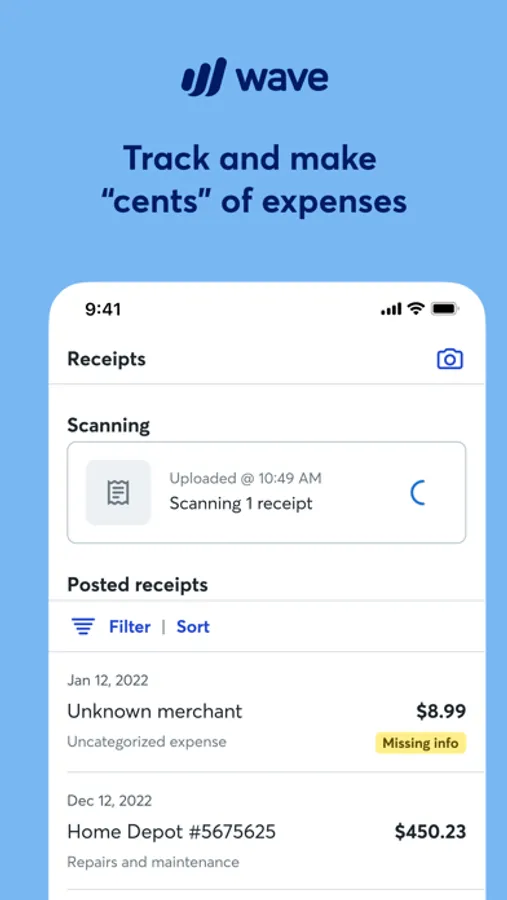
Our receipts feature is included for free in the Pro Plan or easy to add-on to the Starter Plan. You can capture unlimited receipts with optical character recognition to track your business expenses.
Bookkeep better with the Pro Plan
Want to look more polished, save more time, and conquer cash flow? With our Pro Plan, you get access to the following features:
Capture unlimited receipts and track expenses at no additional cost
Option to accept online payments* at a discounted rate
Auto-import bank transactions**
Auto-merge and categorize bank transactions
Add additional users to your account
Automate late payment reminders
Access live-person chat and email support
And more!
You’re in good company
Wave’s software has helped more than 300K North American small business owners manage their money, so you know we’ve got your back.
Dashboard
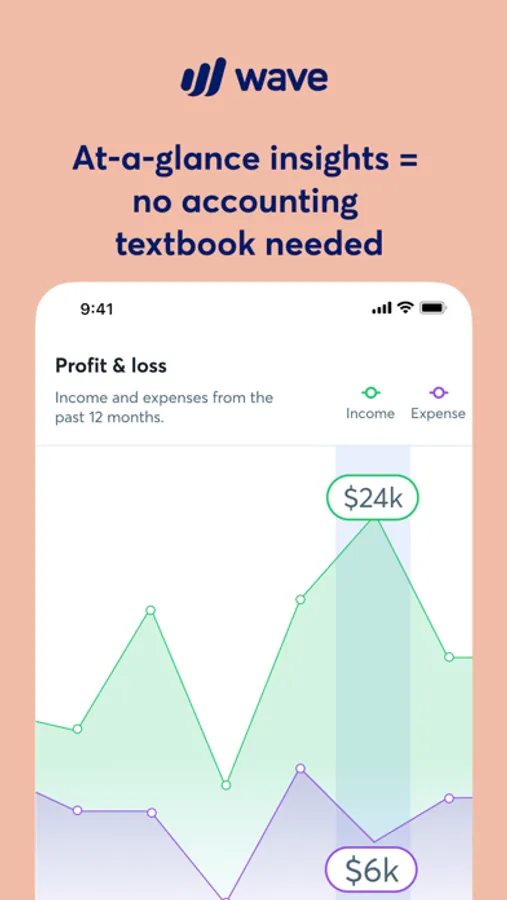
Easily monitor what’s going on in your business with Wave’s intuitive dashboard, which includes:
At-a-glance business insights, like profit and loss statements
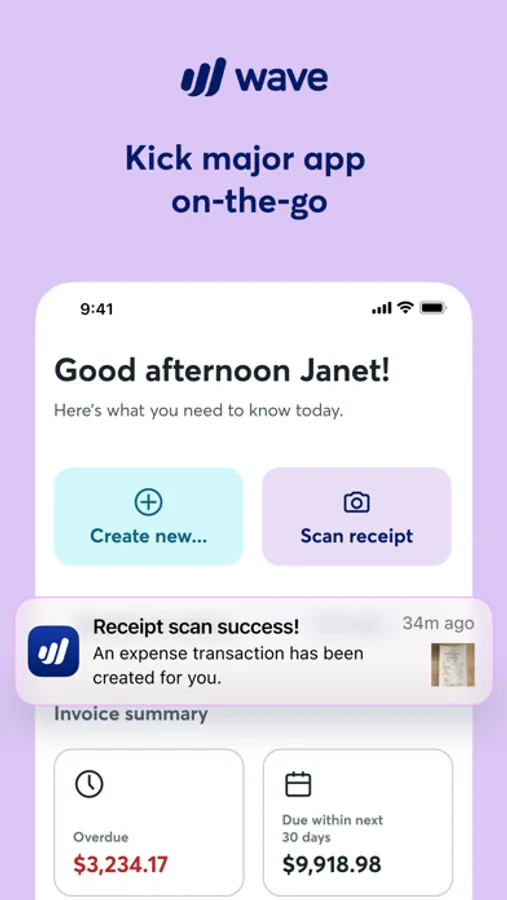
Quick access to invoicing metrics, like amounts overdue and upcoming payments
Access to accounting reports for understanding your business, filing taxes, and more
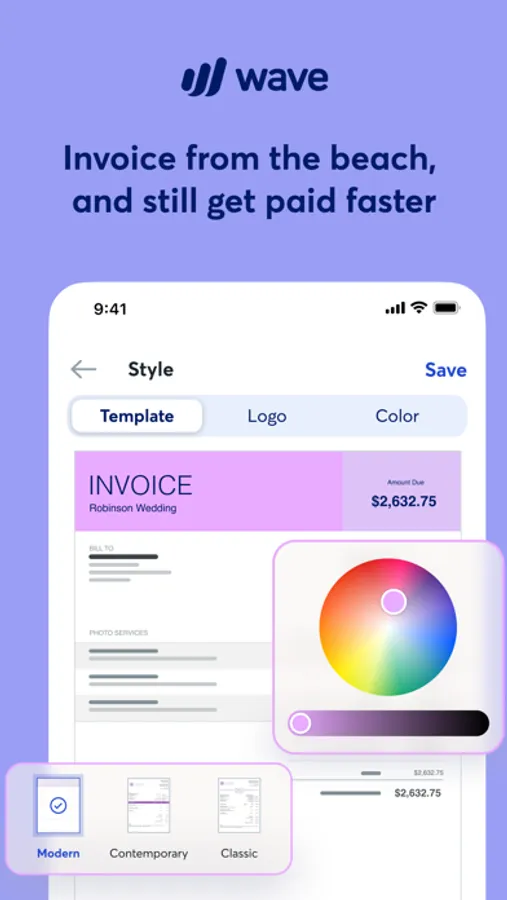
Mobile invoicing
Create and send professional, customized invoices with your logo
Receive notifications when you've been paid
Check invoice status (sent, viewed, overdue, paid)
Record payments
Send invoice reminders and payment receipts
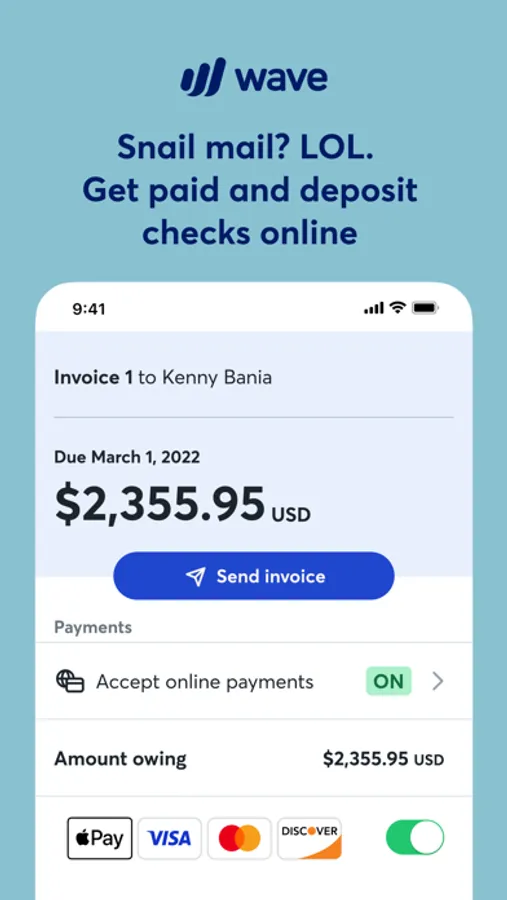
Get paid even faster with Wave’s online payments feature to accept credit cards and bank payments
Synchronize instantly with your Wave account on desktop
Estimates
Instantly create and send estimates and land that dream customer quicker
Convert an estimate into an invoice in seconds
Customize estimates with your brand colors and logo
Access your estimates from anywhere, anytime
Designed to get you paid faster
Wave invoice templates and email messages are designed to help you get paid faster
Sending professional easy-to-read invoices inspires confidence from your clients, encouraging prompt payment and repeat business
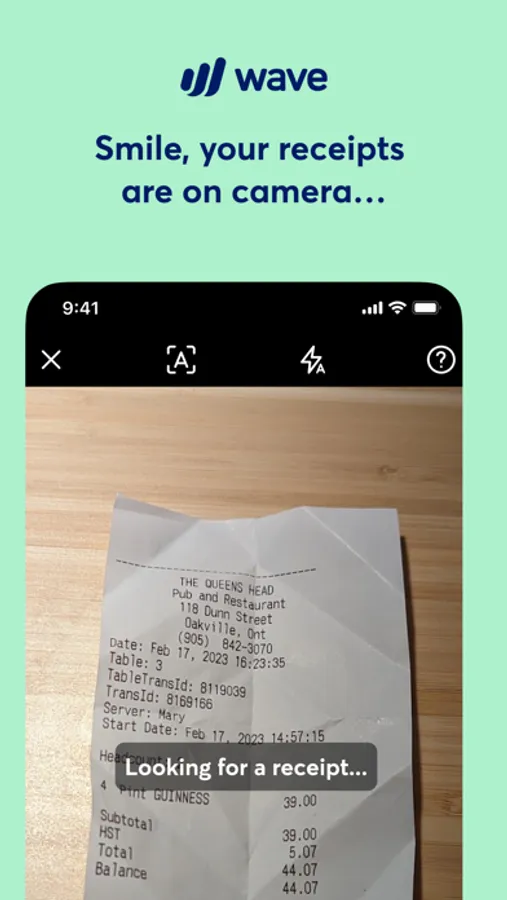
Receipt scanning
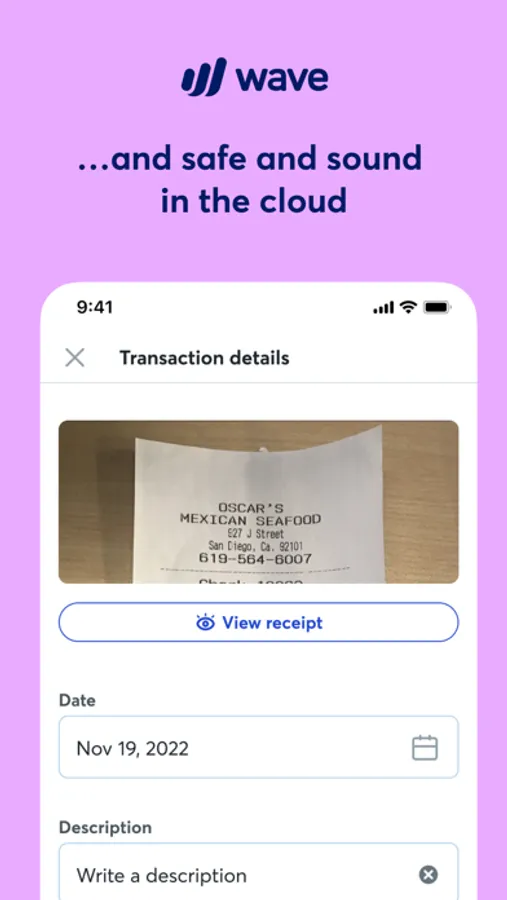
Organize and manage your receipts in one place with Wave’s subscription-based mobile receipts feature
Don’t waste time manually managing your expenses—let our app capture receipt details in seconds using OCR technology
Get peace of mind and breeze through tax season with updated books and reports, synced with our accounting feature
Upload receipts from your desktop or via email
Manage and categorize transactions on-the-go or on desktop—everything stays synced!
Accept online payments in seconds
Wave’s invoicing software works seamlessly to accept online payments via direct integration with our online payments feature: Getting started is as easy as a few clicks*. You’ll be able to select the invoices where you want to accept all major credit cards (Visa®, MasterCard®, American Express®, Discover®) for a competitive, per transaction fee. Most Wave invoices paid by credit card and bank payment get paid in 2 days or less!
Create your Wave account right in the Wave mobile app, or visit waveapps.com.
*Approval is subject to eligibility criteria, including identity verification and credit review.
**Not all financial institutions are supported. Learn more here: https://support.waveapps.com/hc/en-us/articles/115005541303-Understanding-bank-connections
Privacy: https://www.waveapps.com/legal/privacy-policy
Terms of Use: https://www.waveapps.com/legal/terms-of-use
Terms of Service: https://www.waveapps.com/legal/legal-disclosures
Wave: Small Business Software Screenshots

Tap to Rate:
Reviews for Wave: Small Business Software
bythebay10
Great software. Less than perfect support and payroll, payments services.
As a small business owner for many years who previously used quickbooks online, I can tell you hands down Wave is 100x better. It has way less bugs. It’s intuitive to use. Their video tutorials are simple and spot on for common scenarios. I would never switch back to QB after using wave, it’s amazing. But their customer support takes days or weeks to answer emails or chats and they do seem to mess up payroll and credit card processing sometimes. Wave consistently takes about 10-14 days to deposit funds into our bank account after a customer pays through wave payments with a credit card which is absurdly long and unacceptable by today’s standards. We do not have acute cash flow issues so we deal with this because it makes accounting and reconciliation truly automatic. But if your smb dos, I would suggest using Wave only as your accounting platform and something else for payments. Do not trust them for payroll or processing large (eg thousands of dollars) customer payments. Many people have had horror stories with this eg they mess up payroll and are impossible to contact or they hold funds for an entire month etc.
Calvin montgomery
Useless app
App does not do much, at first you think it’s just hard to navigate, after a while you realize it’s as simple as it is. Not a very helpful app at all and you have to pay a monthly membership. I’m using stride for free, it does so much more.