
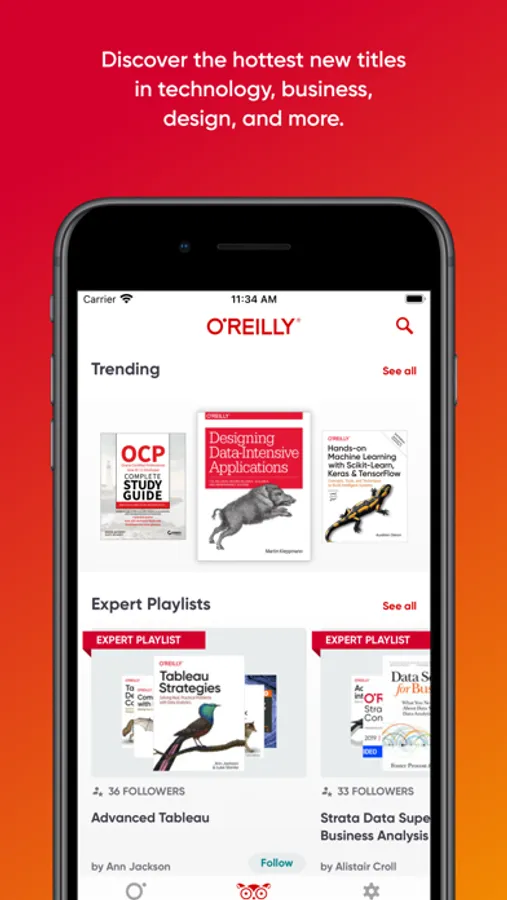
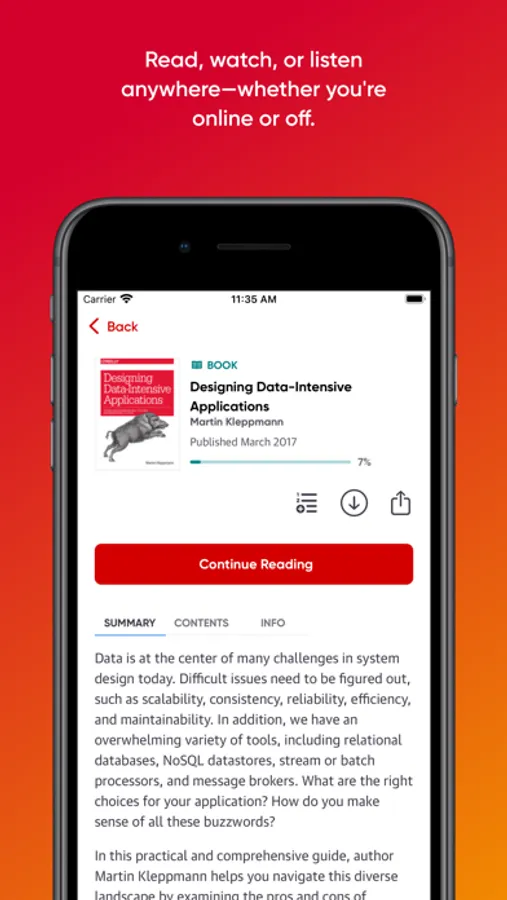
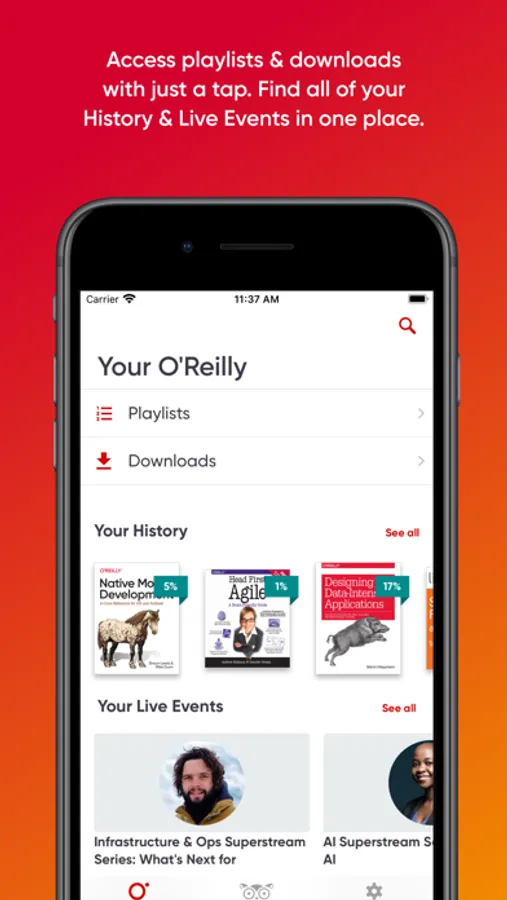
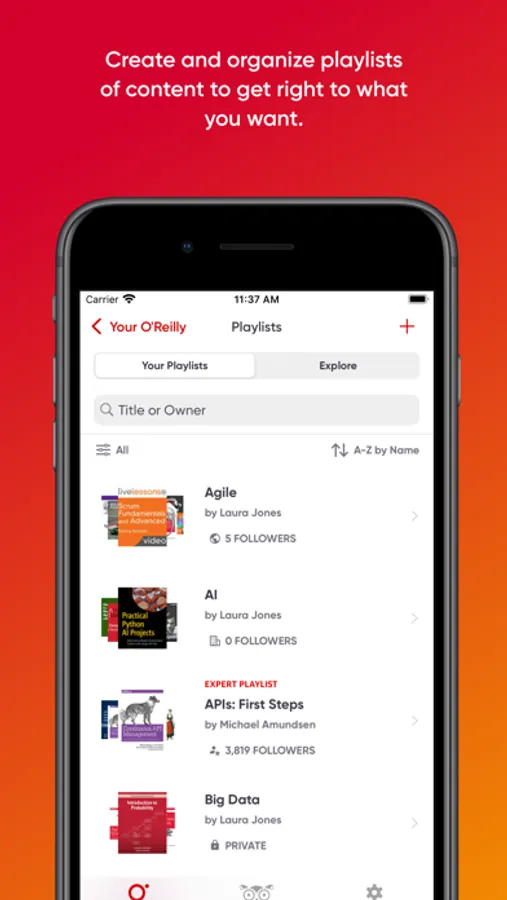
With this app, you can access books, videos, and courses for learning on the go, with features like offline reading and search. Includes content organization with playlists and options for personalized viewing.
AppRecs review analysis
AppRecs rating 4.6. Trustworthiness 79 out of 100. Review manipulation risk 20 out of 100. Based on a review sample analyzed.
★★★★☆
4.6
AppRecs Rating
Ratings breakdown
5 star
84%
4 star
10%
3 star
2%
2 star
1%
1 star
2%
What to know
✓
Low review manipulation risk
20% review manipulation risk
✓
Credible reviews
79% trustworthiness score from analyzed reviews
✓
High user satisfaction
84% of sampled ratings are 5 stars
About O'Reilly
With the O'Reilly app, you can:
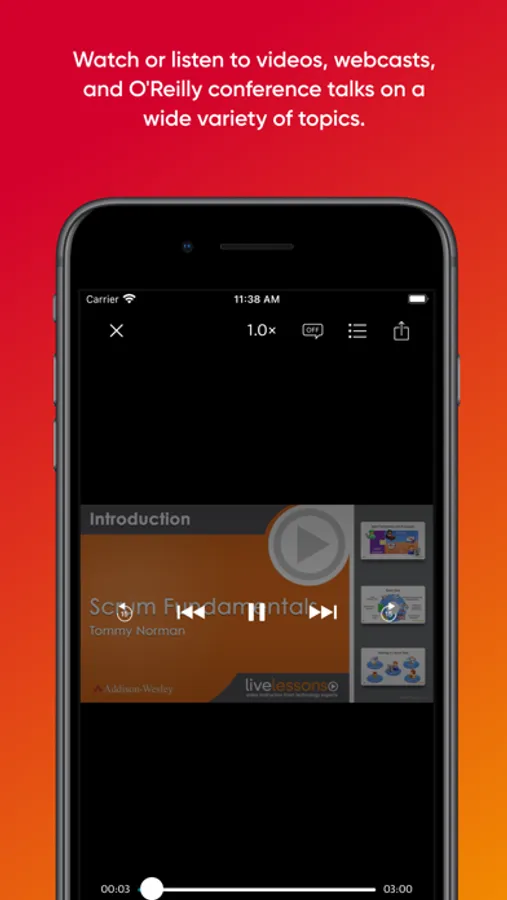
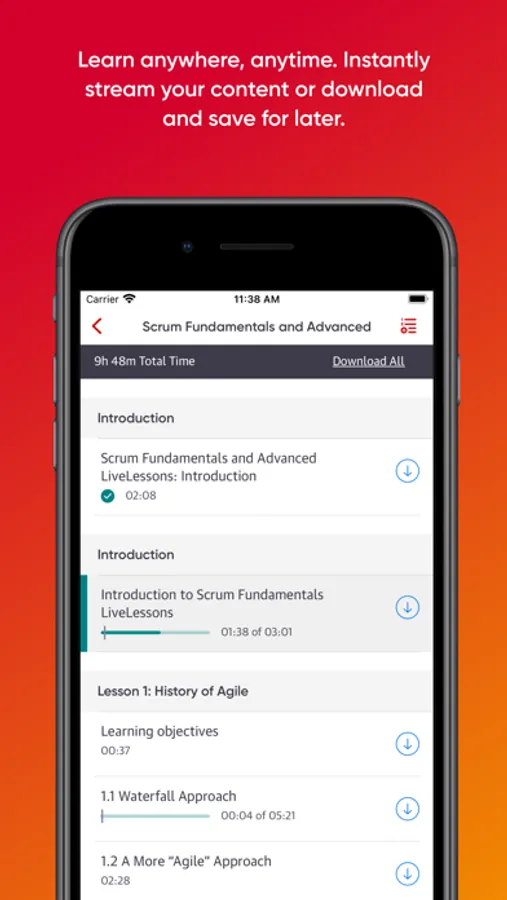
• Read, watch, or listen on the go: Explore books, videos, training sessions, courses, and more—online or off.
• Never lose your place: With automatic syncing, you can start reading on one device and pick up where you left off on another.
• Discover and organize with Playlists: Search for the exact content you want to read, watch, or listen to—then add it to a playlist and revisit it any time.
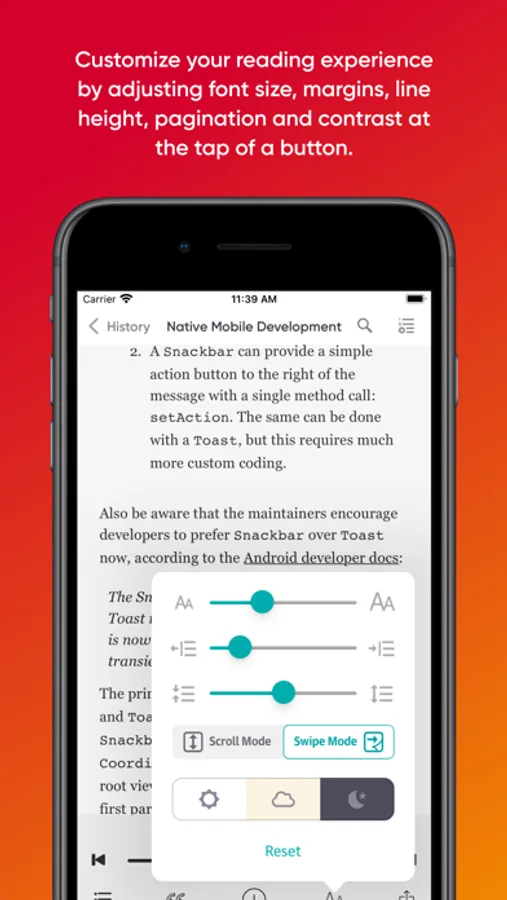
• Personalize it: Adjust the text display for comfort with font size controls and a night mode setting.
• Find what you need: Get the answers you need, fast, with the ability to easily search across books, videos, and more.
• Make it work for you: Control the app with an external keyboard
Please note that to use this application you must have an active (or trial) O'Reilly account created after July 2014. If you are an O'Reilly customer who joined before July 2014, please use our Safari To Go app, also available in the App Store.
O'Reilly Screenshots
Tap to Rate:
Reviews for O'Reilly
Sami Majed
Highlight Feature - Absolutely Worst
Highlighting is probably the most frequently used activity when reading. I really don't understand why this is STILL a multi step process (in 2025!). Highlighting text should be natural; a drag-once operation. Take a lessons from iOS Books app. The experience there is EXACTLY like using a physical highlighter, (drag across text, done!) easy and distracting. They even have five colors and an underline mode that remembers your selection. And, if it’s so important to you to give a user multiple menu choices after dragging across text, why not have a **highlighting mode** which I assume most people would be in?
koalaalalalalqlal
Voice issu
I wish I could use my iPhone voice in here