AppRecs review analysis
AppRecs rating 4.5. Trustworthiness 68 out of 100. Review manipulation risk 23 out of 100. Based on a review sample analyzed.
★★★★☆
4.5
AppRecs Rating
Ratings breakdown
5 star
17%
4 star
17%
3 star
0%
2 star
17%
1 star
50%
What to know
✓
Low review manipulation risk
23% review manipulation risk
About Dr.Web Mobile Control Center
Dr.Web Mobile Control Center is an easy tool for administrating the anti-virus network based on Dr.Web Enterprise Security Suite or Dr.Web AV-Desk. It is designed for installation and operation on mobile devices.
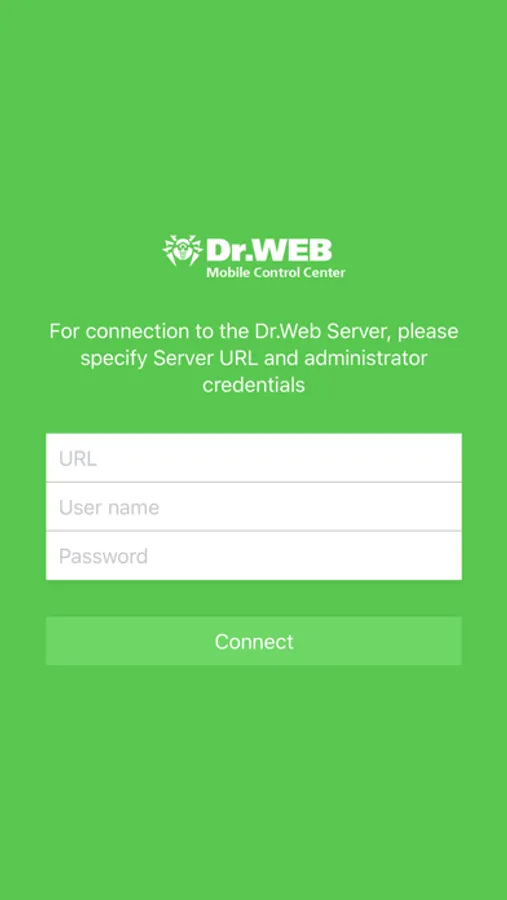
Dr.Web Mobile Control Center connects to Dr.Web Server according to the anti-virus network administrator credentials including via an encrypted protocol.
General functions
1. Manage Dr.Web Server repository:
• view the products state in the repository;
• launch repository update from Dr.Web Global Update System.
2. Manage stations on which an update of anti-virus software is failed:
• display failed stations;
• update components on failed stations.
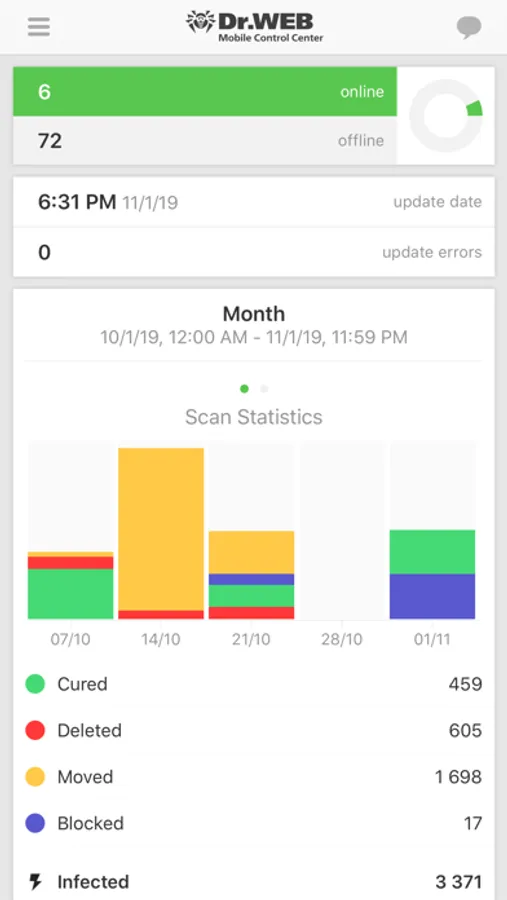
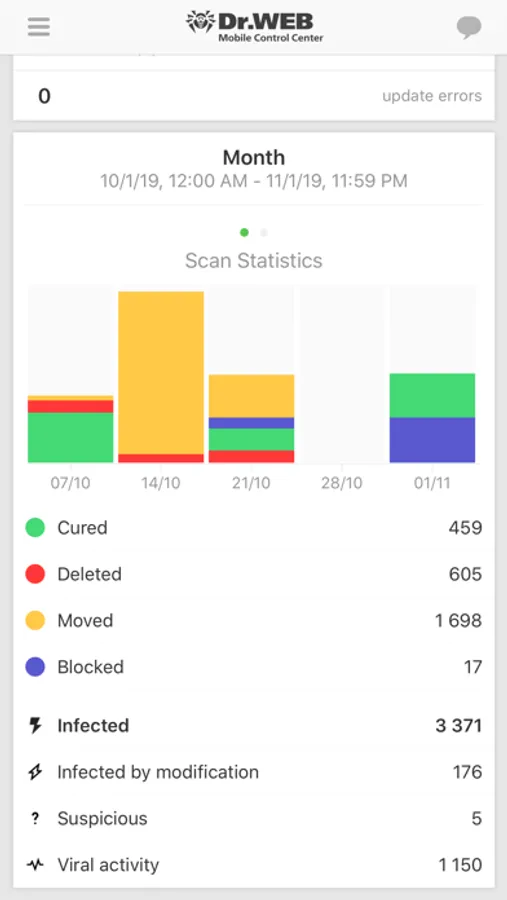
3. Display statistics information on anti-virus network state:
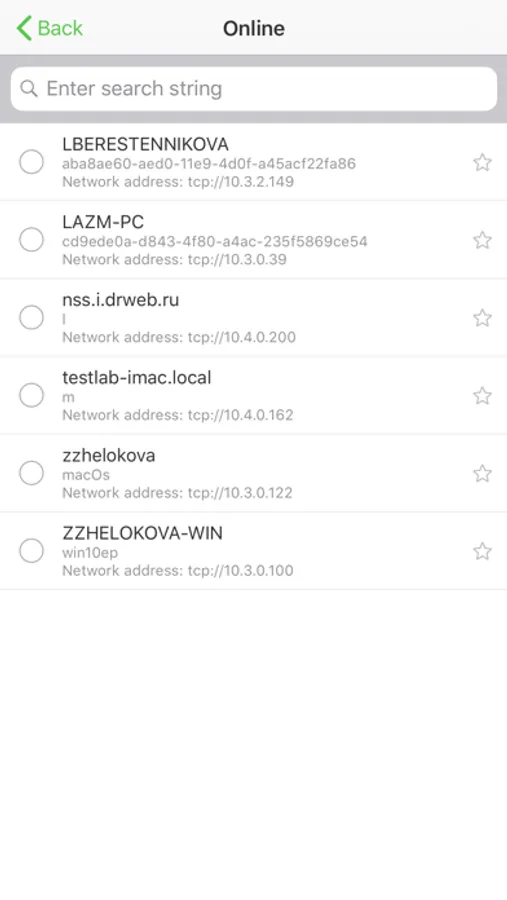
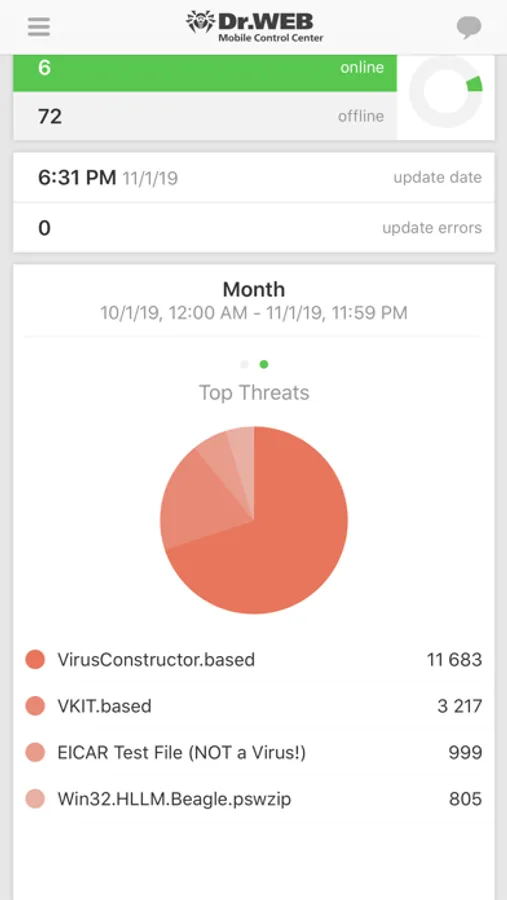
• number of stations registered at Dr.Web Server and their current state (online/offline);
• viral statistics for protected stations.
4. Manage new stations waiting for connection to Dr.Web Server:
• approve access;
• reject stations.
5. Manage anti-virus components installed on anti-virus network stations:
• launch the fast or full scan either for selected stations or for all stations of selected groups;
• setup Dr.Web Scanner reaction on malware detection;
• view and manage files in the Quarantine either for selected stations or for all stations in the selected group.
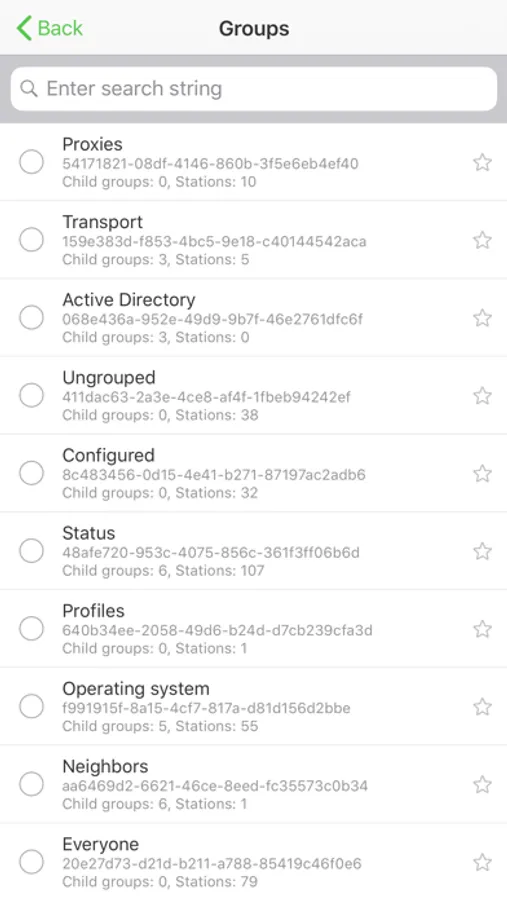
6. Manage stations and groups:
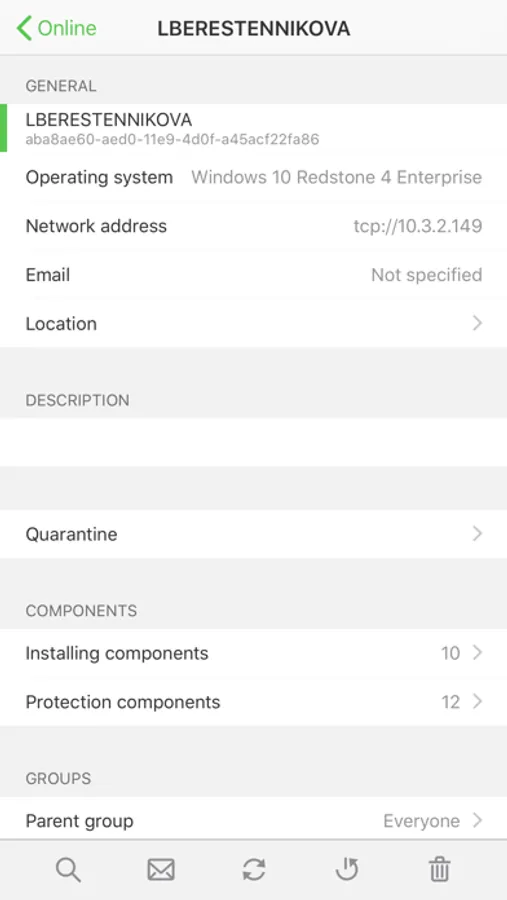
• view properties;
• view and manage components composition of anti-virus package;
• delete;
• send custom messages to stations;
• reboot stations under Windows OS;
• add to favorites list for the quick assess.
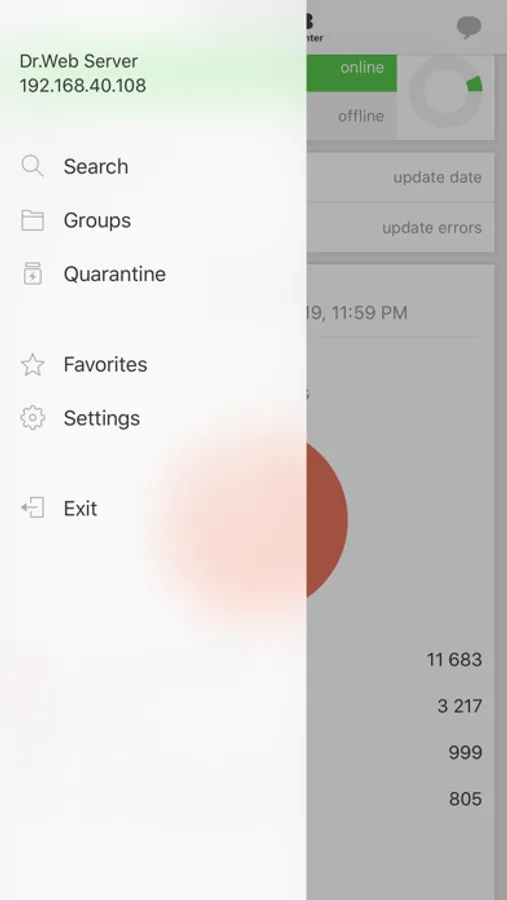
7. Search for stations and groups in an anti-virus network by different parameters: name, address, ID.
8. View and manage messages on major events in an anti-virus network via the interactive Push notifications:
• display all notifications at Dr.Web Server;
• set reactions on notification events;
• search notification by specified filter parameters;
• delete notifications;
• exclude notifications from automatic deletion.
Dr.Web Enterprise Security Suite home page: http://products.drweb.com/enterprise_security_suite/control_center
Dr.Web AV-Desk home page: http://av-desk.com/
Dr.Web Mobile Control Center connects to Dr.Web Server according to the anti-virus network administrator credentials including via an encrypted protocol.
General functions
1. Manage Dr.Web Server repository:
• view the products state in the repository;
• launch repository update from Dr.Web Global Update System.
2. Manage stations on which an update of anti-virus software is failed:
• display failed stations;
• update components on failed stations.
3. Display statistics information on anti-virus network state:
• number of stations registered at Dr.Web Server and their current state (online/offline);
• viral statistics for protected stations.
4. Manage new stations waiting for connection to Dr.Web Server:
• approve access;
• reject stations.
5. Manage anti-virus components installed on anti-virus network stations:
• launch the fast or full scan either for selected stations or for all stations of selected groups;
• setup Dr.Web Scanner reaction on malware detection;
• view and manage files in the Quarantine either for selected stations or for all stations in the selected group.
6. Manage stations and groups:
• view properties;
• view and manage components composition of anti-virus package;
• delete;
• send custom messages to stations;
• reboot stations under Windows OS;
• add to favorites list for the quick assess.
7. Search for stations and groups in an anti-virus network by different parameters: name, address, ID.
8. View and manage messages on major events in an anti-virus network via the interactive Push notifications:
• display all notifications at Dr.Web Server;
• set reactions on notification events;
• search notification by specified filter parameters;
• delete notifications;
• exclude notifications from automatic deletion.
Dr.Web Enterprise Security Suite home page: http://products.drweb.com/enterprise_security_suite/control_center
Dr.Web AV-Desk home page: http://av-desk.com/
Dr.Web Mobile Control Center Screenshots
Tap to Rate:
Reviews for Dr.Web Mobile Control Center
nnaazzaanniinn
چجوري بايد urlپيدا كرد؟
چجوري بايد url پيدا كرد؟
waxyourmomsbox
URL
What is the url for this app anyway