In this time tracking app, you can log hours, expenses, and locations on the go. Includes real-time data synchronization, customizable timesheets, and project management features.
AppRecs review analysis
AppRecs rating 2.8. Trustworthiness 80 out of 100. Review manipulation risk 21 out of 100. Based on a review sample analyzed.
★★☆☆☆
2.8
AppRecs Rating
Ratings breakdown
5 star
35%
4 star
13%
3 star
9%
2 star
12%
1 star
32%
What to know
✓
Low review manipulation risk
21% review manipulation risk
✓
Credible reviews
80% trustworthiness score from analyzed reviews
⚠
High negative review ratio
43% of sampled ratings are 1–2 stars
About TimeCamp Time Tracker
Get the official TimeCamp mobile app and enjoy logging time, location, and expenses on the go. And for free!
Trusted by thousands of teams worldwide, TimeCamp offers free top-notch data collection on existing projects, wherever you are: commuting, working at a job site, or dealing with clients outside the office, ensuring your timesheets are filled to the second before your next meeting.
Use the handy time tracking features to log data straight from the app and spend less time on admin processes later:
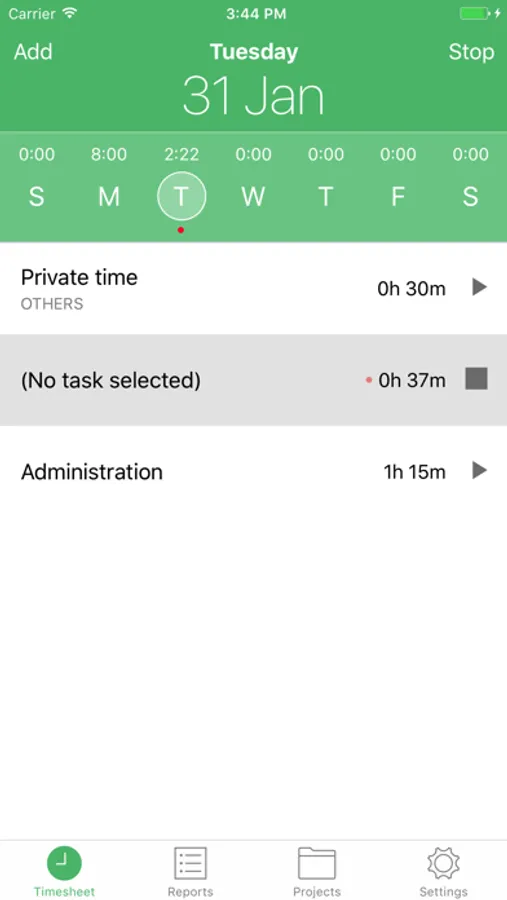
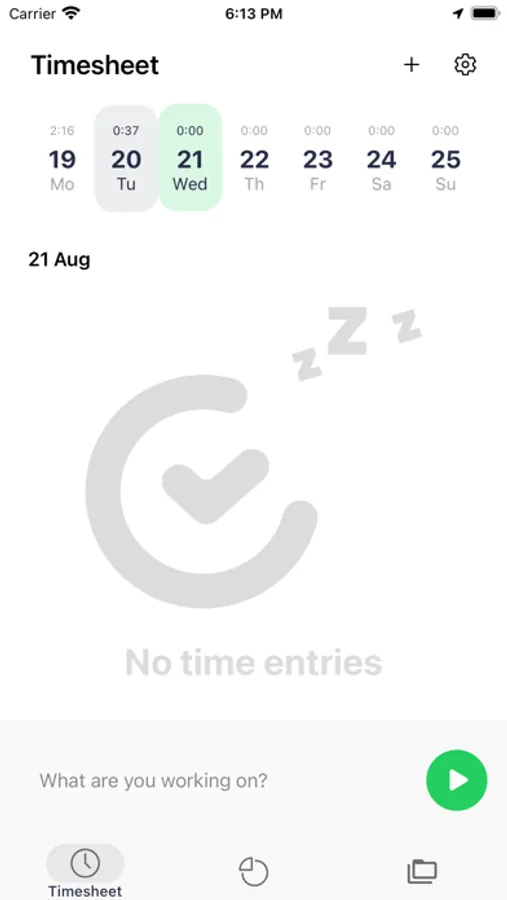
Simple time tracking: Start timer to log hours with just one tap. Need to track time offline? Sure, the app synchronizes the time entries once you're back online.
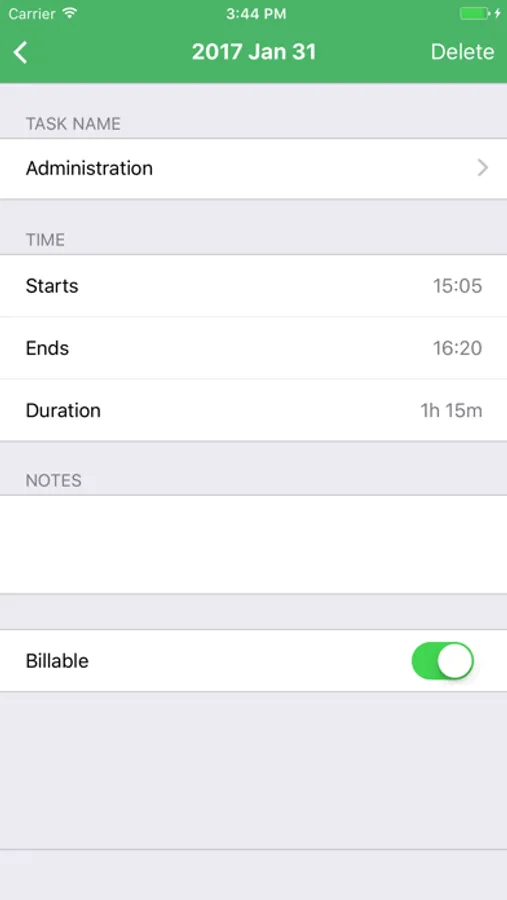
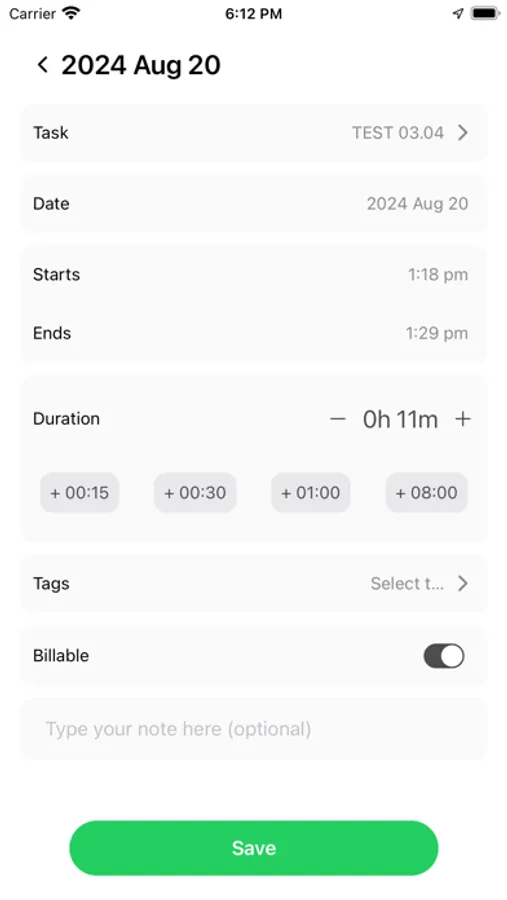
Handy timesheets: Create new time entries to fill a timesheet manually. Edit time entries or leave important notes at any time you need.
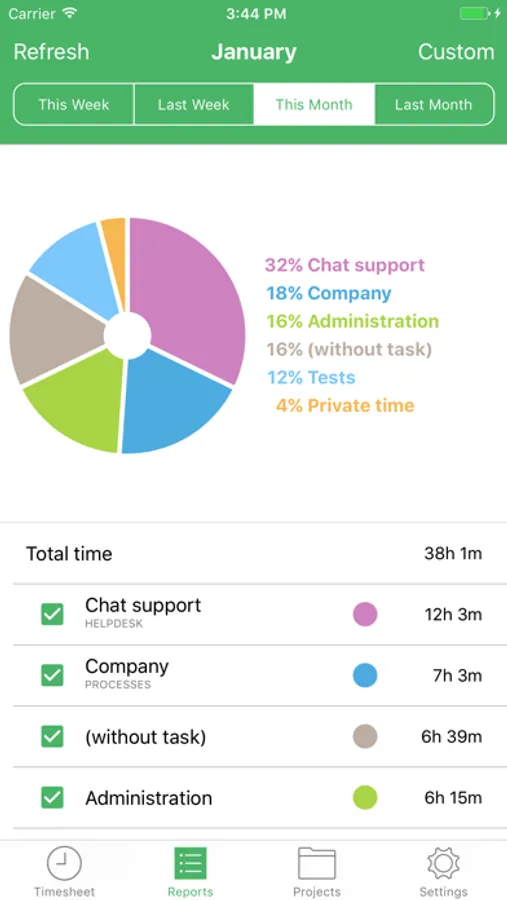
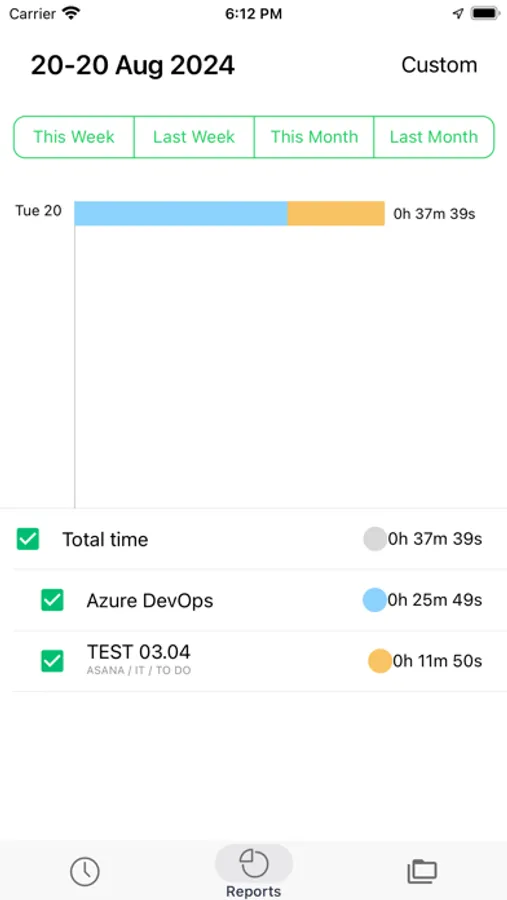
Smart reporting: Browse reports to access ongoing and historical data and stay updated with the team's productivity and project performance.
Billable time tracking: Mark time entries as billable or non-billable to maximize the benefits of your ongoing ventures.
Location tracking: Assign employees to the chosen location, so that the mobile app will recognize where they are and how many hours they've spent there.
Expense tracking: Log new expenses related to projects or tasks, including notes to keep track of your OOF spending.
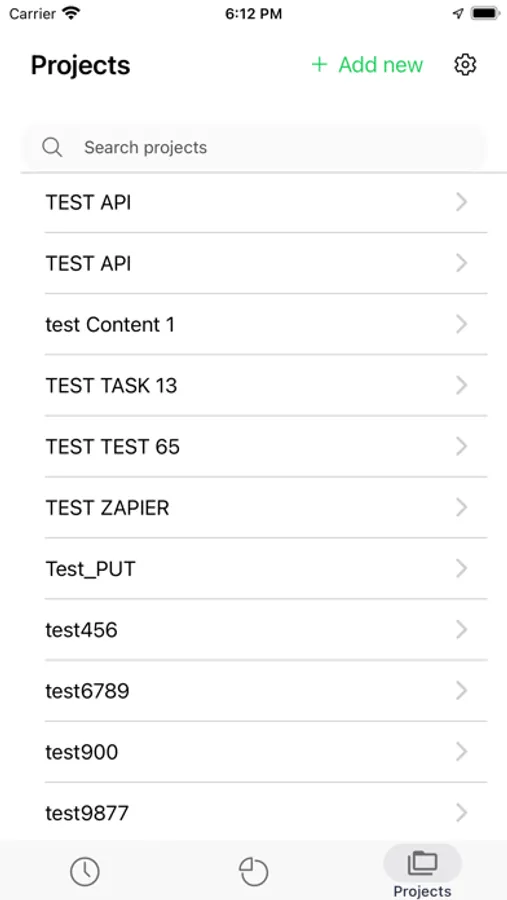
Project management: Add time to existing projects or create new tasks straight from the mobile app to allow consistency wherever you are.
Download the updated TimeCamp mobile app and enjoy seamless time tracking anyplace, anywhere, anytime!
Questions? Visit https://help.timecamp.com/help or timecamp.com/contact.
TimeCamp Time Tracker Screenshots
Tap to Rate:
Reviews for TimeCamp Time Tracker
Kara444
Could not live without
I mostly use the desktop and web version of TimeCamp. I work with multiple clients and am constantly jumping between tasks. With the desktop version I’m able to easily change what I am working on. I could not live without the feature that tells me which apps or websites I’m visiting. When I’m super busy and forget to change my task between clients I’m able to fix my time. Time camp goes above and beyond for my uses.
Jane Emma
Custom Report not working
First. Invoice only work 1 time. Not the custom report not working. I don’t get it. Is there a downgrade version?