With this drawing app, you can create sketches and artwork using customizable brushes and tools. Includes layer management, color palettes, and export options.
AppRecs review analysis
AppRecs rating 4.9. Trustworthiness 74 out of 100. Review manipulation risk 27 out of 100. Based on a review sample analyzed.
★★★★☆
4.9
AppRecs Rating
Ratings breakdown
5 star
84%
4 star
12%
3 star
2%
2 star
1%
1 star
1%
What to know
✓
Low review manipulation risk
27% review manipulation risk
✓
Credible reviews
74% trustworthiness score from analyzed reviews
✓
High user satisfaction
84% of sampled ratings are 5 stars
About Sketchbook®
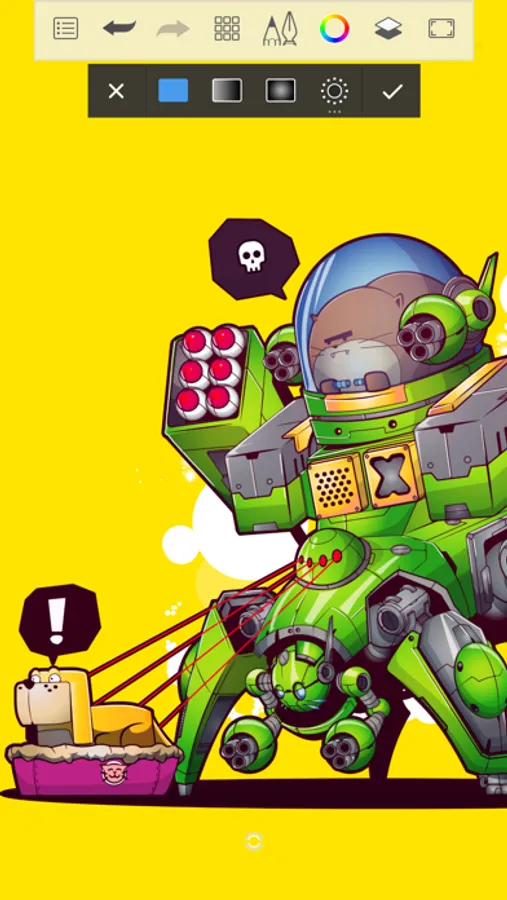
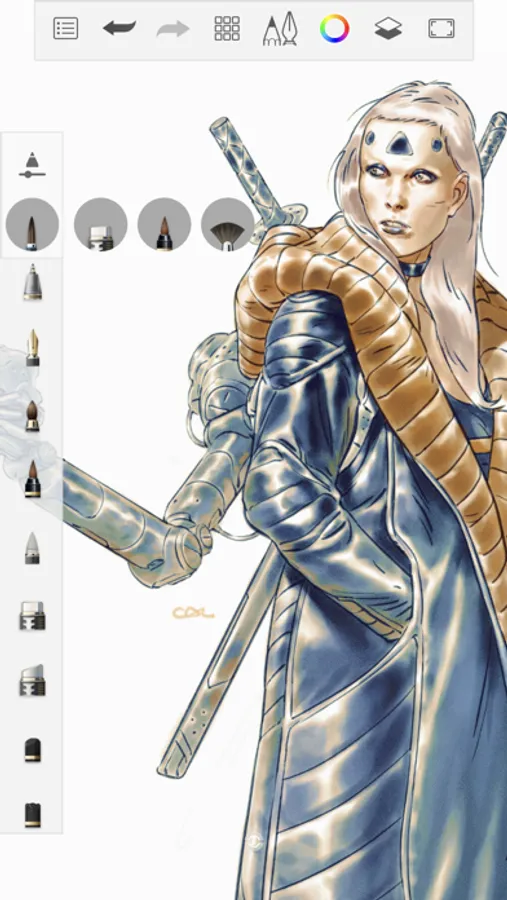
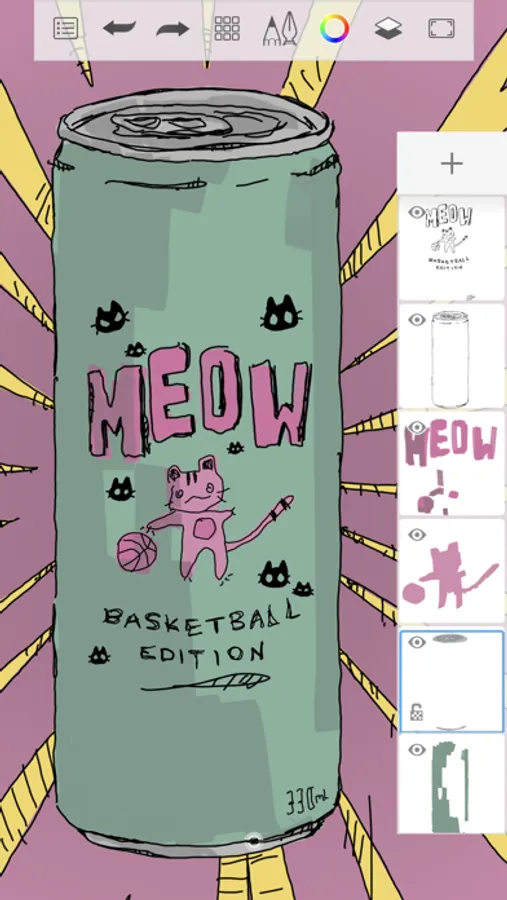
Sketchbook is an award-winning sketching, painting, and drawing app for anyone who loves to draw. Artists and illustrators love Sketchbook for its professional-grade feature set and highly customizable tools. Everyone loves Sketchbook for its elegant interface and natural drawing experience, free of distractions so you can focus on capturing and expressing your ideas.
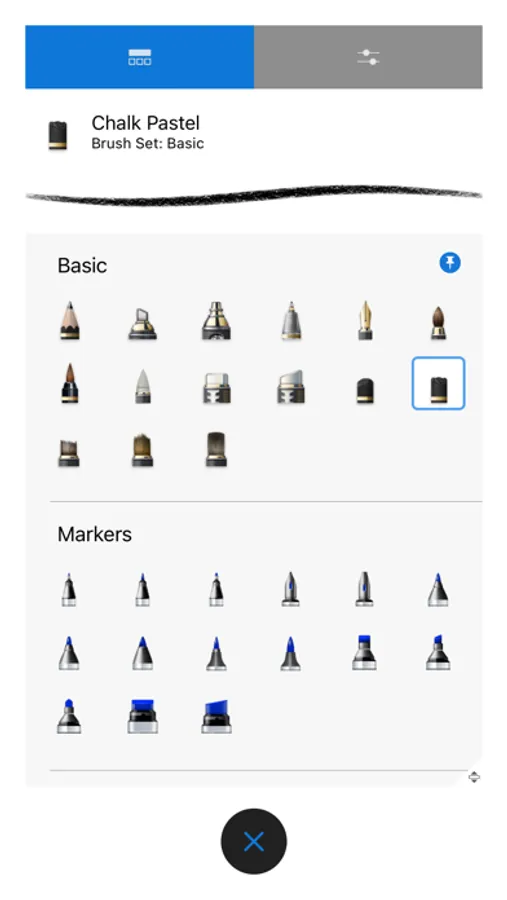
• A full complement of brush types: pencils markers, airbrushes, smear and more that look and feel just like their physical counterparts
• Brushes are highly customizable so you can create just the look you want
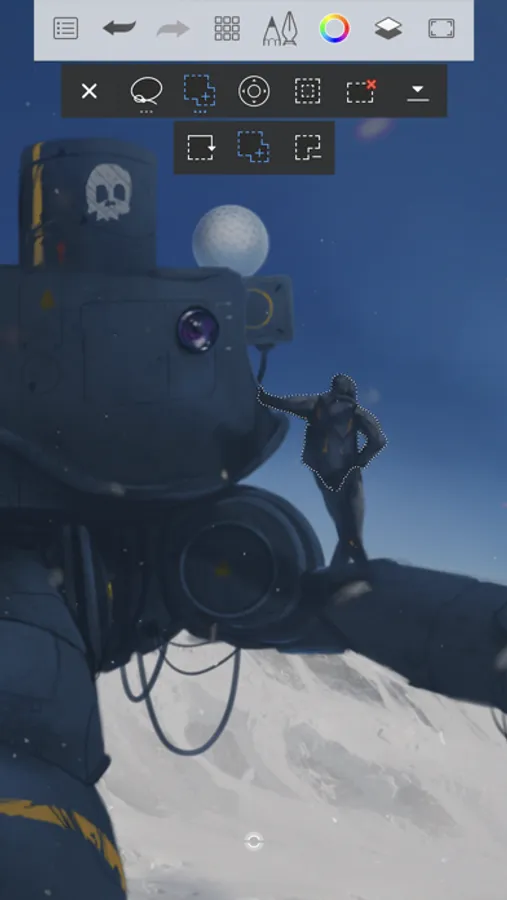
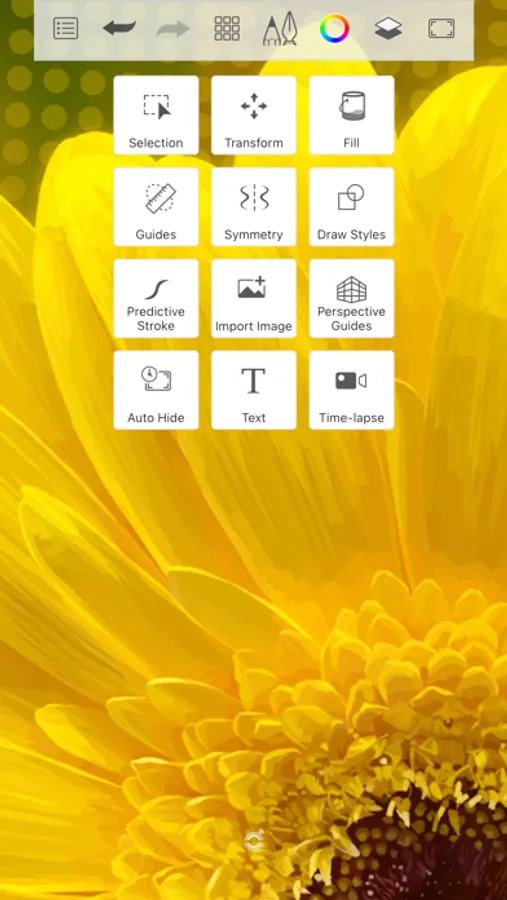
• Guides, rulers and stroke tools support precision when you need it
• Layers with a full complement of blend modes deliver the flexibility to build up and explore drawings and color
• Purpose-built for sketching, the interface is clean and unobtrusive so you can focus on drawing
Purchase the Premium Bundle to unlock more...
• Import and export brushes
• Create your own custom brushes
• Resize your canvas or image
• Set canvas resolution in px/inch or px/cm
• Clipping masks
• Additional layer adjustments including blur, sharpen, brightness/contrast, greyscale, and invert
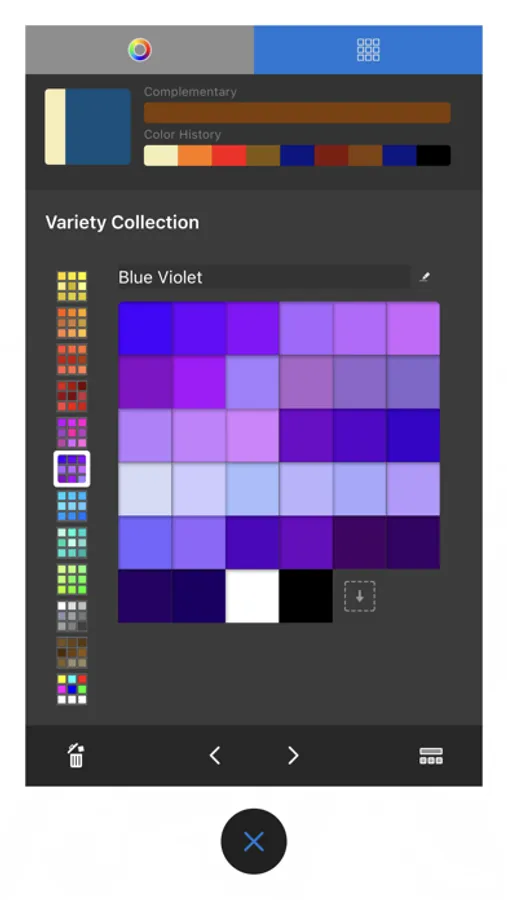
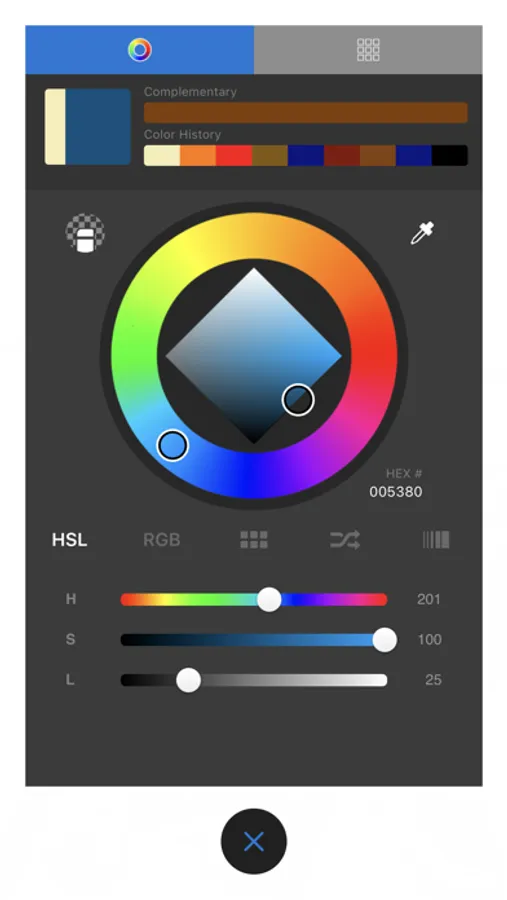
• Additional color harmonies
• Additional custom gradients
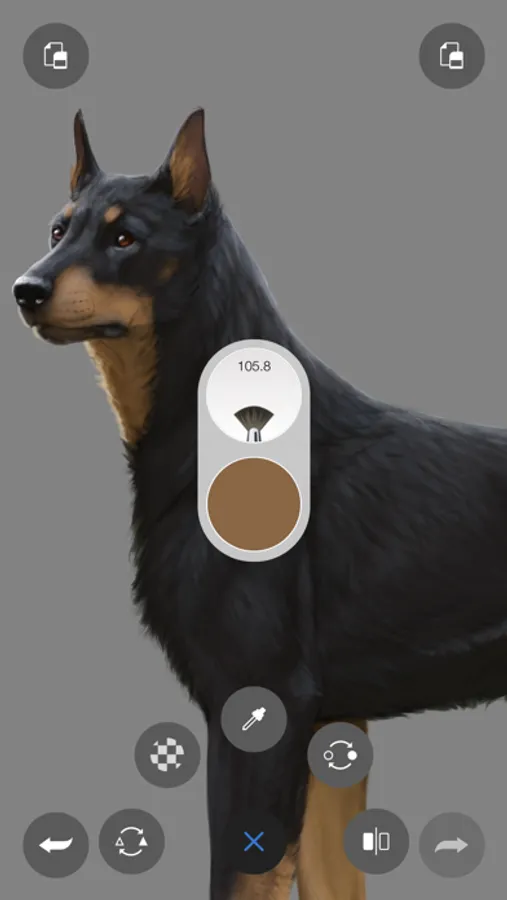
• Select color from reference images
• Extract color palettes from images
• Import and export color palettes
• Layer grouping
• Layer masking Blend Modes
• Export to PDF
• plus more to come!
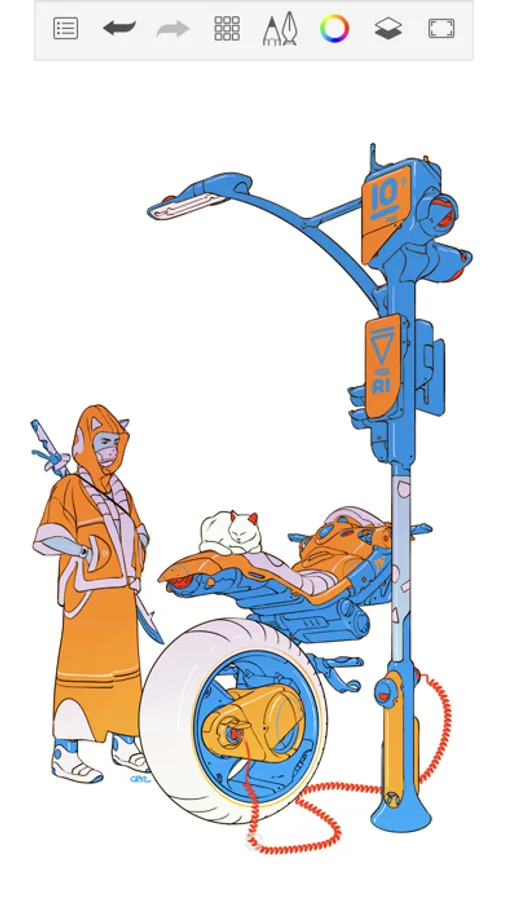
Sketchbook® Screenshots
Tap to Rate:
Reviews for Sketchbook®
misty🌾
Best drawing app, and editing pictures
I love this app because you can do anything you want on it, draw, create, edit pictures, I like to draw finger nails on my mom’s hand picture and then show her the design.
Alessandra 67 41
Best drawing app ever!!!
If you are considering to get this app, get it! At first, I thought it was one of those apps that was a scam but then I got it and I realize how fun it was. I’m 9 and I even think it’s the best app ever!