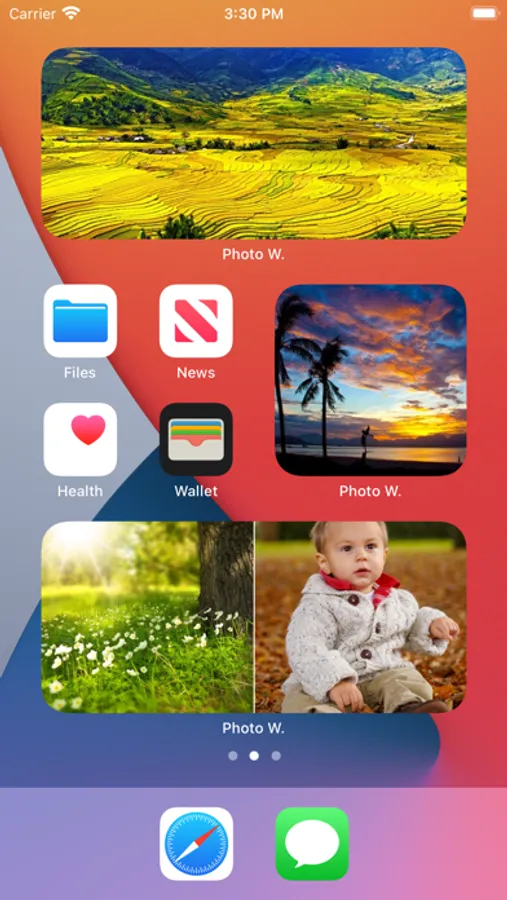
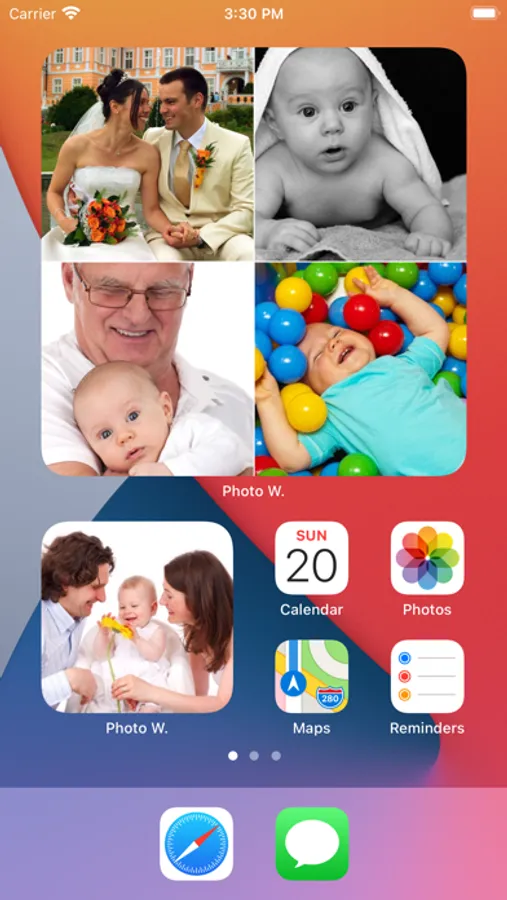
With this app, you can create customizable photo widgets for your iOS 14 Home Screen and Today view, and view photos in full screen. Includes multiple widget size options, dark mode support, and widget navigation controls.
AppRecs review analysis
AppRecs rating 3.9. Trustworthiness 73 out of 100. Review manipulation risk 24 out of 100. Based on a review sample analyzed.
★★★☆☆
3.9
AppRecs Rating
Ratings breakdown
5 star
61%
4 star
10%
3 star
6%
2 star
5%
1 star
18%
What to know
✓
Low review manipulation risk
24% review manipulation risk
✓
Credible reviews
73% trustworthiness score from analyzed reviews
✓
Good user ratings
71% positive sampled reviews
About Photo Widget
Thanks to this application (and the other Widget apps from PacoLabs), you can now customize the Today view of your device, by adding custom widgets for some specific purposes.
From anywhere in your device, with a simple top to bottom swipe, you'll have access to your own information and actions.
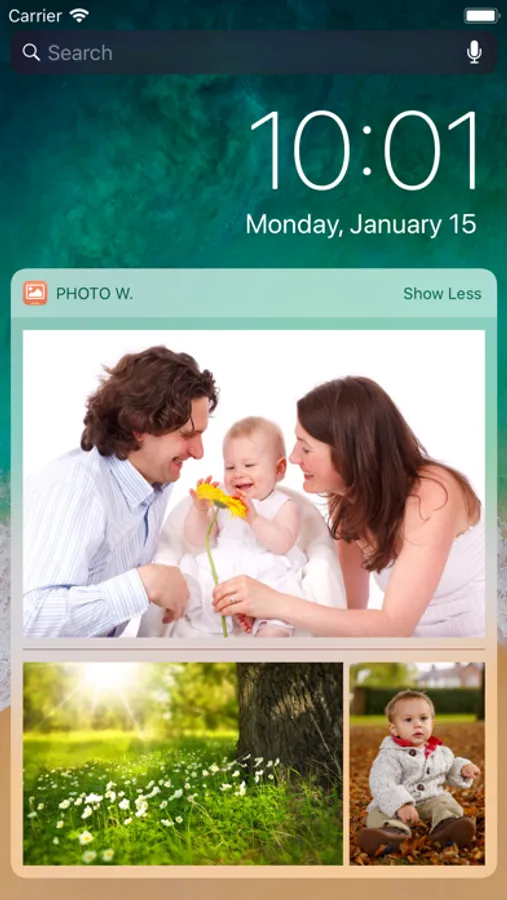
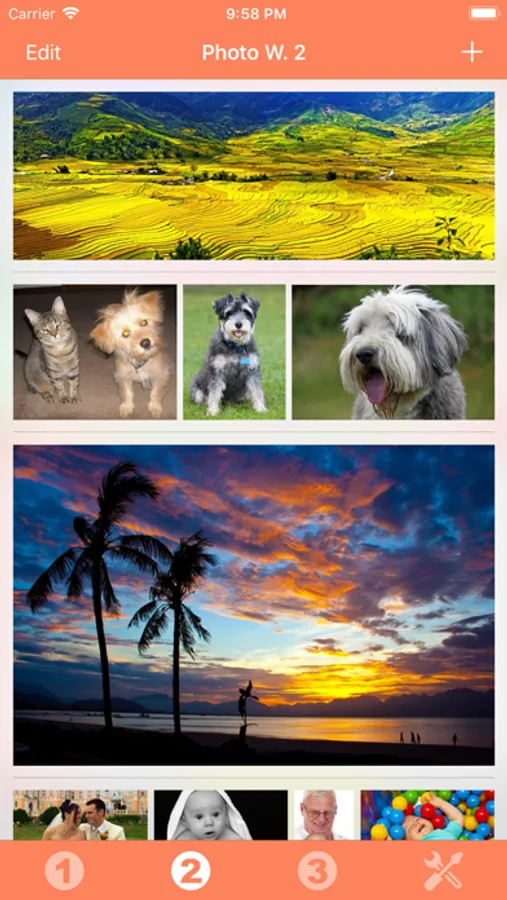
Each Photo widget allows to view one or more photos from the photo library of your device.
This is the quickest access to the favorite photos of your beloved family and friends.
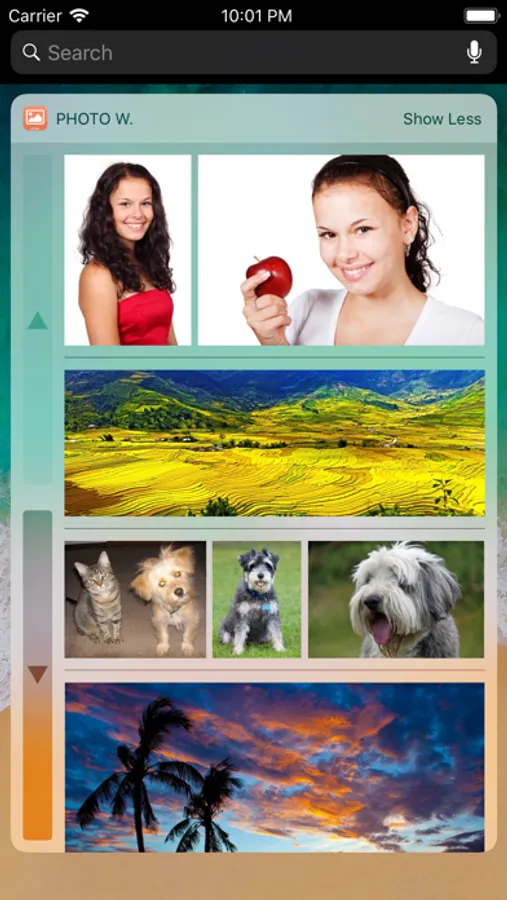
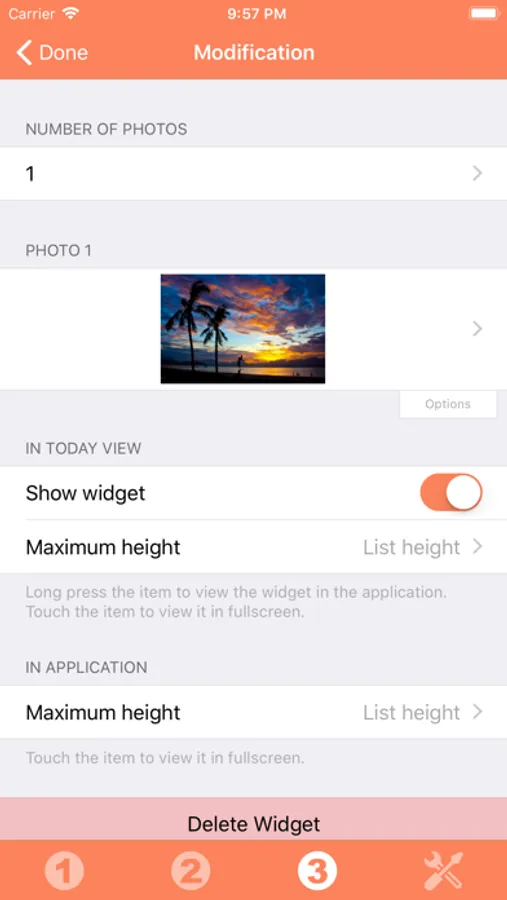
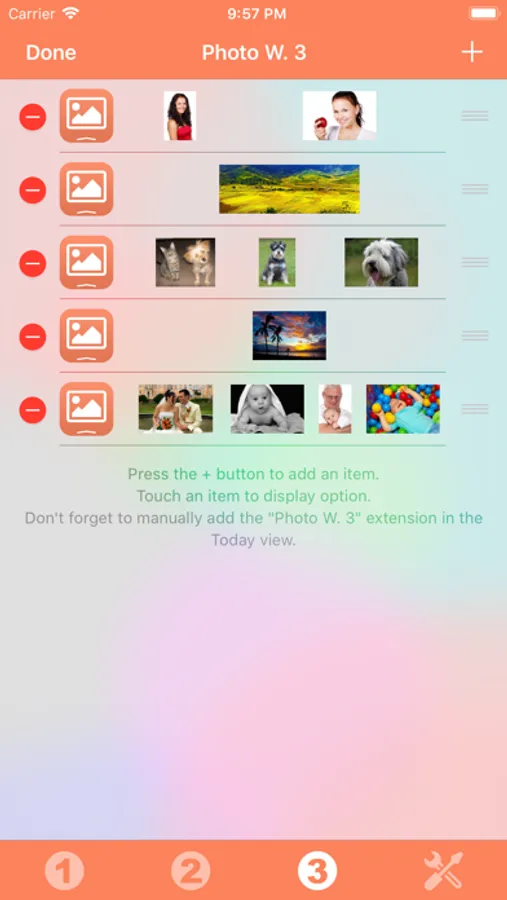
Add from 1 to 6 photos in each widget, in order to maximize the available space.
Those photos can be viewed in fullscreen by touching them.
The application is really easy to use and is adapted to the fresh look of your device.
Dark mode of iOS13 is supported.
You can add as many widgets as you want and they will be displayed in up to 3 different lists. Those same lists will be available in the Today view and in the application (although it is possible, if you want, to hide some widgets in the Today view).
To avoid overloading the Today view, when too many widgets are displayed, an intuitive control will allow you to navigate from one widget to another.
Even if the main purpose of the app is to view the widgets in the Today view, it can also be very handy to view them directly in the application (a long press on a widget in the Today view will open it directly in the main application).
Photo Widget Screenshots
Tap to Rate:
Reviews for Photo Widget
Becs.c
Love it
I love it works great for what I wanted!
Honest Reviews Now!
Display your own content quickly and easily
As one who almost NEVER makes reviews of things I couldn’t avoid telling you how great this app is! If you like to have single screen visuals of many things you want to be fast to pull up on your device this is the app for you! Also this app works well with widgets to display any selected content on your Home Screen! It’s a must have!