With this app, you can create and customize home screen and Today view widgets for various purposes, such as calendars, photos, and reminders. Includes options for free and unlockable widget types, dark mode support, and widget management tools.
AppRecs review analysis
AppRecs rating 3.9. Trustworthiness 68 out of 100. Review manipulation risk 35 out of 100. Based on a review sample analyzed.
★★★☆☆
3.9
AppRecs Rating
Ratings breakdown
5 star
57%
4 star
12%
3 star
9%
2 star
4%
1 star
18%
What to know
✓
Good user ratings
69% positive sampled reviews
✓
Authentic reviews
Natural distribution, no red flags
About My Widgets
Thanks to this application (and the other Widget apps from PacoLabs), you can now customize the Home screen and the Today view of your device, by adding custom widgets for some specific purposes.
From anywhere in your device, you'll have access to your own information and actions.
Add various widgets for your different needs.
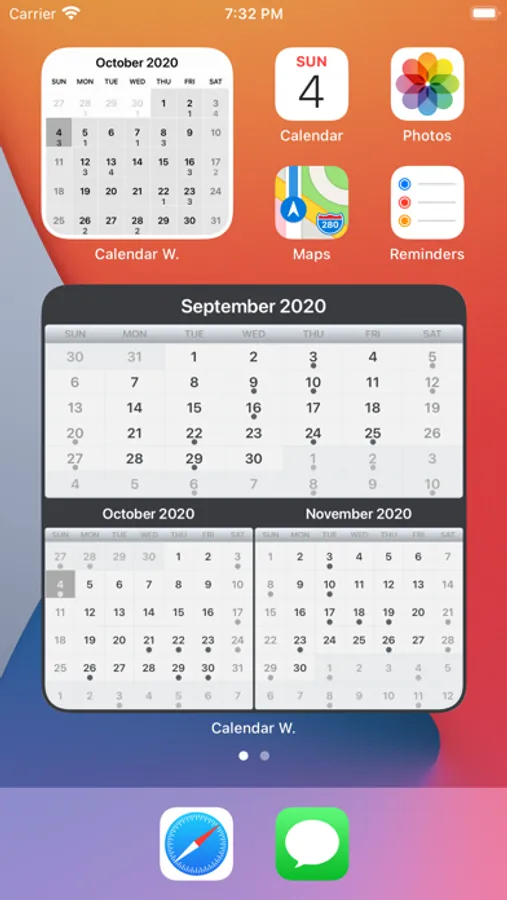
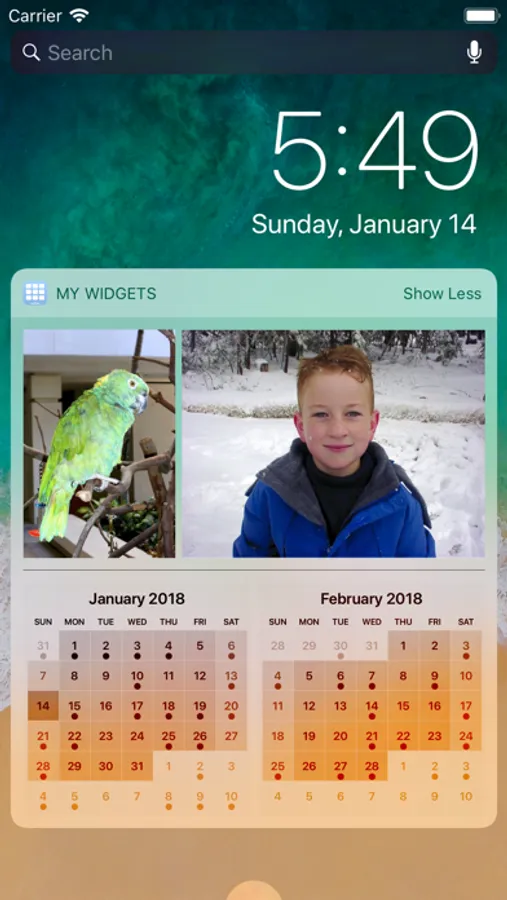
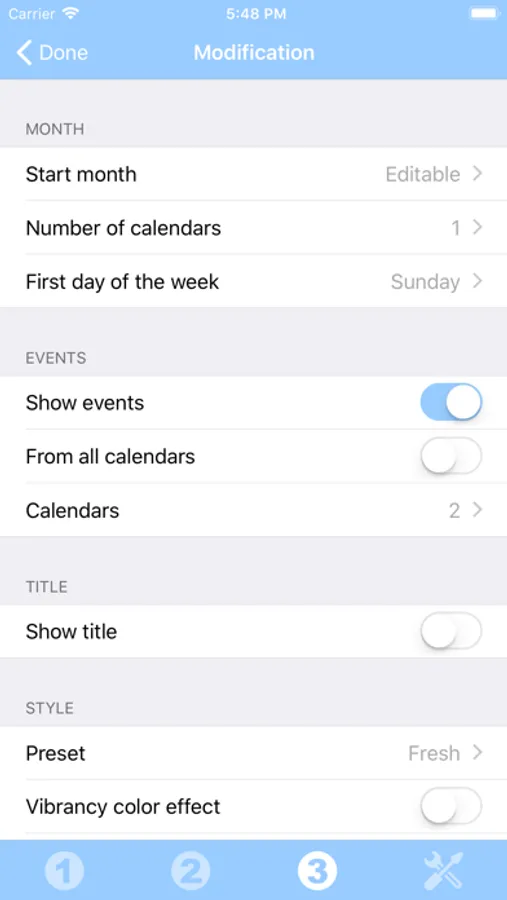
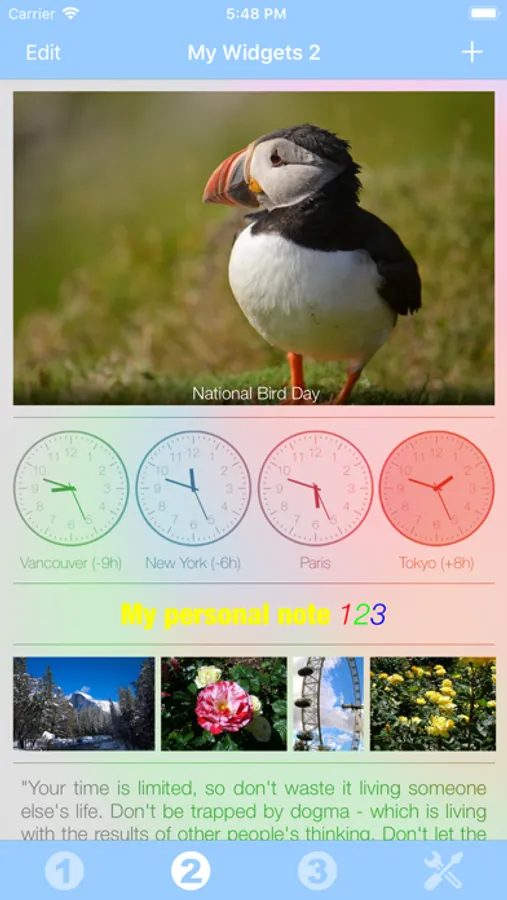
You can, for instance, add a calendar that will display the current month and the busy days.
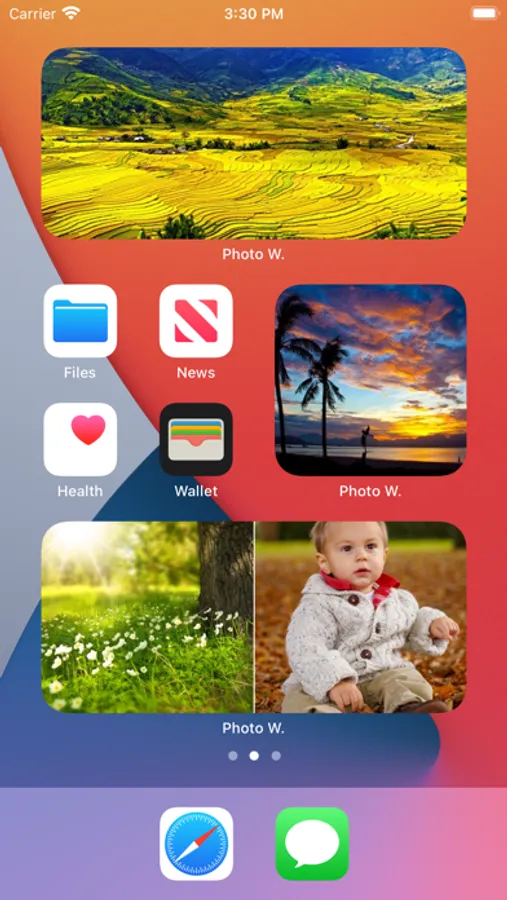
You can add your favorite photos of your beloved family and friends.
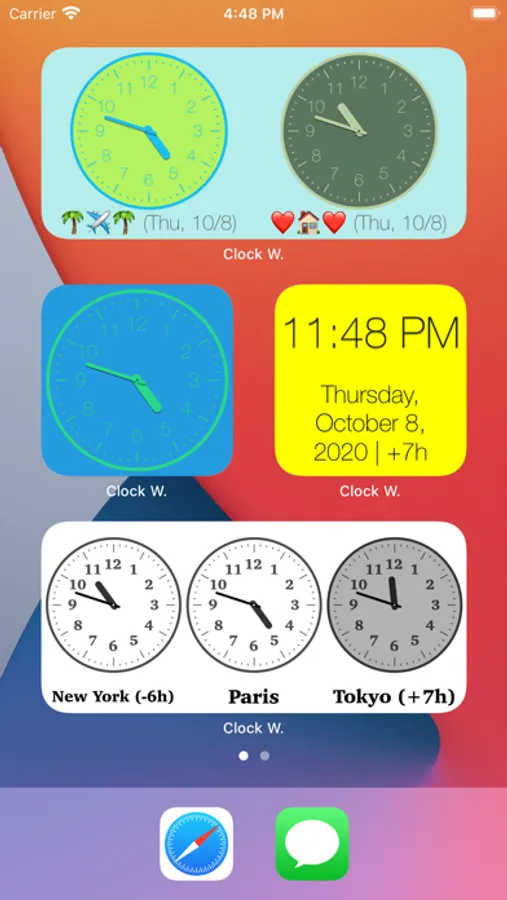
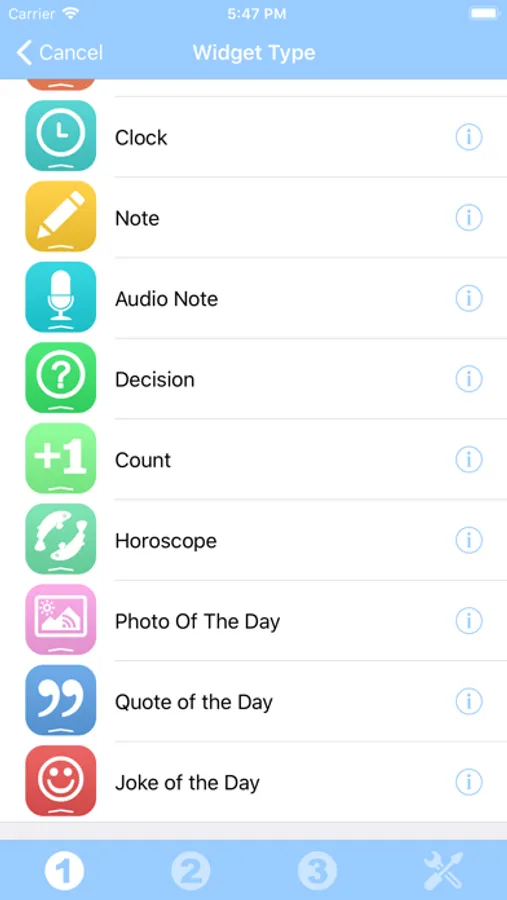
You can add your horoscope, a photo of the day (from the internet), some audio notes, some world clocks and more...
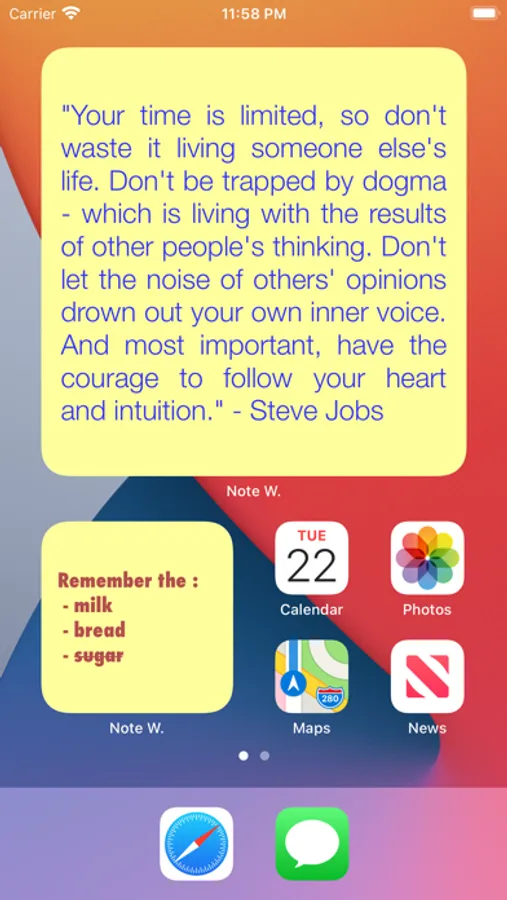
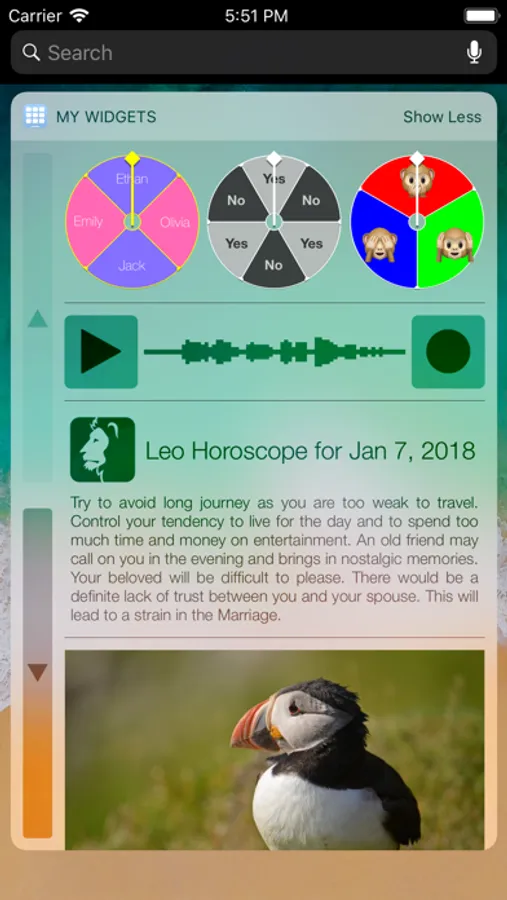
The application contains some free widgets like the Note widget allowing you to quickly view and edit some text notes and reminders and the Decision widget allowing you to randomly choose one item among several choices.
Each other widget type can be tried and can be unlocked separately.
You can also unlock all the current and future widget types at once, if you are a widget addict !
Those Widgets are compatible with the new iOS 14 Home Screen Widgets.
The application is really easy to use and is adapted to the fresh look of your device.
Dark mode of iOS13 is supported.
In Today view:
You can add as many widgets as you want and they will be displayed in up to 3 different lists. Those same lists will be available in the Today view and in the application (although it is possible, if you want, to hide some widgets in the Today view).
To avoid overloading the Today view, when too many widgets are displayed, an intuitive control will allow you to navigate from one widget to another.
Even if the main purpose of the app is to view the widgets in the Today view, it can also be very handy to view them directly in the application (a long press on a widget in the Today view will open it directly in the main application).
From anywhere in your device, you'll have access to your own information and actions.
Add various widgets for your different needs.
You can, for instance, add a calendar that will display the current month and the busy days.
You can add your favorite photos of your beloved family and friends.
You can add your horoscope, a photo of the day (from the internet), some audio notes, some world clocks and more...
The application contains some free widgets like the Note widget allowing you to quickly view and edit some text notes and reminders and the Decision widget allowing you to randomly choose one item among several choices.
Each other widget type can be tried and can be unlocked separately.
You can also unlock all the current and future widget types at once, if you are a widget addict !
Those Widgets are compatible with the new iOS 14 Home Screen Widgets.
The application is really easy to use and is adapted to the fresh look of your device.
Dark mode of iOS13 is supported.
In Today view:
You can add as many widgets as you want and they will be displayed in up to 3 different lists. Those same lists will be available in the Today view and in the application (although it is possible, if you want, to hide some widgets in the Today view).
To avoid overloading the Today view, when too many widgets are displayed, an intuitive control will allow you to navigate from one widget to another.
Even if the main purpose of the app is to view the widgets in the Today view, it can also be very handy to view them directly in the application (a long press on a widget in the Today view will open it directly in the main application).
My Widgets Screenshots
Tap to Rate:
Reviews for My Widgets
Hollywood🎀🧺
I love this app and it helps me with my wallpaper📖
Hey guys my name is Brianna I love this app it calls My Widgets
kalliekilpatrickrivers
Add my widgets
I don’t know how to add my widgets to my phone