
AppRecs review analysis
AppRecs rating 4.3. Trustworthiness 0 out of 100. Review manipulation risk 0 out of 100. Based on a review sample analyzed.
★★★★☆
4.3
AppRecs Rating
Ratings breakdown
5 star
0%
4 star
0%
3 star
100%
2 star
0%
1 star
0%
About Smart Steps Mobile
Take the next step with confidence.
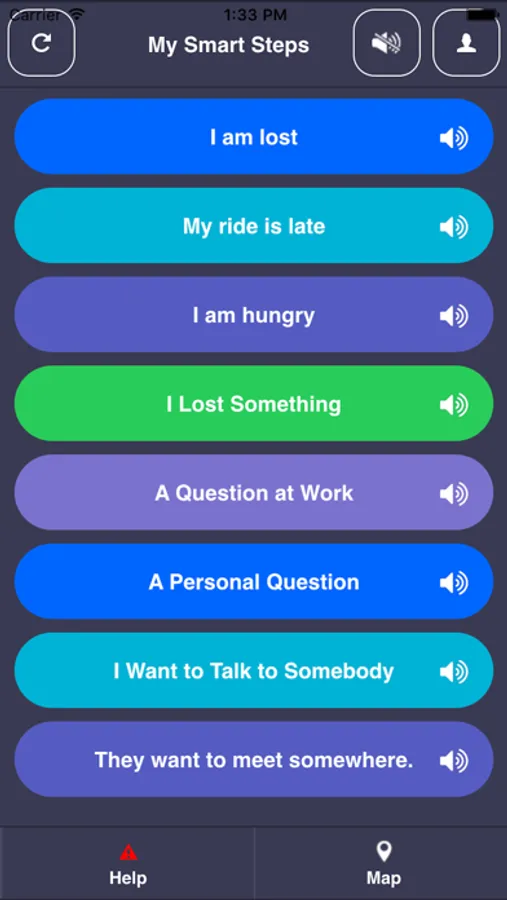
Smart Steps helps teens and adults with disabilities handle tricky moments—one tap at a time. Whether it’s starting a new job, getting around campus, or asking for help, this app walks you through what to do.
Designed by a teacher, Smart Steps is built for neurodivergent users, including those with autism, ADHD, intellectual and developmental disabilities, Down syndrome, or brain injuries. With simple Decision Trees and just-in-time tips, it’s like having a calm coach in your pocket.
How it works:
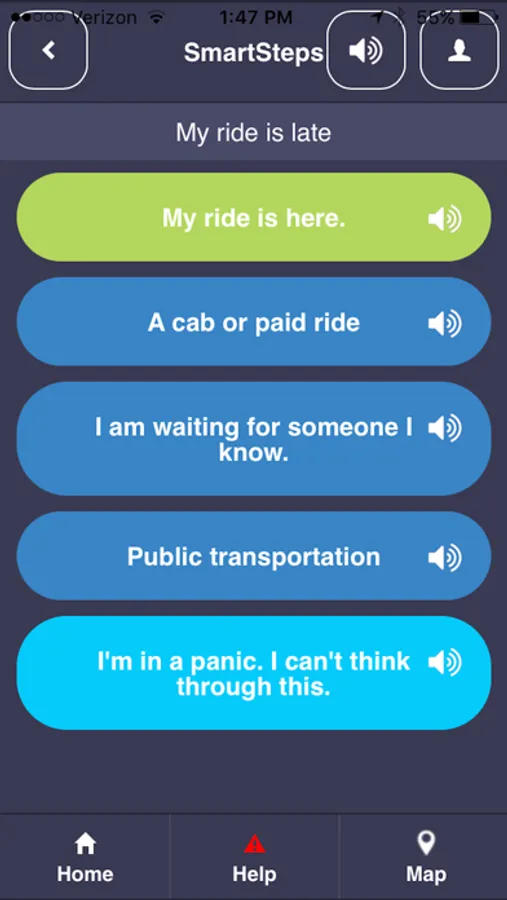
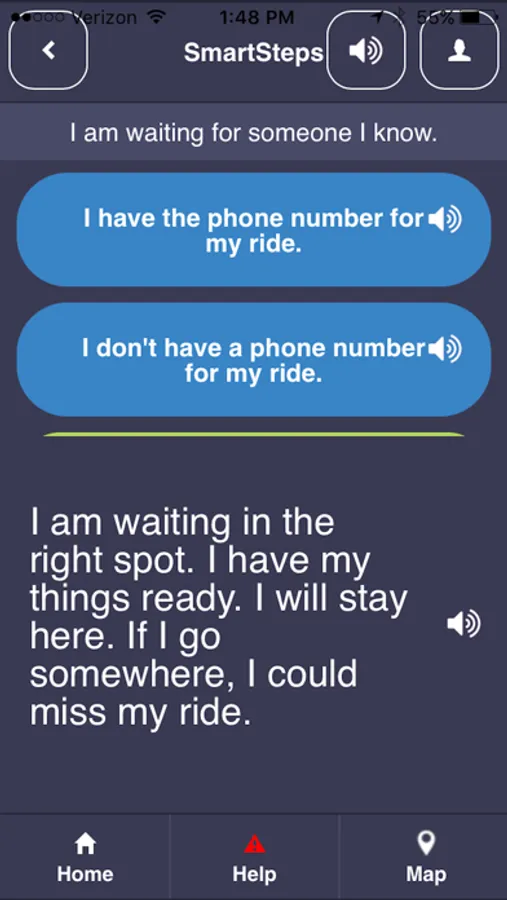
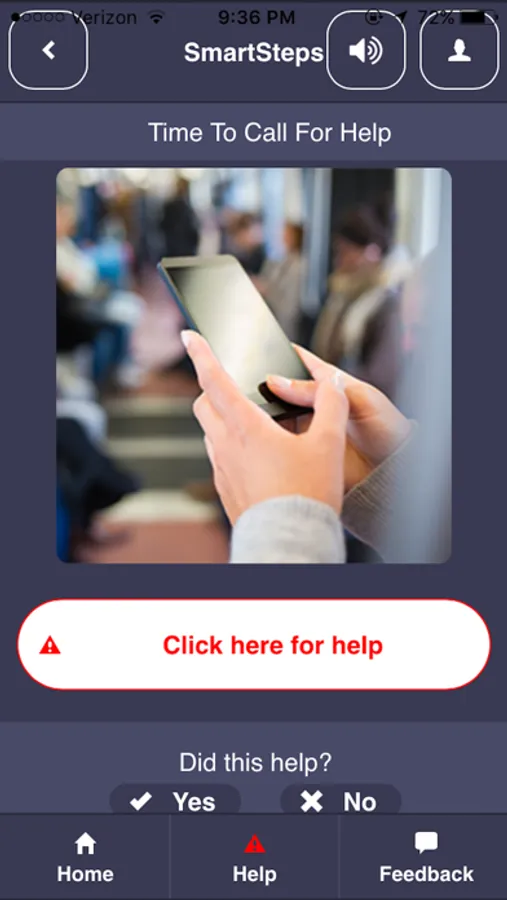
Pick a Decision Tree and follow one step at a time. You’ll get reminders, social cues, and safety tips when you need them most. End with a Success screen—or call for Backup if you need extra help.
Features include:
• Read-Aloud buttons (great for speaking out loud too!)
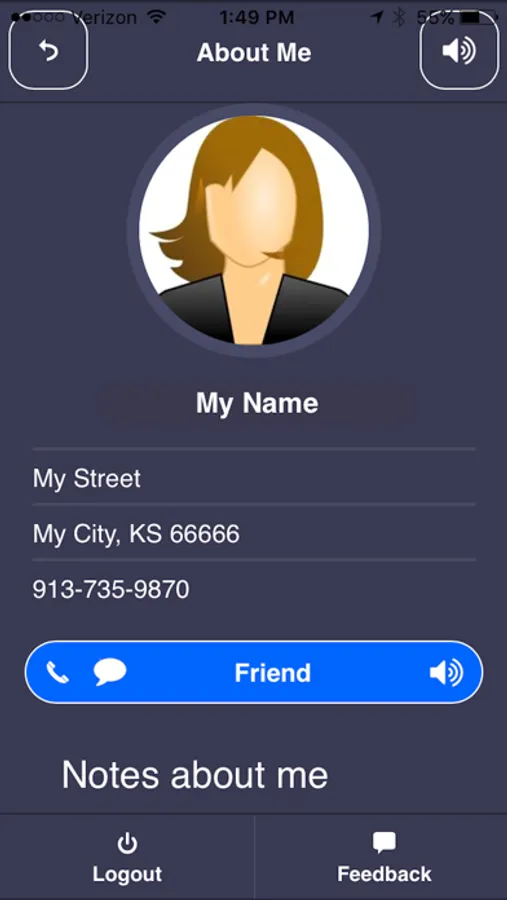
• A Profile Screen to share helpful info
• A Map Button for directions
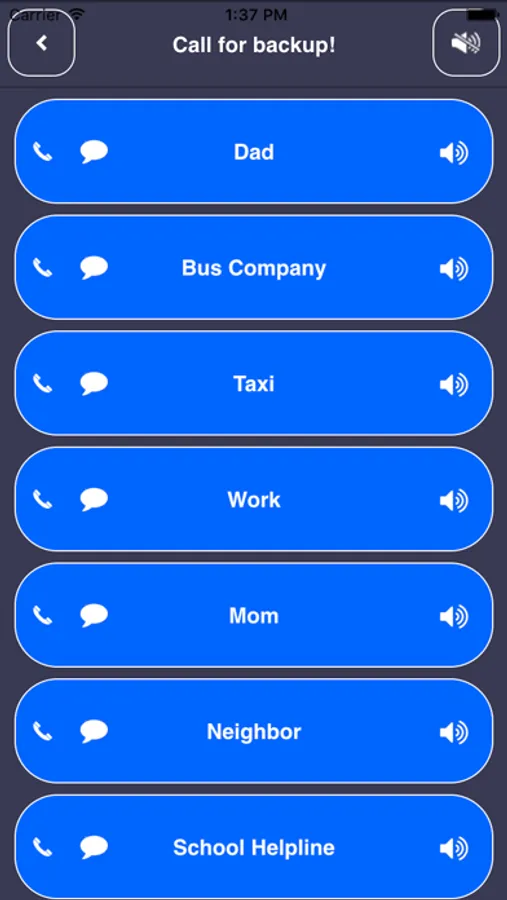
• Emergency Contacts for calls/texts (with upgrade)
• A Decision Tree Maker to customize steps and add images (with upgrade)
Plans available:
Free Plan – Try it out! Includes built-in Decision Trees, Profile Screen, Map, and Read-Aloud.
Monthly/Annual Plan – Unlock tree editing, image uploads, contact storage, and color customization.
Group Plans – Share trees with a classroom, workplace, or family (2+ licenses).
Build independence, reduce stress, and support problem-solving—one small win at a time.
Learn more or sign up at SmartSteps4me.com
Watch a quick intro: bit.ly/SmartStepsMobileIntro
Smart Steps helps teens and adults with disabilities handle tricky moments—one tap at a time. Whether it’s starting a new job, getting around campus, or asking for help, this app walks you through what to do.
Designed by a teacher, Smart Steps is built for neurodivergent users, including those with autism, ADHD, intellectual and developmental disabilities, Down syndrome, or brain injuries. With simple Decision Trees and just-in-time tips, it’s like having a calm coach in your pocket.
How it works:
Pick a Decision Tree and follow one step at a time. You’ll get reminders, social cues, and safety tips when you need them most. End with a Success screen—or call for Backup if you need extra help.
Features include:
• Read-Aloud buttons (great for speaking out loud too!)
• A Profile Screen to share helpful info
• A Map Button for directions
• Emergency Contacts for calls/texts (with upgrade)
• A Decision Tree Maker to customize steps and add images (with upgrade)
Plans available:
Free Plan – Try it out! Includes built-in Decision Trees, Profile Screen, Map, and Read-Aloud.
Monthly/Annual Plan – Unlock tree editing, image uploads, contact storage, and color customization.
Group Plans – Share trees with a classroom, workplace, or family (2+ licenses).
Build independence, reduce stress, and support problem-solving—one small win at a time.
Learn more or sign up at SmartSteps4me.com
Watch a quick intro: bit.ly/SmartStepsMobileIntro
Smart Steps Mobile Screenshots
Tap to Rate:
Reviews for Smart Steps Mobile
jewish007
Can developer help me get email?
Looking for the account email confirmation. Still don’t see it anywhere in any of my email folders. Want to try this app out.