Color Mate - Convert and Analyze Colors
David Williames
3.8 ★
rating
$1.99
In this app, you can convert, analyze, and search colors using sliders, textfields, or image extraction. Includes color extraction from images, color scheme generation, and dictionary searches for color names.
About Color Mate - Convert and Analyze Colors
The ultimate app to convert, analyze, search and save colors!
A MUST HAVE for developers, designers, artists, painters or simply for settling the argument... "is this color more a Blue or a Green?"
Manipulate color values to find the 'perfect color' easily! Then find out everything about it at the touch of a button. Extract colors from images, or search for them by name.
"What is the name of that color?" ... Now you can find out!
SIMPLISTIC YET POWERFUL
• Shake for a random color!
• Turn sideways for full screen color!
• Double tap to save a color!
BEAUTIFUL INTERFACE
• Full screen color
• Minimalistic design
• Custom numeric and hexadecimal keyboards
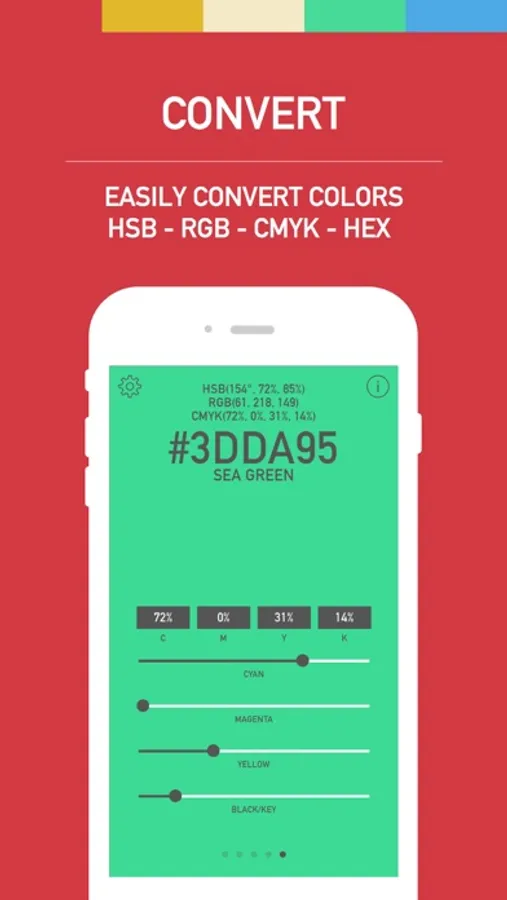
CONVERT
• Constant conversions between: HSB/HSV, RGB, HEX and CMYK.
• Convert by sliders or textfields
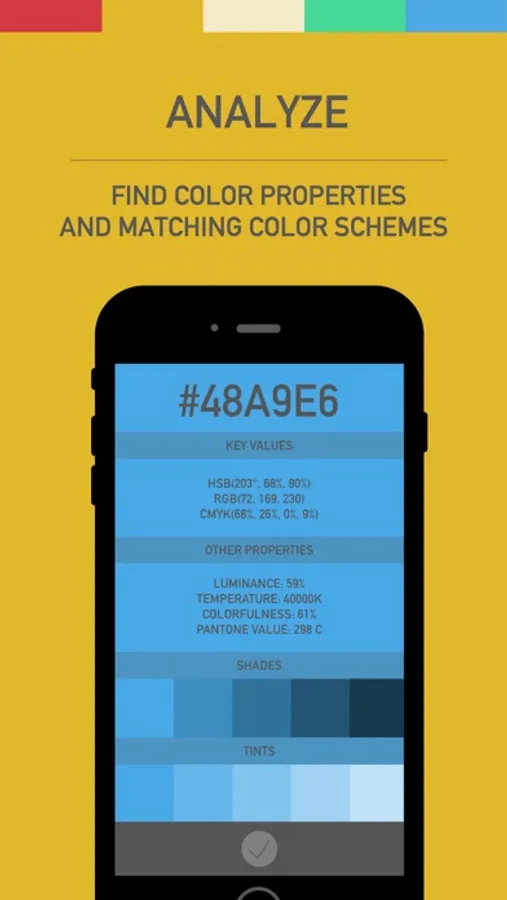
ANALYZE
• Multitude of information about each color, including: Luminance, Temperature, Colorfulness, Pantone Value, Shades/Tints/Tones and Color names
• Get accommodating color schemes, including; mono, complement, triad, tetrad, analogic and accented analogic.
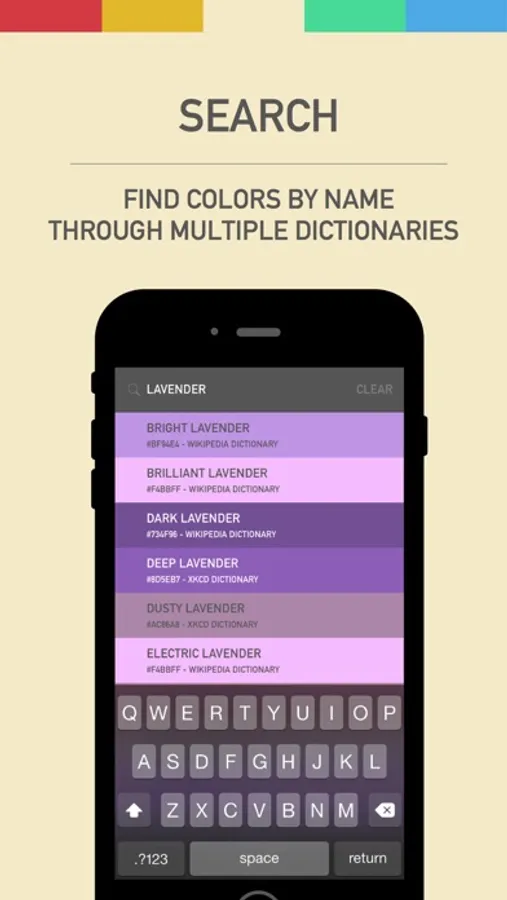
SEARCH
• Search for a color by name
• Search through numerous dictionaries, including; Base, Crayon, CSS, iOS, Moroney, System, Wikipedia and XKCD Dictionaries.
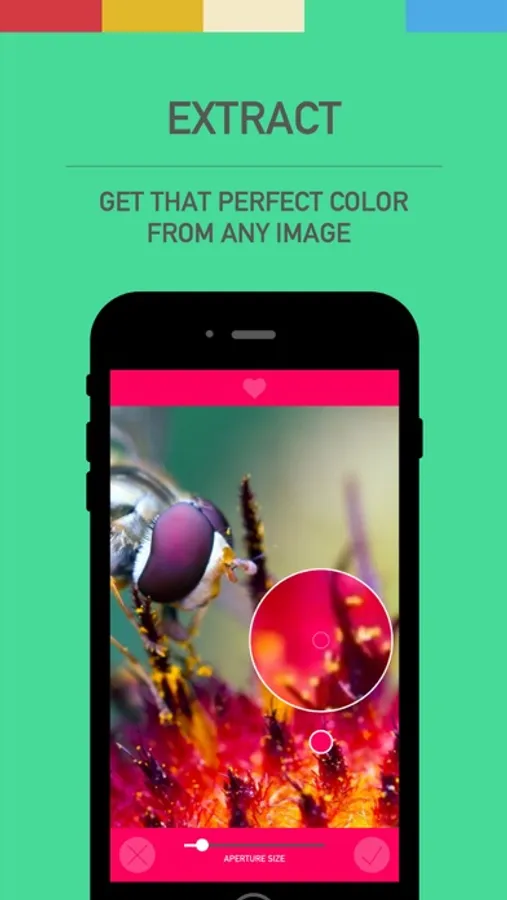
EXTRACT
• Extract colors from a saved image
• Capture an image for immediate color extraction
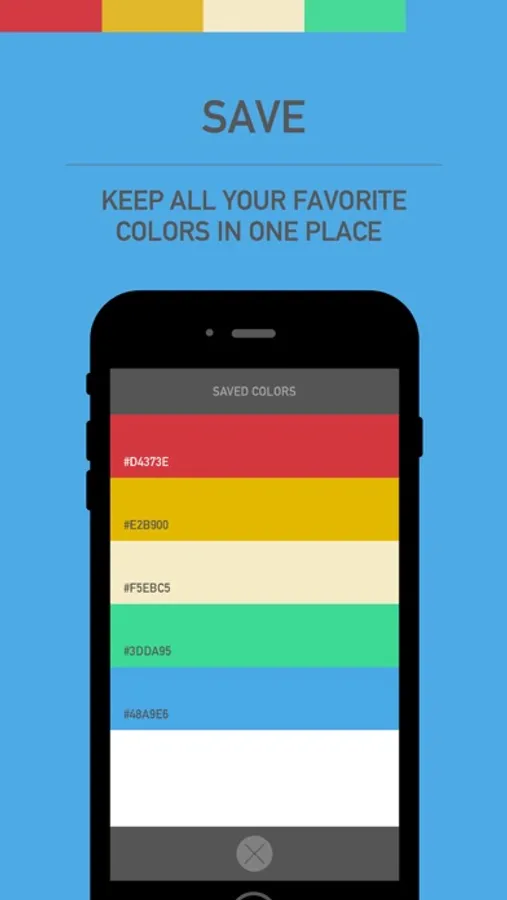
SAVE
• Save colors easily into one place
• Reorder and delete saved colors
CUSTOMIZE
• Set the RGB values to be a percentage, or out of 255.
• Set the Hue in HSB to be a percentage, or set in degrees.
A MUST HAVE for developers, designers, artists, painters or simply for settling the argument... "is this color more a Blue or a Green?"
Manipulate color values to find the 'perfect color' easily! Then find out everything about it at the touch of a button. Extract colors from images, or search for them by name.
"What is the name of that color?" ... Now you can find out!
SIMPLISTIC YET POWERFUL
• Shake for a random color!
• Turn sideways for full screen color!
• Double tap to save a color!
BEAUTIFUL INTERFACE
• Full screen color
• Minimalistic design
• Custom numeric and hexadecimal keyboards
CONVERT
• Constant conversions between: HSB/HSV, RGB, HEX and CMYK.
• Convert by sliders or textfields
ANALYZE
• Multitude of information about each color, including: Luminance, Temperature, Colorfulness, Pantone Value, Shades/Tints/Tones and Color names
• Get accommodating color schemes, including; mono, complement, triad, tetrad, analogic and accented analogic.
SEARCH
• Search for a color by name
• Search through numerous dictionaries, including; Base, Crayon, CSS, iOS, Moroney, System, Wikipedia and XKCD Dictionaries.
EXTRACT
• Extract colors from a saved image
• Capture an image for immediate color extraction
SAVE
• Save colors easily into one place
• Reorder and delete saved colors
CUSTOMIZE
• Set the RGB values to be a percentage, or out of 255.
• Set the Hue in HSB to be a percentage, or set in degrees.
Color Mate - Convert and Analyze Colors Screenshots
Tap to Rate: