
In this reading app, you can browse and select from one million ebooks, start reading any book for free, and connect with other readers through notes and highlights. Includes features for creating bookshelves, joining online book clubs, and sharing quote cards.
AppRecs review analysis
AppRecs rating 4.3. Trustworthiness 79 out of 100. Review manipulation risk 22 out of 100. Based on a review sample analyzed.
★★★★☆
4.3
AppRecs Rating
Ratings breakdown
5 star
74%
4 star
13%
3 star
4%
2 star
3%
1 star
6%
What to know
✓
Low review manipulation risk
22% review manipulation risk
✓
Credible reviews
79% trustworthiness score from analyzed reviews
⚠
Pricing complaints
Many low ratings mention paywalls or pricing
About Glose
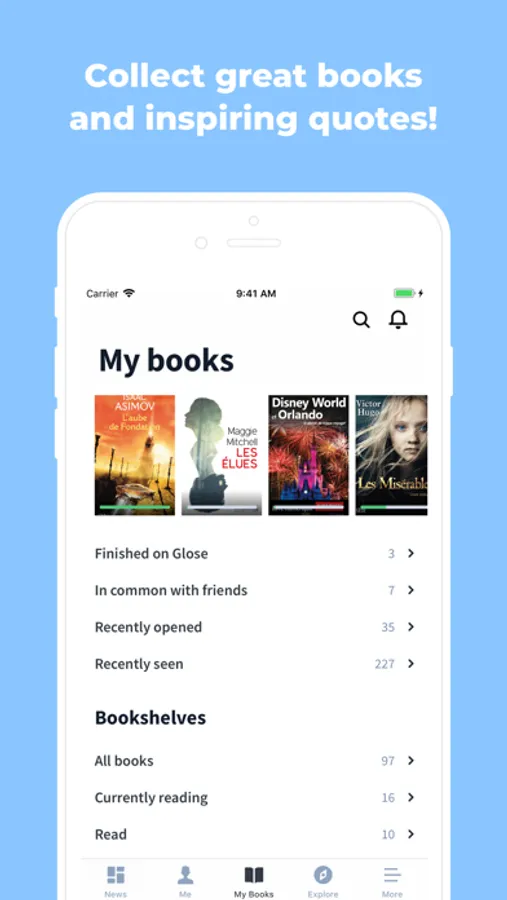
Build your bookshelf in seconds : Create a free reader profile, organize your books, create lists.
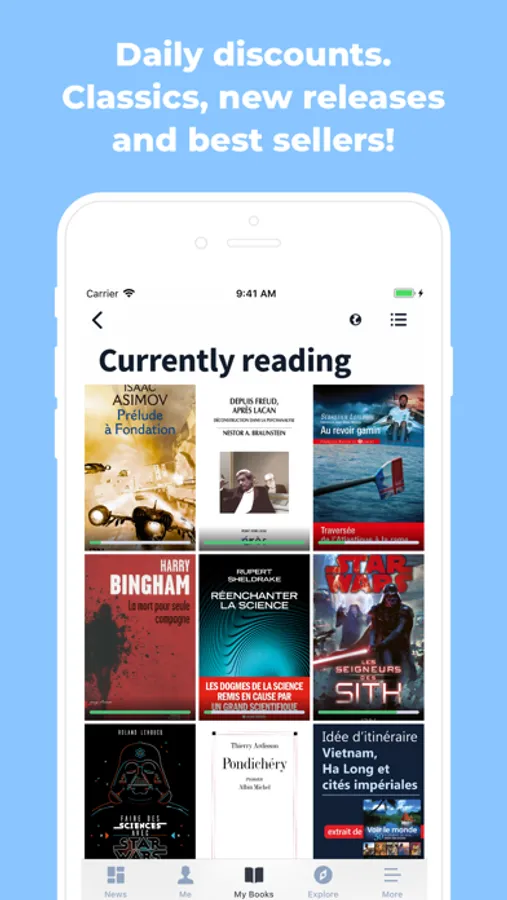
Browse our ebookstore : 1 million ebooks in all categories. Best sellers, fiction, non fiction, young adult, business, education etc... with great discounts and free classics.
Start any book for free! One touch and you’re into any book for free. Read up to 10% of the content before deciding to pursue and purchase the book. Also, upload an import your own epubs from Dropbox, your desktop of anywhere else!
Read anywhere, anytime, online and offline. Glose stores your current reads so you can read them offline, in the bus, subway, in the depths of a mysterious forest or a far away galaxy.
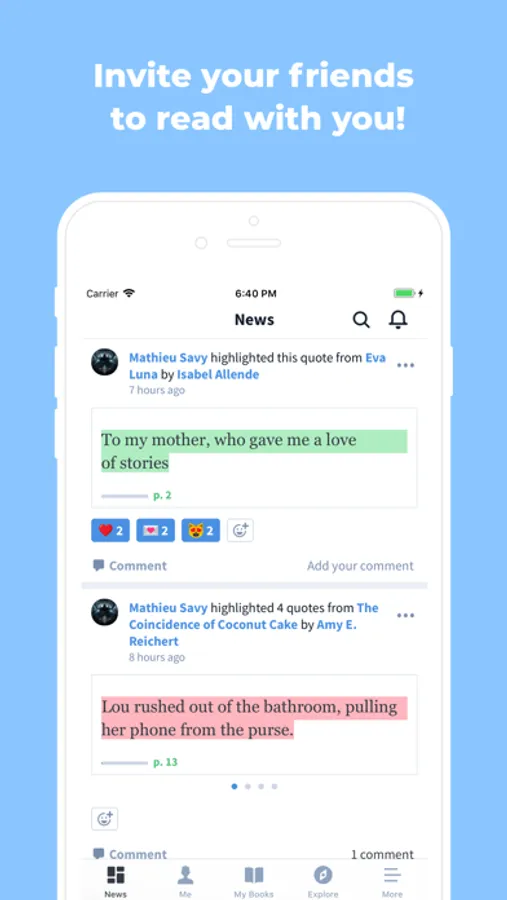
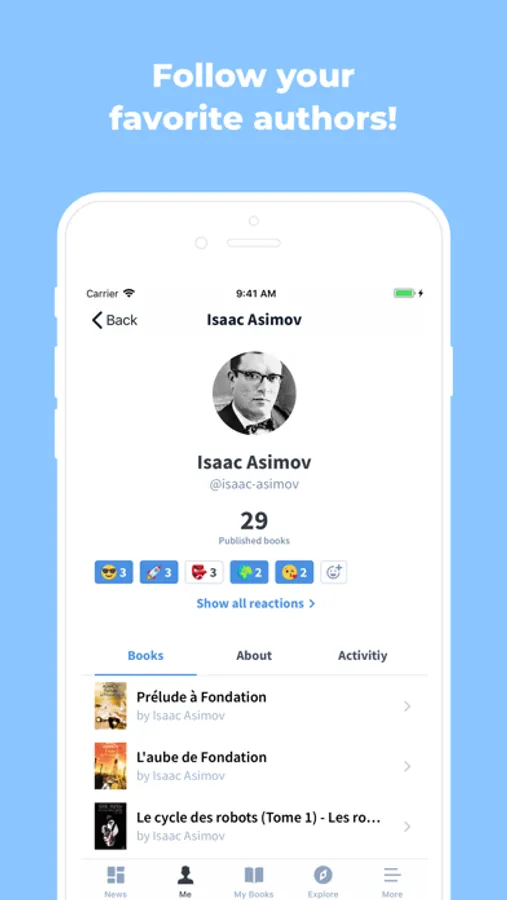
Join the Community : see what other people are reading, recommending, highlighting, and annotating.
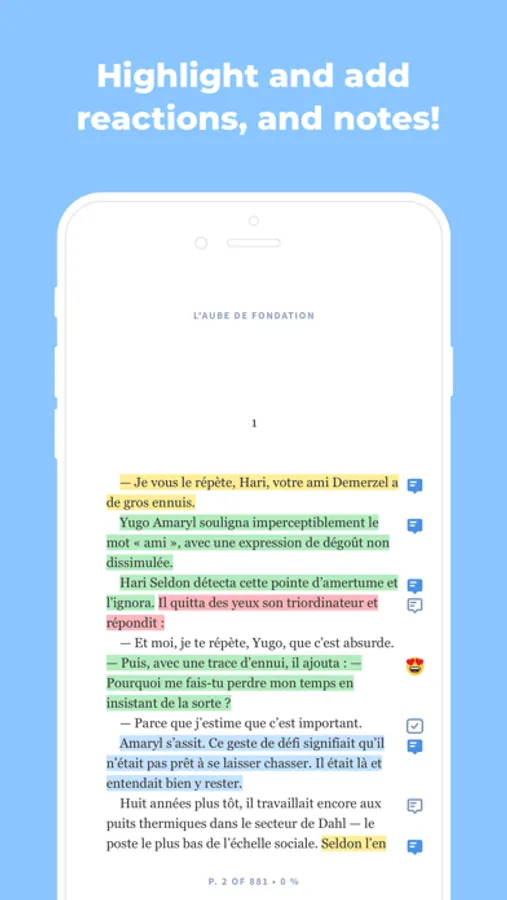
Read with your friends! Create reading groups to read with your friends and share highlights and annotations. Shared annotations in the margins of the text make reading more engaging and exciting. Post a note and see what other readers think.
Start an online book club! Create a group, pick a name and image, invite people and choose books : you’ve got your online book club read to go - around the world!
Make reading beautiful : create beautiful quote cards from the books you read. Choose a sentence that inspires you, choose a background photo, and share the quote card on social media.
More about Glose :
Reading for better learning : our unique features makes your reading more conducive to text analysis, memorization, and study. Glose is used in leading schools and universities to power distribution of reading material and discussion around text.
Our bookstore features the works of Malcolm Gladwell, Walter Isaacson, Stephen King, John Green, Paulo Coelho, James Patterson, E.L. James, Suzanne Collins, Danielle Steel, David Baldacci, Janet Evanovich, Nora Roberts, Dan Brown, Dean Koontz, John Grisham, George R.R Martin, and many more !
• Read popular FREE ebooks by classic authors : Moby Dick, Alice in Wonderland, Sherlock Holmes, The Art of War, by Sun Tzu, The Marvelous Land of Oz, Tales from Shakespeare, Romeo & Juliet, Pride & Prejudice and more.
On Glose, reading becomes social. You can highlight your favorite quotes with one touch, archive them, share them on social networks, and annotate them. So join our community of readers who read, share, and discuss the books they love!
Glose provides the most powerful reading experience online.
• Customise your reading settings to personalise your experience : fonts, spacing, page structure, background color (might mode and more).
• Always pick up your reading at the right page thanks to automatic synchronisation of your Reading activity on all devices.
• Make new friends through books
So what are you waiting for ? Don’t miss the inspiring conversations happening every day in Glose, and Download our app !
Connect with us on Facebook (https://www.facebook.com/GloseApp)
Follow Glose on Twitter (https://twitter.com/Glose)
Glose Screenshots
Tap to Rate:
Reviews for Glose
umich21
Not loading or opening books
Useless app! They should have stayed with the Bluefire app, at least those books would be downloaded to your device.
thecozyarchivist
Can’t download or open new books
I use this app on both iOS and Android and neither one will let me download new books. Also if I try to open them to read on WiFi it shows no text in the book. This is extremely frustrating.