AppRecs review analysis
AppRecs rating 1.7. Trustworthiness 68 out of 100. Review manipulation risk 25 out of 100. Based on a review sample analyzed.
★☆☆☆☆
1.7
AppRecs Rating
Ratings breakdown
5 star
8%
4 star
0%
3 star
15%
2 star
8%
1 star
69%
What to know
✓
Low review manipulation risk
25% review manipulation risk
⚠
Mixed user feedback
Average 1.7★ rating suggests room for improvement
About SmartOffice Anywhere
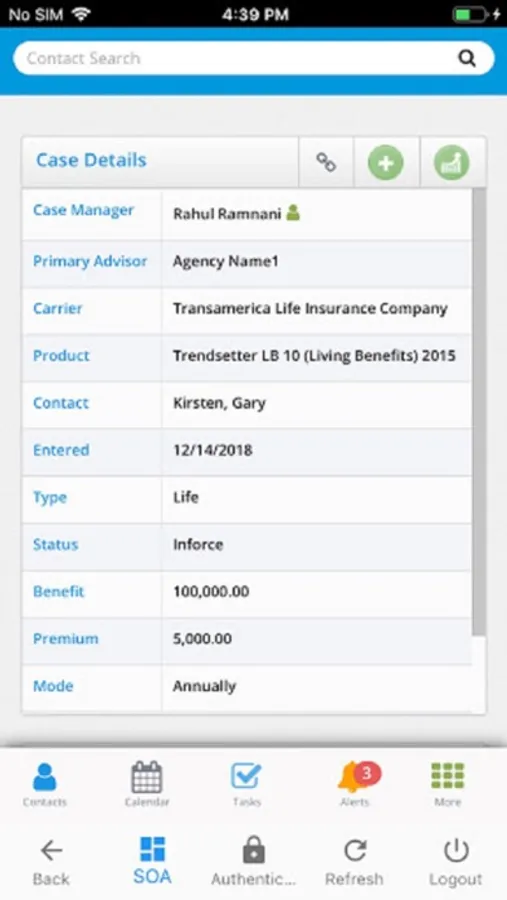
SmartOffice Anywhere gives on-the-go professionals fast, on-demand access to their critical client data, appointments and tasks.
It's the ultimate mobile customer relationship management (CRM) tool for iPhone users, built especially for insurance agents, financial advisors and other financial services professionals.*
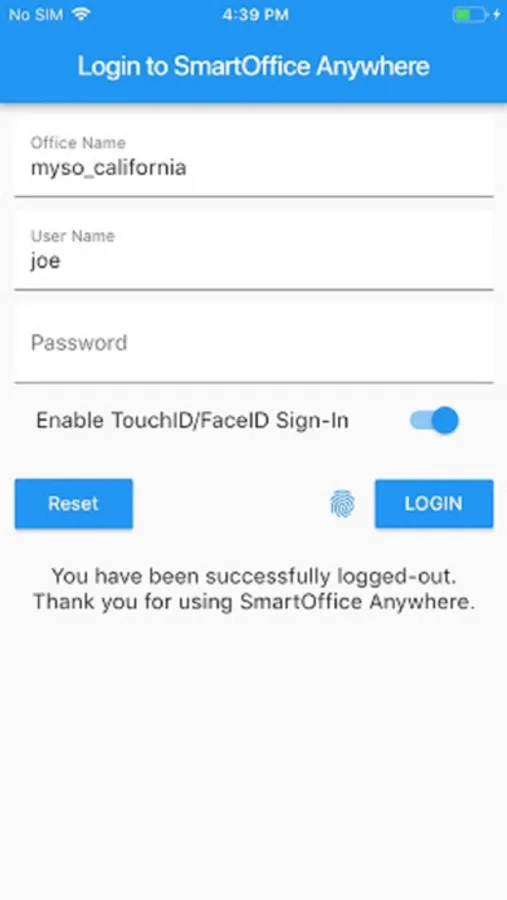
Smartoffice Anywhere is only available to the SmartOffice users.
With SmartOffice Anywhere, you have the tools you need to stay productive no matter where your business takes you.
· Contacts: Look up client contact information; call or e-mail clients quickly; use the maps integration to get to client meetings on time.
· Appointments: Stay on top of meetings, calls and other appointments.
· Tasks: Take control of your daily task list and track completed tasks.
· Notes: Record notes about your client interactions using your device’s keyboard or voice input feature.
· Productivity: Measure your daily productivity in terms of tasks completed, appointment hours scheduled and more using the Dashboard.
· Insurance and Investments: View details about clients’ insurance policies and investments to better understand clients’ finances and needs; track the status of new business, including quotes and illustrations.
It's the ultimate mobile customer relationship management (CRM) tool for iPhone users, built especially for insurance agents, financial advisors and other financial services professionals.*
Smartoffice Anywhere is only available to the SmartOffice users.
With SmartOffice Anywhere, you have the tools you need to stay productive no matter where your business takes you.
· Contacts: Look up client contact information; call or e-mail clients quickly; use the maps integration to get to client meetings on time.
· Appointments: Stay on top of meetings, calls and other appointments.
· Tasks: Take control of your daily task list and track completed tasks.
· Notes: Record notes about your client interactions using your device’s keyboard or voice input feature.
· Productivity: Measure your daily productivity in terms of tasks completed, appointment hours scheduled and more using the Dashboard.
· Insurance and Investments: View details about clients’ insurance policies and investments to better understand clients’ finances and needs; track the status of new business, including quotes and illustrations.
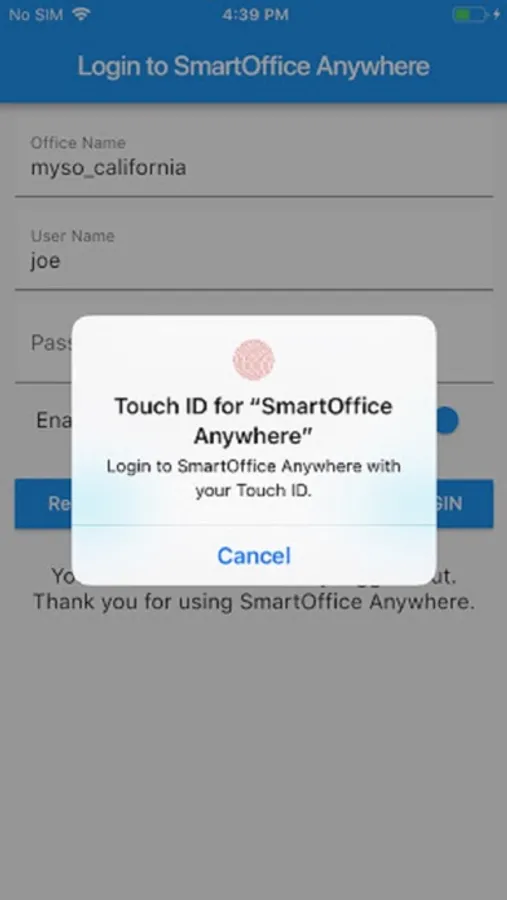
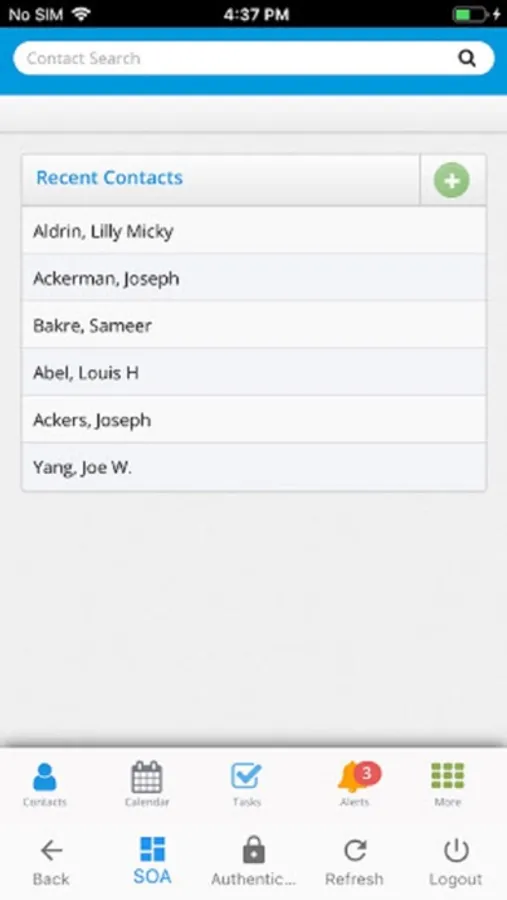
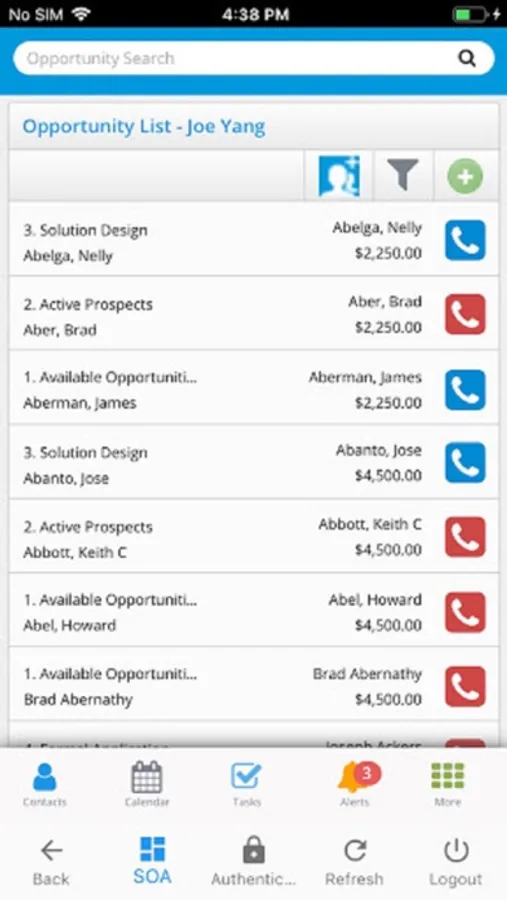
SmartOffice Anywhere Screenshots
Tap to Rate:
Reviews for SmartOffice Anywhere
advisor01
Horrible Calendar
This is one of the worst calendar programs I have ever used. Out of the office you have to call your office to have appointments entered because of such poor design it is impossible to do from the mobile app!!
UnbiasedOne89
It’s OK, at best.
Feels very outdated and hard to navigate and use. I’m a relatively tech-educated millennial and I avoid using this app unless I have no other choice.