In this file transfer app, you can send files between phones and PCs quickly and wirelessly. Includes cross-platform sharing, offline mode, and a built-in music player.
AppRecs review analysis
AppRecs rating 3.8. Trustworthiness 71 out of 100. Review manipulation risk 39 out of 100. Based on a review sample analyzed.
★★★☆☆
3.8
AppRecs Rating
Ratings breakdown
5 star
61%
4 star
14%
3 star
9%
2 star
7%
1 star
10%
What to know
✓
Credible reviews
71% trustworthiness score from analyzed reviews
✓
High user satisfaction
75% of sampled ratings are 4+ stars (4.1★ average)
✓
Authentic reviews
Natural distribution, no red flags
About Xender: Transfer, Share Files
Need to transfer file between phones or between phone and pc? Try Xender and experience the fastest all-in-one file transfer and sharing app!
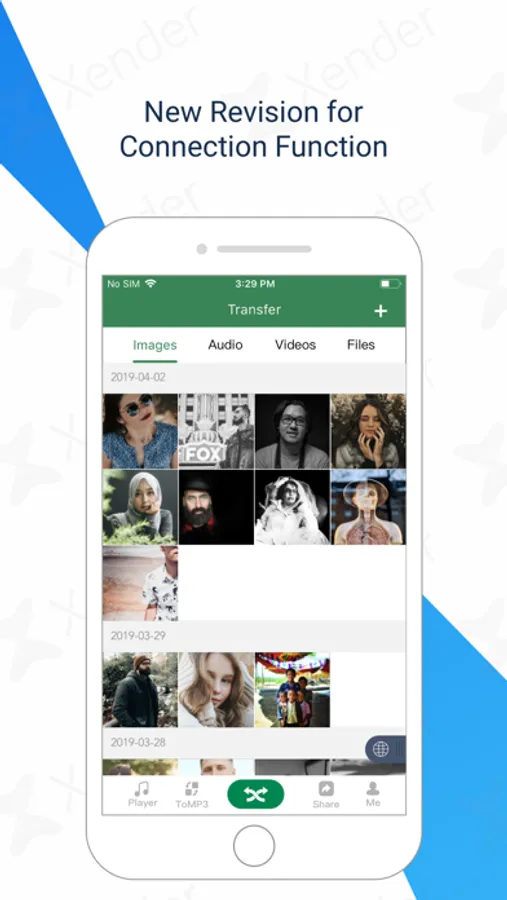
Xender can send anything you want, from documents, photos, to videos, in an instant with a few taps. Besides to transfer and share file between iOS devices, Xender also allows to transfer file between iOS and other devices.
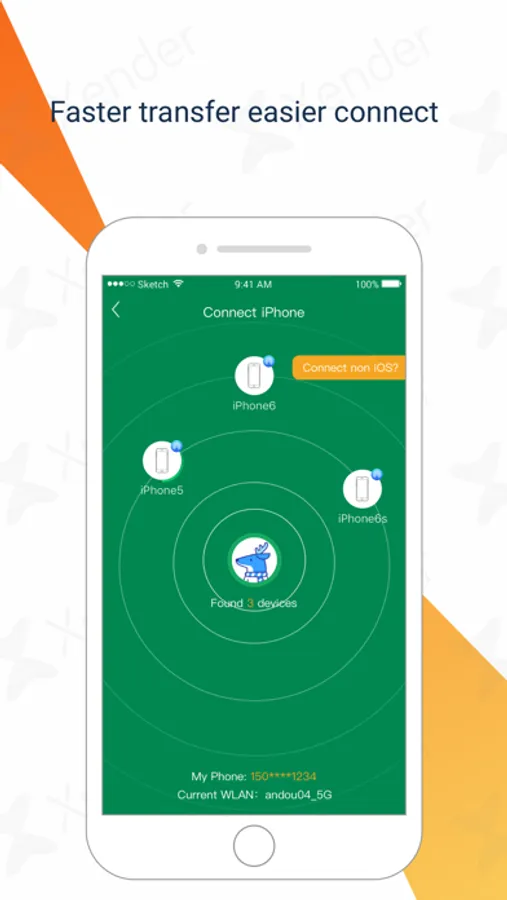
Phone to Phone Transfer
● No USB, no internet, no data usage!
● Transfers everything - files, documents, photos, audio, videos!
● Extremely fast - imagine transfer video to friends in seconds!
● Supports cross-platform file transfer and sharing between iOS and other devices.
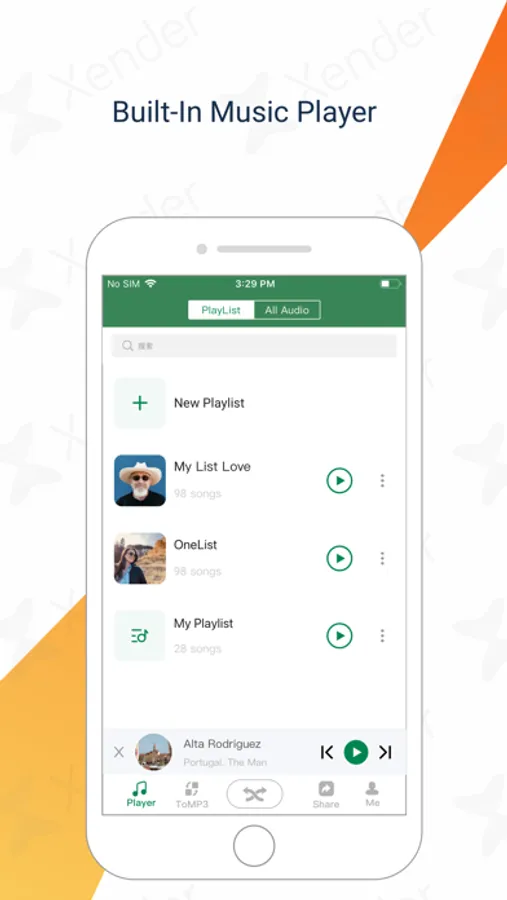
Built-in Music Player
Powerful File Manager with a full featured music player. Enjoy songs within the App.
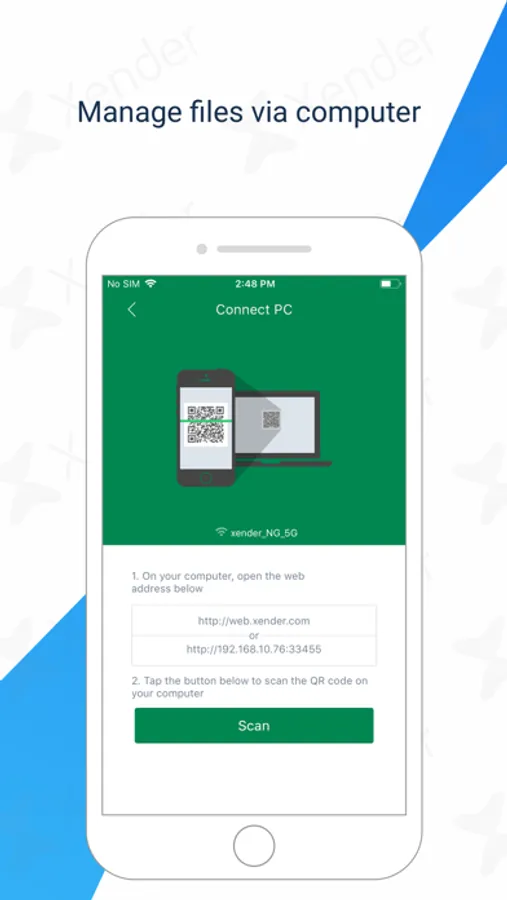
Phone to Computer Transfer
● Connects your phone to computer - even other people’s, anywhere!
● Transfers everything - files, documents, photos, videos!
● Supports off-line mode with high transfer speed and no internet is needed! Send anywhere as you want.
Transfer music from iPhone to iPhone
Transfer videos from iPhone to other phones
Transfer photos from iPhone to Laptop PC
Transfer pictures from other phones to Laptop PC
Transfer MP3 from iPhone to Desktop PC
Transfer MP4 from other phones to Desktop PC
Transfer songs from iPhone to MacBook
Transfer files from other phones to MacBook
Supported Languages
English, Amharic, Arabic, Bengali, Bulgarian, Burmese, Czech, Dutch, Filipino, French, German, Greek, Gujarati, Hausa, Hindi, Hungarian, Igbo, Indonesian, Italian, Japanese, Korean, Malay, Malayalam, Marathi, Oromo, Pashto, Persian, Polish, Portuguese, Punjabi, Romanian, Sindhi, Spanish, Swahili, Swedish, Thai, Traditional Chinese, Turkish, Ukrainian, Urdu, Vietnamese, Yoruba
Stay Connected
Facebook: https://facebook.com/XenderApp
Support
service@xender.com
Xender can send anything you want, from documents, photos, to videos, in an instant with a few taps. Besides to transfer and share file between iOS devices, Xender also allows to transfer file between iOS and other devices.
Phone to Phone Transfer
● No USB, no internet, no data usage!
● Transfers everything - files, documents, photos, audio, videos!
● Extremely fast - imagine transfer video to friends in seconds!
● Supports cross-platform file transfer and sharing between iOS and other devices.
Built-in Music Player
Powerful File Manager with a full featured music player. Enjoy songs within the App.
Phone to Computer Transfer
● Connects your phone to computer - even other people’s, anywhere!
● Transfers everything - files, documents, photos, videos!
● Supports off-line mode with high transfer speed and no internet is needed! Send anywhere as you want.
Transfer music from iPhone to iPhone
Transfer videos from iPhone to other phones
Transfer photos from iPhone to Laptop PC
Transfer pictures from other phones to Laptop PC
Transfer MP3 from iPhone to Desktop PC
Transfer MP4 from other phones to Desktop PC
Transfer songs from iPhone to MacBook
Transfer files from other phones to MacBook
Supported Languages
English, Amharic, Arabic, Bengali, Bulgarian, Burmese, Czech, Dutch, Filipino, French, German, Greek, Gujarati, Hausa, Hindi, Hungarian, Igbo, Indonesian, Italian, Japanese, Korean, Malay, Malayalam, Marathi, Oromo, Pashto, Persian, Polish, Portuguese, Punjabi, Romanian, Sindhi, Spanish, Swahili, Swedish, Thai, Traditional Chinese, Turkish, Ukrainian, Urdu, Vietnamese, Yoruba
Stay Connected
Facebook: https://facebook.com/XenderApp
Support
service@xender.com