
AppRecs review analysis
AppRecs rating 1.0. Trustworthiness 0 out of 100. Review manipulation risk 0 out of 100. Based on a review sample analyzed.
★☆☆☆☆
1.0
AppRecs Rating
Ratings breakdown
5 star
18%
4 star
9%
3 star
9%
2 star
9%
1 star
55%
What to know
⚠
Mixed user feedback
Average 1.0★ rating suggests room for improvement
About Clipstro - auto strobe motion
Added Apple Watch support for all phases of the recording and conversion processes.
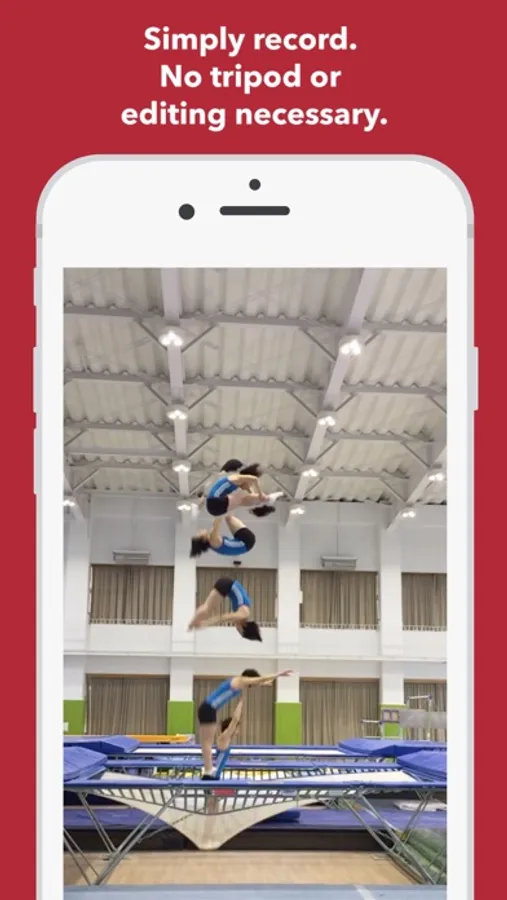
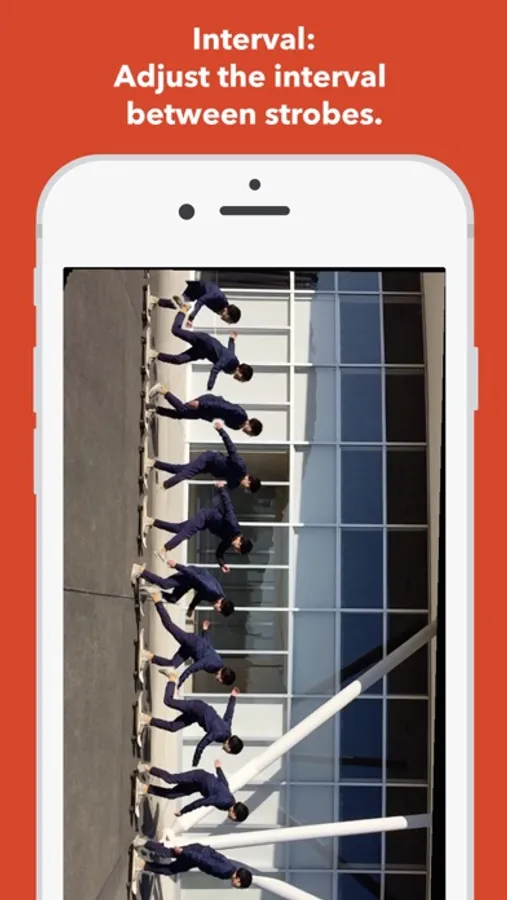
With Clipstro, you can record 5 seconds of video and it will automatically convert it into an actionshot video.
Clipstro allows you to create a video, similar to motion sequence images, hassle-free. Yon don't even need a tripod.
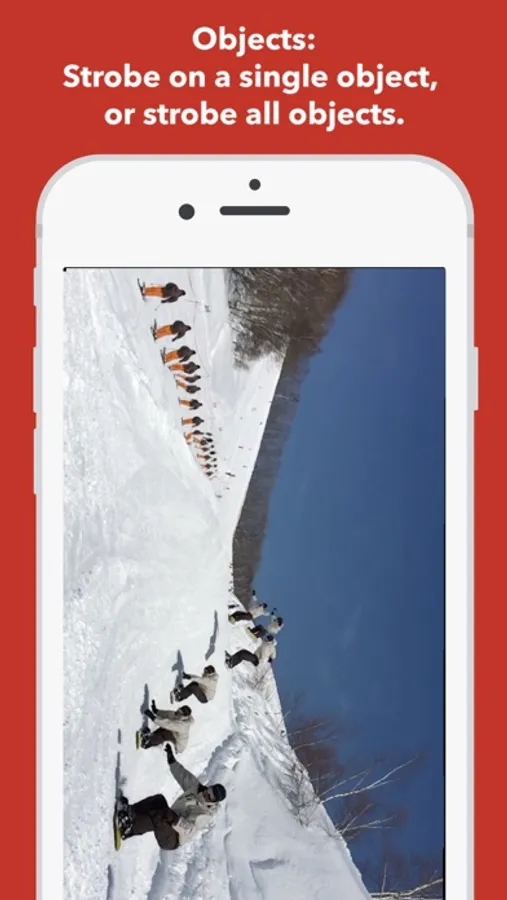
Enjoy using the app for sports, checking your posture, or videos of cars, bikes, etc.
The video you created can be posted on Facebook, or you can save it to the photo library in order to upload it on video-sharing apps such as Instagram, Vine, LINE, RIDERS.
TIPS FOR GETTING THE BEST RESULTS:
1) Keep the camera as still as possible. In cases where the camera needs to follow an action, move the camera slowly and no more than 45 degrees.
2) The background should be distinctive. Water, snow, or sky backgrounds will likely not produce desired results. Also, avoid dark places.
3) Because actions performed in place will overlap, objects and actions being recorded should move across the video frame.
IN-APP PURCHASES:
The following options are available without In-app Purchase
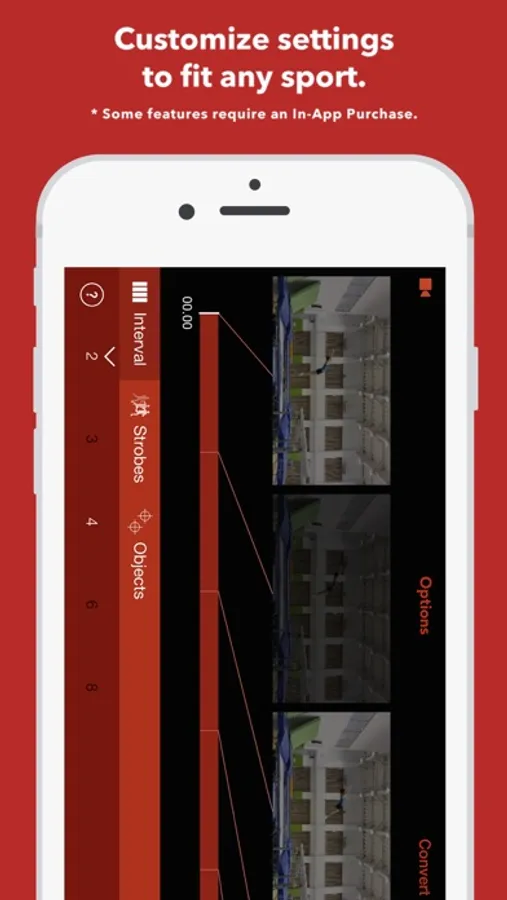
Interval (smaller values mean closer strobe intervals): 2, 4
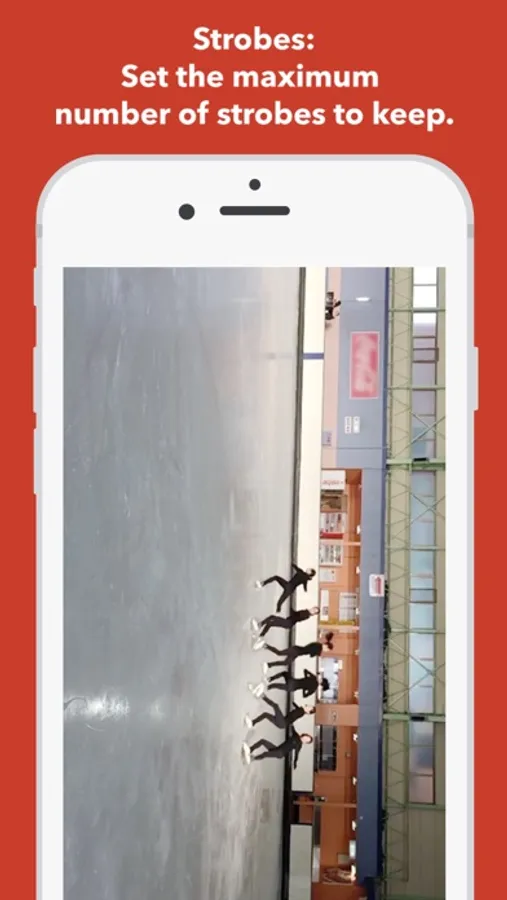
Strobes (number of strobes to keep): All, 5
Objects: 1, Many
Addition values available through In-app Purchase (Interval and Strobes options sold separately)
Interval: 3, 6, 8
Strobes: 3, 7, 10
THE RESOLUTION OF THE VIDEO AFTER CONVERTED:
Clipstro supports devices running iOS 7 or later, but the resolution for the video may vary depending on the memory capacity of the device.
Devices with less than 512 MB of RAM ... 640X360
e.g.: iPhone4/4s, iPad2, iPad mini 1st, iPod touch 5th
Devices with more than 1GB of RAM ... 1280X720
e.g.: iPhone5/5c/5s, iPad 3rd/4th/Air, iPad mini Retina
CONVERTING TIME:
Clipstro supports devices running iOS 7 or later, but a newer and faster device requires less time to convert.
iPhone 4s, 70 seconds
iPhone 5, 58 seconds
iPhone 5s, 33 seconds
iPhone6, 27 seconds
iPhone6Plus, 27 seconds
iPad 2, 65 seconds
iPad 3rd, 115 seconds
iPad Air, 27 seconds
iPad mini, 58 seconds
iPod touch 5th, 70 seconds
SUPPORT:
For any questions, suggestions or problems, please contact at: clipstro.support@splyza.com or Facebook/Twitter@clipstro.
FOLLOW US:
Facebook/Twitter/Vine/Instagram: @clipstro
Clipstro - auto strobe motion Screenshots
Tap to Rate:
Reviews for Clipstro - auto strobe motion
Earl R
Good idea, terrible execution.
I have had this app since it first came out. I was hoping that the developer will update it so it got easier to use and the resulting video will be better but sadly no improvements. The app is not intuitive to use and the quality of the time-sliced video is poor.
Steplander
Rip off.
Very little in the way of instructions. Controls are impossible to understand. No way to delete a video from the library within the app. No way to export to camera roll. No apparent way to create a still image as demonstrated on the App Store. This is one big rip off.