
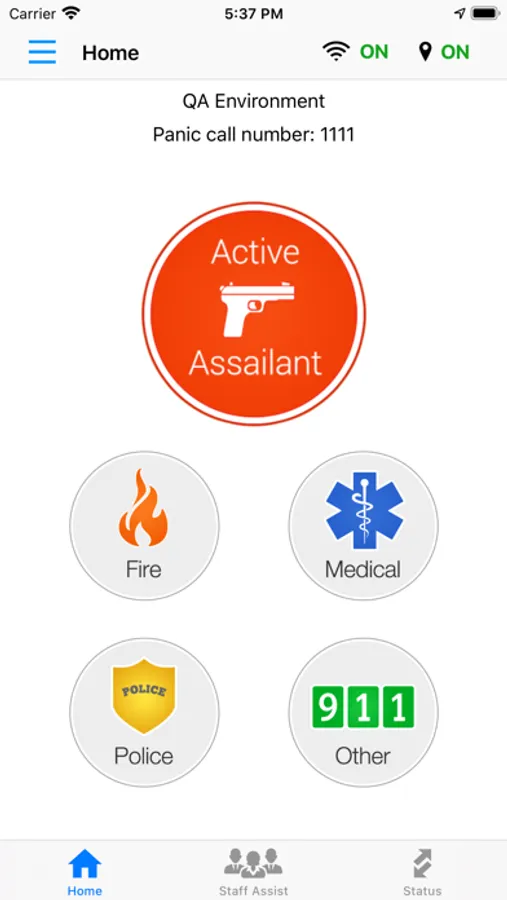
In this emergency response app, you can activate one of five panic buttons to quickly contact 911 or notify on-site personnel. Includes features for critical incident details, location sharing, and on-site communication alerts.
AppRecs review analysis
AppRecs rating 4.3. Trustworthiness 78 out of 100. Review manipulation risk 21 out of 100. Based on a review sample analyzed.
★★★★☆
4.3
AppRecs Rating
Ratings breakdown
5 star
86%
4 star
5%
3 star
2%
2 star
1%
1 star
5%
What to know
✓
Low review manipulation risk
21% review manipulation risk
✓
Credible reviews
78% trustworthiness score from analyzed reviews
✓
High user satisfaction
86% of sampled ratings are 5 stars
About Rave Panic Button
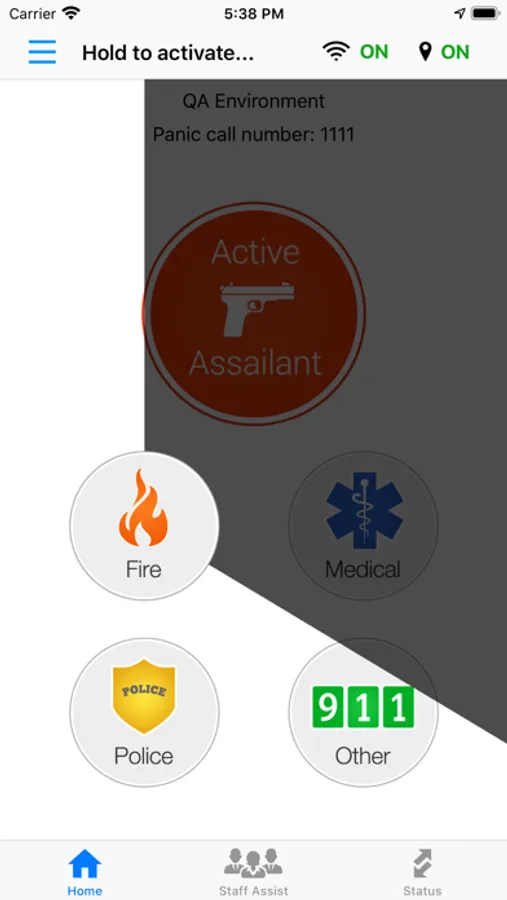
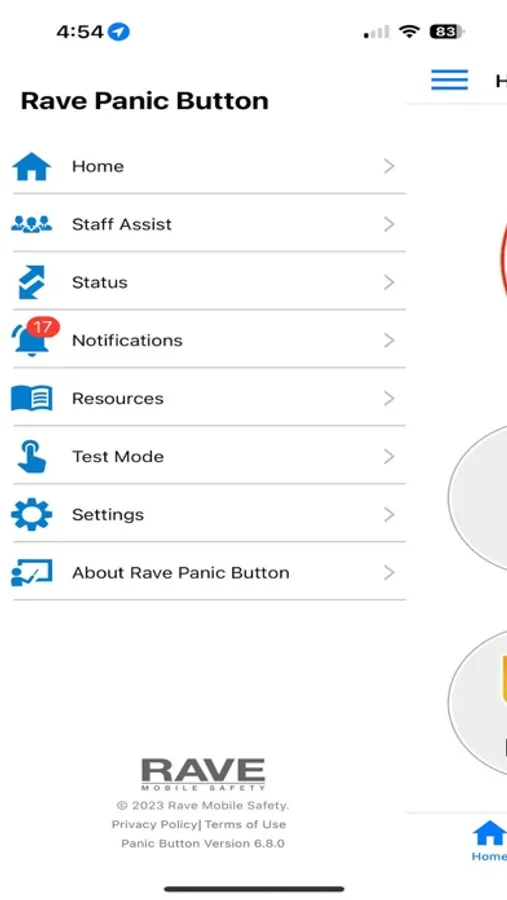
For critical emergencies, activate one of the five Rave Panic Buttons to start dialing 9-1-1. When activated at a location configured for your organization, Rave Panic Button also notifies on-site individuals, getting you immediate assistance.
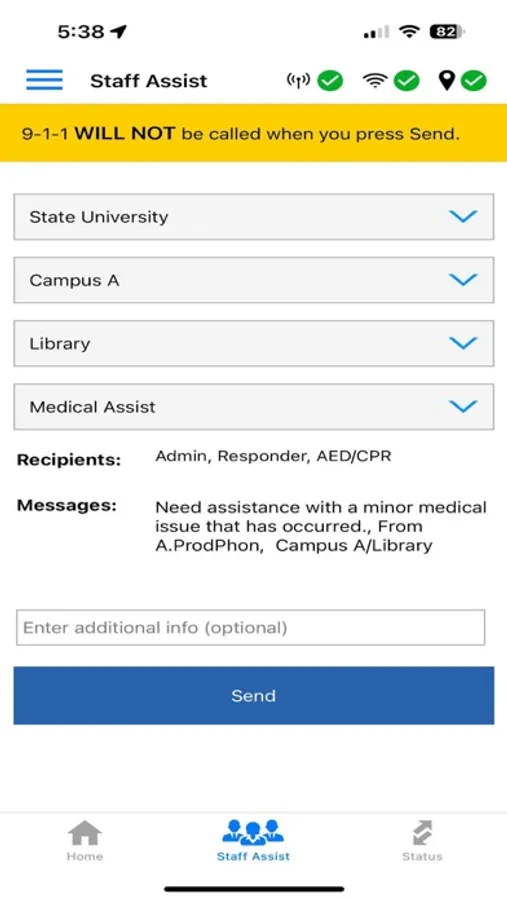
For lower-severity issues not requiring a 9-1-1 call, you can use the Staff Assist feature to notify on-site individuals only. Using Staff Assist will not dial 9-1-1.
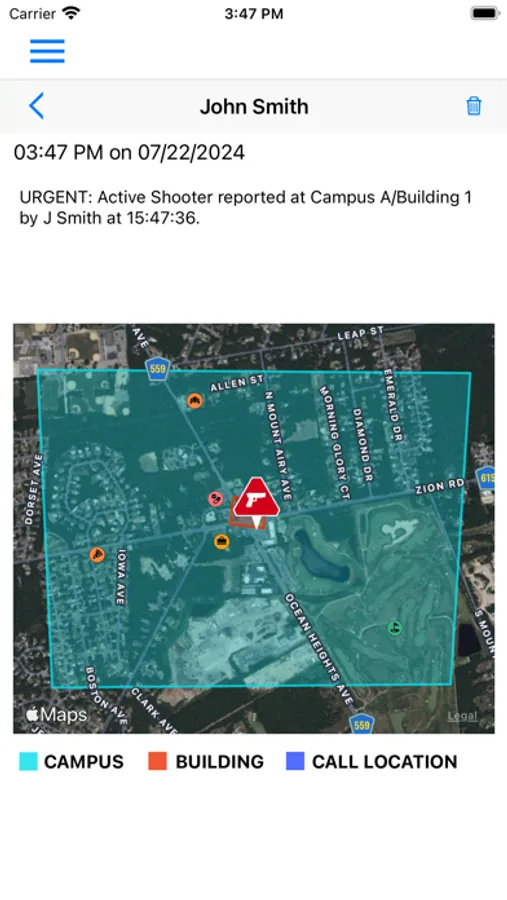
When a Rave Panic Button 9-1-1 call is routed to a participating 9-1-1 center, the 9-1-1 call taker automatically receives real-time, critical incident information such as the emergency type, building floor plans, emergency response plans, and other critical details via Rave's patented Smart911 technology.
Rave Panic Button is a product of Rave Mobile Safety, whose industry-leading public safety applications protect millions of people nationwide.
Rave Panic Button is free, but works best when your school, business, or other organization subscribes to the service.
Notes:
• Some Rave Panic Button features require a data connection and access to your phone's location services.
• Rave Panic Button works best when you enable Notifications and keep your phone connected to a Wi-Fi network.
• You must be authorized by a participating organization to fully access Rave Panic Button’s features. The app automatically checks your authorization status during setup.
• Always contact 9-1-1 in an emergency. Rave Panic Button makes it easy by dialing 9-1-1 for you, but you must click the "Call" button after activating Rave Panic Button in order to place the call.
Rave Panic Button Screenshots
Tap to Rate:
Reviews for Rave Panic Button
Teacher892
No Apple Watch app?
This is required for schools, and teachers and councilors often rely on Apple Watches. As a teacher moving around campus carrying supplies, my phone is easy to accidentally leave behind. I would feel so much better if this could integrate with a cellular Apple Watch, which I would always have strapped to my wrist. Other than that, it has always worked well in drills, with a great design. Hopefully I will never need it for anything else!
MiddleSchoolNurse
No “alarm” sound when activated
My phone does not alert me with a loud noise. I get a small “ding” on my watch and maybe a small noise on my phone. I’ve seen other have this problem too. Other people in my same office get a loud “alarm” noise when their’s goes off, but I don’t. I’ve messaged support and they “tried” to help me, but I sent screenshots of both my app settings and phone settings, then a separate message about how both times it was activated Friday at work it did not alarm (as per my email, but to confirm nothing was “fixed” on their end) and I have yet to get a reply still 2 days later. My app isn’t working an intended to notify me of an urgent situation and no one cares to help me fix it, I guess.