
AppRecs review analysis
AppRecs rating 3.0. Trustworthiness 0 out of 100. Review manipulation risk 0 out of 100. Based on a review sample analyzed.
★★★☆☆
3.0
AppRecs Rating
Ratings breakdown
5 star
33%
4 star
0%
3 star
0%
2 star
33%
1 star
33%
About Photo Saver
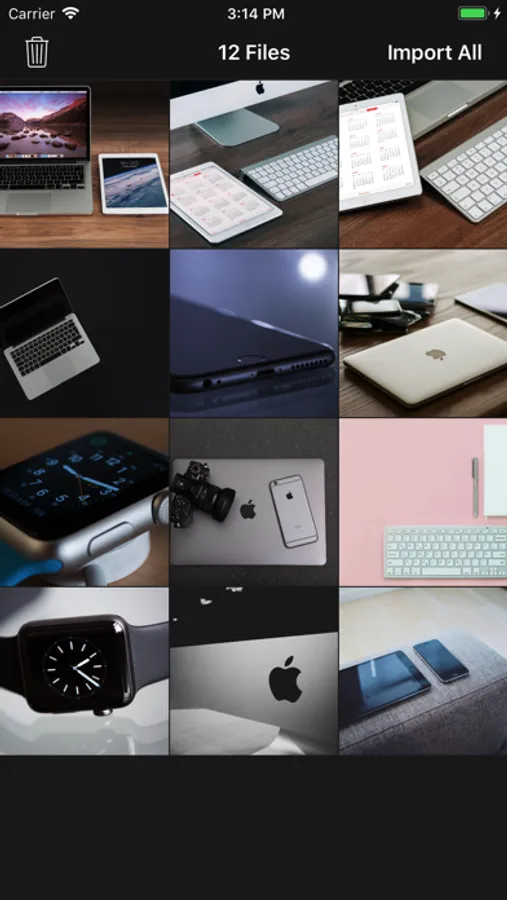
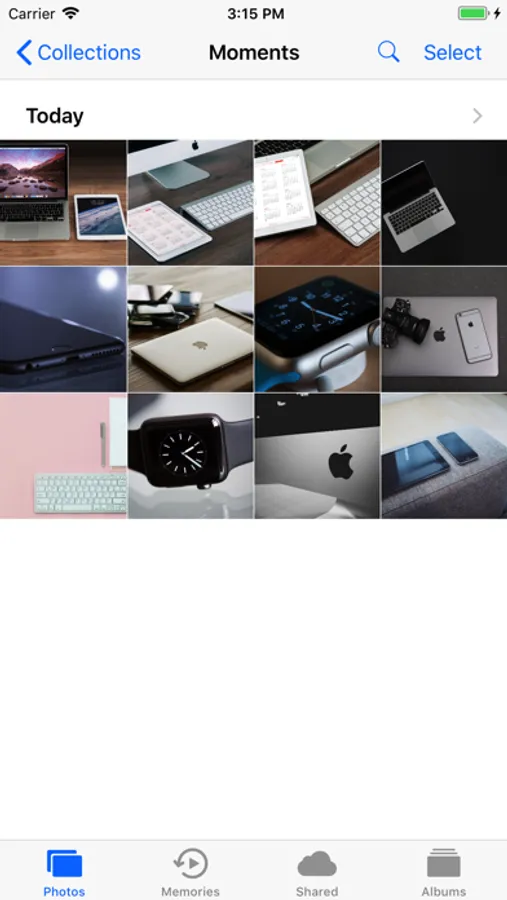
Photo Saver app lets you easily copy your images from any MAC/PC to iOS Device's Camera Roll.
Nothing Complicated, Nothing Extra.
STEPS:
1) Install Photo Saver App on your Device
2) Connect your Device with MAC or PC & open iTunes
4) Copy your images to Photo Saver app
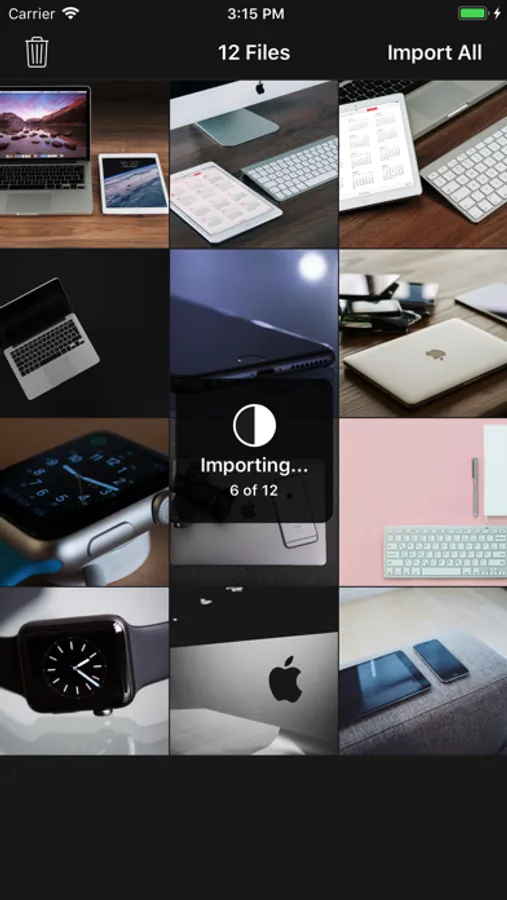
5) On you device, Open Photo Saver app & Click "Import All"
--All images will be stored in Camera Roll & Deleted from Photo Saver App
Nothing Complicated, Nothing Extra.
STEPS:
1) Install Photo Saver App on your Device
2) Connect your Device with MAC or PC & open iTunes
4) Copy your images to Photo Saver app
5) On you device, Open Photo Saver app & Click "Import All"
--All images will be stored in Camera Roll & Deleted from Photo Saver App
Photo Saver Screenshots

Tap to Rate:
Reviews for Photo Saver
angry neko
Not working!
I kinda hated it it really didn’t uh… save anything.. :/
claym1994
Lifesaver!
App is great for adding mass quantities of pictures to your photo library! Awesome app.