
With this photo sharing app, you can create trip albums, invite others, and share live photo updates. Includes real-time updates, comments, likes, and location tagging features.
AppRecs review analysis
AppRecs rating 4.3. Trustworthiness 80 out of 100. Review manipulation risk 24 out of 100. Based on a review sample analyzed.
★★★★☆
4.3
AppRecs Rating
Ratings breakdown
5 star
87%
4 star
9%
3 star
2%
2 star
0%
1 star
1%
What to know
✓
Low review manipulation risk
24% review manipulation risk
✓
Credible reviews
80% trustworthiness score from analyzed reviews
✓
High user satisfaction
87% of sampled ratings are 5 stars
About Tripcast
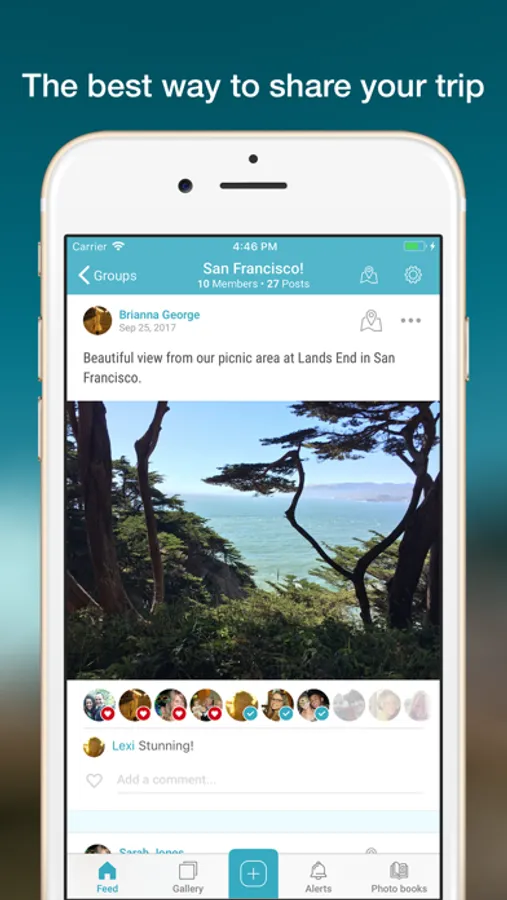
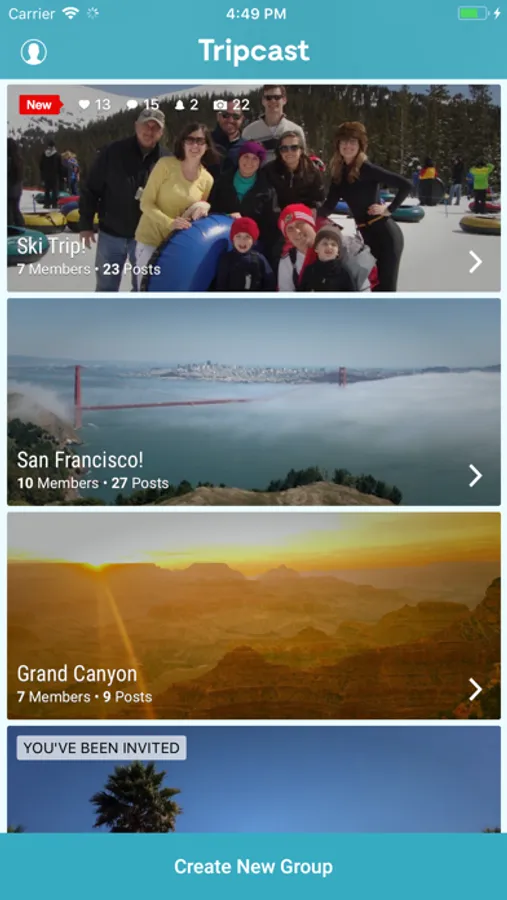
Tripcast lets you share your travel photos with the people who want to see everything, not just the highlights. Start a trip, invite your friends and family to the album, and give them live photo updates from the road!
The best way to share your trip:
• Make updates instantly: Update your family and friends in real time
• Stay in touch: Ask questions, leave comments, and like posts
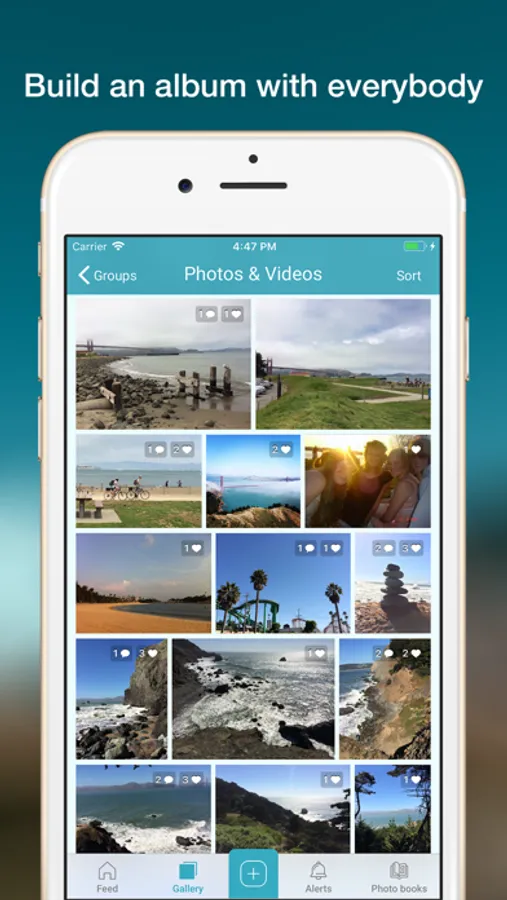
Build an album with everybody:
• Vacationers assemble!: Collect everyone's trip photos in one place
• Easy backup: Download them all when you get home
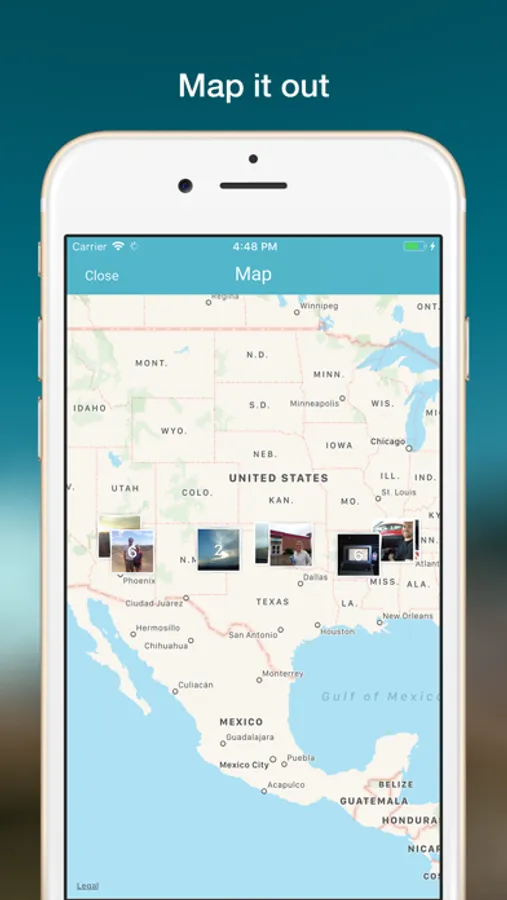
Map it out:
• Effortless tagging: Photos are automatically added to the trip map
• Browse by location: View photos by where they happened, not when
Everyone is using Tripcast to share their travels:
• Keep it private: Share only with the people who care the most, away from social media
• Apps for everyone: Access Tripcast through gorgeous apps for iPhone and the web
• Bring everyone along: Notifications keep friends and family updated whenever there's activity
How it works:
1. Create: Make an album for your trip
2. Invite: Pick friends and family to follow along
3. Update: Post photos and videos as you travel
Built by the team that created Cluster, featured as a Best New App in the App Store!
Tripcast Club is a monthly or annual subscription to give admins more control over their groups. Check it out by visiting the Settings → Subscription Settings section of the app.
By purchasing a subscription you agree to Tripcast's Terms of Use: https://tripcast.co/terms/
and Privacy Policy: https://tripcast.co/privacy/
Tripcast Screenshots
Tap to Rate:
Reviews for Tripcast
Debthings
Happy user now unhappy user
I have created and bought numerous books from this AP with high satisfaction. I am trying to create the 5th book from a trip and the photo selection has ceased to scroll for me to add pages on the 5.5” glued soft back book requested. I need the program specialists to resolve this issue. I have spent some 5 days trying to get help from cluster support without a solution to the problem. I would appreciate a resolution to this problem.
Emyshua
One month in…
I’ve been using this app for about a month as I study abroad. It’s often difficult to upload multiple photos from my phone and sometimes this occurs with just one photo. I’ve also noticed that photo quality isn’t as good as Apple’s native app. The location feature is a cool idea, but you have to set the location in the Apple photo app, using Apple Maps. Point is, it’s annoying that Apple Maps isn’t the greatest and you can’t update the location in the Tripcast app. There no way to edit items without deleting them. And if you add a caption to the images/videos, the system will claim it’s a comment instead of a caption.