
AppRecs review analysis
AppRecs rating 1.9. Trustworthiness 73 out of 100. Review manipulation risk 24 out of 100. Based on a review sample analyzed.
★☆☆☆☆
1.9
AppRecs Rating
Ratings breakdown
5 star
13%
4 star
13%
3 star
0%
2 star
13%
1 star
63%
What to know
✓
Low review manipulation risk
24% review manipulation risk
✓
Credible reviews
73% trustworthiness score from analyzed reviews
⚠
Mixed user feedback
Average 2.0★ rating suggests room for improvement
About Stage Plot Maker
Running the app on a tablet is recommended for building stage plots. Once you build a stage plot, you can copy it to the phone app for quick access on the go.
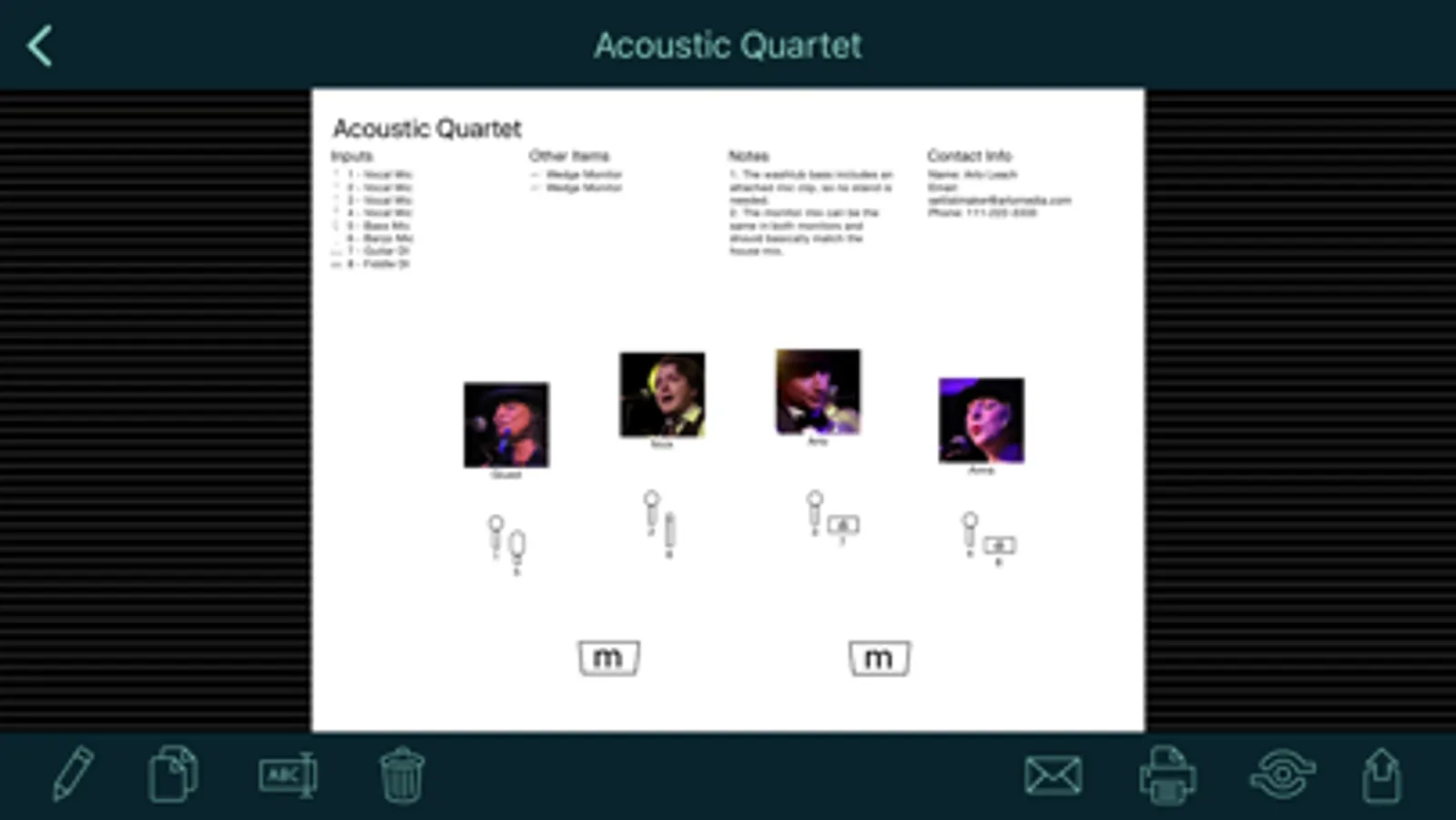
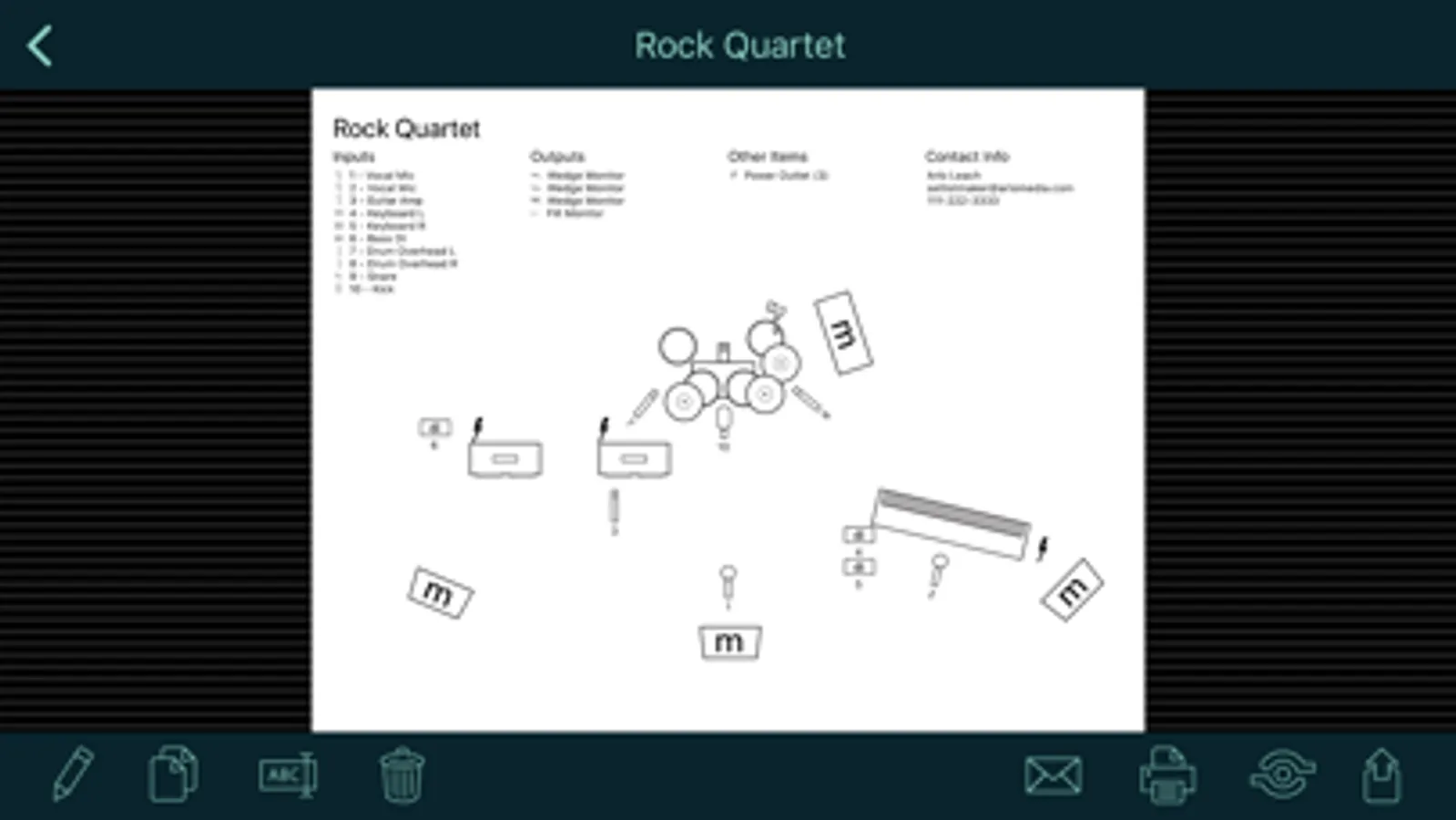
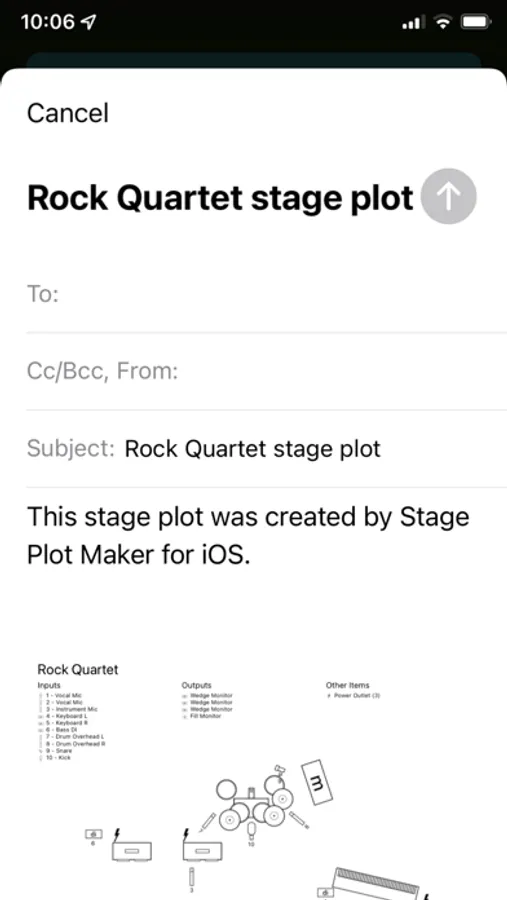
Stage plots can include a diagram to show the placement of elements on stage; numbered input and output lists; a list of other required items like chairs and music stands; the name and photo of each performer; notes for the sound engineer; and your contact info.
Note that this app doesn't use pictures for small instruments like guitars, trumpets, etc. Instead, it uses symbols for the inputs that those instruments go into, like mics or DI boxes. You can label those inputs to show what instrument they are used for. This provides a streamlined display that shows sound engineers just what they need to set up the stage for you. The app does include symbols for large instruments like piano and drums that are typically placed on stage first with the inputs positioned around them. Please see the screen shots and demo video for examples.
*** If you have a problem or a suggestion, please contact me before writing a bad review. I respond promptly to all emails and posts in my support forum. ***
Stage Plot Maker Screenshots
Tap to Rate:
Reviews for Stage Plot Maker
RickyS in Va
Essentially Worthless-kiss $3.99 away
Not easy to figure out, the app gets in the way instead of clearing the way- not sure what i expected for $3.99 But Stage -g*r* app is much more user friendly and quick, for $2 bucks more…sorry guys-work on this one. Even for FREE it doesnt do it.
Nosfar
Well worth the price
While I agree with many other reviews that I wish I could visually represent instruments like guitars and basses and such, I don’t see that as a reason to knock more than a star off this app. It does what it needs to do well and intuitively. Many reviews just didn’t bother to actually learn how to use the app. The only other thing I’ve encountered so far is wishing for more options for the display of inputs and outputs. Like being able to resize those elements or have them overflow to a second column if necessary, and such. For example my outputs list had 5 outputs and then a bunch of space to the right so I couldn’t seem to move it over as much as I wanted. Still well worth $4 and gets the job done. I’m a long time avid Band Helper user but don’t want to pay double what I pay now when the only extra module I need is the Stage Plot so I decided to take a chance with this stand alone instead. Hopefully it keeps getting developed and improved but even as is, I’m quite happy with it.