
AppRecs review analysis
AppRecs rating 4.3. Trustworthiness 74 out of 100. Review manipulation risk 24 out of 100. Based on a review sample analyzed.
★★★★☆
4.3
AppRecs Rating
Ratings breakdown
5 star
40%
4 star
40%
3 star
20%
2 star
0%
1 star
0%
What to know
✓
Low review manipulation risk
24% review manipulation risk
✓
Credible reviews
74% trustworthiness score from analyzed reviews
✓
High user satisfaction
80% of sampled ratings are 4+ stars (4.3★ average)
About SongSheet Remote
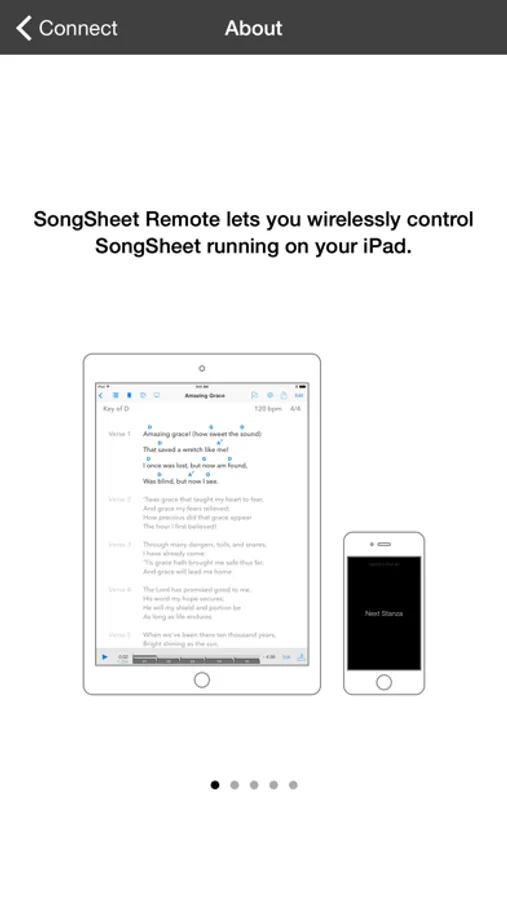
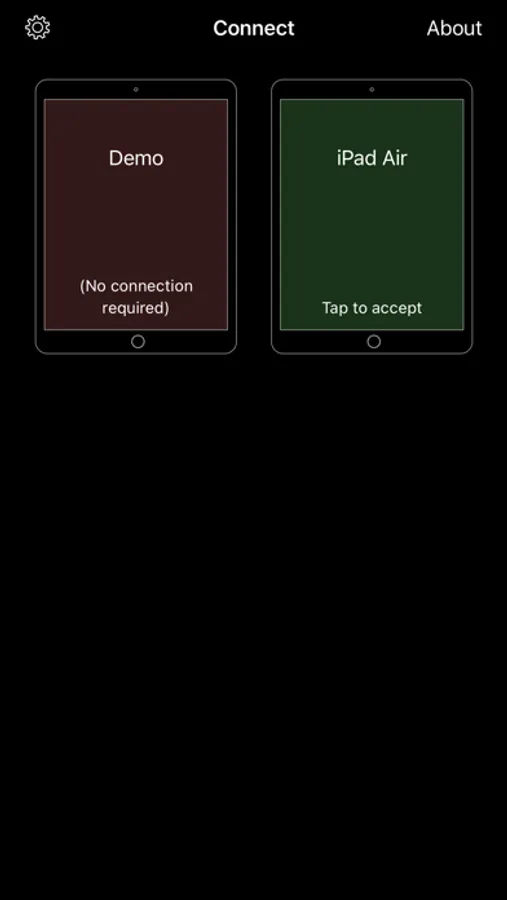
Operation is straightforward. In order to make a connection between the Remote and SongSheet Pro, all you need to do is:
1. Make sure WiFi or Bluetooth is enabled on your iPad and iPhone/iPod Touch. There is no need to be connected to a WiFi network in order for the apps to connect to each other.
2. Launch SongSheet Pro on your iPad and the Remote app on your iPhone or iPod Touch.
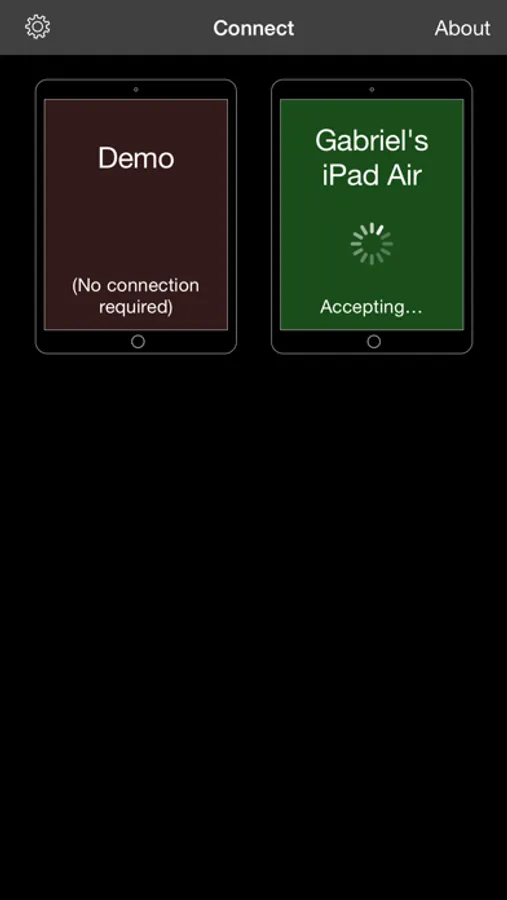
3. In SongSheet Pro, select the first song in the set list you wish to control and tap the phone icon in the top left to display the Remote browser.
4. When your remote appears in the browser, tap it to send an invitation to connect.
5. In the Remote app, when the invitation appears, tap it to accept, and the connection will be made.
If you have previously connected SongSheet Pro and the Remote, they will attempt to auto-connect when you first go to the song display view.
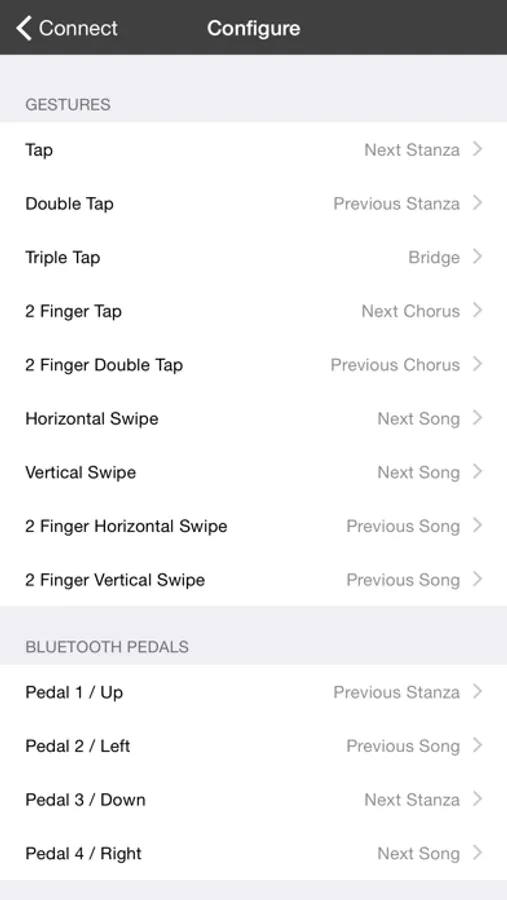
Once connected, you can use various gestures to send messages to SongSheet Pro. For example, you can step through the stanzas by tapping on your iPhone’s screen, swipe to get to the next song, and so on. If you have a Bluetooth-based controller connected to your phone (e.g. an AirTurn pedal) you can also use this to send commands via the Remote to SongSheet.
To return to the connection screen, just tap and hold for several seconds.
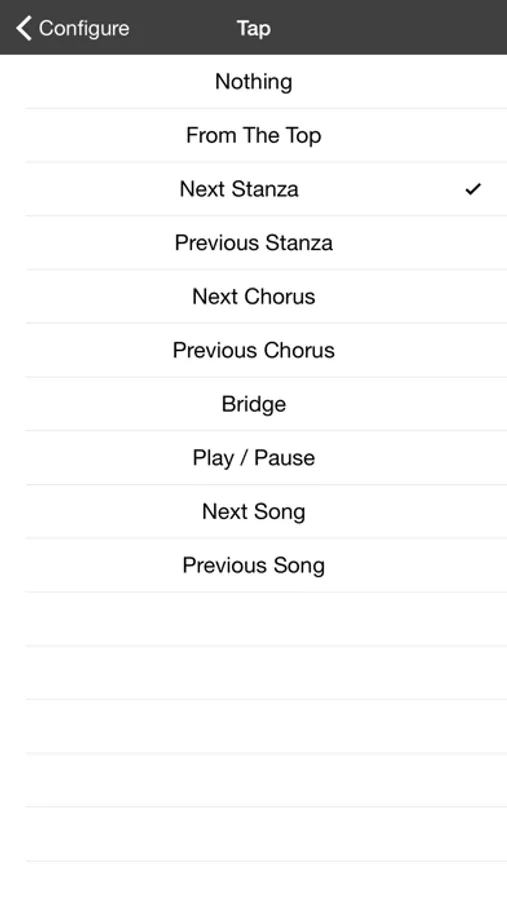
You can customise what commands are sent for the various supported gestures and foot pedal switches in the configuration screen.
The Remote can send the following commands to SongSheet:
• Go to the top of the song
• Go to the next/previous stanza, next/previous chorus, or the bridge.
• Play/pause
• Go to the next/previous song
SongSheet Remote Screenshots

Tap to Rate:
Reviews for SongSheet Remote
Topoe
Used to work
I have used SongSheet for years and have loved it. One major bug is that, in order to fully use Bluetooth pedals with the app, one must go through the Songsheet remote app on a phone instead of directly to the app on the iPad. I was willing to put up with this since it works so well. However, starting several months ago, whenever I step on the Bluetooth pedal the songsheet remote app disconnects. I downloaded the latest version but to no avail. I have not been able to get any response from the developer about the problem. I can still use songsheet on the ipad directly from the pedal, but now I have to manually swipe from song to song on the iPad before starting and stopping scrolling with the Bluetooth pedal.
GmmRay
Super Handy
This app tends to crash and go to the home screen here and there but still rating 5 stars because this app and the SongSheet Pro App for iPad have been the greatest apps for a musician! I write 5 stars but It would be great to fix the stability of this app.