
AppRecs review analysis
AppRecs rating 3.0. Trustworthiness 65 out of 100. Review manipulation risk 29 out of 100. Based on a review sample analyzed.
★★★☆☆
3.0
AppRecs Rating
Ratings breakdown
5 star
0%
4 star
0%
3 star
100%
2 star
0%
1 star
0%
What to know
✓
Low review manipulation risk
29% review manipulation risk
About order-it mobile
"order-it mobile" easily and quickly transfers images from a smartphone to a Fujifilim "order-it" photo kiosk without using cables.
Please note that this application will only function when operated in our participating retail stores.
To use this simple high speed image transfer software, please follow these steps.
1. Select images anytime and anywhere - the selection is automatically preserved.
2. Go to a Fujifilm "order-it" kiosk.
3. Start an order process using order-it kiosk
4. Press "order-it mobile" in the media selection screen.
5. Wait until a 8-digit sync code is displayed on the kiosk screen.
6. On your iPhone press "Settings" and choose the "Wi-Fi" section. Then, select the Wi-Fi network which is stated on the kiosk screen. Finally, enter the displayed password and press "Connect".
7. On your iPhone, start the "order-it mobile" app.
8. Check the image selection
9. Press "Transfer" at the bottom right.
10. All selected images are transferred immediately to the order-it Kiosk.
The selected images will now be transferred over the high speed Wi-Fi network directly to the FUJIFILM order-it Kiosk.
Please note that this application will only function when operated in our participating retail stores.
To use this simple high speed image transfer software, please follow these steps.
1. Select images anytime and anywhere - the selection is automatically preserved.
2. Go to a Fujifilm "order-it" kiosk.
3. Start an order process using order-it kiosk
4. Press "order-it mobile" in the media selection screen.
5. Wait until a 8-digit sync code is displayed on the kiosk screen.
6. On your iPhone press "Settings" and choose the "Wi-Fi" section. Then, select the Wi-Fi network which is stated on the kiosk screen. Finally, enter the displayed password and press "Connect".
7. On your iPhone, start the "order-it mobile" app.
8. Check the image selection
9. Press "Transfer" at the bottom right.
10. All selected images are transferred immediately to the order-it Kiosk.
The selected images will now be transferred over the high speed Wi-Fi network directly to the FUJIFILM order-it Kiosk.
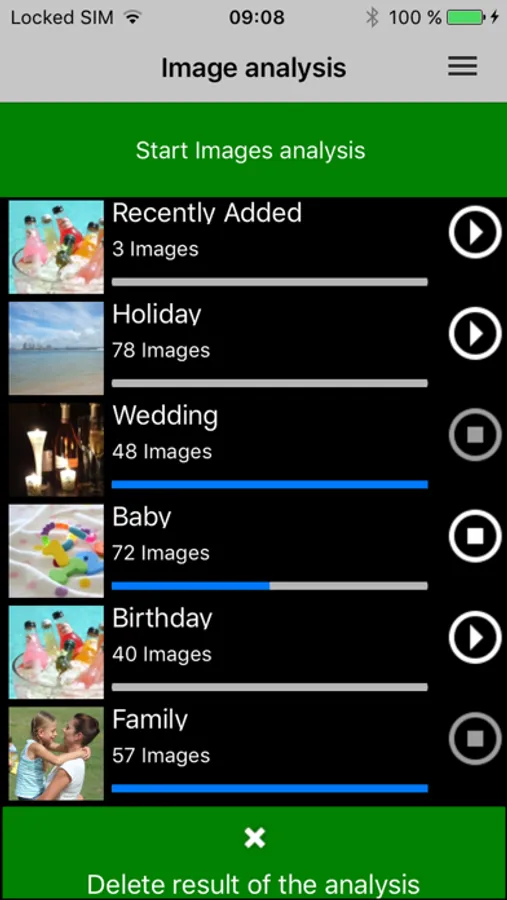
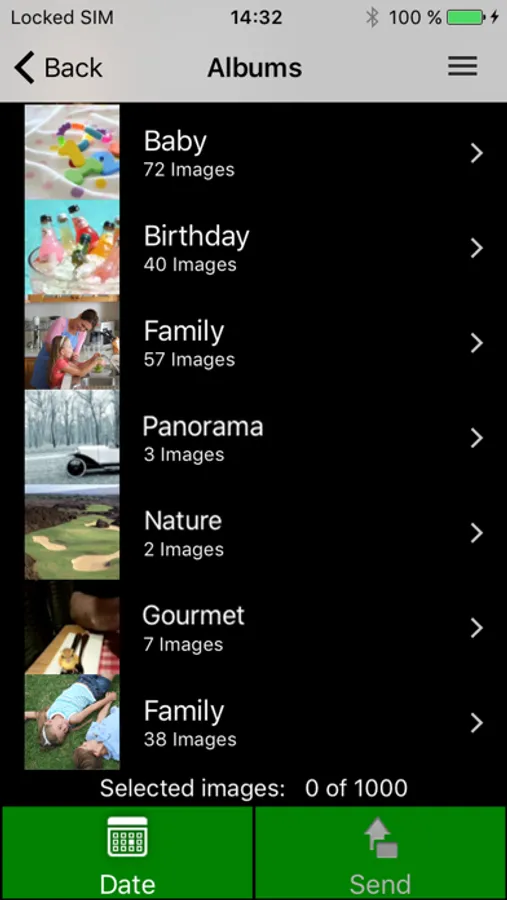
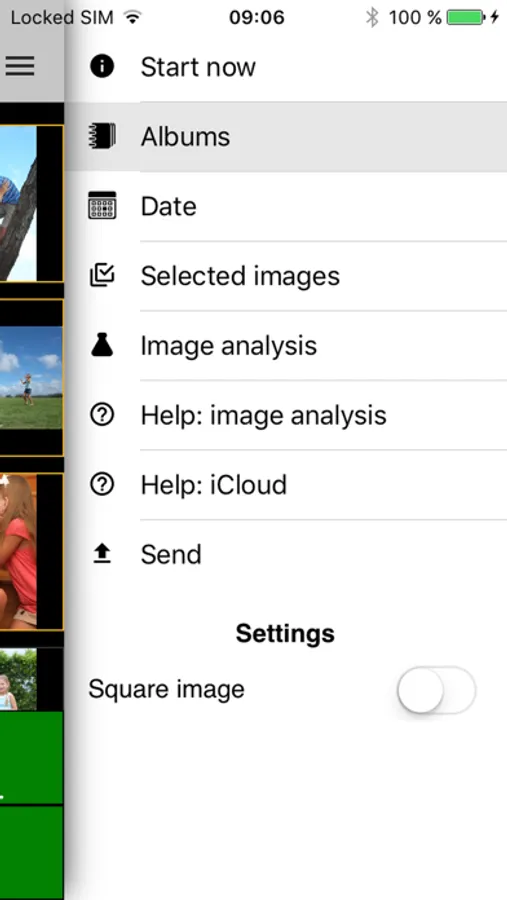
order-it mobile Screenshots

Tap to Rate:
Reviews for order-it mobile
JuiceFL
Crashed twice so I gave up
Very cumbersome process to connect to wifi then the app crashes and you loose wifi. Gave up after 2 attempts