
AddAudio - remix sound effects
pixel force private limited
4.0 ★
2K ratings
Free
In this sound editing app, users can add multiple audio tracks to videos and customize their volume and start position. Includes options for enabling/disabling original audio, adjusting volume levels, and previewing edits.
AppRecs review analysis
AppRecs rating 3.9. Trustworthiness 74 out of 100. Review manipulation risk 33 out of 100. Based on a review sample analyzed.
★★★☆☆
3.9
AppRecs Rating
Ratings breakdown
5 star
52%
4 star
20%
3 star
12%
2 star
5%
1 star
11%
What to know
✓
Credible reviews
74% trustworthiness score from analyzed reviews
✓
Good user ratings
72% positive sampled reviews
✓
Authentic reviews
Natural distribution, no red flags
About AddAudio - remix sound effects
This application is to Mix Video with multiple audio or music files. Unlike other solutions this free application allows users to add how many ever audios they want. It makes adding audio to video very easy. Also allows the user to customize the volume, position from where audio file needs to start, also allows the user to enable or disable audios that they added.
Use cases of the application
How to Use The application
1. Select the video from your video gallery, application shows your video along with options to enable/disable audio from original video file, volume control of original audio, option to disable or mute the original audio and option to add more audios to the video
2. Click on "addaudio" button to add the new audio to the video, Application opens your music library on clicking on "addaudio" button. select the audio that you want
3. App adds the new audio file to the video, also shows the options to adjust volume, starting position and also to enable or disable the audio all together
4. Repeat the 2 and 3 until you add all the audios that you wanted to add to the video
5. Click on play button present on the red toolbar to preview your final output.
6. Click on done button (top right button) to generate the final video.
FAQs
1. How to mute audio of my video file?
Ans:
- select the video to which you want to mute the audio.
- Then click on disable button for the original audio and click on done button,
- generated video will not have audio
2. How to add reduce volume of my video?
Ans:
- select the video to which you want to reduce the audio volume.
- Then adjust the volume slider of original audio, click on play button to check if the volume matches your requirement and click on done button,
- generated video will have audio with the configured volume
3. How to add background music to my video?
Ans:
- Select the video for which you want to add the background music.
- Click on addaudio button and select the audio file that you wanted from the music library
- Click on preview button to preview your video
- Click on done button to generate the video with the background music that you added
4. How to add multiple audio files to my video?
Ans:
- Select the video for which you want to add the background music.
- Click on addaudio button and select the audio file that you wanted from the music library
- Click on addaudio button to select the next audio file that you wanted to add from your music library, repeat this step until you add all the audio files that you wanted.
- Click on preview button to preview your video
- Click on done button to generate the video with the background music that you added
Use cases of the application
How to Use The application
1. Select the video from your video gallery, application shows your video along with options to enable/disable audio from original video file, volume control of original audio, option to disable or mute the original audio and option to add more audios to the video
2. Click on "addaudio" button to add the new audio to the video, Application opens your music library on clicking on "addaudio" button. select the audio that you want
3. App adds the new audio file to the video, also shows the options to adjust volume, starting position and also to enable or disable the audio all together
4. Repeat the 2 and 3 until you add all the audios that you wanted to add to the video
5. Click on play button present on the red toolbar to preview your final output.
6. Click on done button (top right button) to generate the final video.
FAQs
1. How to mute audio of my video file?
Ans:
- select the video to which you want to mute the audio.
- Then click on disable button for the original audio and click on done button,
- generated video will not have audio
2. How to add reduce volume of my video?
Ans:
- select the video to which you want to reduce the audio volume.
- Then adjust the volume slider of original audio, click on play button to check if the volume matches your requirement and click on done button,
- generated video will have audio with the configured volume
3. How to add background music to my video?
Ans:
- Select the video for which you want to add the background music.
- Click on addaudio button and select the audio file that you wanted from the music library
- Click on preview button to preview your video
- Click on done button to generate the video with the background music that you added
4. How to add multiple audio files to my video?
Ans:
- Select the video for which you want to add the background music.
- Click on addaudio button and select the audio file that you wanted from the music library
- Click on addaudio button to select the next audio file that you wanted to add from your music library, repeat this step until you add all the audio files that you wanted.
- Click on preview button to preview your video
- Click on done button to generate the video with the background music that you added
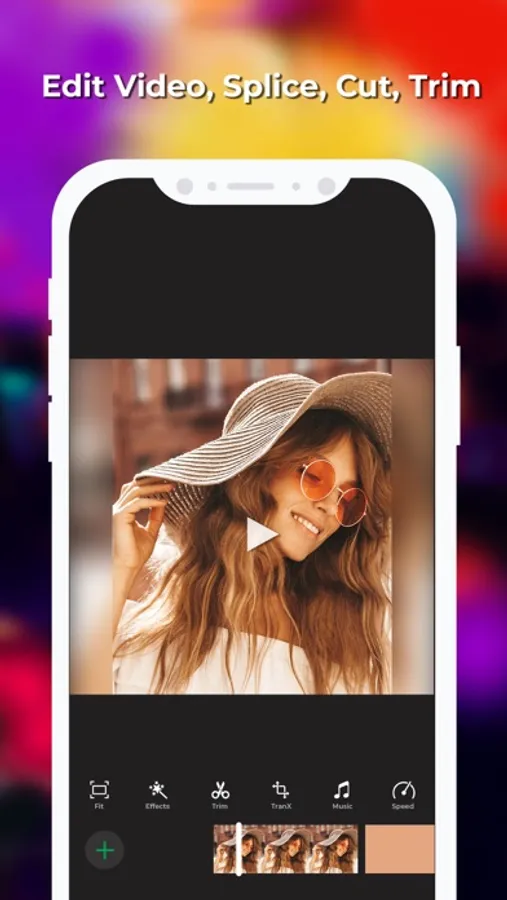
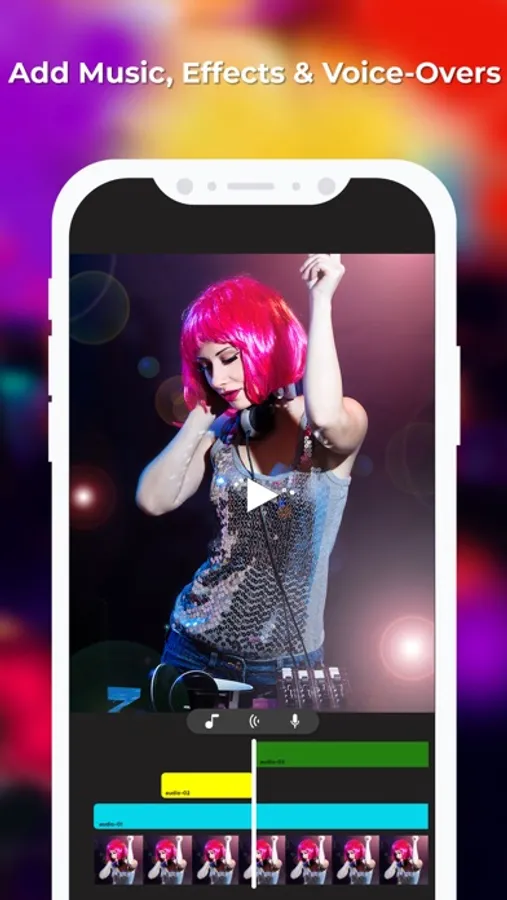
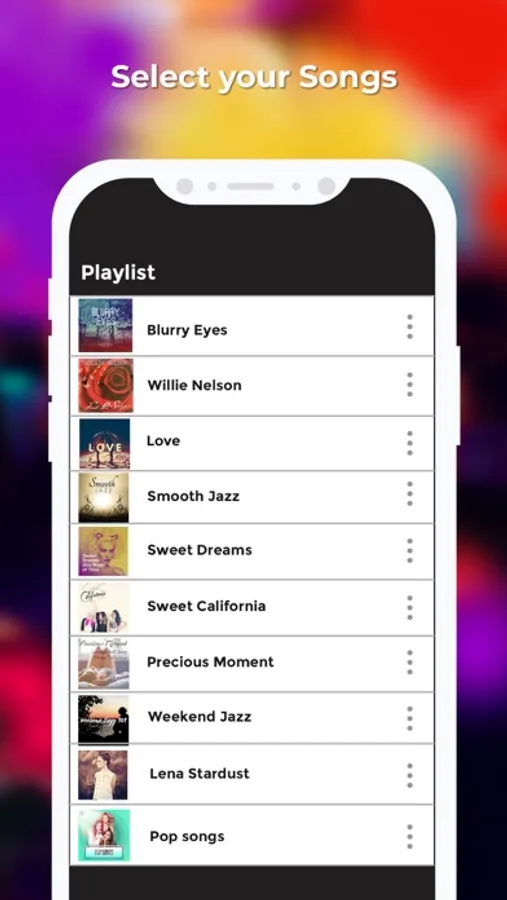
AddAudio - remix sound effects Screenshots



Tap to Rate:
Reviews for AddAudio - remix sound effects
Rick pilot
Assign sound to video
Your program won’t allow access for me to your site.
173747484737
This app is a piece of crap
This app has you pay to do anything! Also what it previews the app looking like is a LIE it looks NOTHING like it shows it dose so just please DONT DOWNLOAD!!!