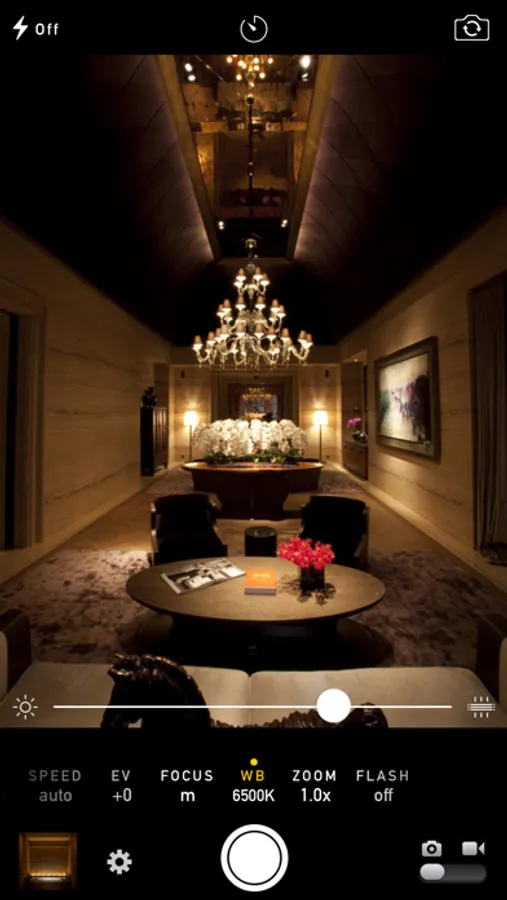
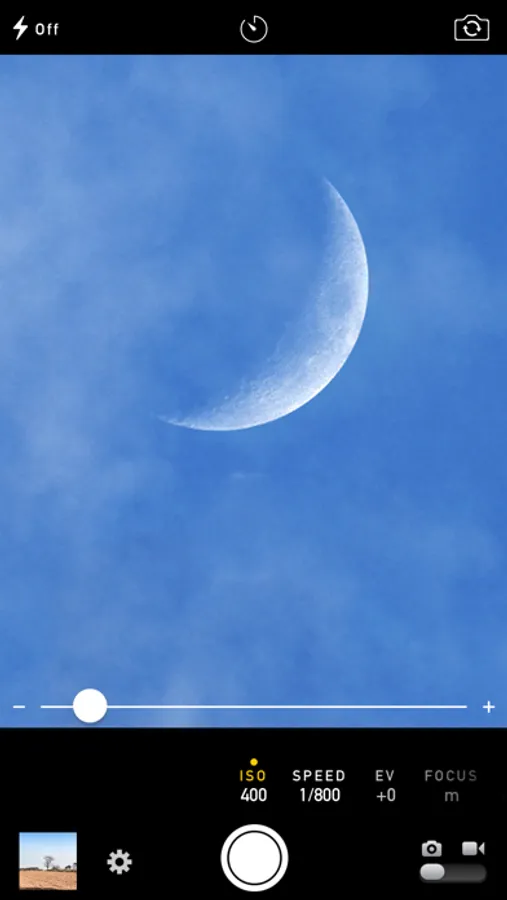
With this camera app, you can manually adjust focus, exposure, ISO, and shutter speed for photos and videos. Includes RAW capture, histogram, focus peaking, and white balance lock options.
AppRecs review analysis
AppRecs rating 4.4. Trustworthiness 79 out of 100. Review manipulation risk 21 out of 100. Based on a review sample analyzed.
★★★★☆
4.4
AppRecs Rating
Ratings breakdown
5 star
80%
4 star
11%
3 star
3%
2 star
2%
1 star
4%
What to know
✓
Low review manipulation risk
21% review manipulation risk
✓
Credible reviews
79% trustworthiness score from analyzed reviews
✓
High user satisfaction
80% of sampled ratings are 5 stars
About Manual Camera 4
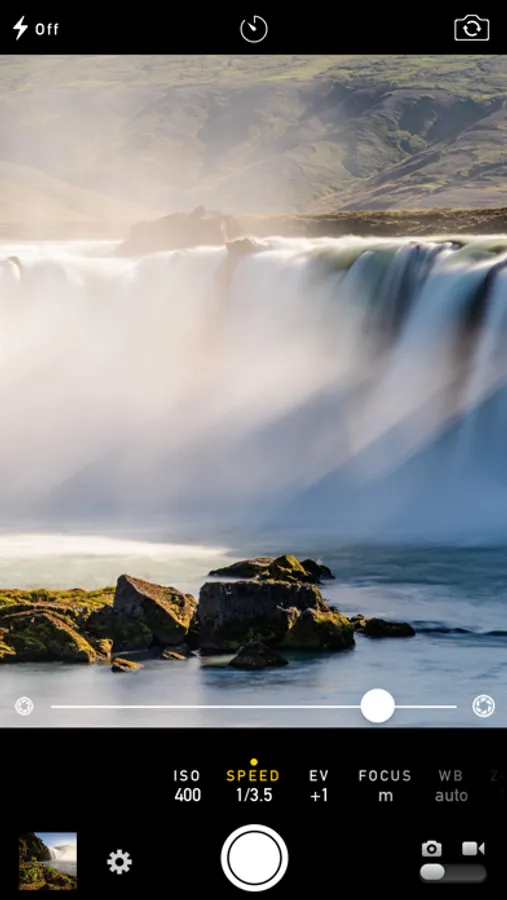
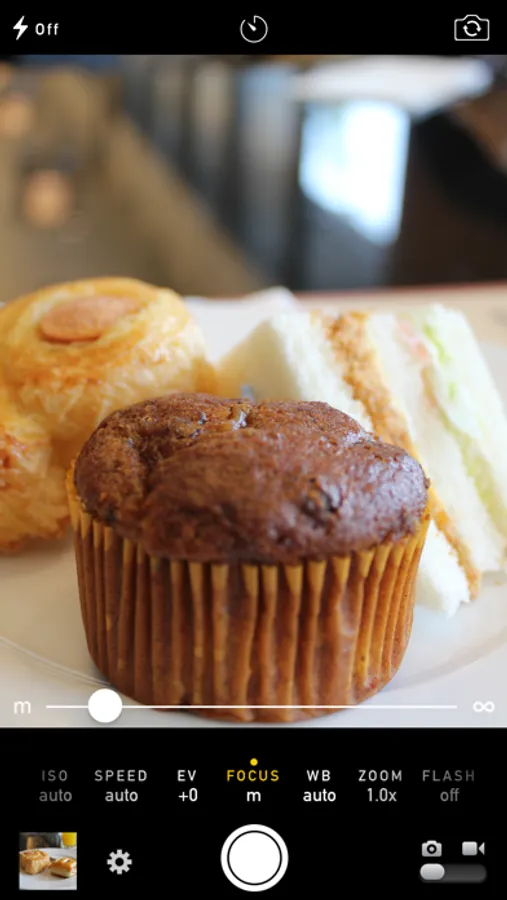
Manual Camera gives you DSLR-like control with an intuitive, easy-to-use interface.
Also includes:
• RAW photo capture
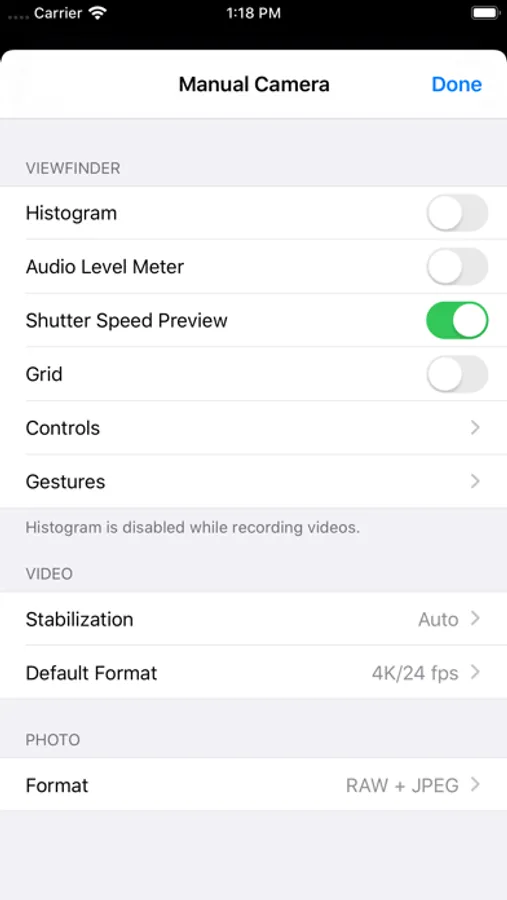
• Real-time histogram
• Focus peaking
• Lock exposure, focus, and white balance
• Manual lens selection
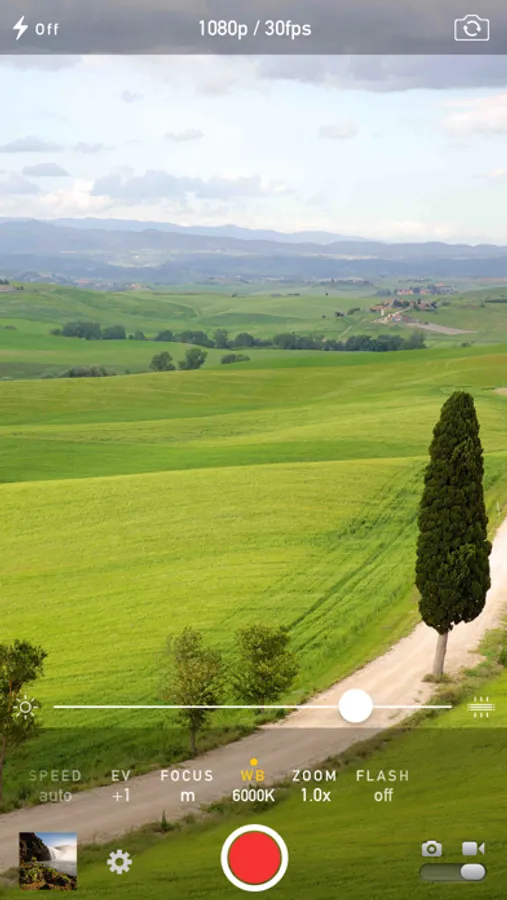
• Quick video format switching
• HDR (Dolby Vision / HLG) on iPhone 12 and later
• 4K at 60p / 24p, and slow motion on supported devices
• Ultra Wide and Telephoto lens support
• Audio level meter
• Photo and video filters
• Live shutter speed preview in viewfinder
• Cinematic video stabilization
• Timer
• Smooth focus transitions while recording
• Save photos and videos directly to the camera roll — browse and delete within the app
• Geotagging
• Wide-gamut color capture
• Face-driven autofocus
• Apple ProRAW capture on iPhone 12 Pro and later
• Apple ProRes recording on iPhone 13 Pro and later
• 48MP resolution support on iPhone 14 Pro and later
Manual Camera 4 Screenshots
Tap to Rate:
Reviews for Manual Camera 4
Sam Wing
Smoothest operating manual camera app.
One of the easiest apps to take manual mode photos with. All time favorite. Would be great if support for the physical camera button was added!
Michael Edward Johnson
Almost perfect
I have no problem recommending this to everyone in the world. At such a low price and no in app purchases, you’re getting, in essence, an entire DSLR camera on every Apple device you own My one problem is how the self-editing is on the RAW photos, and there’s no way to turn that off